How to Check Who Unfollowed You on Instagram (2026)
Instagram won't notify you when someone unfollows you. Here are the real ways to spot who left, from manual checks to safe tracker apps.
Short answer
Instagram never notifies you when someone unfollows you, so you have to compare your follower list over time. You can do this manually through your Followers tab, via Insights growth charts on a professional account, or with a third-party tracker that never asks for your password.
Key takeaways
- Instagram does not send a notification or alert when someone unfollows you.
- The free, official method is exporting your data and comparing follower snapshots over time.
- Business and creator accounts can see aggregate follow and unfollow trends in Insights.
- Never use a third-party app that asks for your Instagram password.
- Manually scrolling your Followers list only works for small accounts under a few hundred followers.
Does Instagram tell you when someone unfollows you?
No, Instagram gives no notification, badge, or alert when a follower leaves. The only way to notice is that their username silently disappears from your Followers list the next time you check it, which is why so many people turn to trackers or manual comparisons in the first place.
How do you manually check who unfollowed you?
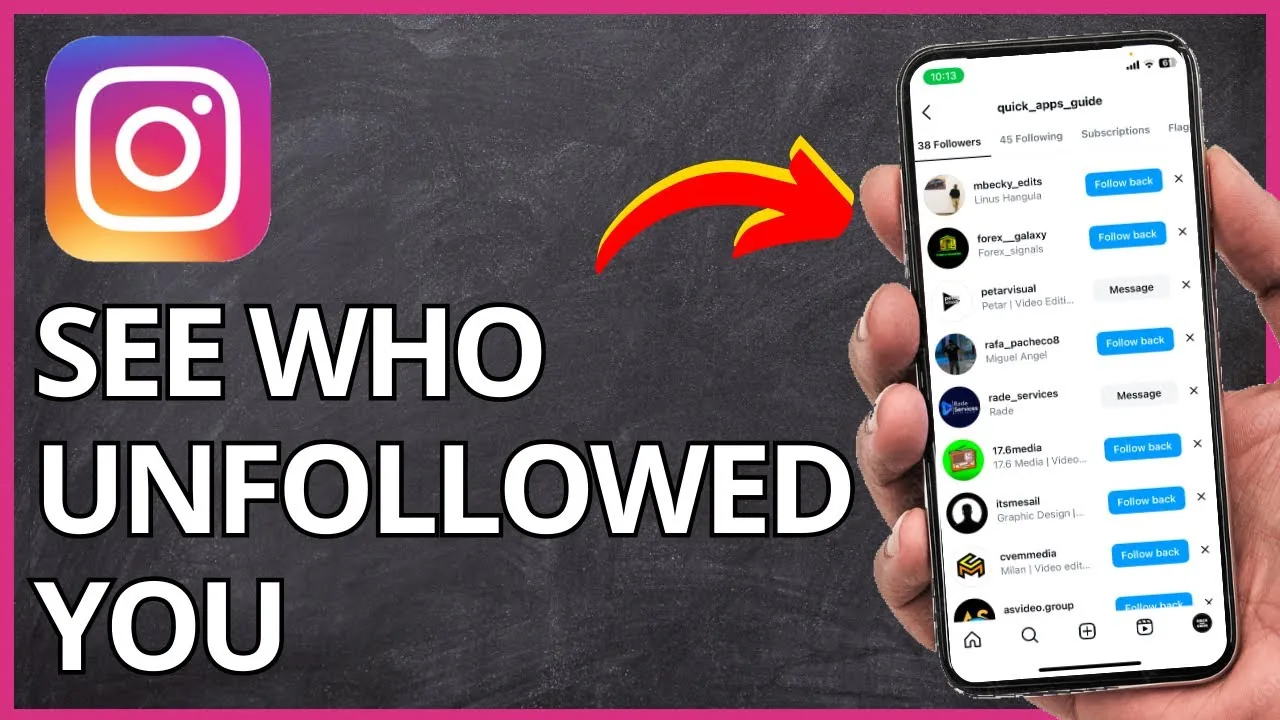
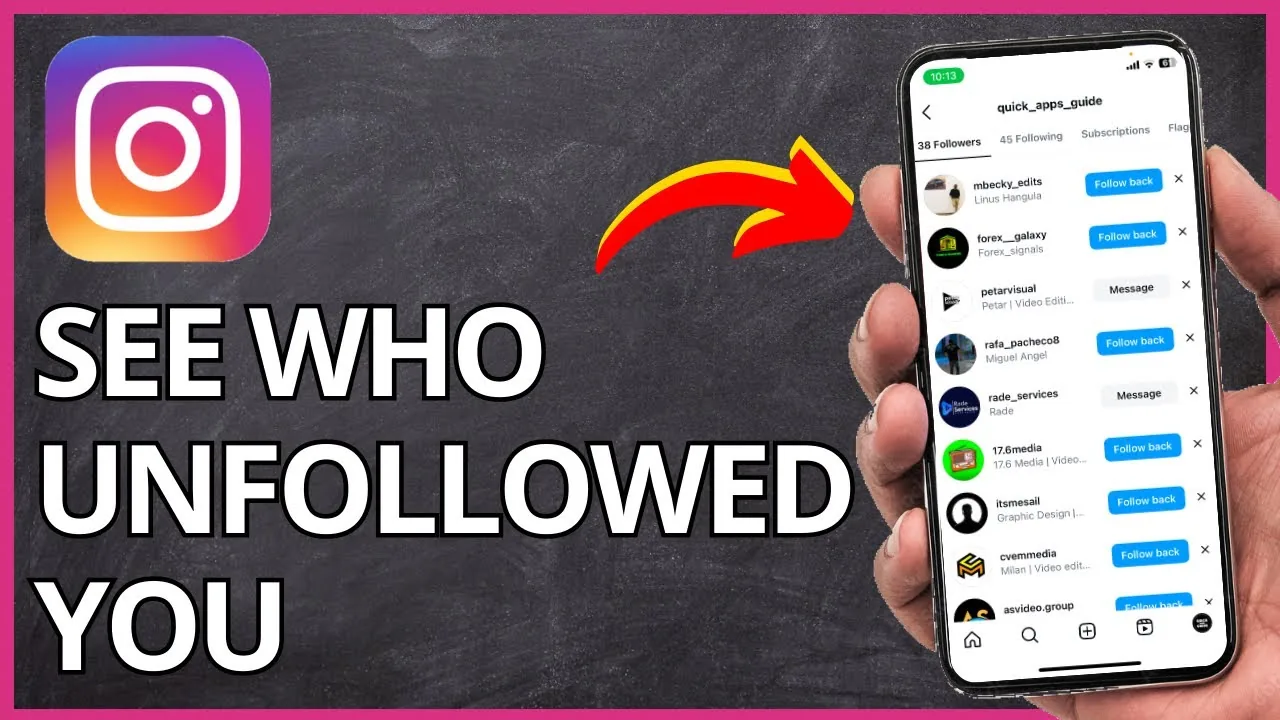
Open your profile, tap Followers, and search for the specific username you suspect stopped following you. If the name doesn't come up in the search, they've unfollowed or removed their account. This approach works fine if you're only checking on one or two people, but it falls apart fast once you have more than a few hundred followers, since Instagram reshuffles list order and you'd have to repeat the search every time you're curious.
What does the data export method involve?
Go to Settings, then Accounts Center, then Your information and permissions, and request Download your information, which includes your full followers and following lists as of that moment. Save a fresh export every week or month, then compare the two files to see exactly which usernames dropped off. It's slower than a live tracker but it's entirely official and never requires handing your password to a third party, which matters if you also care about is instagram safe when it comes to app permissions.
Can Instagram Insights show me unfollow trends?
Yes, if you run a business or creator account, Insights has a Total Followers chart under account performance that breaks down follows versus unfollows over a selected date range. It won't name individual people, but it tells you whether a spike in unfollows lines up with a specific post or how many hashtags per post on instagram as of 2026 change you made, which is often more useful than knowing exact usernames.
Are third-party unfollower trackers safe to use?
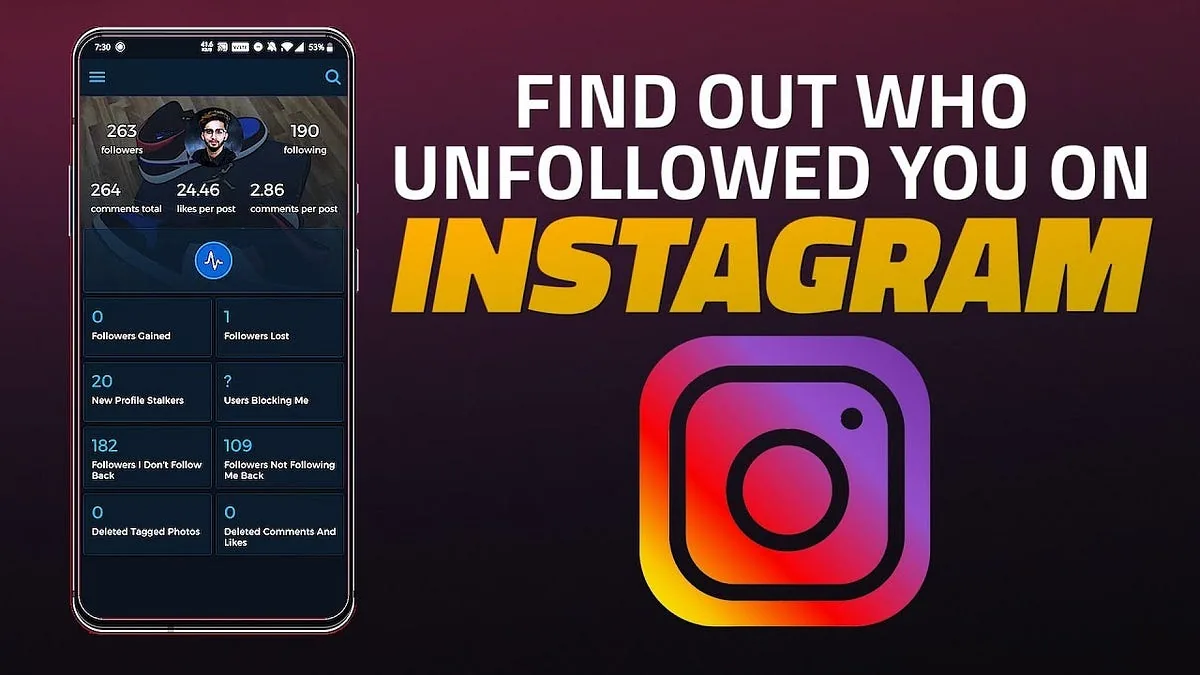
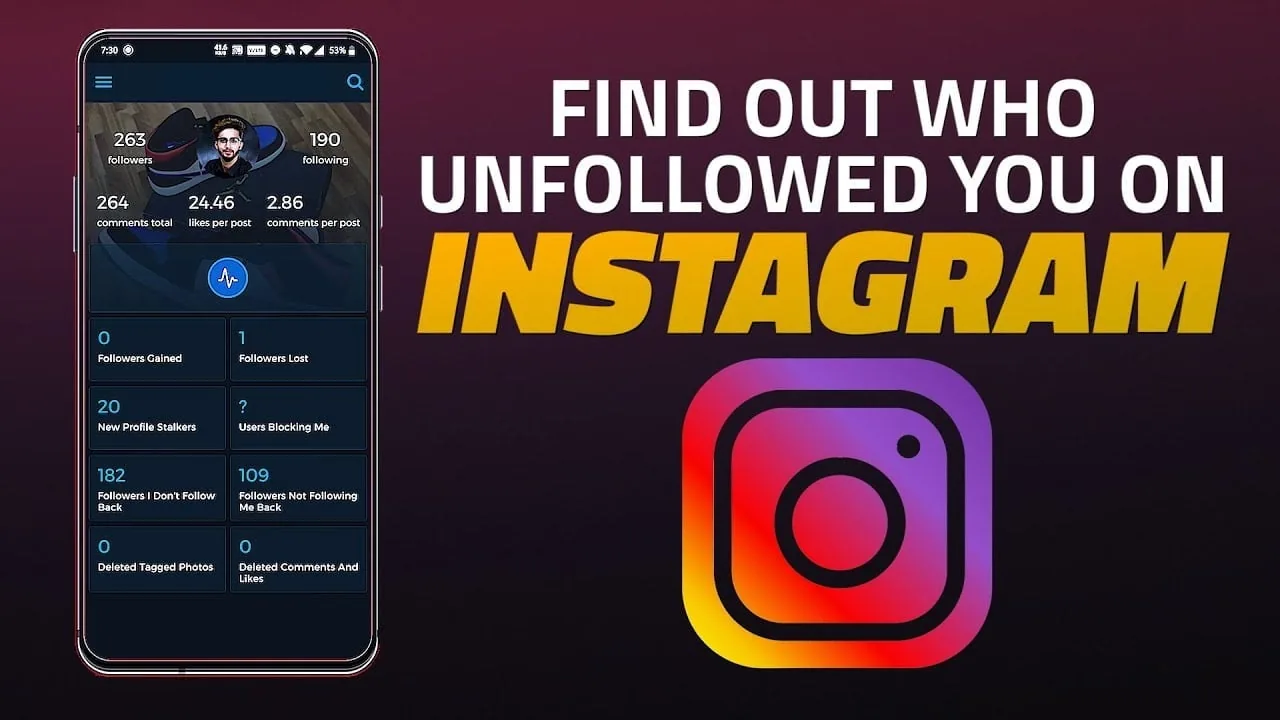
Some are, but only if they never ask for your Instagram password and instead use official login through Meta's platform. Legitimate trackers take periodic snapshots of your public follower list and show you the difference over time, while shady ones that request your credentials directly risk getting your account flagged or restricted, so always check reviews and permissions before connecting one, the same caution you'd apply before you how to view someones instagram story without it showing using a browser extension.
Does mass unfollowing or a follow-for-follow strategy cause more unfollows?
Yes, accounts that follow a lot of people just to get a follow back tend to see higher churn once those users notice the imbalance and clean up their own following list. If your growth strategy leans on tactics like how to buy instagram followers or aggressive follow-unfollow loops, expect the unfollow rate to climb steadily rather than settle, since none of those followers were genuinely interested in your content to begin with.
| Method | Shows individual names | Requires app permission | Best for |
|---|---|---|---|
| Manual Followers search | Yes, one at a time | No | Small accounts, spot-checking |
| Data export comparison | Yes, full list | No | Privacy-conscious users |
| Insights growth chart | No, aggregate only | No, built into Instagram | Business/creator accounts |
| Third-party tracker | Yes, automated | Yes | Larger accounts wanting alerts |
If unfollows are trending upward after a specific post, it's often less about who left and more about content fit, so it helps to revisit your instagram algorithm explained understanding and check whether you're overusing prompts like how to tag someone on instagram in ways that annoy followers rather than growing engagement. Building steady, organic growth through how to grow followers on instagram organically tends to produce far more stable follower counts than any shortcut.
Frequently asked questions
No, there's no notification, badge, or alert of any kind. You only discover it by noticing their name is gone from your Followers list.
Sources
Keep reading
More guides to grow your account.