What Does It Mean to Restrict Someone on Instagram?
Restricting someone limits their ability to see when you're active or that you've read their messages, and moves their comments on your posts so only they can see them by default — all without unfollowing, blocking, or notifying them that anything changed.

Short answer
Restricting someone hides your online status and read receipts from them, moves their new comments on your posts to a filtered view only they can see (until you approve them), and quietly routes their DMs to your message requests — all without unfollowing or blocking, and without any notification to them.
Quick answer
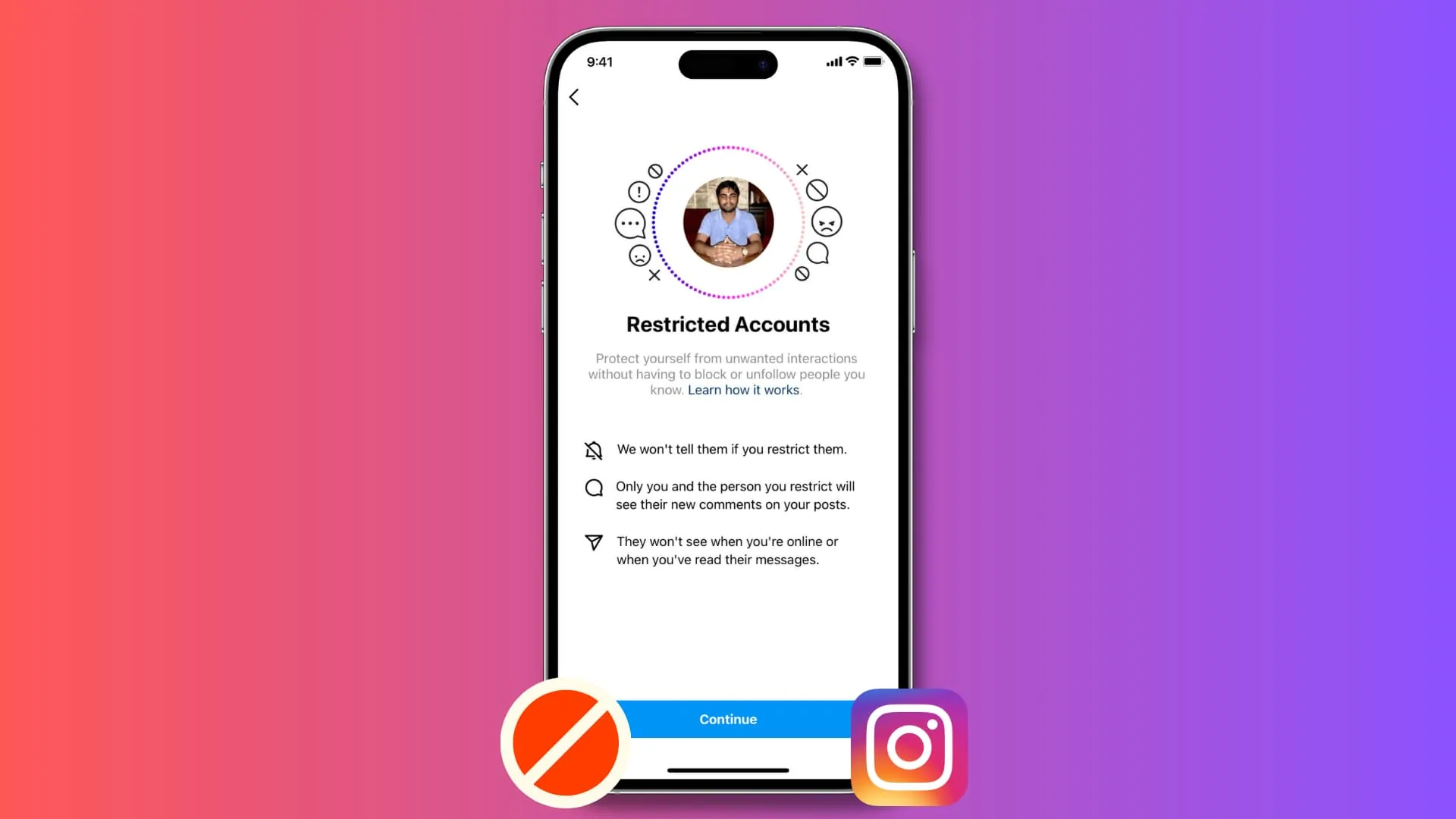
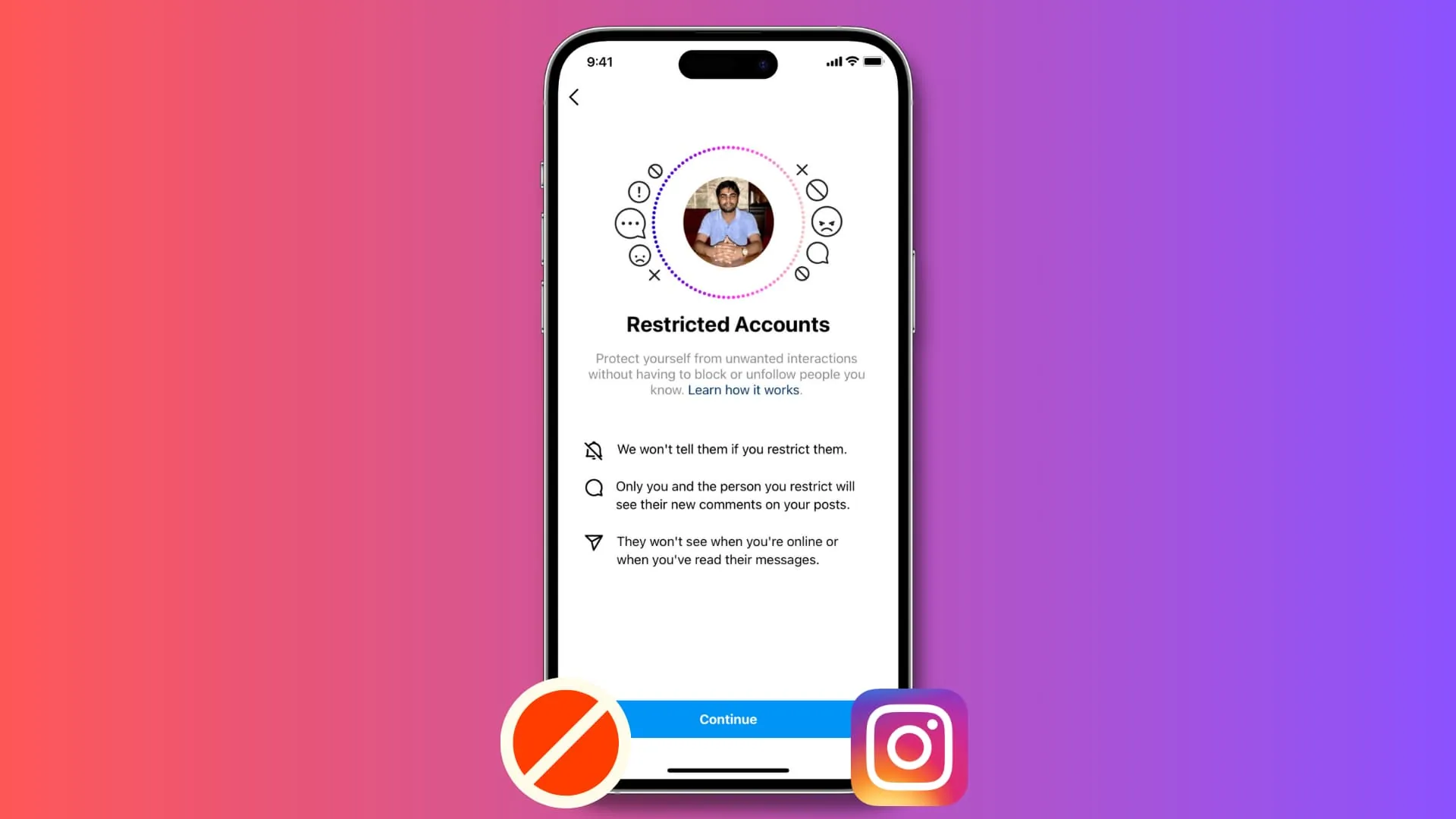
Restricting someone is a quieter middle-ground between doing nothing and fully blocking them. Once restricted, that person can no longer see when you're active on Instagram or whether you've read their direct messages, and any new comments they leave on your posts become visible only to them by default — everyone else won't see it unless you choose to approve and make it public. Crucially, restricting sends no notification, and the person remains able to see your public profile and posts as normal.
Key takeaways
- Restricted people can't see your "Active now" status or read receipts on messages they send you.
- Their comments on your posts are automatically hidden from other visitors (though still visible to the commenter themselves) until you manually approve them to be public.
- Messages from a restricted account move to your message requests folder rather than your main inbox, and you can read them without them seeing a "seen" indicator.
- Restricting doesn't unfollow, block, or notify the person in any way — from their perspective, virtually nothing looks different upfront.
- You can restrict and unrestrict someone as often as you like, and it doesn't affect your existing follow relationship in either direction.
How to restrict someone
- Go to the person's profile.
- Tap the three-dot menu in the top right corner.
- Select Restrict.
- Confirm — the change takes effect immediately with no further steps needed.
Alternatively, you can restrict someone directly from one of their comments on your post: press and hold the comment, then tap the restrict icon that appears.
What changes for you as the account owner
Once someone is restricted, you gain more control without confrontation:
- Their new comments on your posts are hidden from public view by default — you can tap See Comment to review it privately, then choose whether to approve it publicly, delete it, or leave it hidden.
- Their DMs land in your message requests rather than your primary inbox, and opening them doesn't trigger a "seen" receipt visible to them.
- They can't tell when you're online or actively using the app, unlike a normal follower relationship where "Active now" status is visible.
Why people use Restrict instead of blocking
Restrict is designed for situations where you want distance or reduced visibility without an obvious, confrontational block — for example, dealing with a difficult ex, a persistent unwanted commenter, or general harassment where you don't want to escalate the situation by blocking outright, which the other person would likely notice immediately.
Common mistakes to avoid
- Expecting Restrict to stop someone from seeing your public posts and profile entirely — it doesn't; that level of separation requires blocking instead.
- Assuming a restricted person's comments are deleted — they're just hidden from public view, still visible to the commenter themselves, and can be approved or deleted by you later.
- Forgetting to check your message requests folder, since restricted accounts' messages route there instead of your main inbox and can go unnoticed.
- Believing the other person is notified when you restrict them — they are not, which is precisely the feature's design intent.
Tips
- If restricting doesn't feel like enough given the situation, consider blocking instead, which fully cuts off their ability to see your profile or contact you.
- Periodically review your restricted accounts list in Settings and privacy to remember who's on it and reconsider whether the restriction still makes sense.
- Use Restrict as a lower-conflict first step in ambiguous situations, and escalate to blocking only if the behavior continues or worsens.
Frequently asked questions
No, Instagram doesn't send any notification when you restrict someone. From their perspective, they can still see your public profile and posts as usual, with no obvious sign anything has changed.
Sources
Keep reading
More guides to grow your account.