How Can You Save Photos on Instagram?
Tap the bookmark icon on any photo to file it into your private Saved Collections for quick browsing later - it's the fastest way to build a swipe file of outfits, recipes, or design ideas without leaving the app.
Short answer
Tap the bookmark icon on any photo to file it into your private Saved Collections for quick browsing later - it's the fastest way to build a swipe file of outfits, recipes, or design ideas without leaving the app.
Quick answer
Tap the bookmark (ribbon) icon in the bottom-right corner of any photo post to save it to your Saved tab. It's completely private - the poster is never notified, and only you can see your Saved list. This keeps the photo bookmarked inside Instagram; it does not export a copy to your phone's camera roll.
Key takeaways
- Saving is private by default - Instagram does not tell anyone what you've saved
- You can organize saved photos into custom-named Collections (e.g. "Recipes," "Outfit ideas," "Travel")
- Saved photos remain accessible offline within the app after the first load, but they're not actual files in your phone's gallery
- If the original post is deleted or the account goes private/blocks you, it disappears from your Saved list too
How to save a photo
- Find the photo in your feed, on a profile, or via search/Explore
- Tap the bookmark icon under the post
- To file it into a specific Collection, tap and hold the bookmark icon and choose or create a Collection
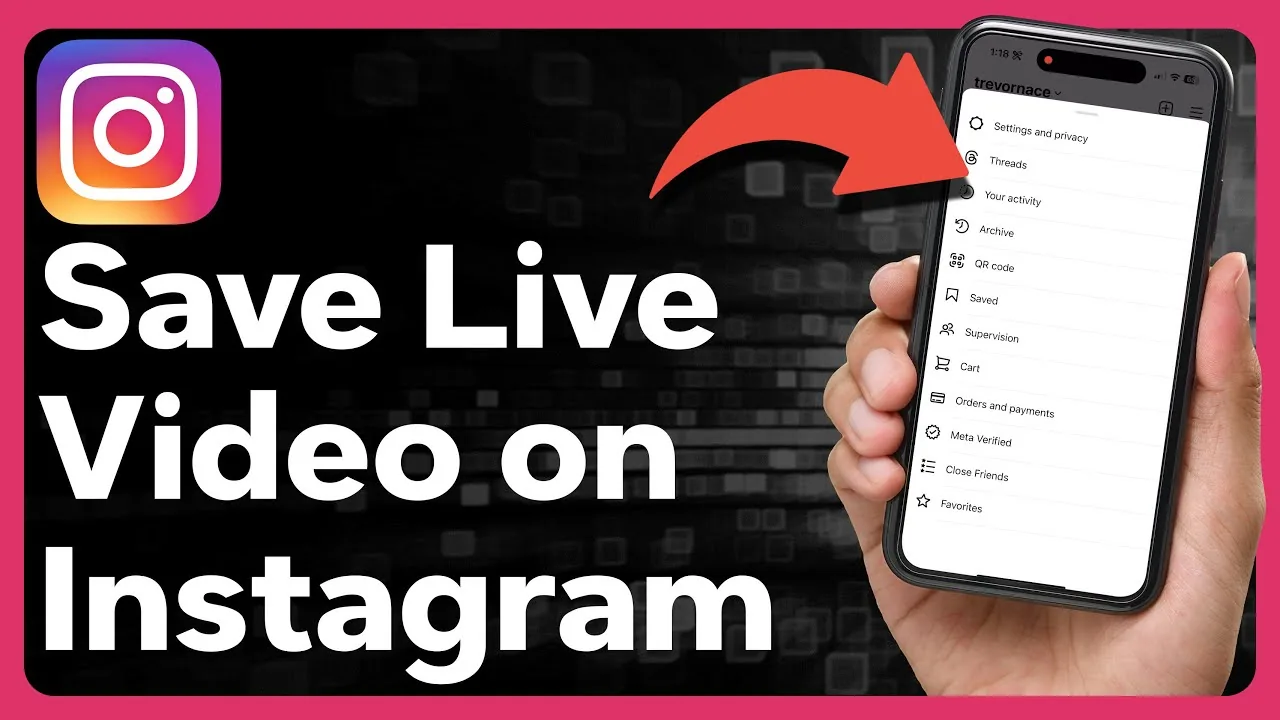
- Access everything later from your profile > the menu icon (☰) > Saved
Organizing your Saved photos
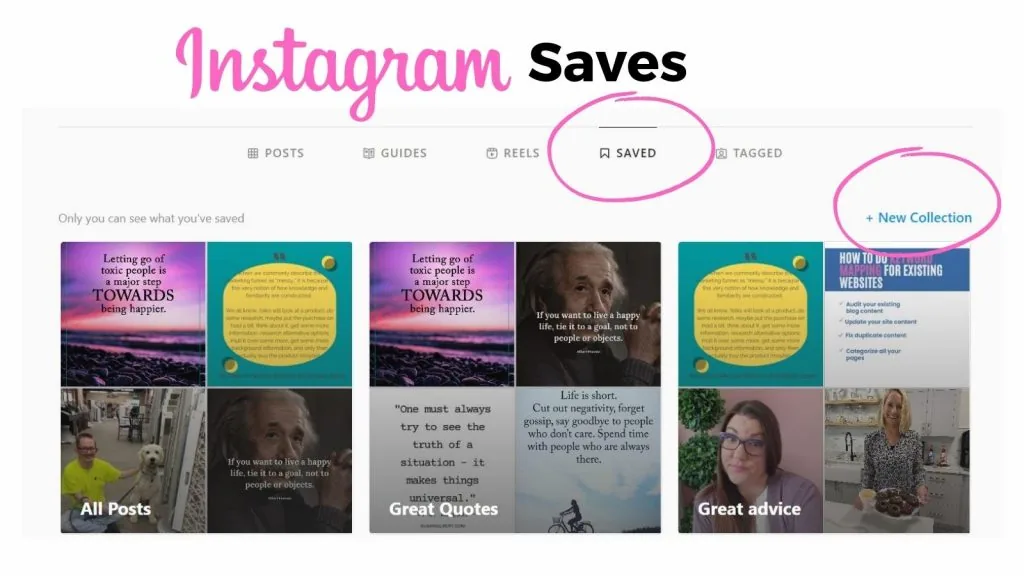
Instagram lets you create multiple named Collections so your Saved tab doesn't turn into one giant unsorted list. From the Saved screen, tap the + to start a new Collection, name it, and add existing or new saves to it. You can move a save between Collections at any time.
What saving does not do
- It does not download the actual image file to your device - for that, see how to save an image from Instagram to your camera roll instead
- It does not notify the person who posted it
- It does not work on content from accounts that have blocked you or made their account private without approving your follow request
Frequently asked questions
Tap the bookmark icon under any photo to add it to your private Saved tab, which you can organize into named Collections.
Sources
Keep reading
More guides to grow your account.