How to Contact Instagram Support in 2026 (Real Options)
Instagram has no public phone number — use the in-app Help Center, the Meta AI support assistant, or report tools to reach a real resolution.
Short answer
Instagram doesn't offer a public phone number or monitored email, so the only real paths are the in-app Help Center, Settings then Help, the Meta AI support assistant, or reporting a specific issue directly from a post, profile, or message.
Key takeaways
- Instagram has no public customer service phone number, despite what some websites claim
- The Help Center at help.instagram.com is the most reliable starting point for any issue
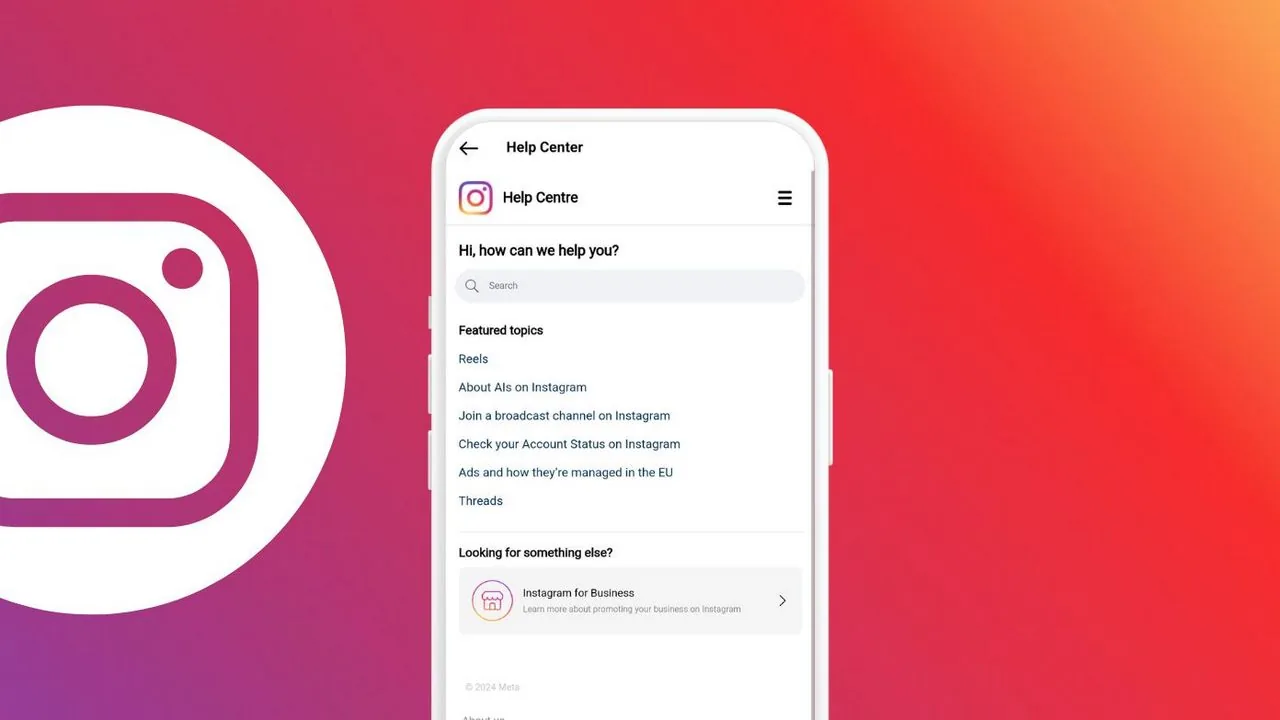
- In the app, go to Settings then Help to report problems or search existing answers
- Meta's AI support assistant can now handle many common troubleshooting requests directly in-app
- Account-specific issues, like a hack or wrongful ban, use dedicated report flows, not general contact forms
- Response times vary widely, so documenting your issue with screenshots speeds things up
- For everyday questions like how to change your Instagram password, self-service articles are faster than filing a report
How do you actually contact Instagram support?
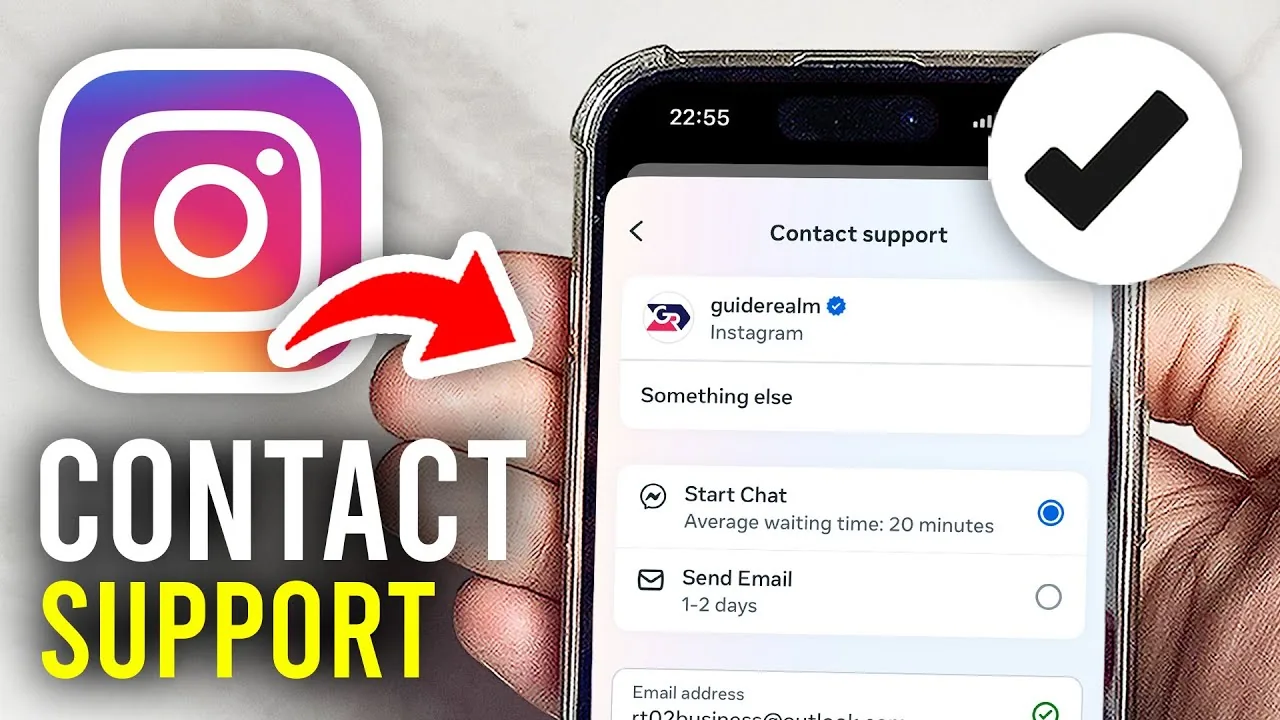
Open the app, tap your profile picture, then the menu icon, then Settings and privacy, then scroll down to Help. From there you can report a problem, browse the Help Center, or access Meta's AI support assistant, which now handles many routine questions and can take direct action on some account issues. This is the same starting point whether your problem involves login trouble, a suspicious instagram-messages-black-screen bug, or a content removal you disagree with.
Does Instagram have a phone number or email for support?
No, despite phone numbers circulating online, Meta does not operate a public customer service phone line or a monitored general support email for Instagram. Any site claiming to offer a direct Instagram phone number is either outdated or unofficial, and calling it won't connect you to Meta. The Help Center and in-app reporting tools remain the only verified contact channels.
What's the difference between the Help Center and reporting a problem?
The Help Center is a searchable knowledge base for general questions, similar to reading how to reset your Instagram password or fix a specific setting yourself. Reporting a problem, by contrast, opens a direct channel to Meta for issues you can't resolve on your own, like account hacks, wrongful suspensions, or bugs affecting your specific account, and it's the better route when self-service articles don't fix things.
How do I contact Instagram if my account was hacked or disabled?
Use the in-app option under Settings, Help, Report a problem, or the dedicated account recovery forms linked from the Help Center, since these route to specialized review teams rather than general support. If you're locked out entirely, start from the login screen's "Get help logging in" flow, which is faster than trying to reach a person by other means. It's also worth reading how to recover an Instagram account in more detail if the standard recovery link doesn't work on the first try.
Is the Meta AI support assistant reliable?
It's become a genuinely useful first stop as of early 2026, since it can answer feature questions, walk through troubleshooting steps, and in a growing number of cases take direct action on your account without human intervention. For anything involving policy violations, appeals, or account security, it will usually escalate you to a human review queue if the AI can't resolve it, so don't expect instant fixes for every issue. It's a good first stop even for smaller questions, like checking whether Instagram is down right now, before assuming your account is uniquely broken.
How long does Instagram support take to respond?
There's no fixed timeline, and it ranges from same-day automated resolutions to weeks for complex appeals like wrongful bans. Reports tied to safety issues, like harassment or impersonation, tend to move faster than general account questions, and providing clear screenshots or video evidence upfront can shorten the wait considerably. If your report involves someone else's behavior rather than a bug, it helps to understand what reporting someone on Instagram actually triggers on their end before you file it.
What are the fastest and slowest ways to get help?
| Method | Typical speed | Best for |
|---|---|---|
| Meta AI support assistant | Minutes to hours | Common settings, feature questions |
| Report a problem (in-app) | Hours to days | Bugs, account-specific issues |
| Help Center search | Instant (self-service) | General how-to questions |
| Appeal a suspension or ban | Days to weeks | Policy violation disputes |
| Third-party "customer service" numbers | Unreliable, often scams | Avoid entirely |
Conclusion
The fastest real path to Instagram support in 2026 is the in-app Help section paired with the AI support assistant, not a phone call or email that doesn't actually exist. Save time by searching the Help Center first, and reserve the report-a-problem flow for issues genuinely tied to your specific account.
Frequently asked questions
No, Meta does not run a public phone line for Instagram support in 2026. Numbers found online claiming to be Instagram support are unofficial and often scams.
Sources
Keep reading
More guides to grow your account.