How to Know Who Unfollowed You on Instagram in 2026
Instagram has no built-in unfollower list, so compare follower counts manually or use a ZIP data export tool instead of risky login-based apps.
Short answer
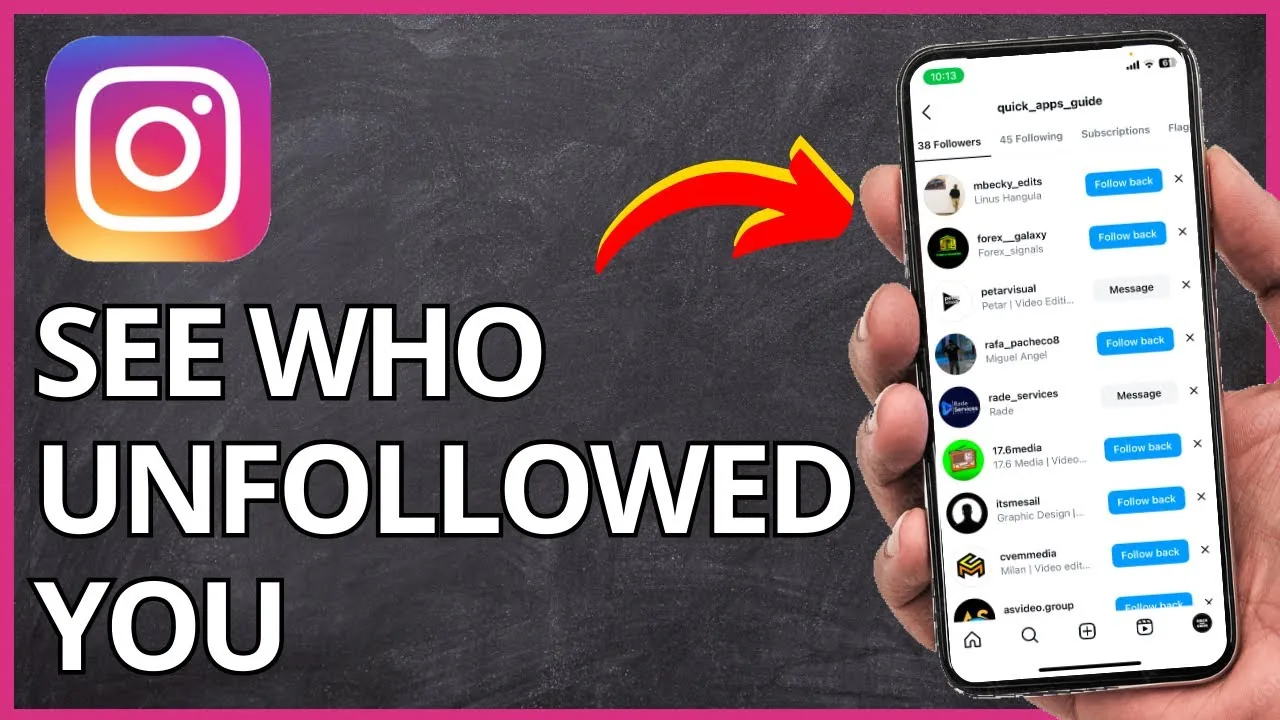
Instagram doesn't show unfollow notifications or a built-in unfollower list, so most people either manually compare follower snapshots over time or use a third-party tool that reads your official Instagram data export instead of requiring your login.
Key takeaways
- Instagram has no native feature that shows who unfollowed you
- Manually comparing follower lists over time is free but tedious for larger accounts
- ZIP-based unfollower tools use your official Instagram data export instead of your login, which is safer
- Login-based unfollower apps violate Instagram's terms and can put your account at risk
- A sudden drop in followers is often linked to purges of bot or inactive accounts, not necessarily people actively unfollowing
- Checking regularly helps you understand which content correlates with follower loss
- If you're also trying to spot who unfollowed you specifically after a viral post, compare snapshots right before and after publishing
How can you actually tell who unfollowed you on Instagram?
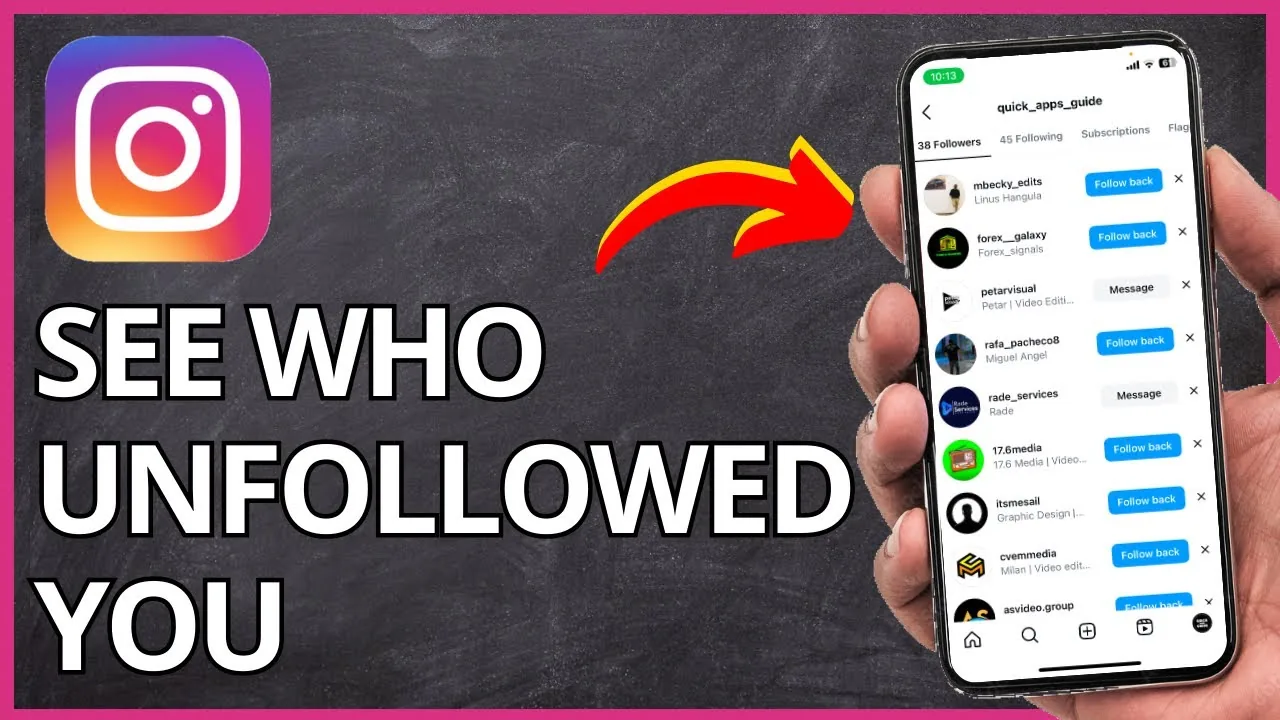
Instagram doesn't send a notification or maintain a built-in list of people who've unfollowed you, so you have to infer it another way. The most reliable free method is manually comparing your current follower list against a saved list from before, which works for smaller accounts but becomes impractical once you're managing thousands of followers. For that reason, most people turn to a dedicated follow tracker tool that automates the comparison instead of doing it by hand every time.
Are third-party unfollower apps safe to use?
It depends entirely on how the app accesses your data. Apps that ask you to log in directly with your Instagram username and password violate Instagram's terms of service and put your account at risk of suspension, since Instagram actively detects and restricts unusual third-party login activity. Safer alternatives use your official data export instead, which you can request directly from Instagram and upload to a checker tool without ever sharing your password. This same caution applies to any tool claiming to reveal who's stalking your Instagram, since those almost always require a risky login as well.
How do I get my Instagram data export to check unfollowers safely?
Go to Settings and privacy, then Accounts Center, then Your information and permissions, then Download your information, and request a copy of your data including your followers and following lists. Instagram delivers this as a ZIP file, typically within a day, and you can upload it to a no-login checker tool to see who no longer follows you compared to your saved snapshot. This method also works well if you're trying to figure out how to see who viewed your Instagram profile alongside unfollower activity, since both rely on the same exported data.
Why did my follower count drop without anyone unfollowing me?
Large, sudden drops are often tied to Instagram removing bot accounts, spam profiles, or inactive accounts in bulk purges rather than real people choosing to unfollow you. These purges can happen without warning and typically affect accounts that gained followers quickly through less organic methods. If your count keeps dropping steadily rather than in one sudden dip, it's more likely genuine unfollows, and it's worth reviewing your recent posting habits or exploring how to grow followers on Instagram organically to offset the loss.
How often should I check for unfollowers?
Weekly or biweekly checks are usually enough to spot trends without becoming obsessive about small fluctuations that happen naturally. Checking right after a major post or campaign can also help you correlate specific content with follower loss, which is more useful data than just knowing raw numbers. If you post consistently, aligning your checks with your optimal Instagram posting time schedule makes the pattern easier to read.
What's the difference between the main tracking methods?
| Method | Requires login | Cost | Best for |
|---|---|---|---|
| Manual list comparison | No, uses Instagram directly | Free | Small accounts, occasional checks |
| ZIP data export tool | No | Usually free | Any account size, safest option |
| Login-based tracker app | Yes | Often free or freemium | Not recommended, risks account |
| Built-in Instagram feature | N/A | N/A | Does not exist |
Can I see exactly when someone unfollowed me?
No, even the safest tracking methods only tell you that someone unfollowed you between two snapshots, not the exact date or time it happened. If precise timing matters to you, the only workaround is checking more frequently, which narrows the window down but never gives you an exact timestamp the way Instagram shows for other activity like comments.
Conclusion
Instagram intentionally doesn't offer a built-in way to see who unfollowed you, so your safest options are manual comparison for small accounts or a ZIP-based export tool for larger ones. Avoid any app asking for your Instagram login directly, since that's the one method that can genuinely put your account at risk instead of just costing you time.
Frequently asked questions
No, Instagram has never sent unfollow notifications and has no built-in list of people who unfollowed you. You have to infer it by comparing your follower list over time.
Sources
Keep reading
More guides to grow your account.