Can You See Who Views Your Instagram?
It depends on what you mean by "views": Instagram never shows who visits your main profile or feed posts, but it does show a viewer list for Stories and an aggregate view count for Reels.

Short answer
There is no single answer to "who views your Instagram" because Instagram treats each surface differently: no visitor log exists for profiles or feed posts, Stories show a 24-hour viewer list, and Reels show a total play count without individual viewer identities.
Quick answer
"Can you see who views your Instagram" is really three different questions with three different answers. There is no feature, setting, or menu anywhere in Instagram that tells you which accounts looked at your profile page or scrolled past your feed posts — that data has never been exposed to users. Stories are the exception: for 24 hours (and afterward if you archive the Story), you can open a viewer list showing exactly who watched it. Reels sit in between — you get a total view count in Insights, but not a list of the specific accounts that watched.
Key takeaways
- Profile visits and feed post views are never shown to anyone, on any account type, at any time
- Story views are shown as a named list, visible only to you, for as long as the Story is live or archived
- Reels show a numeric play count, not a list of viewers
- Third-party "profile visitor tracker" apps that claim to reveal this data violate Instagram's Terms of Use and typically exist to harvest login credentials
- Comments, likes, saves, and shares are visible (subject to privacy settings) even though raw "views" often aren't
What Instagram actually shows you, surface by surface
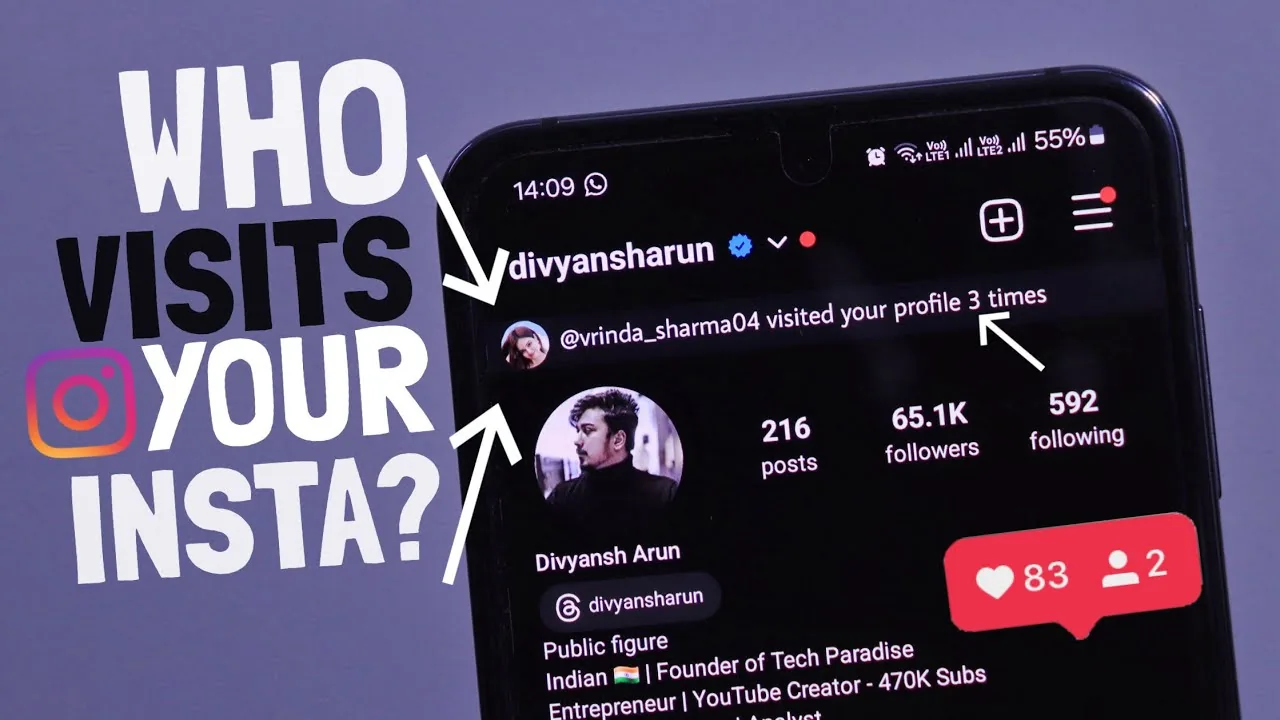
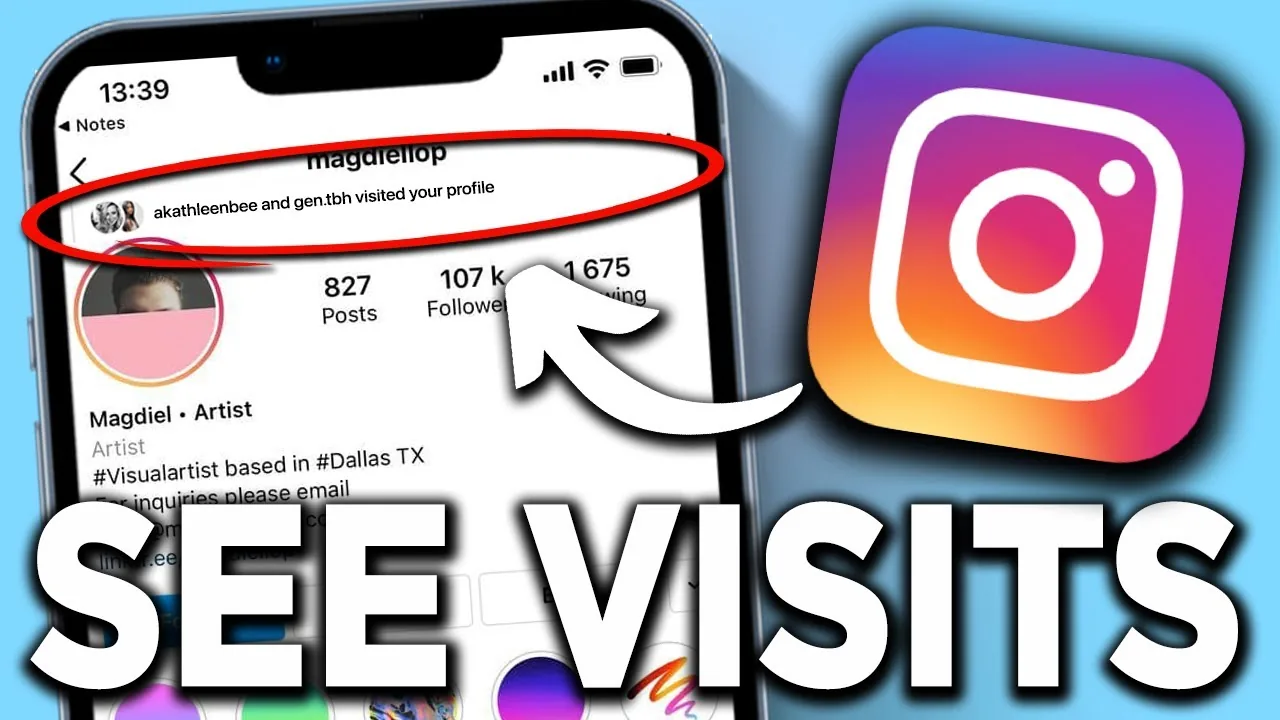
Feed posts and profile page. Instagram has never had a "profile view counter" for personal, business, or creator accounts. You cannot see who tapped into your profile, and you cannot see who scrolled past a photo in the main feed without engaging with it. Anyone advertising an app, website, or browser extension that reveals this is not showing real data — it's either a scam, a way to serve you ads, or a phishing attempt that asks for your Instagram password.
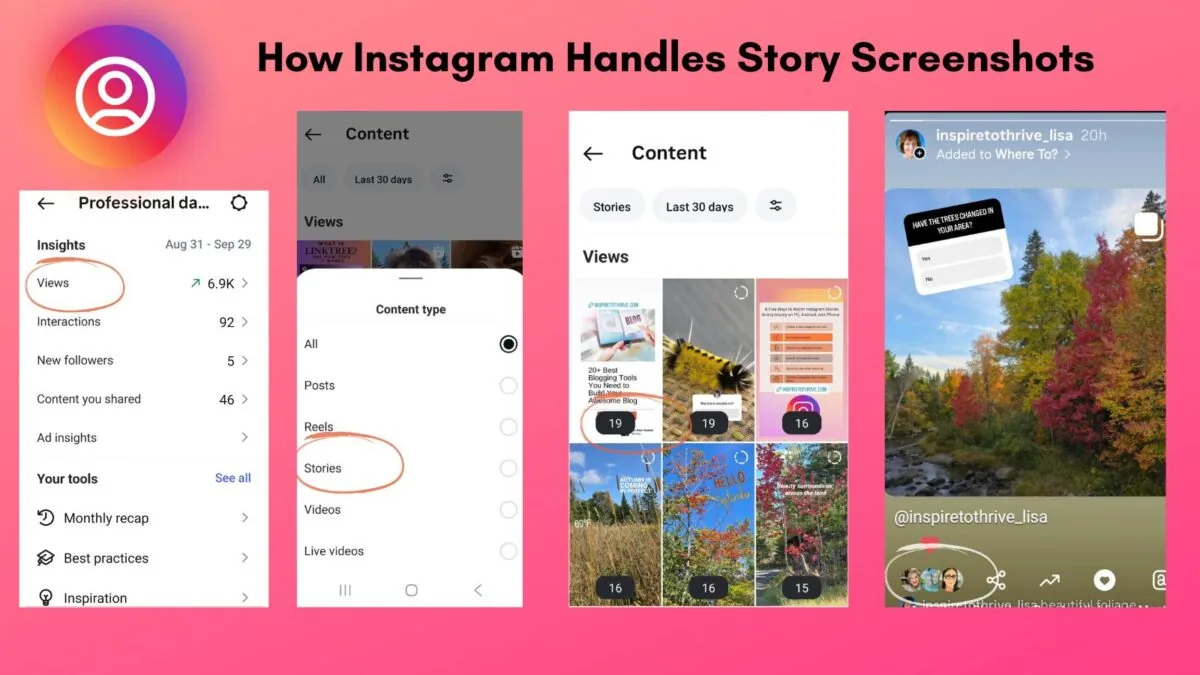
Stories. Open a Story you've posted and swipe up (or tap "Seen by" / the eye icon at the bottom) to see the exact list of accounts that viewed it, in roughly reverse-chronological order of when they watched. This list is visible only to you as the poster, disappears from live view after 24 hours (though it stays attached if you save the Story to Highlights or your archive), and can be limited by the viewer's own settings — if someone has a private "hide story views" preference off, they'd need to have viewed it while logged in and not blocked/restricted by you.
Reels. Go to a Reel you've posted, tap the three-dot menu or the view count itself, and check Insights. You'll see a total "Plays" number and, for professional accounts, breakdowns like accounts reached, likes, comments, shares, and saves. What you will not get is a named list of who watched — Instagram deliberately keeps Reels view data aggregate, the same way YouTube or TikTok view counts work.
DMs. Worth noting since it's adjacent: direct messages do show "Seen" timestamps in one-on-one and group chats, which is a different (and much older) feature than any of the above.
Common mistakes to avoid
- Installing "who viewed my profile" apps from the App Store, Play Store, or web — none of them have legitimate access to this data, and most ask for your Instagram login
- Confusing followers/following counts with view data — they're unrelated
- Assuming a business or creator account unlocks profile visitor tracking — professional accounts get more analytics (reach, impressions, audience demographics) but never a visitor identity list
- Panicking over a sudden Story-viewer spike — it's usually the Explore/hashtag algorithm surfacing your Story to non-followers, not a stalker
Tips for checking what's genuinely available
- For Stories, check the viewer list within 24 hours, or find the Story in your archive (Profile > menu icon > Archive) to see it later
- For Reels, switch to a professional account (Settings and privacy > Account type and tools) to unlock full Insights, including reach vs. plays
- If you want to know who's actively engaging with your content, look at likes, comments, and shares — that data is real, unlike phantom "profile view" numbers
Frequently asked questions
No. There has never been a profile-visitor feature on Instagram for any account type. Any app or site claiming to show this is not using real Instagram data.
Sources
Keep reading
More guides to grow your account.