Jordan Lee
275 published guides
 How-To
How Can I Get Blue Tick on Instagram?
There are two separate paths to a blue tick: free notability-based verification for genuinely public figures via Account Center, or the paid Meta Verified subscription in supported countries — and the two badges are not equivalent, since Meta Verified is a subscription perk, not a mark of fame, and can be lost if you stop paying or fail ID checks.
 Growth
How Can I Post a Gif on Instagram?
Instagram feed posts don't accept native animated GIF uploads — pick a static frame or convert the clip to an MP4/Boomerang to post it in the grid, or use a GIF sticker instead in Stories.
 Monetization
How Can I Recover Deleted Messages in Instagram?
There's no native way to undo a deleted Instagram DM once it's gone from a chat — Instagram doesn't offer message recovery, and even the Download Your Information tool won't restore deleted messages into the live conversation.
 Explainers
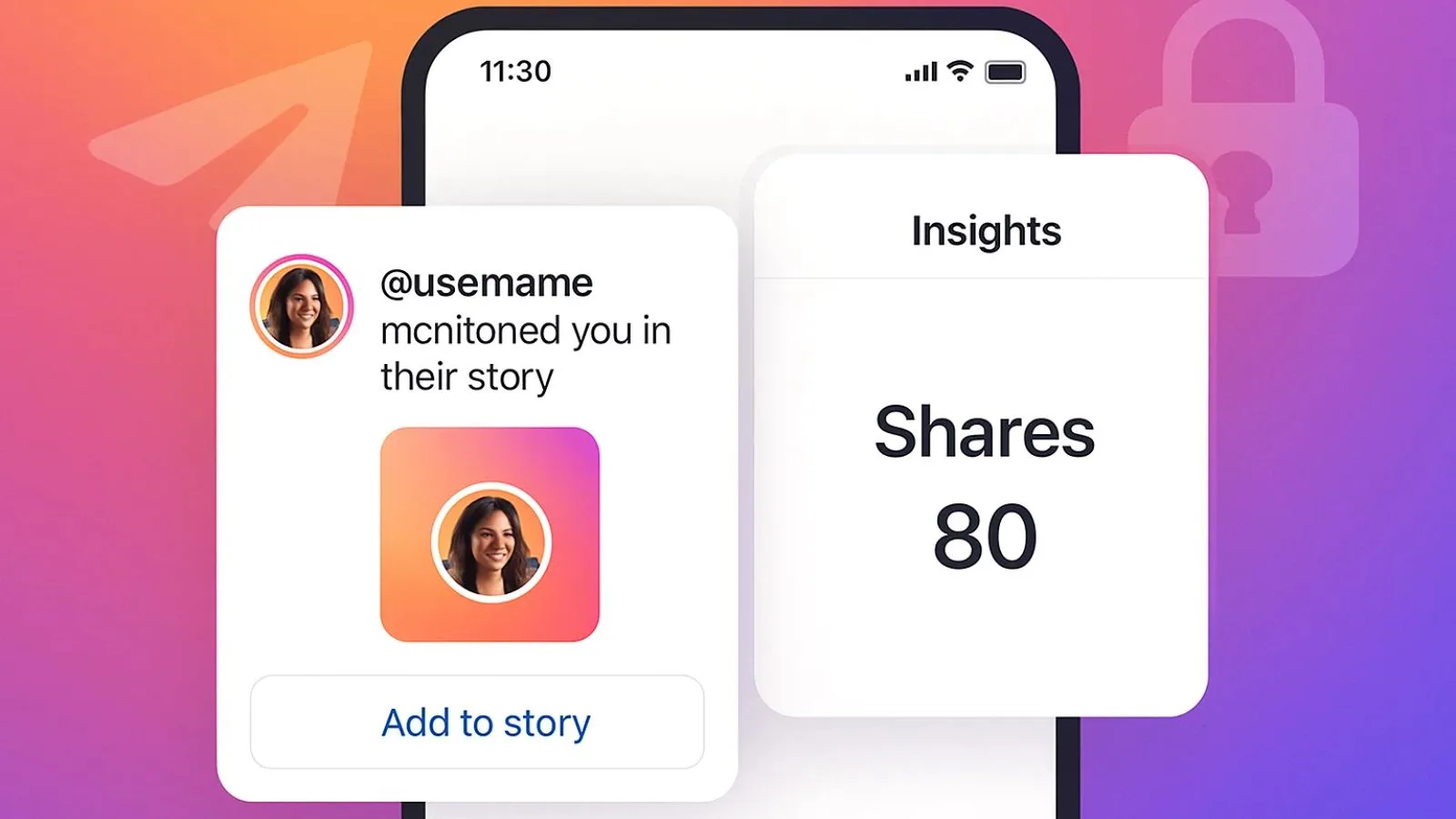
How Can I See Who Shared My Post on Instagram?
Instagram doesn't give you a full list of names for everyone who shared your post to their Story or sent it in a DM. You'll only find out about shares that tag or mention you (like a Story repost with the share sticker), plus an aggregate, name-free "Shares" count in Reels Insights for professional accounts.
 Tools & Privacy
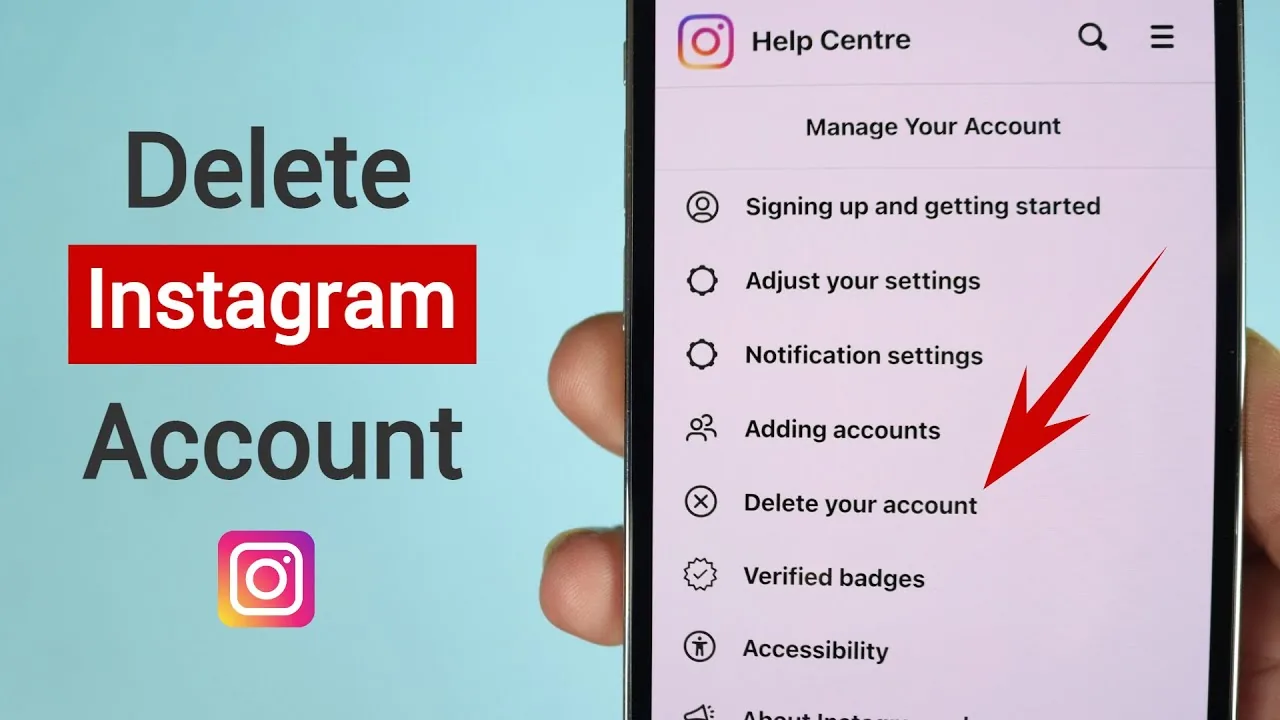
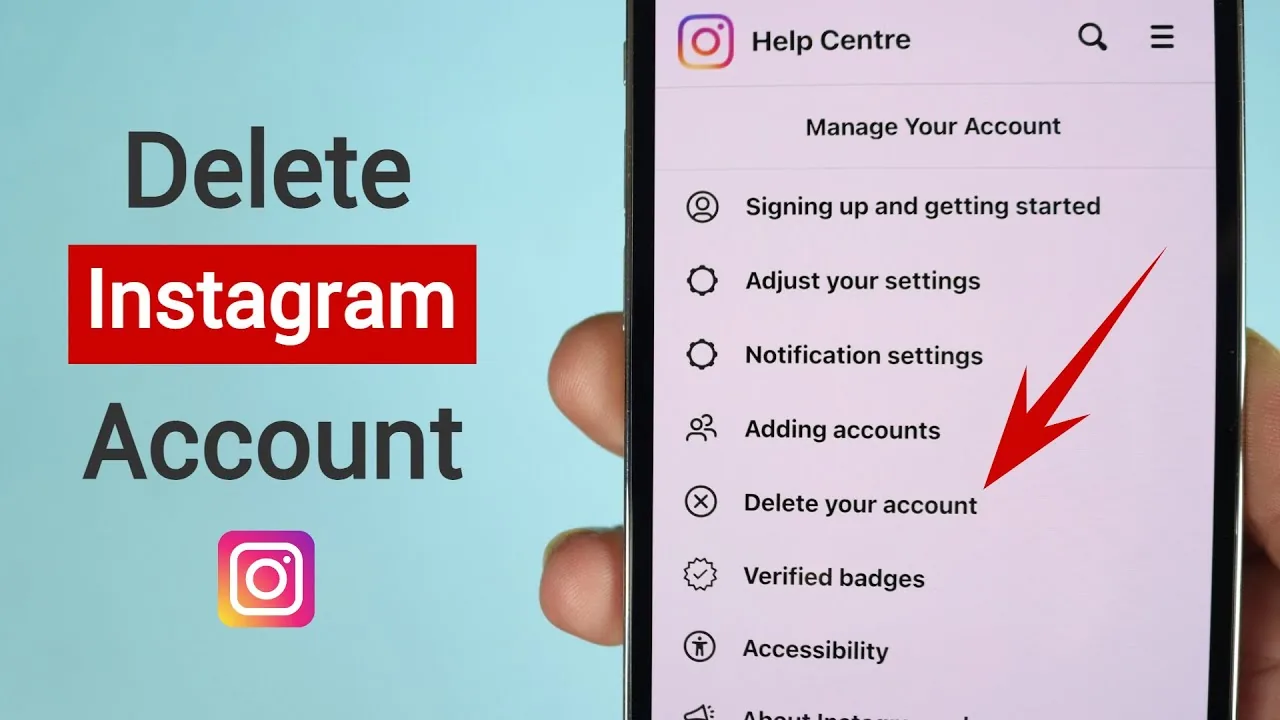
What to Know Before You Delete Your Instagram Account
Deleting Instagram is a one-way process handled through Account Center that erases your profile, posts, and comments after a roughly 30-day grace period — so before you start it's worth understanding what's recoverable, what isn't, and whether deactivating is what you actually want.
 Growth
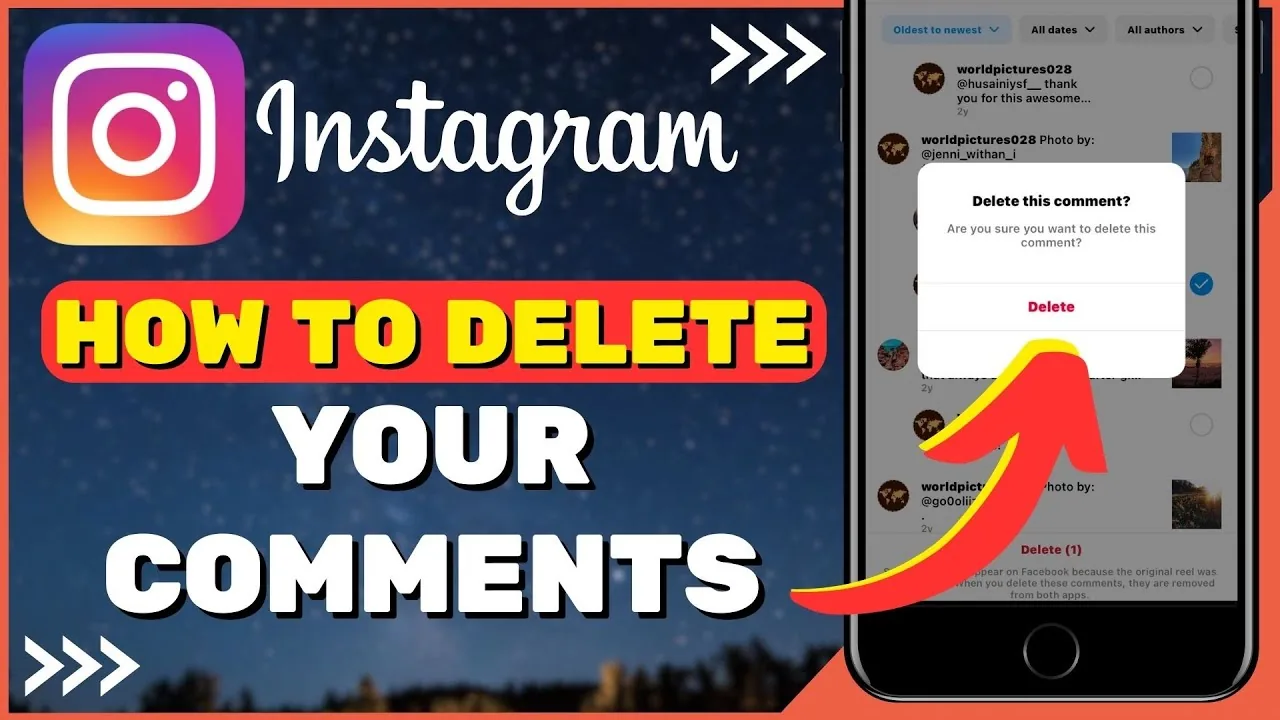
How to Delete Comments on Instagram
Swipe left on your own comment (iOS) or long-press and tap the trash icon (Android) to delete it, and if it's on your own post you can also bulk-delete other people's comments through the "..." Manage comments menu.
 Explainers
How Can You Hide Who You Follow on Instagram?
If your account is public, anyone can see your Following list — Instagram has no toggle to hide just that list. The only real option is switching to a Private account, which restricts your following/followers lists to approved followers only.
 Monetization
How Can You Hide Your Likes on Instagram?
Yes — go to Settings and privacy > Posts (or the ••• menu on any post) and toggle "Hide like and view counts," which hides the public number from other viewers while you can still see it yourself.
 Monetization
How Do I Close My Instagram Account?
You can close an Instagram account two ways: temporarily deactivate it (only possible through a mobile or desktop browser, not the app) to hide everything until you log back in, or permanently delete it in-app, which gives you a 30-day window to change your mind before it's gone for good.
 Reels
ReelsHow Do I Contact Instagram?
Instagram has no public phone number or direct support email — the real contact channels are the in-app "Report a Problem" tool, the Help Center's topic-specific forms, and the Meta Business Help Center for advertisers and verified/business accounts.
 Monetization
How Do I Make a New Instagram?
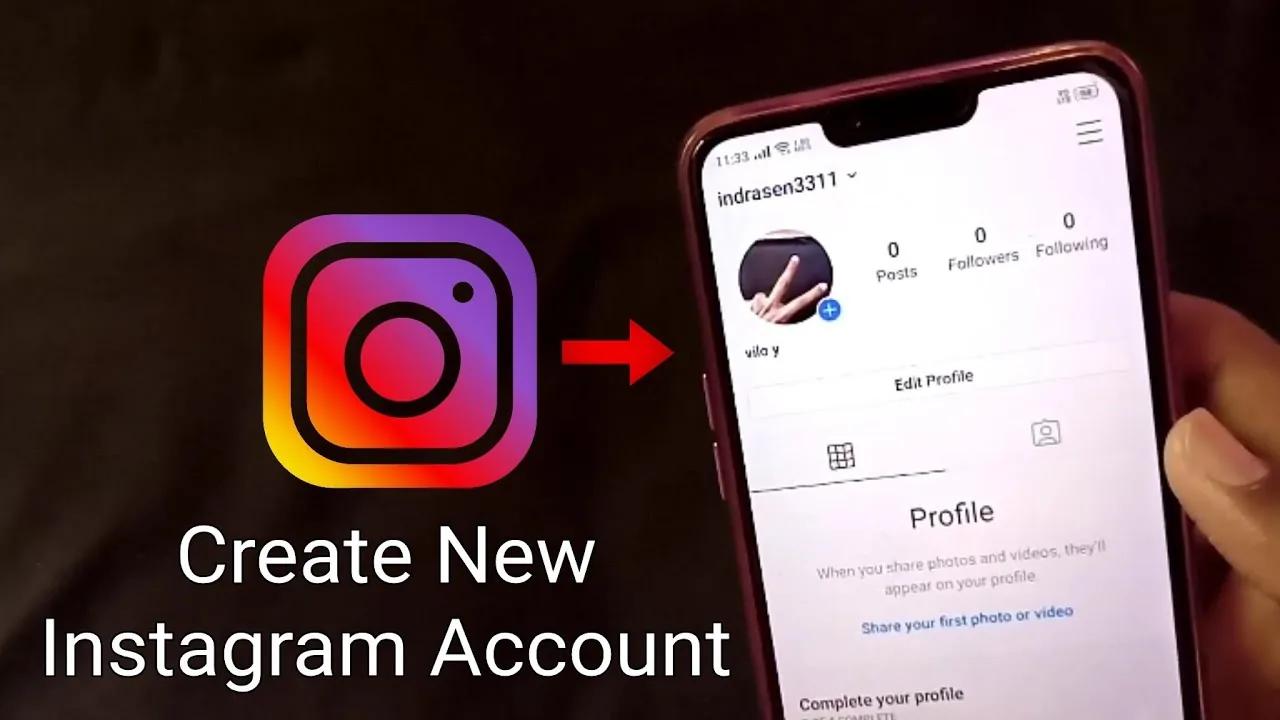
You can create a brand-new Instagram account either from scratch (a different email or phone number, no link to your existing profile) or as an added account under your current login — tap your profile icon, open the account switcher, and choose Add account to do it without logging out first.
 Growth
How Do I Share a Facebook Post to Instagram?
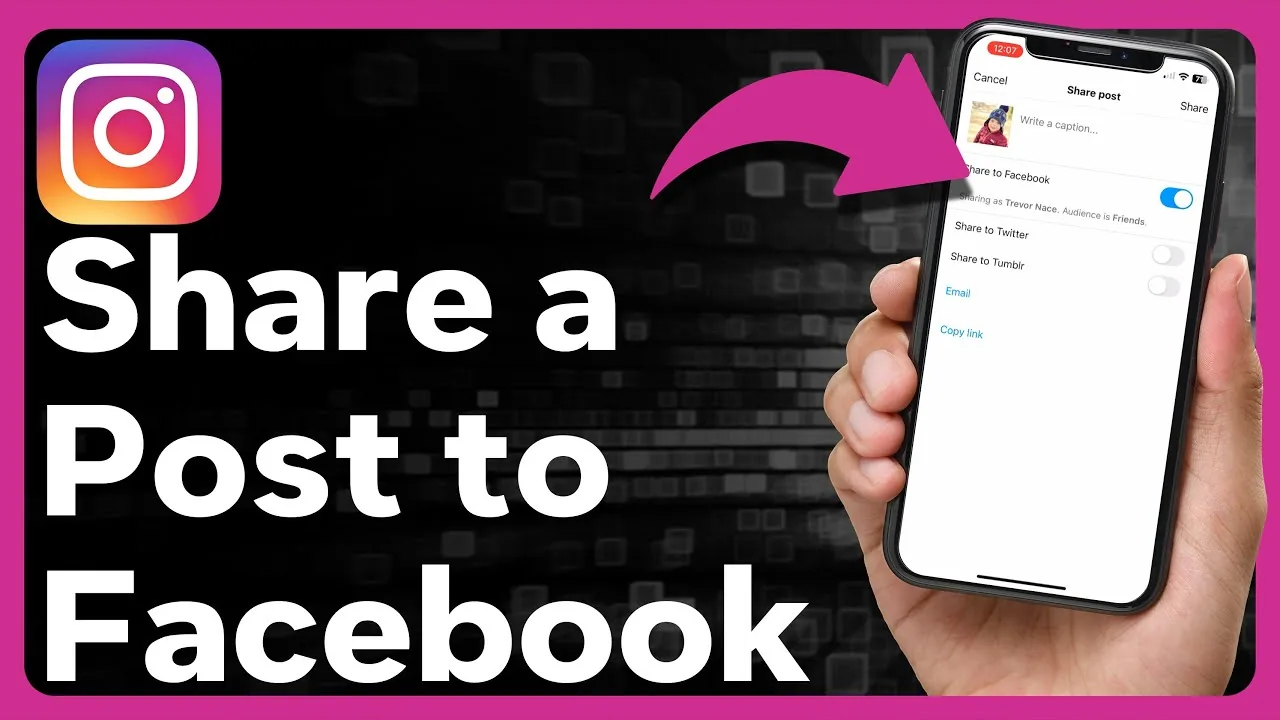
There's no one-tap "share to Instagram" button on a Facebook post, since Meta's built-in cross-posting toggle only works the other direction (Instagram to Facebook) — to get Facebook content onto Instagram, you download the photo or video from Facebook and upload it manually, or recreate it as a new Instagram post or Story.
 Reels
ReelsHow Do I Upload Pictures on Instagram?
You can now upload pictures directly from a desktop browser at instagram.com, not just the mobile app — click the create (+) icon in the top navigation bar, select your photo file, edit and caption it the same way you would on mobile, and share.
 Reels
ReelsHow Do You Add Videos to Instagram?
Instagram gives you three distinct places to add a video — feed post, Reel, or Story — each with different length limits and algorithm treatment, so choosing the right one for your specific clip matters more than the upload steps themselves, which are nearly identical across all three.
 Reels
ReelsHow Do You Get Your Instagram Back? Every Scenario (2026)
Locked out, hacked, disabled, or just deactivated? Here's the exact Instagram recovery path for each scenario, including video selfie verification.
 Reels
ReelsHow Long Can Instagram Reels Be in 2026?
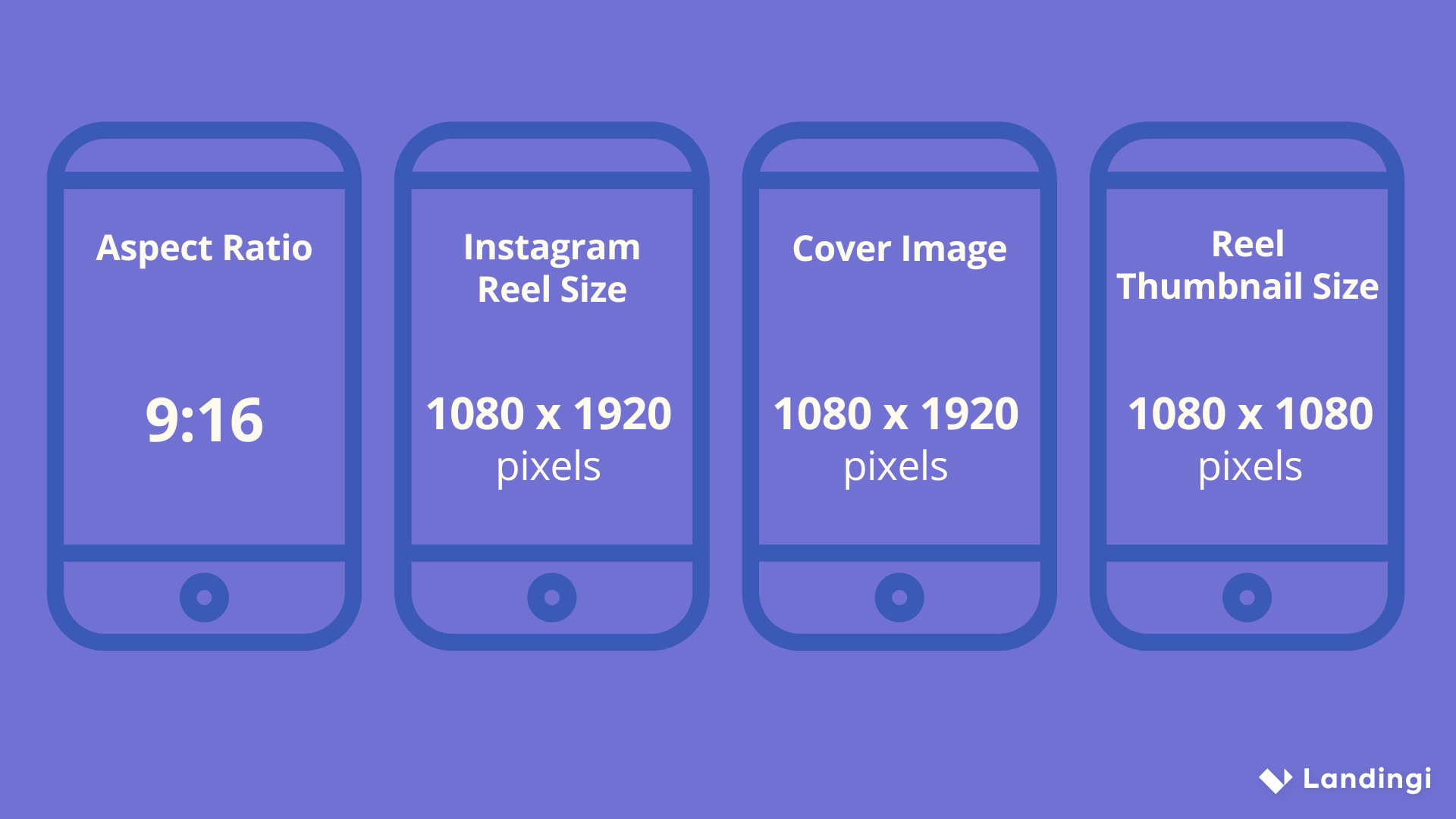
Instagram Reels can run up to 20 minutes for some accounts, but the practical limit depends on how you create and upload the clip.
 Reels
ReelsHow Long Can a Video Be on Instagram in 2026?
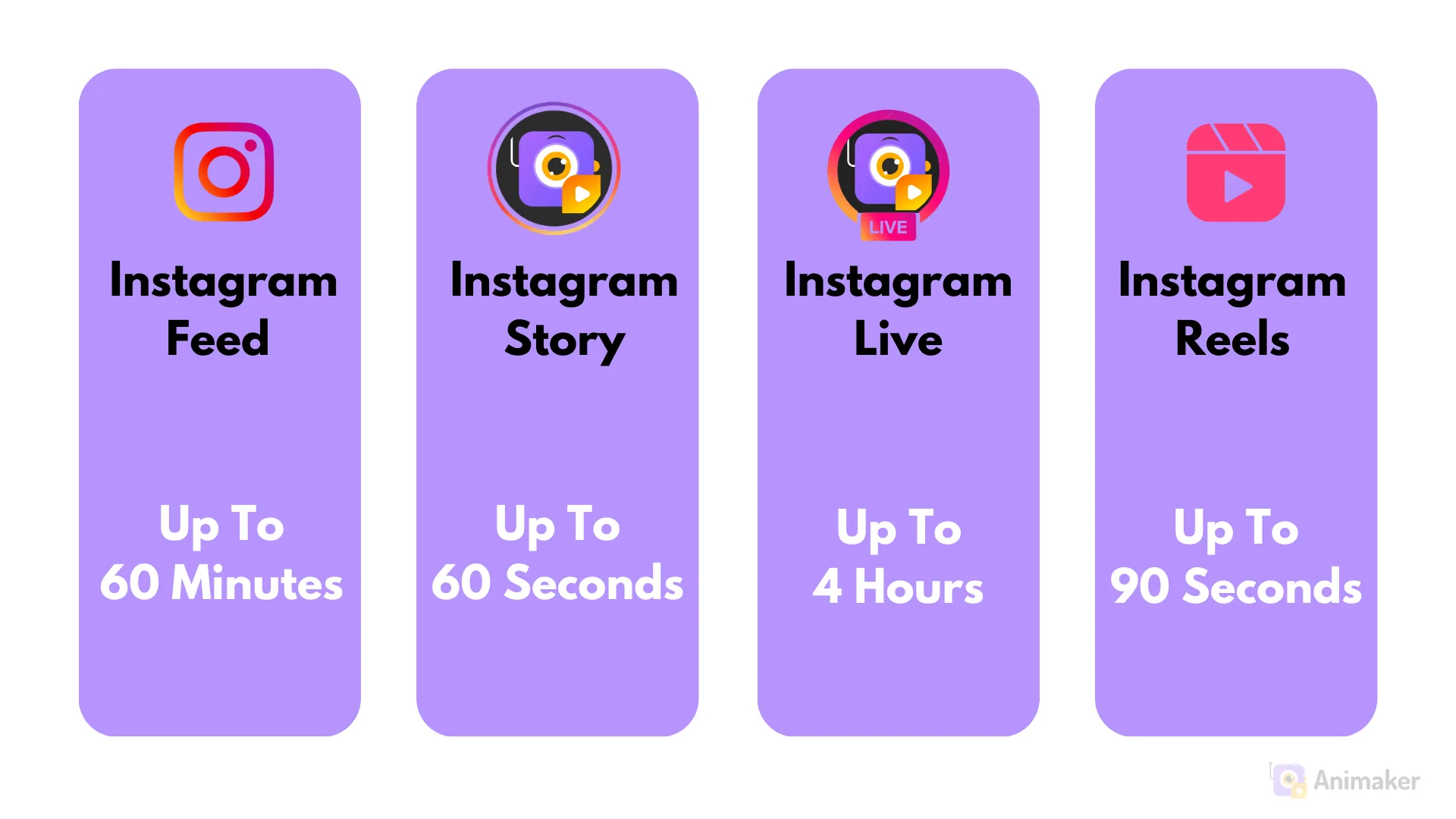
Reels can run up to 3 minutes recorded in-app or 20 minutes uploaded, feed videos up to 60 minutes on desktop, and Stories cap at 60 seconds per slide.
 Content Strategy
How to Add a Collaborator on Instagram Posts and Reels
Add up to 5 collaborators to a public post or Reel before or after publishing, so it shares likes, comments, and reach across every tagged profile.
 Monetization
How to Add Photos to Instagram: Feed, Carousel & Story Guide
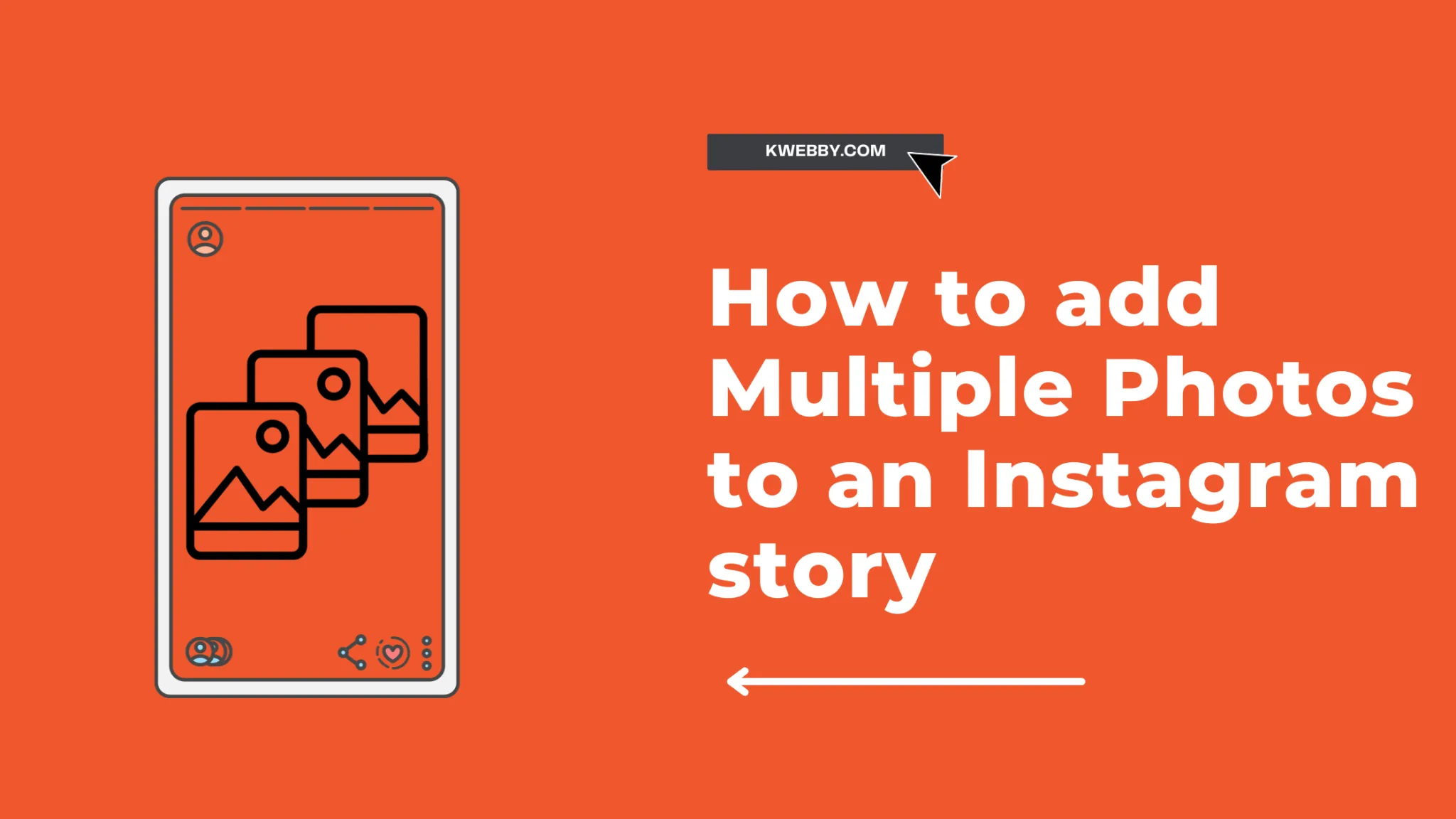
Post single photos, 20-image carousels, and Story photos on Instagram in 2026, plus what you can and cannot edit after publishing.
 Tools & Privacy
How to Archive an Instagram Post, Reel, or Story
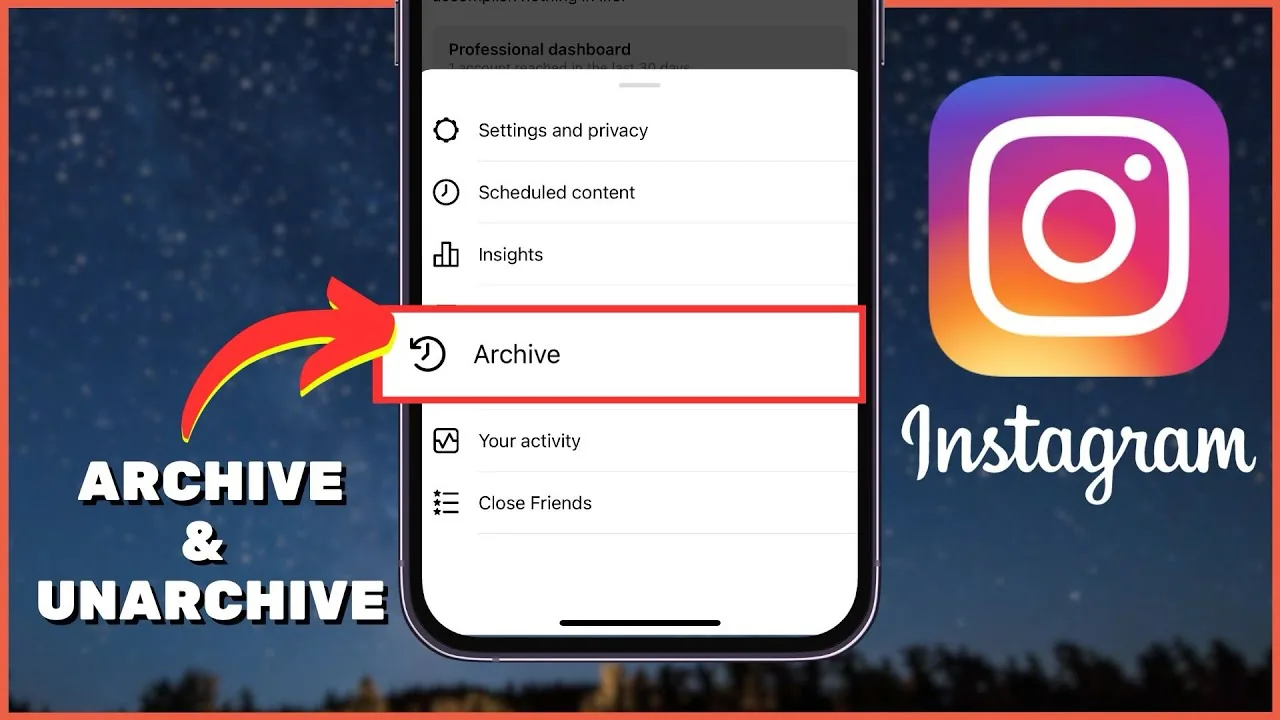
Archive an Instagram post, Reel, or Story to hide it from your profile without deleting it — here's exactly how, and how to restore it later.
 Content Strategy
How to Connect Your Facebook Account to Instagram in 2026
Link your Facebook Page and Instagram account through Meta's Accounts Center to cross-post content and manage messages from one place.
 Content Strategy
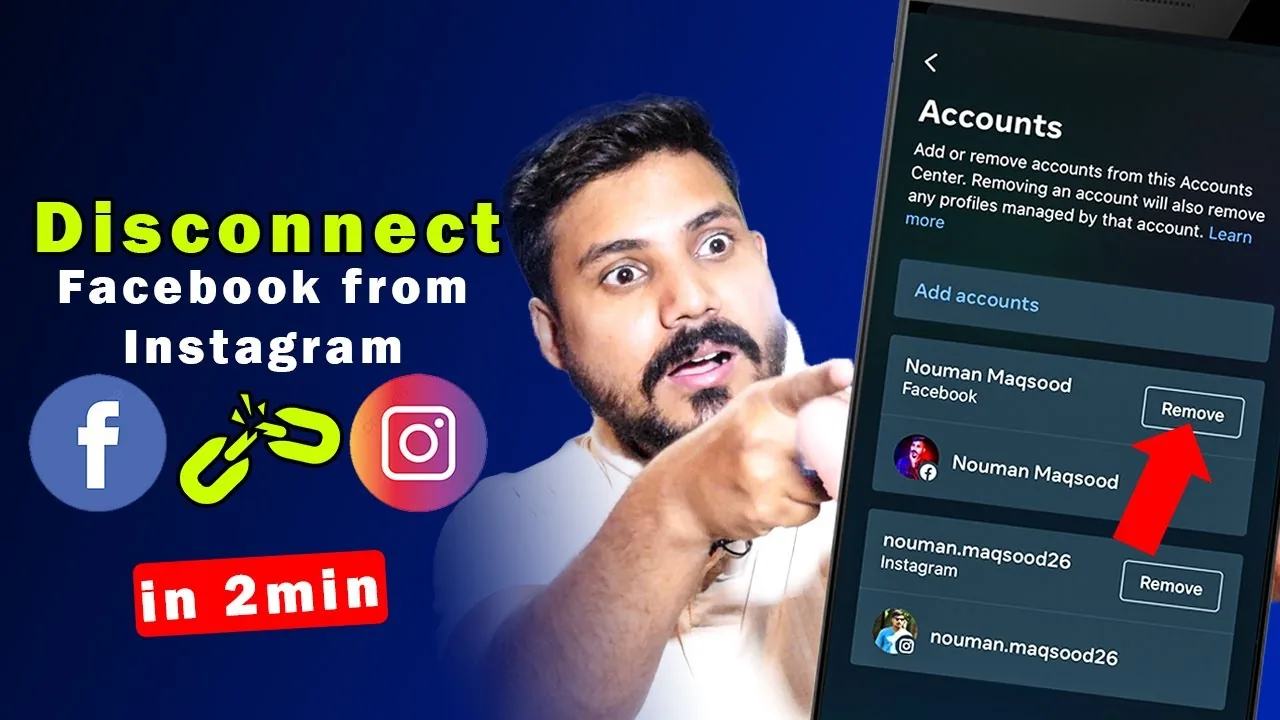
How to Disconnect Instagram from Facebook (2026 Guide)
Step-by-step guide to unlinking Instagram from Facebook using Accounts Center, plus what stops working and what stays the same after.
 Reels
ReelsHow to Download an Instagram Reel Video (2026)
Save public Instagram Reels to your camera roll using Instagram's built-in download button or a trusted third-party downloader.
 Explainers
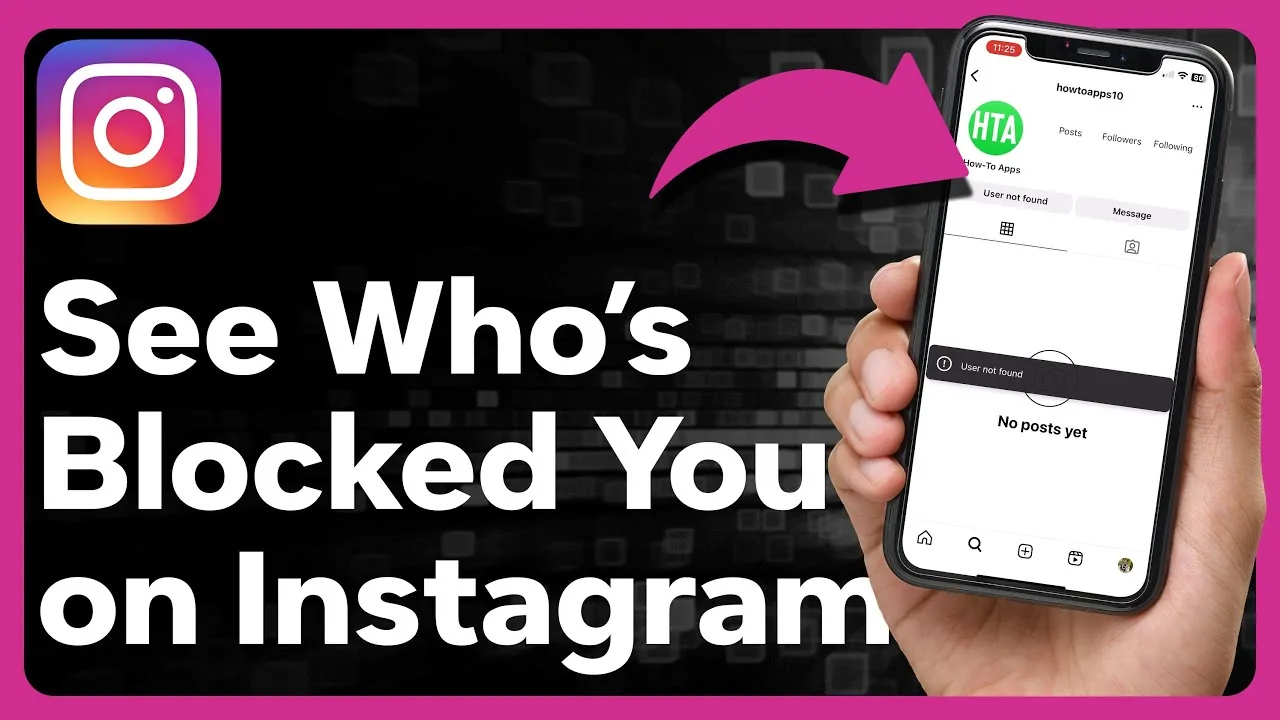
How to Find Out Who Has Blocked You on Instagram
Instagram never sends a block notification, but a missing search result, a grayed-out DM, or vanished comments are reliable signs someone blocked you.