How Can You Hide Who You Follow on Instagram?
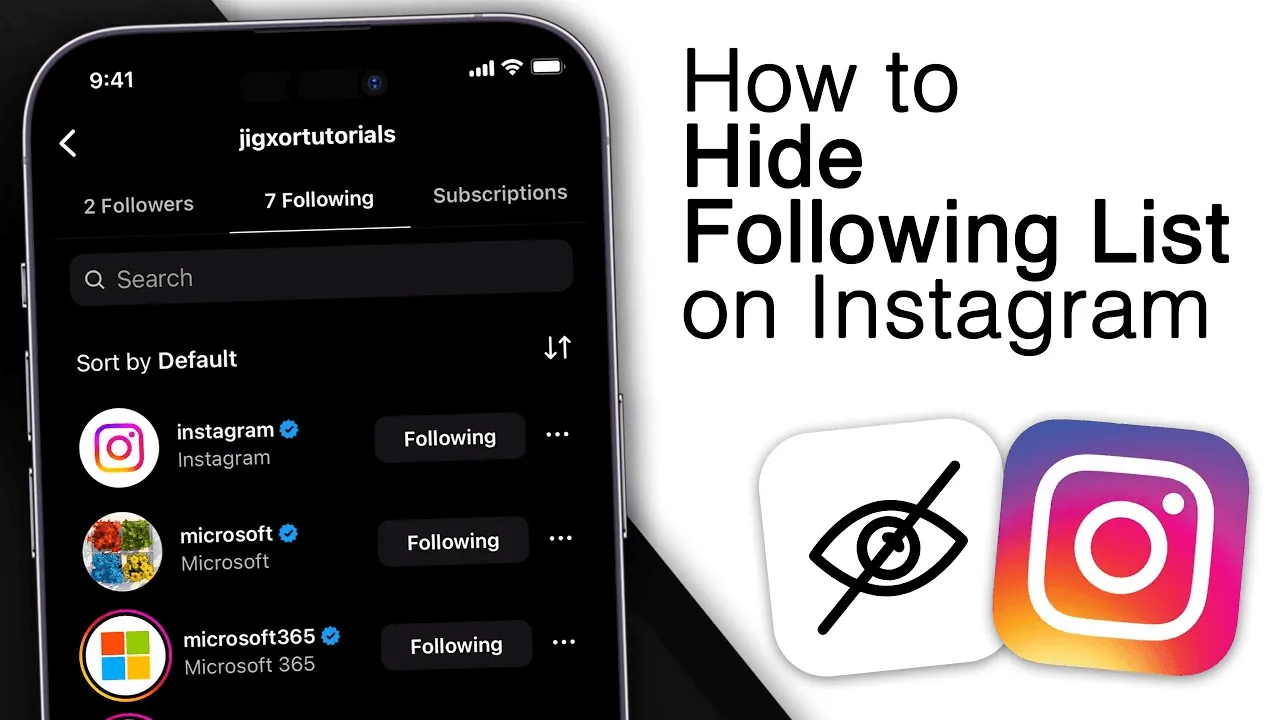
If your account is public, anyone can see your Following list — Instagram has no toggle to hide just that list. The only real option is switching to a Private account, which restricts your following/followers lists to approved followers only.
Short answer
If your account is public, anyone can see your Following list — Instagram has no toggle to hide just that list. The only real option is switching to a Private account, which restricts your following/followers lists to approved followers only.
Quick answer
Instagram does not offer a way to hide only your Following list while keeping a public account. If your profile is public, anyone — followers or not — can tap Following on your profile and see the full list of accounts you follow. There is no per-list privacy toggle for this. The only way to actually restrict who can see it is to switch your account to Private, which limits your following and followers lists to people you've approved as followers. Instagram removed the ability to selectively hide the follow list years ago, so be wary of any "guide" claiming there's a hidden setting for it on a public account — there isn't one.
Key takeaways
- On a public account, your Following list is visible to literally anyone, logged in or not, who opens your profile
- There is no standalone "hide my following list" toggle in Settings — this option does not exist for public accounts
- Switching to a Private account is the only real way to restrict visibility, and it applies to your whole profile, not just the following list
- Going private also hides your followers list, your posts, and your Reels from non-approved accounts
- "Similar Account Suggestions" is a related but different setting — turning it off stops Instagram from suggesting your profile alongside similar accounts, but does not hide your following list
Why there's no partial hide option
Instagram's privacy model treats an account as either fully public or fully private — there's no middle setting that lets you keep a public profile, posts, and follower count visible while hiding just the list of accounts you follow. This used to cause confusion because early versions of Instagram briefly experimented with different visibility controls, but the current and long-standing behavior is binary: public means your Following and Followers lists are both visible to anyone; private means both lists (and your content) are restricted to followers you've approved.
If you want your posts and profile to stay visible to everyone but don't want strangers browsing who you follow, there isn't a native feature that does that today. Some people work around this by using a secondary private account for the accounts they'd rather not have public.
Step-by-step
To restrict who can see your following list (via a Private account):
- Go to your profile and tap the three-line menu (☰) in the top right
- Tap Settings and privacy > Account privacy
- Toggle on Private account
- Confirm the switch when prompted — existing followers keep access, but new followers must be approved before seeing your following list, followers list, and posts
To reduce how often your account (and by extension your connections) surfaces to strangers:
- Go to Settings and privacy > Account privacy
- Look for related discovery controls in that section, and adjust who can see your posts, Stories, and tags
- Understand this limits discovery, not the visibility of your following list to people who already view your profile
Common mistakes to avoid
- Searching for a nonexistent "hide following list" toggle in Settings — it isn't there for public accounts, and no legitimate update has added one
- Downloading third-party apps claiming to let you "selectively hide" your following list — these typically require your login credentials and violate Instagram's Terms of Use
- Confusing "Similar Account Suggestions" with hiding your following list — they control different things
- Assuming a Close Friends list or Story privacy settings affect your Following list visibility — they don't; Close Friends only affects who sees Story posts
- Going private expecting only the following list to be hidden, then being surprised that posts and followers are restricted too
Tips for success
- If your goal is genuinely just privacy about who you follow, going private is the only supported route — accept that it also restricts your broader content visibility
- If you want to stay public but keep certain follows discreet, consider a separate private account for those specific accounts
- Regularly review your followers list after going private, since anyone you approve can see your following list from then on
- Ignore any site or app promising to "unlock" a hidden Instagram setting for this — it does not exist and is a common vector for credential theft
Conclusion
Instagram simply doesn't offer a way to hide your following list on a public account — that's a real, current limitation, not something you're missing in the settings. If keeping that list private matters to you, switching to a Private account is the only legitimate option, with the trade-off that it also limits who can see your posts and followers.
Frequently asked questions
Yes. On a public account, anyone can tap "Following" on your profile and see the full list, whether or not they follow you and whether or not they're logged in.
Sources
Keep reading
More guides to grow your account.