Jordan Lee
275 published guides
 Reels
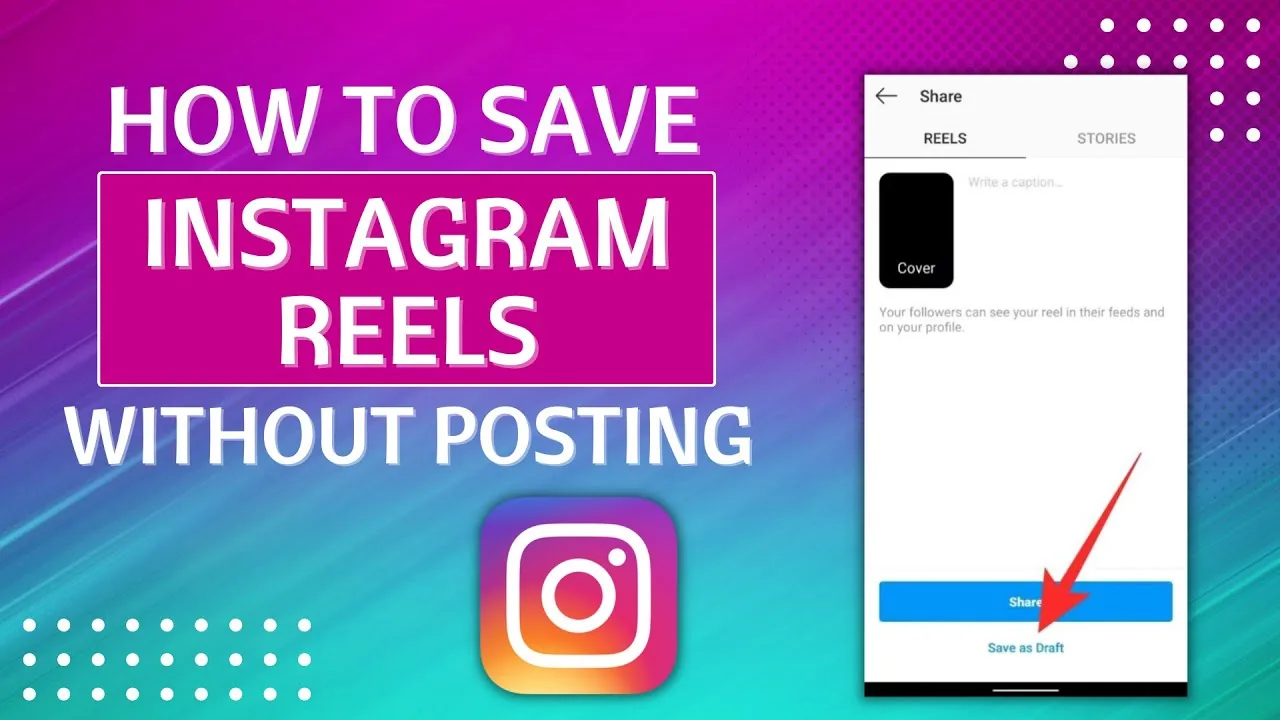
ReelsHow to Save Instagram Reels to Your Phone or App
Save Reels inside Instagram's Saved collections, or download your own Reel to your camera roll before or after posting — here's exactly how.
 Monetization
How to See Your Liked Posts on Instagram (2026 Guide)
Instagram moved liked posts out of Settings. Here's exactly where to find them today through Your Activity, plus how to filter and sort the list.
 Reels
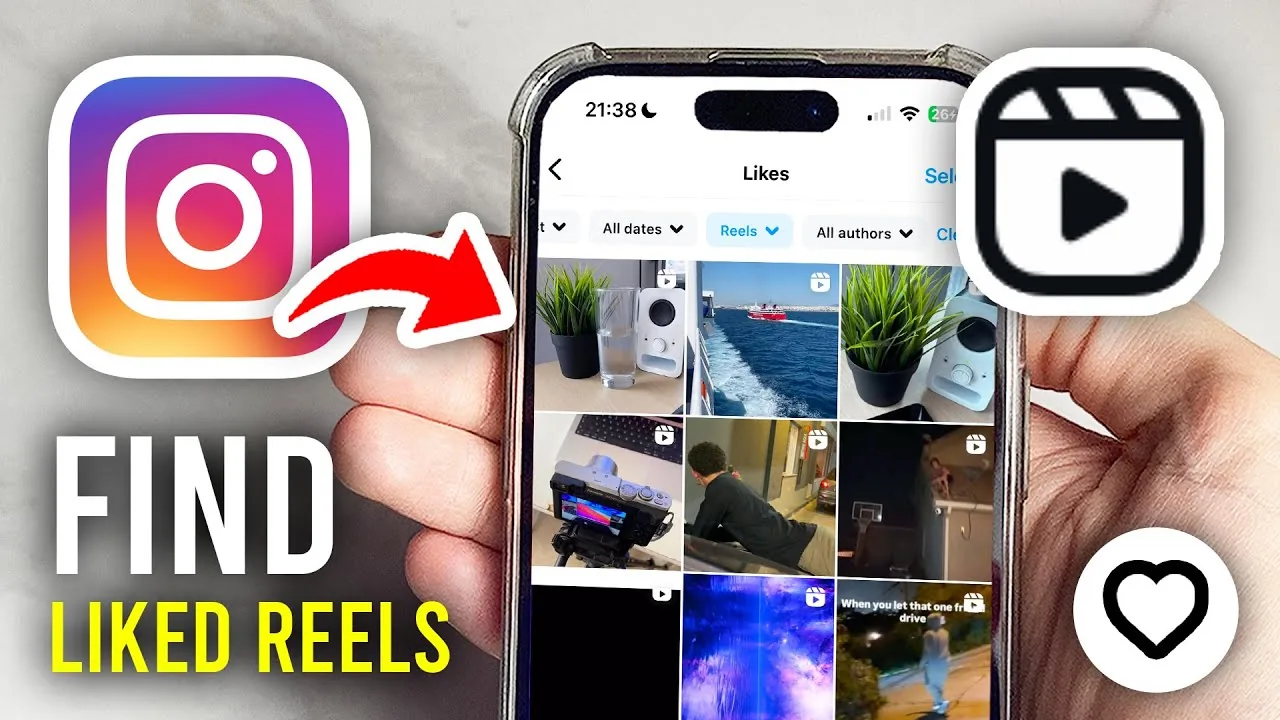
ReelsHow to See Your Liked Reels on Instagram (2026)
Find every Reel you've liked on Instagram using Your Activity, filter by content type, and see why the list isn't visible to anyone else.
 Growth
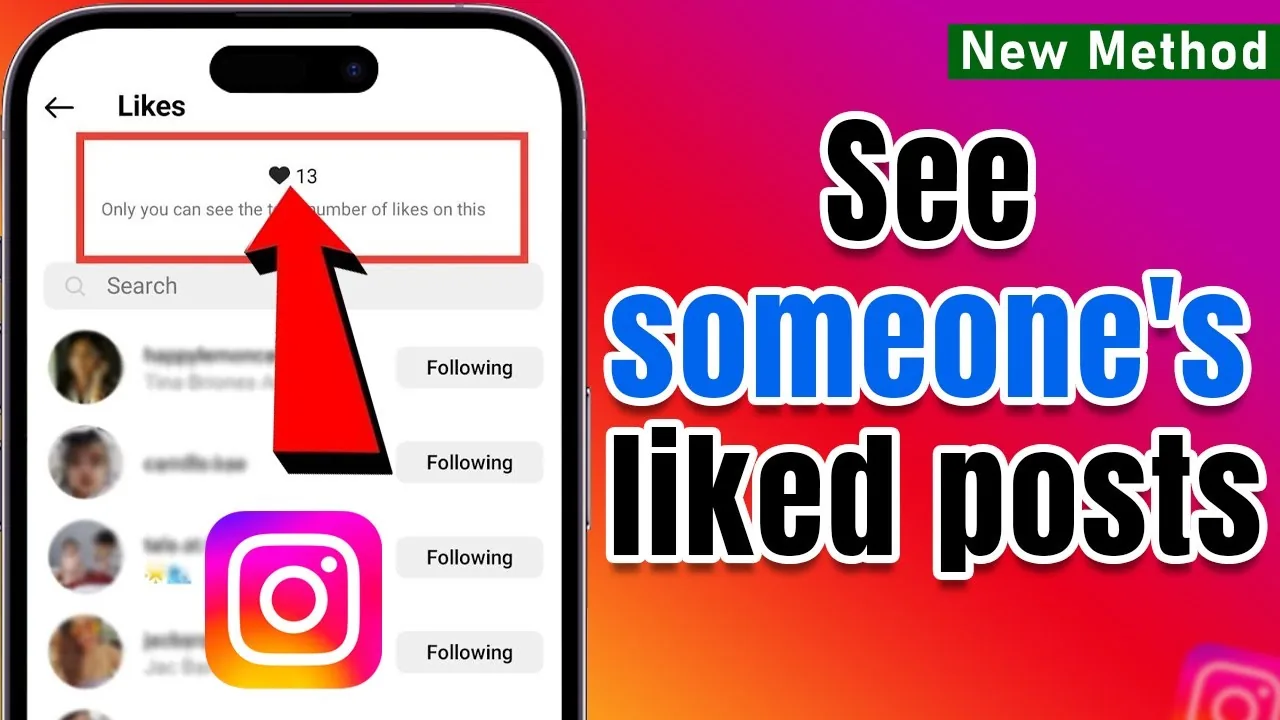
How to See Who Liked a Post on Instagram
Tap the like count under any post to see the list of accounts who liked it — here's how it works and what's hidden.
 Explainers
How to See Who Someone Recently Followed on Instagram
Instagram removed the public follow activity feed, so checking a profile's Following tab or a tracking tool are the only ways to spot new follows.
 Explainers
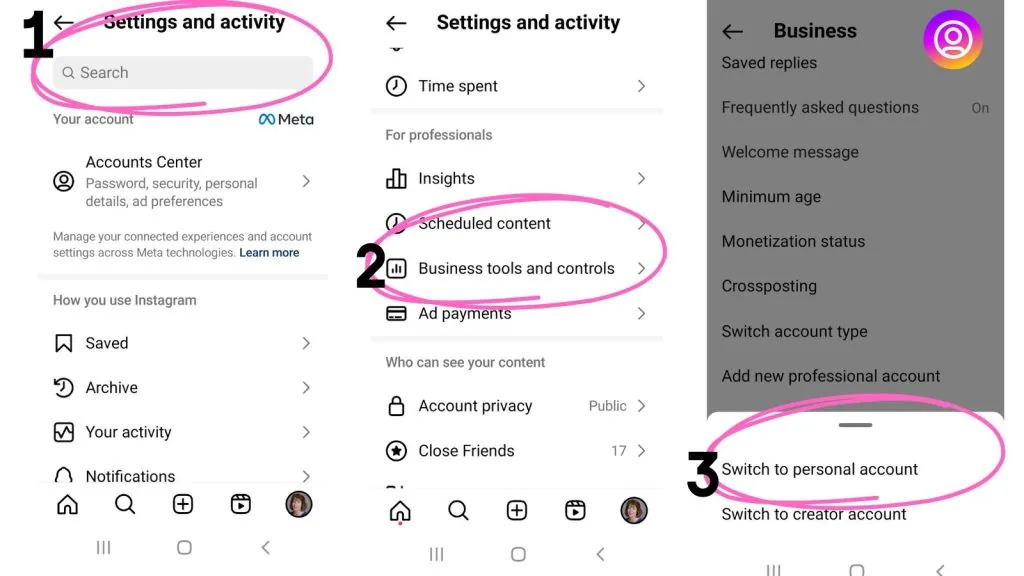
How to Switch Between Instagram Accounts Fast
Add up to five Instagram accounts to one device and switch between them in a tap. Here's every method, from the profile menu to double-tap shortcuts.
 How-To
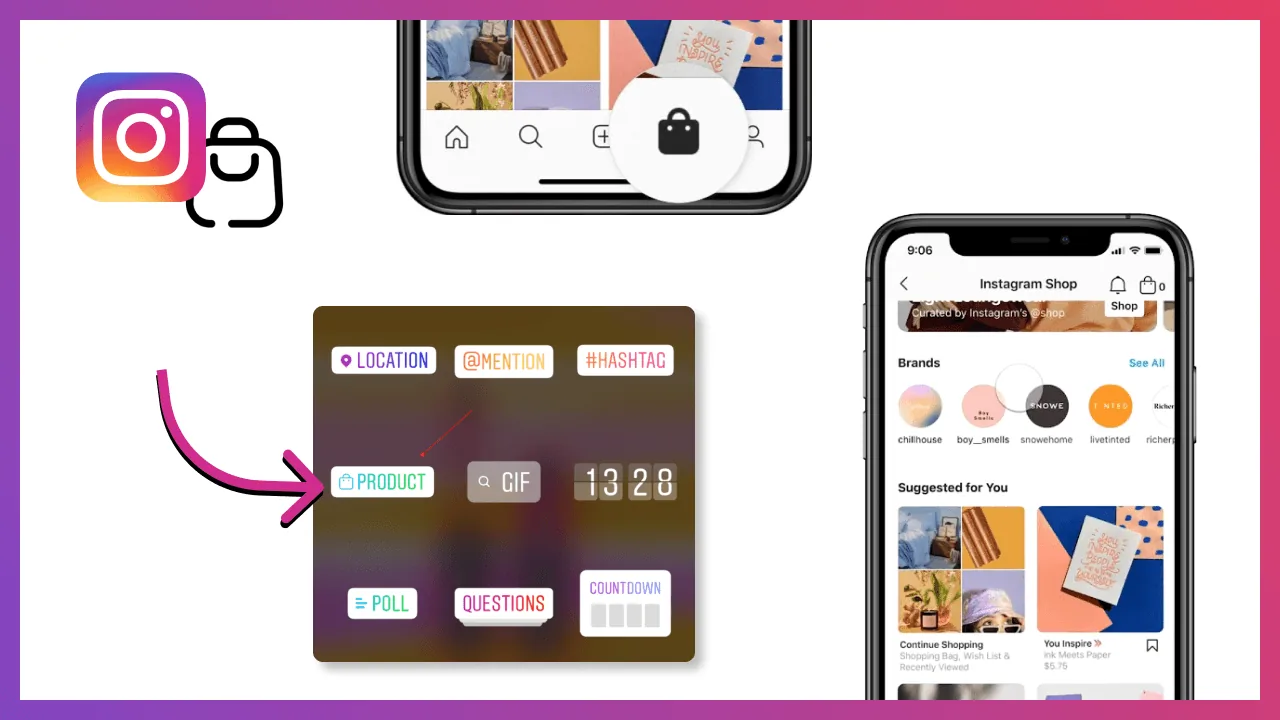
How to Tag Someone on Instagram Posts, Stories and Reels
Tag people on Instagram by typing @ plus their username on a post, Story, Reel, or comment, then selecting them from the dropdown.
 Growth
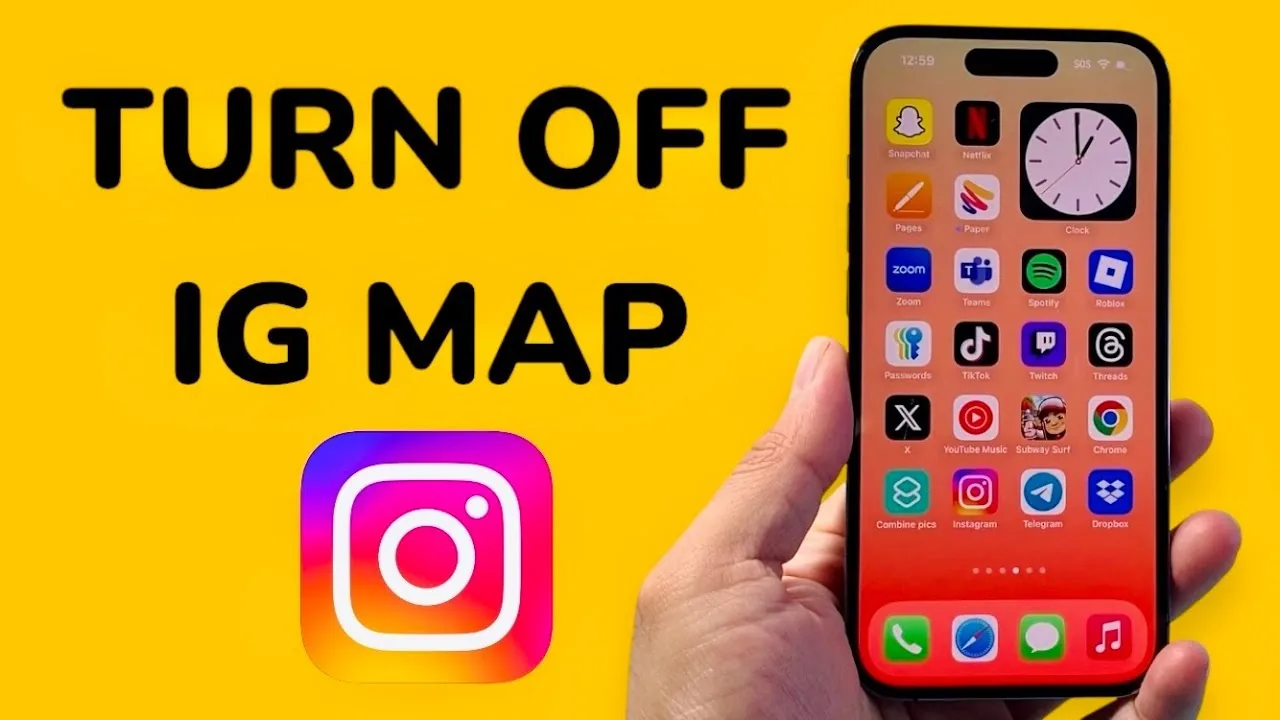
How to Turn Off the Instagram Map and Location Sharing
Go to Messages, tap Map, then Settings, and choose 'No one' to stop sharing your location on the Instagram Map.
 Monetization
How to Unfollow Everyone on Instagram Safely
Instagram has no bulk unfollow button, so clearing your following list means unfollowing manually in batches or using a read-only tool to plan it.
 Tools & Privacy
How to Post an Animated GIF on Instagram Stories & Feed
Instagram doesn't support raw GIF uploads, but you can add animated GIF stickers to Stories or convert a GIF to video for the feed.
 Reels
ReelsWhat Does Archived Mean on Instagram?
Archiving a post or Story removes it from your public profile and Story tray without deleting it — only you can see archived content, stored in a private Archive section, and you can unarchive it back to your grid or Highlights at any time.
 Explainers
What is Vanish Mode on Instagram?
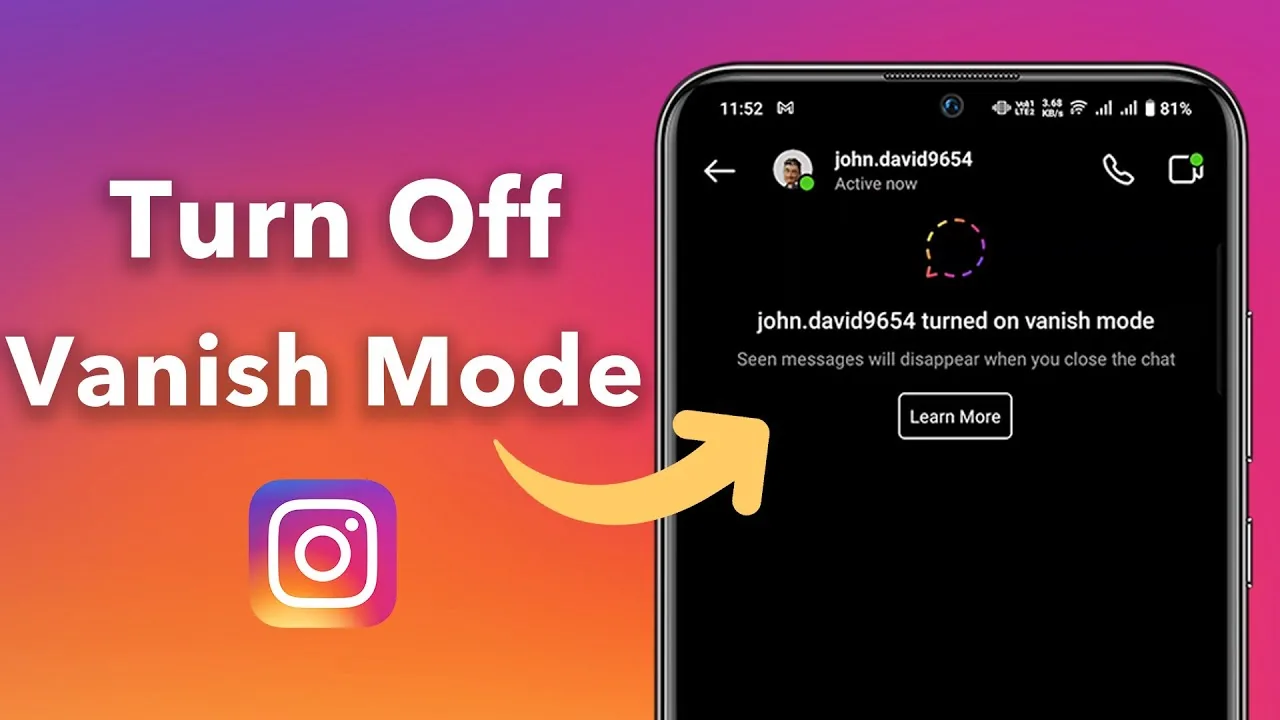
Vanish Mode is a DM setting that makes messages disappear from the conversation once both people have seen and left the chat — swipe up in any direct message thread to activate it, and any texts, voice notes, or reactions sent while it's on vanish permanently rather than staying in your chat history.
 Explainers
Why Can't I Post on Instagram? 2026 Fixes That Work
Weak connections, outdated apps, full storage, and account restrictions are the top reasons Instagram posts fail. Here's how to fix each.
 Explainers
Why Can't I See Comments on Instagram? Full Fix Guide
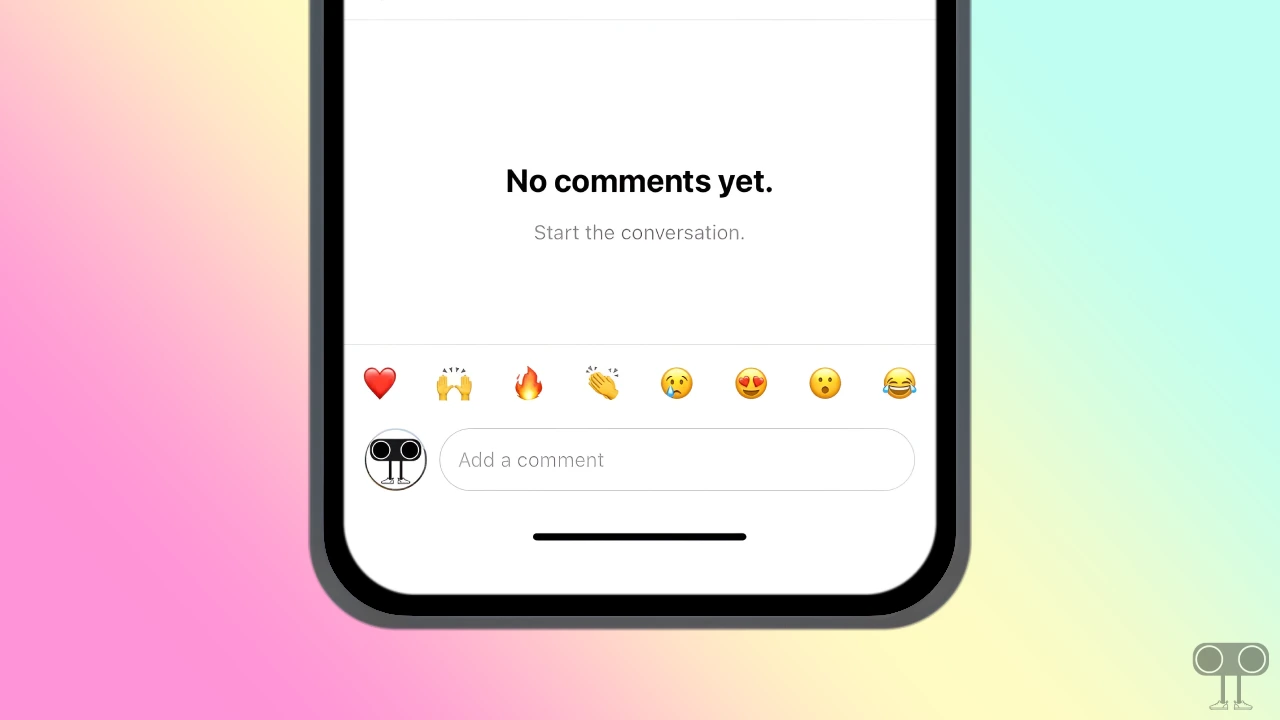
Missing comments are usually caused by active filters, disabled commenting, algorithmic sorting, a weak connection, or an outdated app version.
 Content Strategy
Can I Schedule a Post on Instagram?
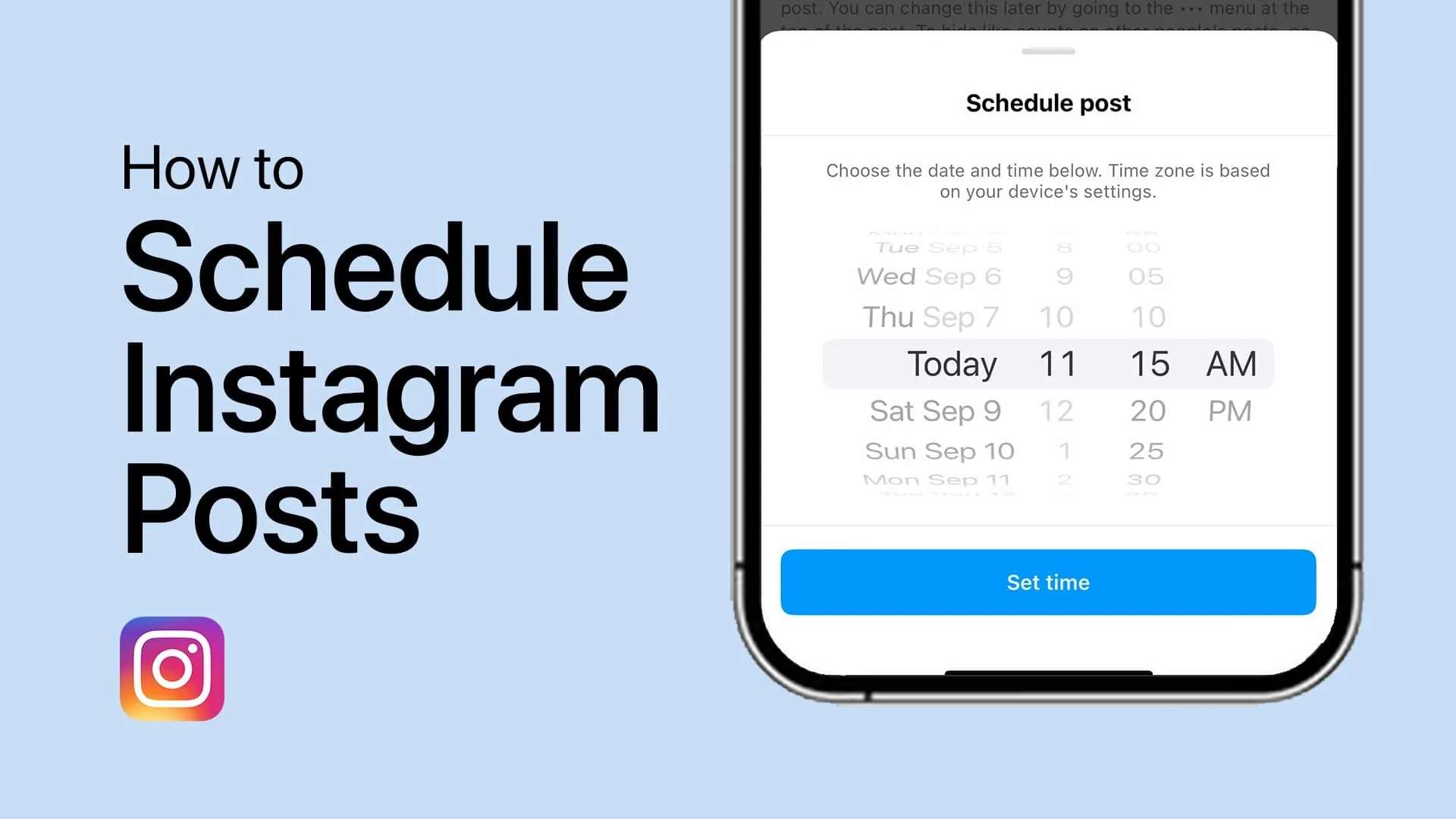
Yes — feed posts and Reels can be scheduled natively up to 75 days ahead through Meta Business Suite or Creator Studio, though Stories still have limited native scheduling support, which is why many creators use third-party tools like Later, Buffer, or Hootsuite.
 Growth
Can You Buy Instagram Followers? What Really Happens
Yes, you can buy Instagram followers, but most are bots that tank engagement and risk account penalties. Here's what actually happens.
 Content Strategy
Can You Schedule Instagram Stories in Advance?
Yes, Instagram lets you schedule Stories ahead of time through Meta Business Suite or a third-party tool — here's how it works and its limits.
 Explainers
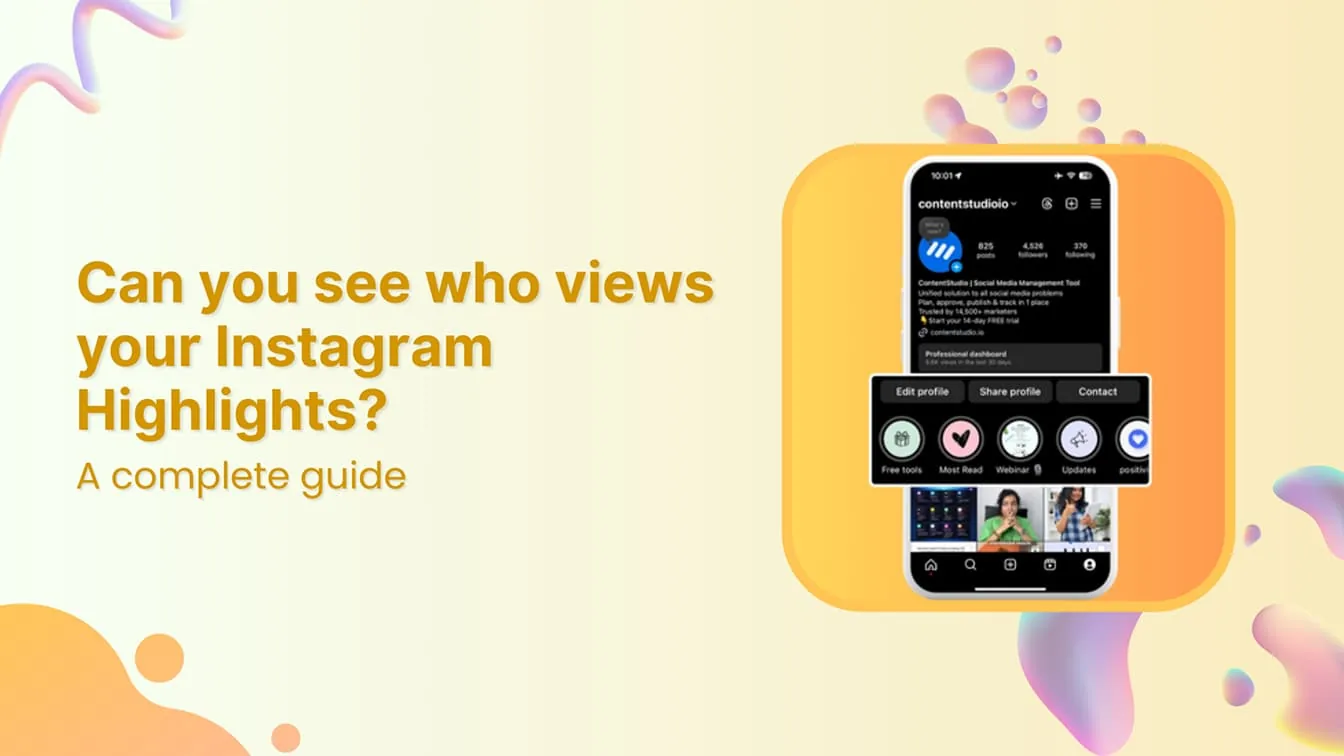
Can You See Who Views Your Instagram Story?
Yes — Stories are the one part of Instagram that does show you exactly who watched, via a swipe-up viewer list, for as long as the Story is active (24 hours) and afterward through your Archive, though the list ordering follows Instagram's own ranking logic rather than a strict timestamp.
 Reels
ReelsDid Nicki Minaj Delete Her Instagram?
Nicki Minaj has publicly deactivated or stepped away from her Instagram more than once over the years, often around album drama or online feuds, though these moves have generally been temporary rather than a permanent deletion.
 Explainers
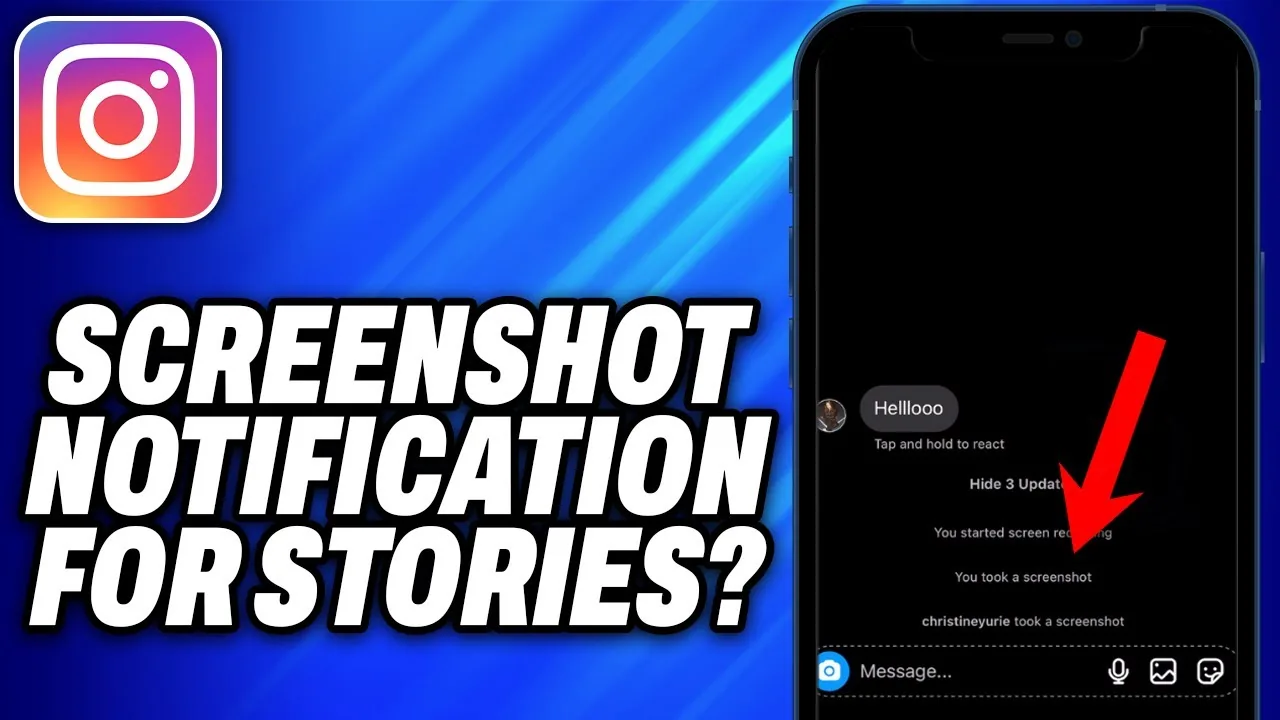
Do People Get Notified When You Screenshot on Instagram Story?
No — as of 2026, taking a screenshot of someone's regular Instagram Story does not send them any notification. Instagram tested a Story screenshot alert around 2018, but it was never made a permanent part of the app.
 Tools & Privacy
Does Instagram Alert Screenshots?
Mostly no. Instagram does not alert anyone to screenshots of the feed, Reels, profiles, or regular Stories. The one real exception is disappearing photos and videos sent in direct messages, which do trigger a screenshot alert to the sender.
 Profile & Bio
Does Instagram Pay You?
Yes, but only through specific programs — Subscriptions, Live Badges, occasional Reels bonuses, and ads-on-Reels revenue sharing where available — not through a single blanket payout for using the app. Most creators still earn the bulk of their income from brand deals, which come from advertisers, not Instagram itself.
 Monetization
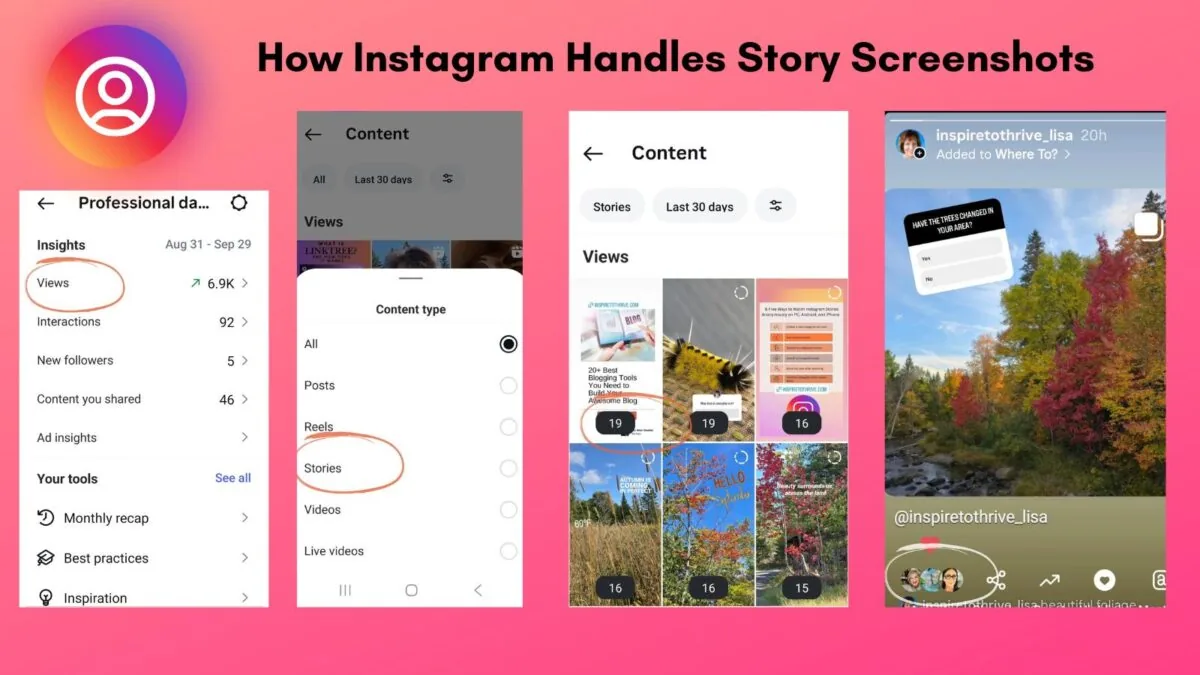
Does Instagram Show Screenshots?
It depends on where the screenshot happens: Instagram never notifies anyone for screenshots of the feed, posts, Reels, or profiles, and currently does not notify for regular Story screenshots either. The one exception is disappearing view-once photos and videos in DMs, where the sender is alerted.
 Explainers
Does Instagram Show When You Screenshot?
It depends entirely on what you're screenshotting: feed posts, Reels, and profiles never trigger a notification; regular Stories don't either; but disappearing view-once photos and videos in DMs do notify the sender.