How Can I Recover Deleted Messages in Instagram?
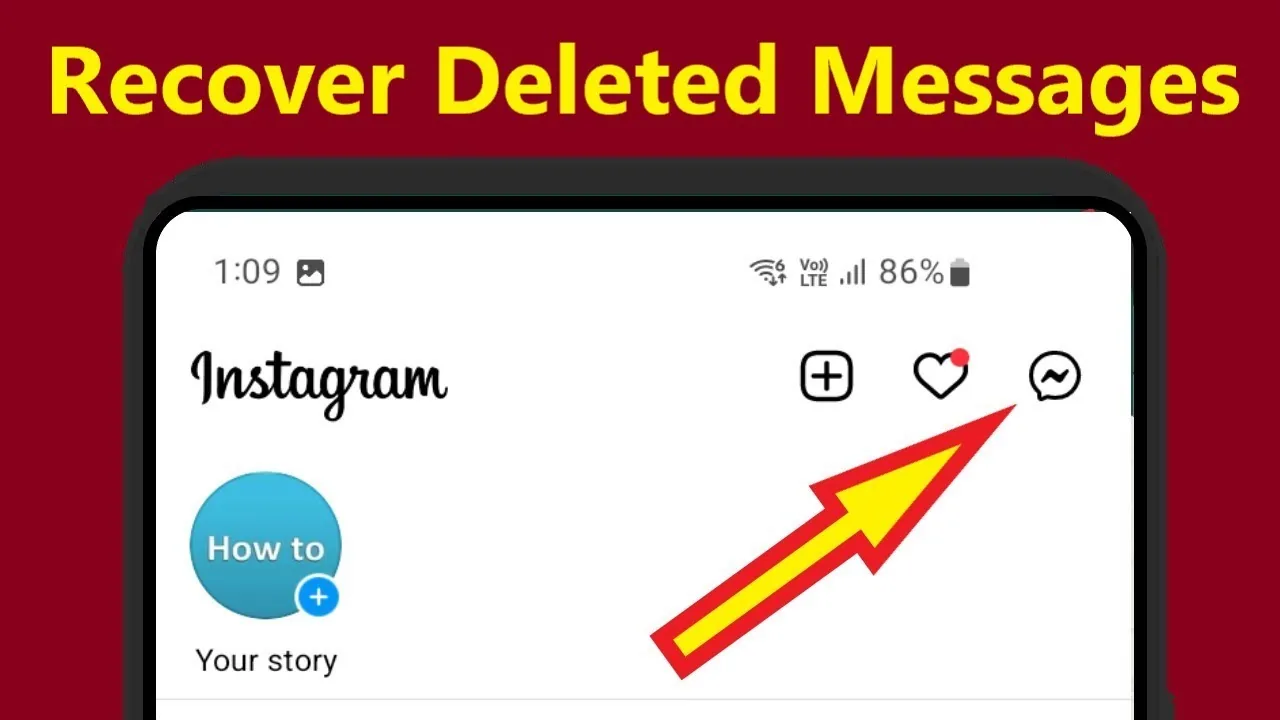
There's no native way to undo a deleted Instagram DM once it's gone from a chat — Instagram doesn't offer message recovery, and even the Download Your Information tool won't restore deleted messages into the live conversation.
Short answer
There's no native way to undo a deleted Instagram DM once it's gone from a chat — Instagram doesn't offer message recovery, and even the Download Your Information tool won't restore deleted messages into the live conversation.
Quick answer
Instagram does not have an "undo delete" or message recovery feature for direct messages. If you deleted a message for yourself, it's gone from your device's view of the chat, full stop. If you unsent a message (Instagram's "Unsend" option), it's removed from the conversation for everyone in the thread. The Download Your Information data export can show a record of past account activity, but it does not restore deleted messages back into your live inbox — so in practice, recovery isn't reliably possible through official means.
Key takeaways
- Instagram distinguishes between "delete for you" (removes it from your view only) and "unsend" (removes it from the whole thread)
- If you only deleted a message on your side, the other person may still have it in their chat — ask them to screenshot or forward it
- Instagram's Download Your Information tool exports account data but does not put deleted messages back into an active conversation
- There is no official Instagram support process for message restoration, since messages aren't treated like a recoverable "trash" folder
- Any app or website promising to "recover deleted Instagram DMs" by asking for your login is almost certainly unsafe and against Instagram's Terms of Use
How Instagram message deletion actually works
Instagram's direct messages give you two removal options, and they behave very differently. Long-pressing a message in a chat brings up options that typically include "Unsend" and, depending on the version of the app, "Delete." Unsend removes the message from the entire conversation — neither you nor the recipient can see it anymore, though Instagram may still briefly retain a system log entry for moderation and safety purposes on the backend. Deleting only for yourself removes it from your own device's chat view; the recipient's copy is untouched unless they also delete or unsend it.
This is why a message can feel "deleted" but still exist: if you delete it only on your end, the other person can still see it, reply to it, or send you a screenshot. If either side unsends it, though, it's removed from the thread for both of you, and there's no built-in trash bin to pull it back from.
Instagram's Download Your Information tool (Settings and privacy > Account Center > Your information and permissions > Download your information) generates an archive of your account activity, which historically has included message content depending on what was requested and when the export was generated. But this only reflects what existed in your account at the time of the request — it's a snapshot, not a live restore, and it won't retroactively bring back something you deleted before requesting the export, nor does it insert anything back into your actual Instagram inbox.
Step-by-step: what you can actually try
- Check if you deleted the message only for yourself (not unsent) — if so, ask the other person in the chat whether they still have it on their device
- Look at Settings and privacy > Account Center > Your information and permissions > Download your information and request an export, selecting messages if given the option, to see what Instagram currently has on file for your account
- Review the exported archive once it's ready (Instagram usually emails or notifies you when it's available) to see if the message appears in your activity history
- If the message involved harassment, threats, or a safety issue, use the in-app Report tool on the conversation or contact, since Instagram's safety team can review reported content even if it's no longer visible to you
- Accept that if a message was unsent by either party, or deleted by both sides, there is no path to restore it
Common mistakes to avoid
- Downloading third-party "Instagram message recovery" apps or browser extensions that ask for your username and password — these are commonly used for credential theft
- Assuming Download Your Information works like an undo button; it's a data export, not a recovery tool
- Waiting too long to ask the other person in the chat to check their side, before they also delete or lose access to the conversation
- Confusing "archived chats" (which just hides a conversation from your inbox list, fully recoverable in Settings > See all in Instagram Direct settings) with "deleted messages" (which are not recoverable)
- Reporting a routine deleted message to Instagram support expecting manual recovery — Instagram does not manually restore individual deleted DMs for privacy reasons
Tips for success
- If a conversation matters, screenshot or forward important messages before they might get deleted
- Use the Download Your Information tool periodically if you want an ongoing personal record of your Instagram activity
- Remember that unsending a message is permanent and immediate for everyone in the thread, so double-check before using it if you might want the message later
- For anything safety-related (threats, harassment, evidence for reporting), capture screenshots immediately rather than relying on being able to retrieve deleted content later
Conclusion
Instagram simply wasn't built with a message recovery system, and that's largely by design for user privacy. The closest thing to a safety net is checking the other participant's copy of the chat or requesting your account data export — neither of which reverses a deletion, but both can help you piece together what was said.
Frequently asked questions
No. Instagram does not offer manual message recovery through customer support for standard deleted or unsent DMs. Support intervention is generally reserved for safety and policy violations, not routine data recovery.
Sources
Keep reading
More guides to grow your account.