How Can I See Who Shared My Post on Instagram?
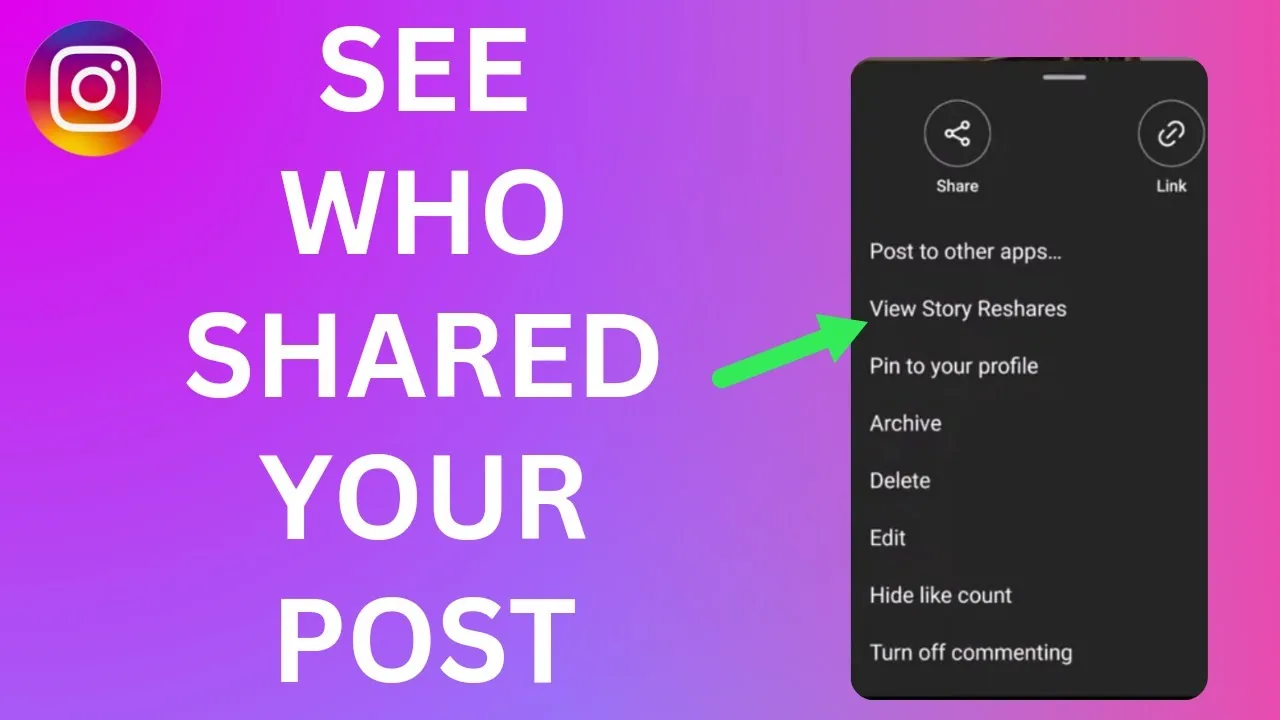
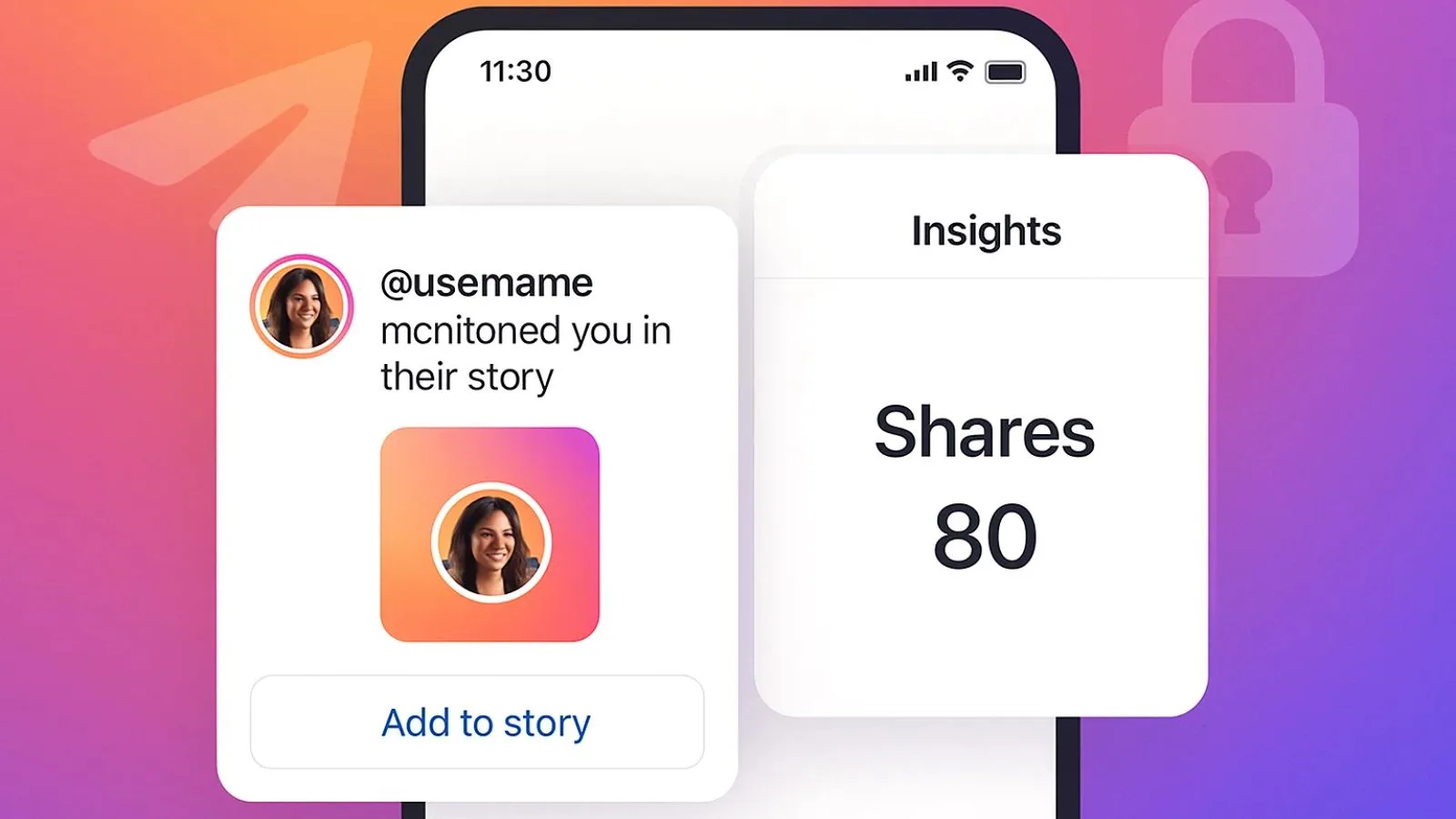
Instagram doesn't give you a full list of names for everyone who shared your post to their Story or sent it in a DM. You'll only find out about shares that tag or mention you (like a Story repost with the share sticker), plus an aggregate, name-free "Shares" count in Reels Insights for professional accounts.
Short answer
Instagram doesn't give you a full list of names for everyone who shared your post to their Story or sent it in a DM. You'll only find out about shares that tag or mention you (like a Story repost with the share sticker), plus an aggregate, name-free "Shares" count in Reels Insights for professional accounts.
Quick answer
There is no panel on Instagram that lists the usernames of everyone who shared your post. What you can see is partial: if someone reshares your feed post or Reel to their Story using the share sticker, and you have a public or mutual-follow relationship, you'll typically get a notification and can view it via your Story mentions or the activity feed, since that share tags your account. But that's only shares made visibly via the Story sticker — shares sent privately through DMs to other people are completely invisible to you, both the fact that they happened and who did it. Professional (business/creator) accounts do get an aggregate "Shares" number in Reels Insights, but it's just a count, never a list of names.
Key takeaways
- Feed posts have no built-in "who shared this" list at all, visible only as part of general post Insights on professional accounts (a numeric share count, no usernames)
- Reels show a numeric "Shares" count in Insights for business and creator accounts, but never attaches names to that number
- DM shares (someone sending your post to a friend in a direct message) are private between sender and recipient — Instagram does not notify you or reveal who did this
- Story reshares using the share sticker are the one case where you'll likely find out, because the resharer's Story tags/mentions your account, generating a notification
- Any app or site claiming to show you a full list of "who shared your post" is not using an official Instagram feature and should be treated with suspicion
Why Instagram doesn't expose this
Instagram treats sharing largely like private, low-friction distribution rather than a public engagement action, similar to how sending a post via DM isn't publicly visible the way a comment or like is. There are two main ways content gets "shared" on Instagram, and each is handled differently:
Sharing to a Story with the share sticker attaches a visible tag back to your account. Because it's public-facing (visible to that person's followers) and directly references you, Instagram treats it like a mention: you'll usually see it in your notifications, and it may show up when you tap the eye icon / activity indicator on your own Story if the person tagged you within 24 hours while your Story is live, or simply as a mention notification even without an active Story.
Sending a post via direct message, by contrast, is treated as private messaging, the same as sending any other message. Instagram does not surface who forwarded your content this way, similar to how you wouldn't expect to see who forwarded your text message to someone else. This is true regardless of account type — personal, creator, or business.
For Reels specifically, professional accounts get access to Insights, which includes a numeric "Shares" metric alongside likes, comments, saves, and plays. This tells you how many times the Reel was shared in total, which is useful for gauging what content resonates, but Instagram has never attached identity data to that count for privacy reasons.
Step-by-step: checking what visibility you do have
- Check your notifications tab (heart icon) regularly for mentions — these catch most public Story reshares of your content
- If you have an active Story, tap the eye/viewers icon on it to see who's viewed and interacted, which can sometimes surface related activity
- For Reels, go to the Reel > tap View insights (or access via your professional dashboard) to see the aggregate Shares count
- For feed posts on a business or creator account, check the post's Insights (tap View insights below the post) for a Shares count, if shown
- Understand that any share sent via DM to someone else will not appear anywhere in your own account's data
Common mistakes to avoid
- Downloading third-party "who shared my post" apps that require your Instagram login — these are not sanctioned by Instagram and put your account credentials at risk
- Assuming a high Shares count in Reels Insights means you'll be able to identify who did the sharing — the number is aggregate only
- Confusing "Shares" with "Saves" in Insights; they're two separate metrics measuring different behaviors
- Expecting a notification every time your content is reshared to a Story — this depends on privacy settings and whether the resharer's account is public or private, and whether your account allows tags/mentions
- Believing screenshots or manual detective work (asking mutual friends) is an official or reliable method — it's just guesswork, not a feature
Tips for success
- If tracking distribution matters to you, focus on the numeric Shares metric in Reels/post Insights rather than trying to identify individuals
- Encourage resharers to use the Story share sticker (rather than DM-forwarding) if you want visibility into who's amplifying your content, since only sticker shares generate a mention
- Turn on notifications for mentions and tags in Settings and privacy > Notifications so you don't miss Story reshares
- Treat any third-party tool promising a full "shared by" list as a red flag for a phishing attempt, since Instagram's own API doesn't expose this data to outside apps
Conclusion
Instagram gives creators a sense of how much their content is being shared through aggregate numbers, but deliberately keeps the identity of DM-sharers private. The only reliable way to learn a specific person shared your post is if they did it publicly via the Story share sticker and tagged you in the process — everything else stays behind the scenes.
Frequently asked questions
No. Instagram does not provide a list of individual usernames for people who shared your post, whether via Story or direct message. The closest thing is an aggregate numeric Shares count in Insights.
Sources
Keep reading
More guides to grow your account.