What to Know Before You Delete Your Instagram Account
Deleting Instagram is a one-way process handled through Account Center that erases your profile, posts, and comments after a roughly 30-day grace period — so before you start it's worth understanding what's recoverable, what isn't, and whether deactivating is what you actually want.
Short answer
Deleting Instagram is a one-way process handled through Account Center that erases your profile, posts, and comments after a roughly 30-day grace period — so before you start it's worth understanding what's recoverable, what isn't, and whether deactivating is what you actually want.
Quick answer
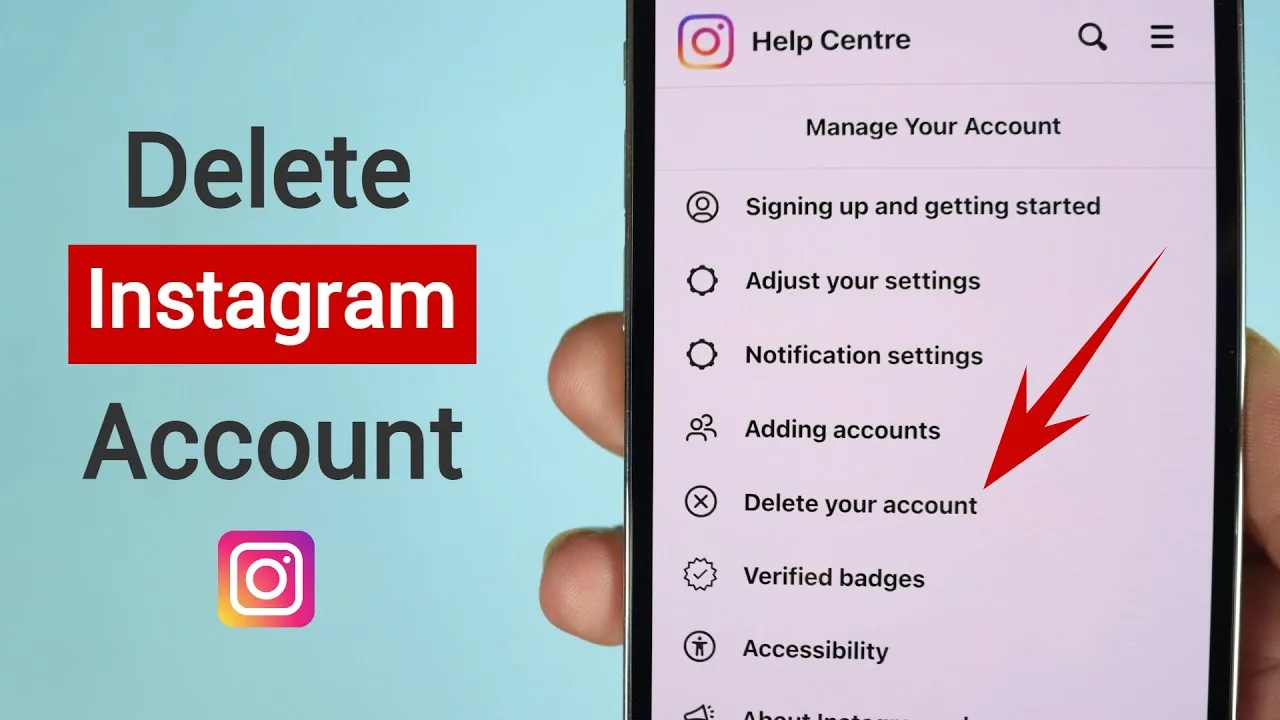
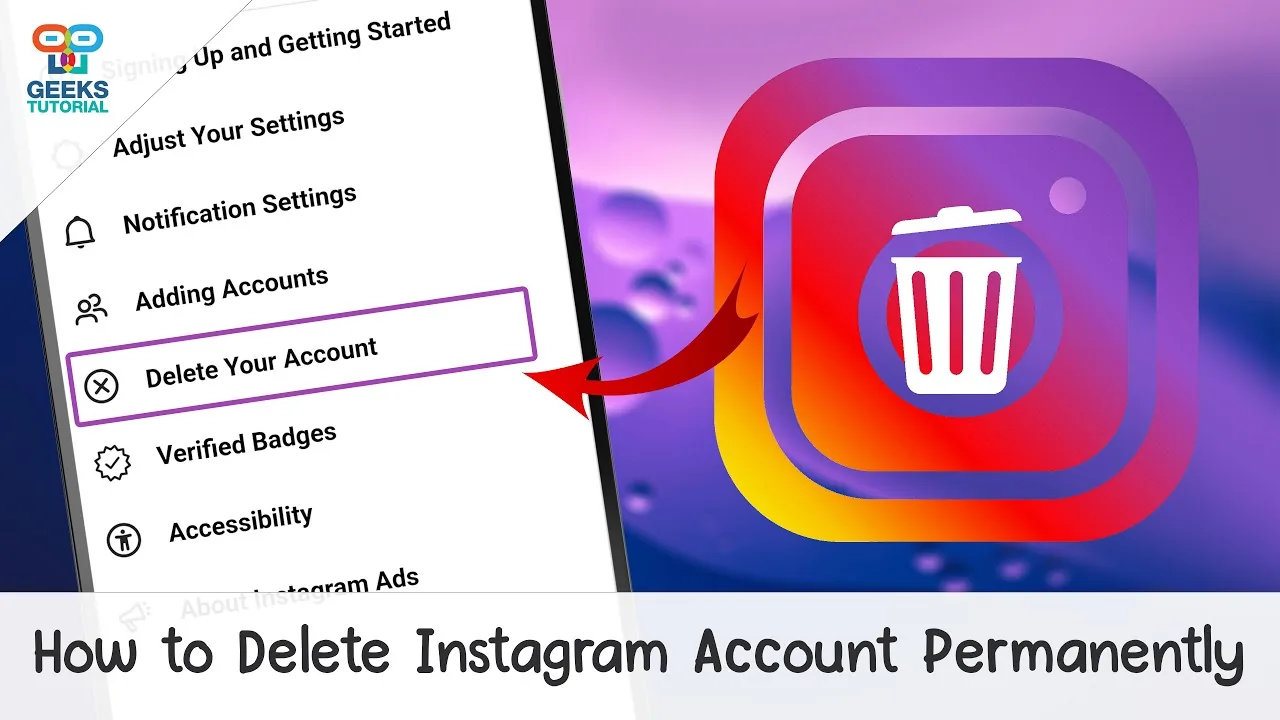
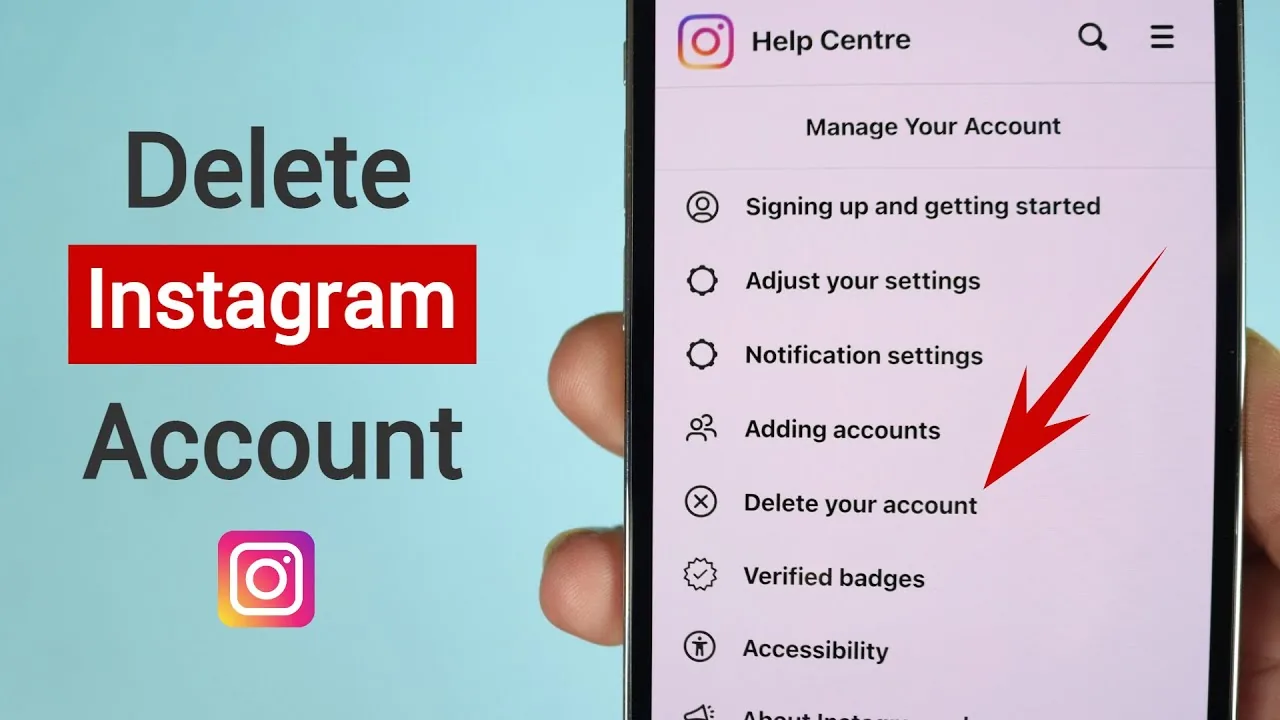
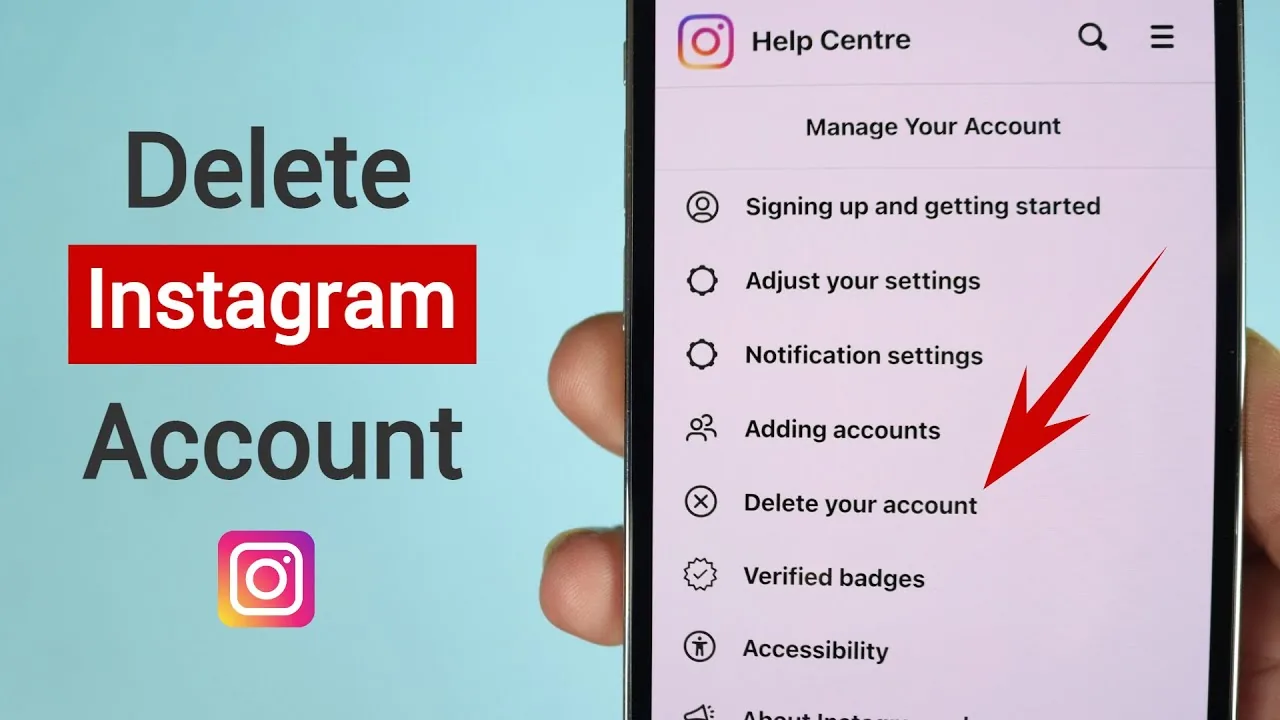
Before you delete, know this: the request goes through Settings and privacy > Account Center > Personal details > Account ownership and control > Deactivation or deletion > Delete account, it requires your password, and Instagram gives you about 30 days to cancel by logging back in. After that, removal is treated as final, though Meta notes backend backups can take up to 90 days to fully clear.
Key takeaways
- Deletion is one-directional after the grace period — plan for that before you start the request
- You can still cancel a pending deletion any time within roughly 30 days simply by logging in again
- Downloading your data first (photos, messages, comments) is the only way to keep a personal copy once the account is gone
- Deleting removes your visible presence but doesn't retroactively delete content other people saved, reposted, or screenshotted
- If you're only trying to take a break or reduce screen time, deactivation — not deletion — is almost always the better fit
Questions worth answering before you delete
Do you actually want it gone forever, or just gone for now? This is the single biggest fork in the decision. Deactivation hides everything with no time limit and full reversibility any time you log in. Deletion is meant to be the end of the account. If there's any chance you'll want to come back, deactivate first — you can always delete later, but you can't un-delete once the grace period closes.
Do you have anything you want to keep? Once deletion finalizes, your posts, saved messages, and comment history are gone from your own view. If you want an archive, use Account Center's data download tool before you start the deletion process, so you have your photos, captions, and message history saved locally.
Are you tied to other Meta products through this account? If your Instagram login is connected to a Facebook Page you manage, an ad account, or third-party apps you've signed into with Instagram credentials, deleting can disconnect those. Check your linked apps and Page roles first so nothing breaks unexpectedly.
Will your username come back? Once deletion is finalized, Meta doesn't publish a guaranteed exact date for when a username becomes available to others again, so don't count on immediately reusing your old handle on a new account.
The deletion process, briefly
- Go to Settings and privacy > Account Center > Personal details > Account ownership and control > Deactivation or deletion
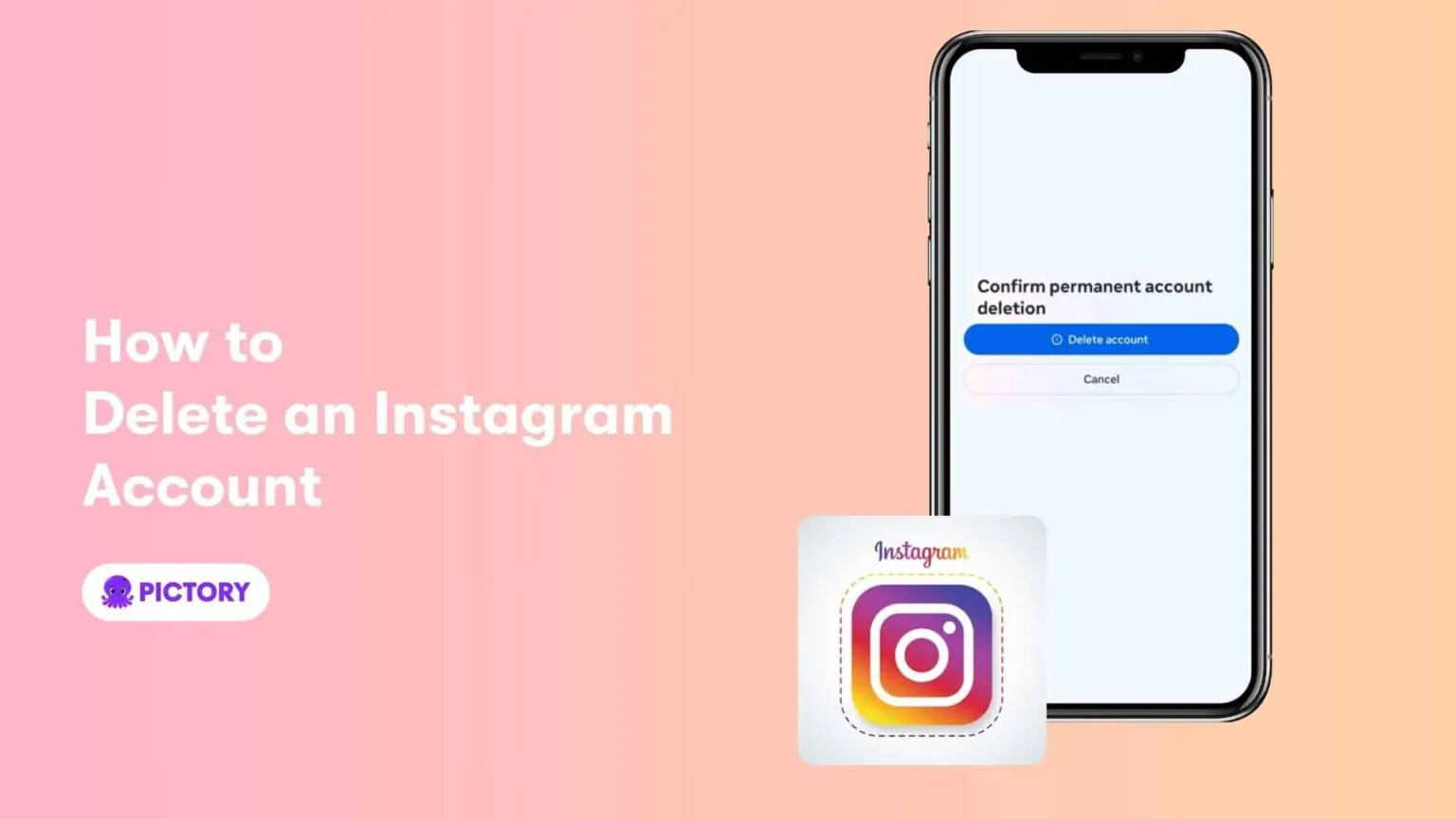
- Choose Delete account rather than Deactivate account
- Select a reason, then confirm with your password
- Avoid logging back in for roughly 30 days if you want the deletion to actually complete
Common mistakes to avoid
- Deleting on impulse during a bad moment and not realizing deactivation would have solved the same problem reversibly
- Not downloading your data first, then realizing later you wanted old photos or message threads back
- Accidentally logging in during the grace period and unintentionally canceling the deletion
- Assuming a business's ad history, insights, or contact lists carry over anywhere — they don't once the account is deleted
Tips for success
- Download your information archive before starting the deletion process
- Give yourself a real waiting period — if you're not sure after a week, it's a signal to deactivate instead
- Check any linked business tools, ad accounts, or third-party app logins before finalizing
Conclusion
Deleting Instagram is straightforward mechanically, but it's worth being sure first. If what you actually want is a break rather than a goodbye, deactivating gets you the same relief with none of the permanence.
Frequently asked questions
Use Account Center's Download your information tool beforehand to see and save everything tied to the account — photos, videos, comments, and messages — so you know exactly what's on it.
Sources
Keep reading
More guides to grow your account.