How Do I Share a Facebook Post to Instagram?
There's no one-tap "share to Instagram" button on a Facebook post, since Meta's built-in cross-posting toggle only works the other direction (Instagram to Facebook) — to get Facebook content onto Instagram, you download the photo or video from Facebook and upload it manually, or recreate it as a new Instagram post or Story.
Short answer
Meta's native cross-posting feature only flows from Instagram to Facebook, not the reverse, so sharing a Facebook post onto Instagram means saving the photo or video from Facebook and uploading it as a fresh Instagram post, Story, or Reel.
Quick answer
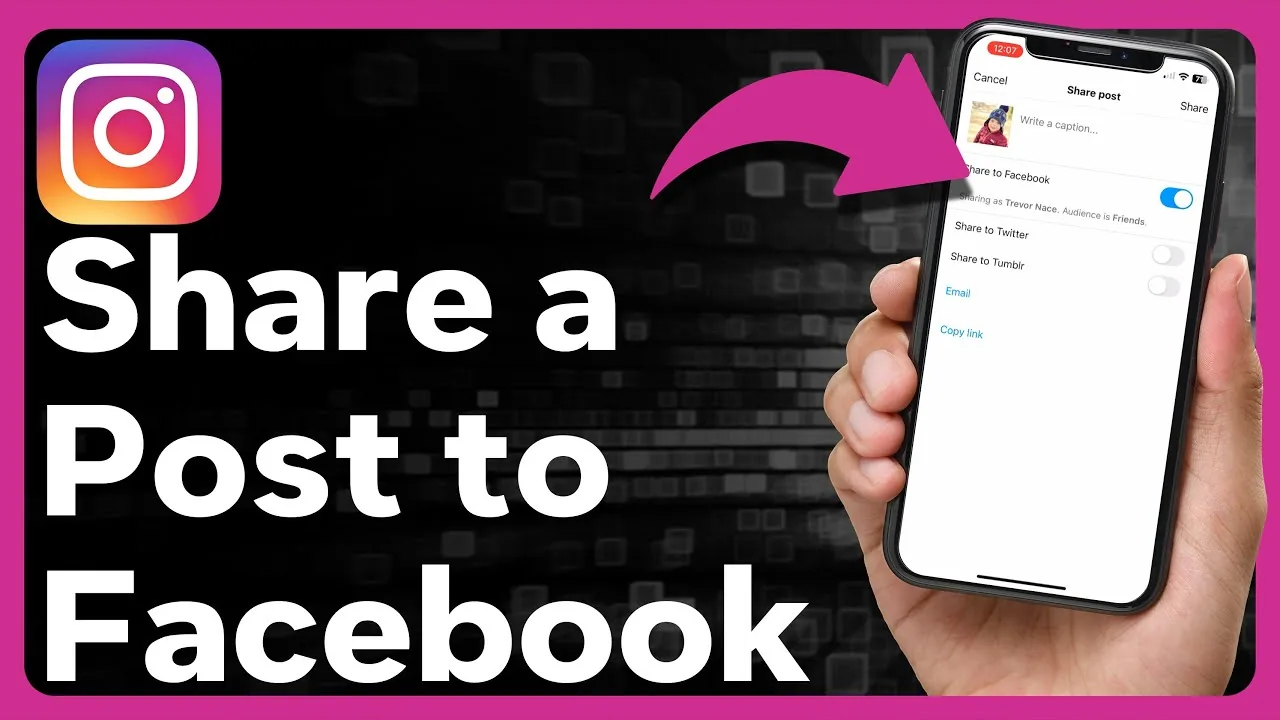
Unlike the Instagram-to-Facebook direction (which has a built-in toggle to auto-post to a linked Facebook Page), there's no native button on Facebook that pushes a post over to Instagram. To move content that direction, you need to download the photo or video from the Facebook post and upload it manually as a new Instagram post, Story, or Reel — Instagram doesn't import Facebook's original post, caption formatting, or comment thread along with it.
Key takeaways
- The official Meta cross-posting toggle (Settings and privacy > Sharing to other apps) only pushes content from Instagram out to a connected Facebook Page, not the other way around.
- To get a Facebook photo or video onto Instagram, save the media file from Facebook first, then upload it as a fresh Instagram post through the normal composer.
- Text-only Facebook posts don't translate directly to Instagram, since Instagram's feed requires a photo or video attached to every post — you'd need to create an image (like a text graphic) to carry the same message.
- If you just want to reference the Facebook post rather than repost its content, you can share the Facebook post's link in an Instagram caption or bio link, though it won't be clickable within the caption itself.
- Business and creator accounts connected to a Facebook Page get more integrated tools in Meta Business Suite, but even there, content flows more easily from Instagram outward than Facebook inward.
How to move a Facebook photo or video to Instagram
- Open the Facebook post you want to share and tap on the photo or video to open it fully.
- Save it: on mobile, tap the three-dot menu and look for Save photo or use your device's screenshot/screen-recording as a fallback if a direct save option isn't available for that post.
- Open Instagram and start a new post, Story, or Reel as usual.
- Select the saved file from your camera roll.
- Write a fresh caption for Instagram — copy over the original wording if you want, but you'll need to manually re-add any hashtags or tags since they don't transfer automatically.
Why the cross-posting toggle doesn't work in reverse
Meta built the Instagram-to-Facebook sharing toggle specifically to help creators and Pages maintain a presence on both platforms without double the manual work, but it was designed as a one-way pipeline from Instagram's composer. Facebook's own interface has no equivalent "send to Instagram" option baked into its post composer or existing post menu, so the manual save-and-reupload method remains the standard workaround.
Common mistakes to avoid
- Looking for a share icon directly on the Facebook post that sends it to Instagram — it doesn't exist as a native option.
- Reposting copyrighted or someone else's Facebook content as your own on Instagram without permission or credit, which can trigger a content violation report.
- Forgetting that Facebook-native video formats or aspect ratios may not match Instagram's feed, Story, or Reel dimensions — you may need to crop or resize before uploading.
- Assuming likes, comments, or shares from the original Facebook post carry over — Instagram always starts the new post's engagement at zero.
Tips
- If your main goal is consistent cross-platform posting going forward, set up the Instagram-to-Facebook auto-share toggle so future Instagram posts flow to Facebook automatically, even though this specific reverse direction still needs manual work — see how to link Instagram to Facebook.
- If you manage both accounts for a business, Meta Business Suite lets you draft and post separately-tailored content to both platforms from one dashboard, which can be faster than manually cross-posting individual pieces.
- For text-heavy Facebook posts, consider using a simple design tool to turn the key message into a graphic, since Instagram's feed requires visual media rather than text-only posts.
Frequently asked questions
No. Facebook's post composer and existing post menu don't include a native option to push content directly to Instagram. The built-in Meta cross-posting toggle only works from Instagram to Facebook, not the reverse.
Sources
Keep reading
More guides to grow your account.