How to Find Out Who Has Blocked You on Instagram
Instagram never sends a block notification, but a missing search result, a grayed-out DM, or vanished comments are reliable signs someone blocked you.
Short answer
Instagram doesn't notify you when someone blocks you, so you have to check indirectly: search their username from a different account, look for a grayed-out profile in your DMs, and see if their old comments and likes have disappeared from your posts.
Key takeaways
- Instagram never sends a notification or message telling you that you've been blocked
- The clearest test is searching the person's username from a second account or logged-out browser — if they appear there but not on your account, you're blocked
- In direct messages, a blocked account's profile photo disappears and their name may show as a generic placeholder
- Their old comments and likes on your posts vanish, and you can no longer see their new posts or stories in your feed
- A missing profile can also mean the person deactivated or deleted their account, not necessarily that you're blocked
How can I tell if I've actually been blocked?
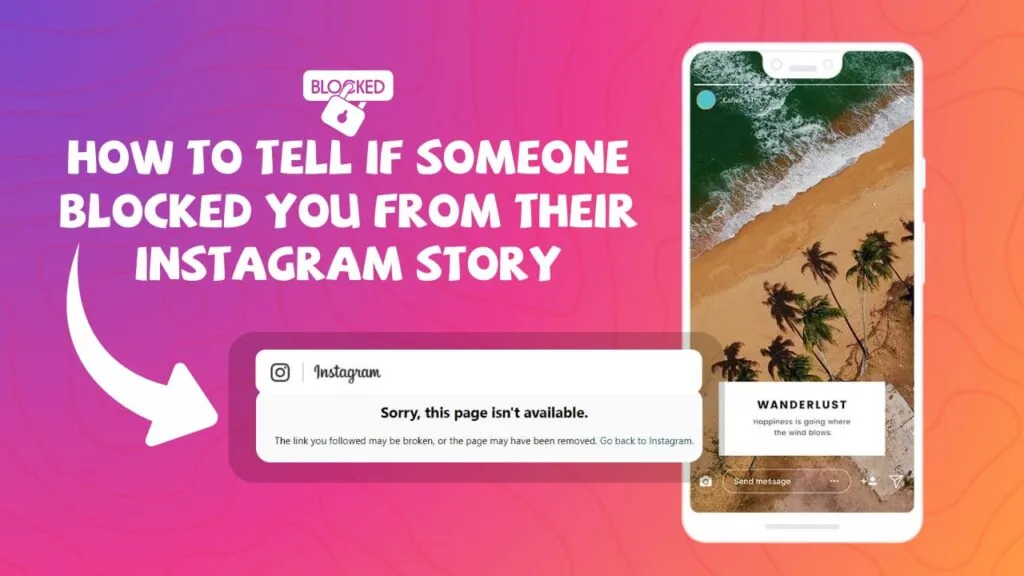
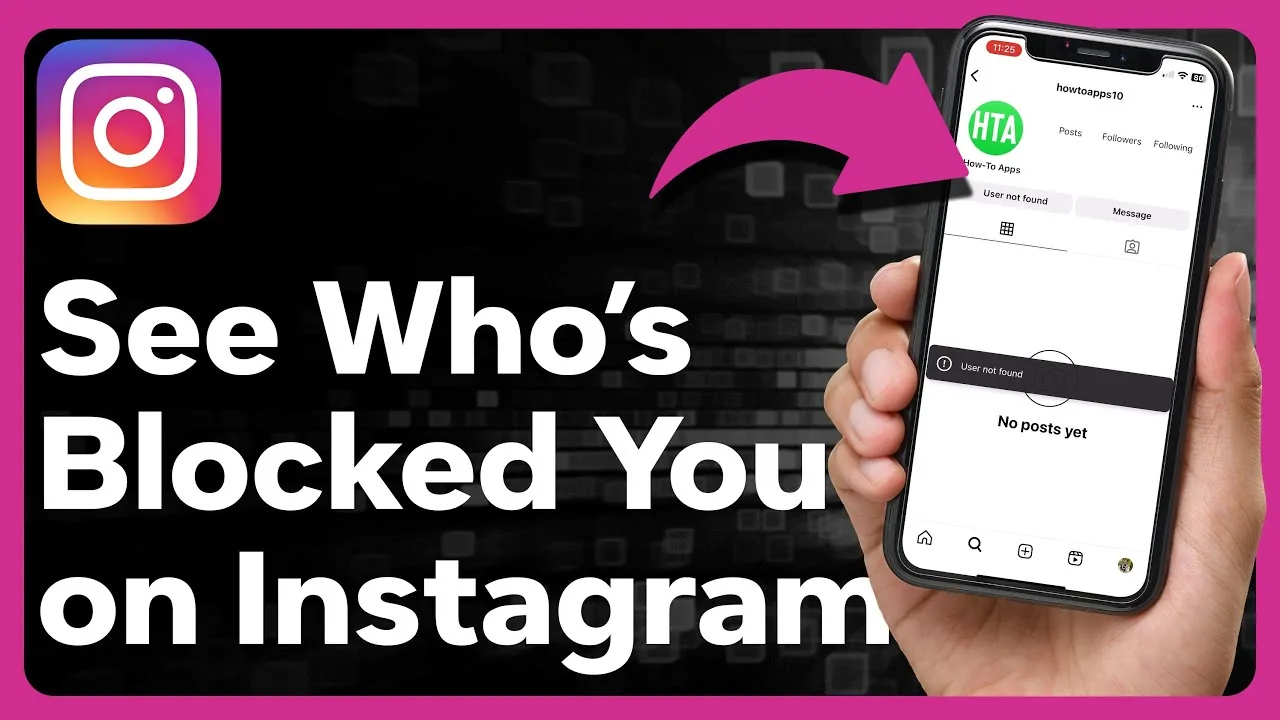
The most reliable method is searching for their exact username using an account you know they haven't blocked, ideally a friend's account or a logged-out browser session. If the profile shows up normally there but returns no results — or shows a blank profile with no posts, followers, or following count — on your own account, that's a strong signal you've been blocked, similar to the confirmation process you'd use if you were trying to see who blocked you on Instagram.
What happens to old direct messages with someone who blocked me?
The conversation thread usually stays in your inbox, but their profile picture disappears and their username may be replaced with a generic placeholder. You can still scroll back through past messages, but you won't be able to send new ones, and any message you try to send will simply fail silently without an error explaining why. This overlaps with the situation covered when you check if someone is blocking you on Instagram, since DMs are one of the fastest checks available.
Could it be a deactivated account instead of a block?
Yes, and this is the most common false alarm. If a profile disappears for everyone, not just you, the account was likely deactivated or deleted rather than blocking you specifically. Ask a mutual friend to search for the same username; if it's missing for them too, it's almost certainly a deactivation rather than a personal block, so it helps to rule this out before you unblock someone on Instagram or take any other action on your end.
Do comments and likes disappear when someone blocks you?
Yes. Any comments the person left on your posts and any likes they gave will vanish from view, and you'll lose the ability to tag them in future posts or mention them in captions. If you previously exchanged tags or shoutouts, this sudden silence alongside a missing profile is a fairly strong combined signal, and it lines up with the same checklist used to know if someone blocked you on Instagram more broadly.
What if I want to prevent this from happening again?
There's no way to stop someone from blocking you, but understanding how to block someone on Instagram yourself can clarify why the experience feels so total from the other side — messages stop delivering, DMs stop showing read receipts, and content disappears in both directions equally, which is also relevant if you're troubleshooting why you can't check DMs on Instagram with a specific person.
Does reporting someone tell you if they blocked you?
No, filing a report gives Instagram information for moderation purposes but never reveals block status back to you. This is a separate action from blocking entirely — understanding what reporting someone on Instagram does helps clarify that reports and blocks operate independently and neither one notifies the other party.
Is there a legitimate app that shows who blocked you?
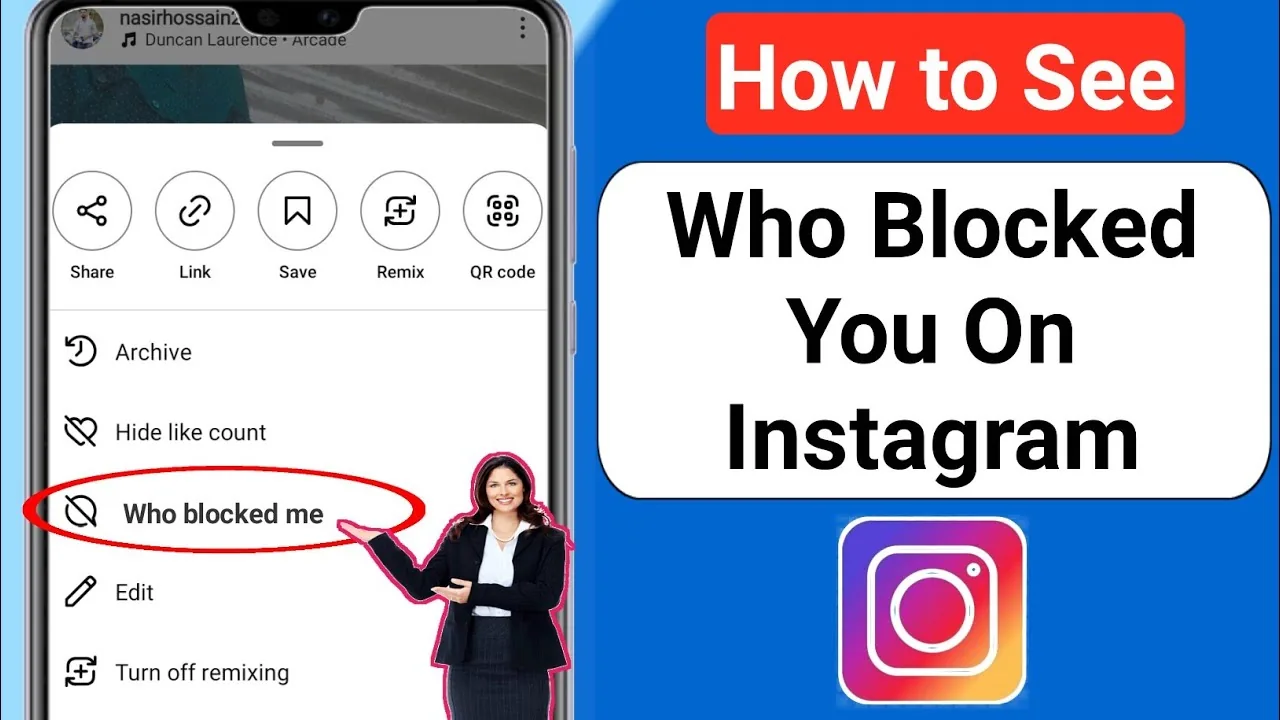
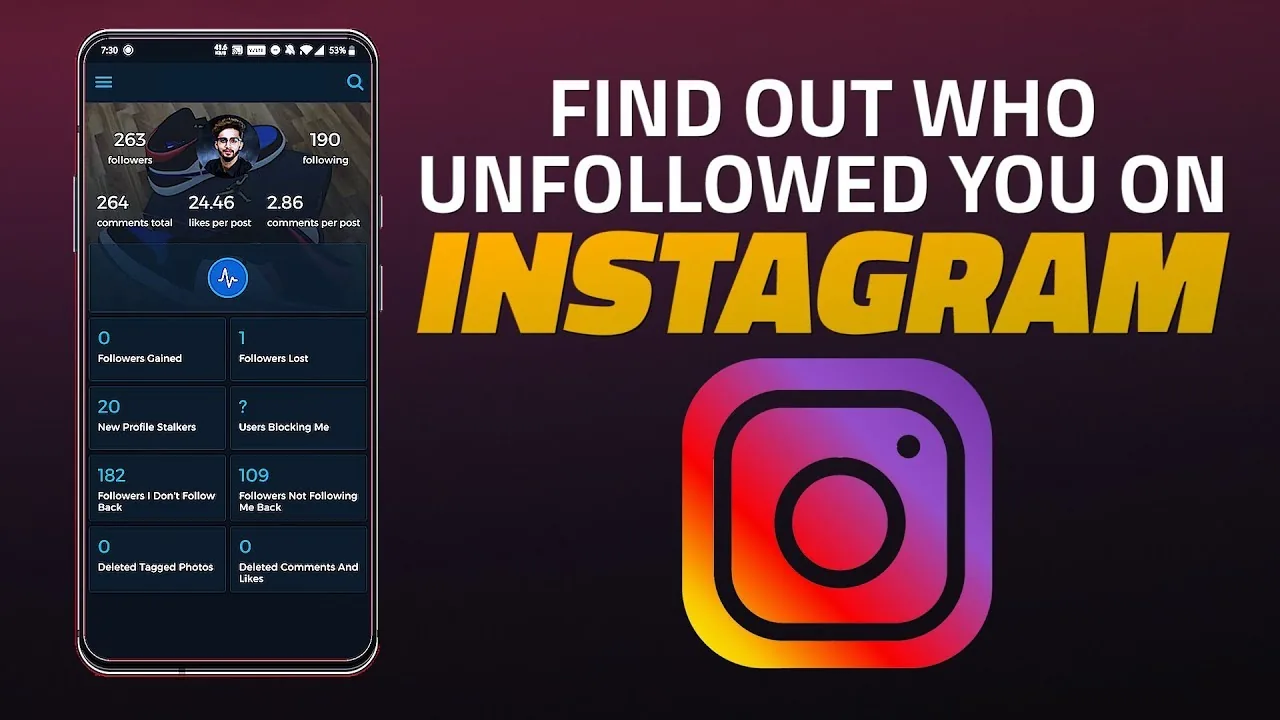
No reputable third-party app can accurately show your Instagram block list, and any tool asking for your login credentials to "check blocks" should be treated as a scam or data-harvesting risk. Instagram's official app and website are the only safe way to run these manual checks, since the company does not expose a blocked-by list through any legitimate API.
| Signal | Means you're blocked | Could also mean |
|---|---|---|
| Username search returns nothing on your account only | Yes, if visible on other accounts | Deactivated account |
| Profile pic missing in DM thread | Yes | Rare app glitch |
| Old comments/likes gone from your posts | Yes | Comment was deleted by them |
| Can't send new DMs | Yes | Message request settings |
| Can't tag them in a story | Yes | Their mention privacy settings |
Confirming a block takes a few cross-checks rather than one definitive signal, so combine the search test with the DM check before concluding you've been blocked.
Frequently asked questions
There's no direct list Instagram provides. Search the person's username from a different account or browser — if it appears elsewhere but not on your account, and their comments and DMs have gone quiet, you've likely been blocked.
Sources
Keep reading
More guides to grow your account.