How to Delete Comments on Instagram
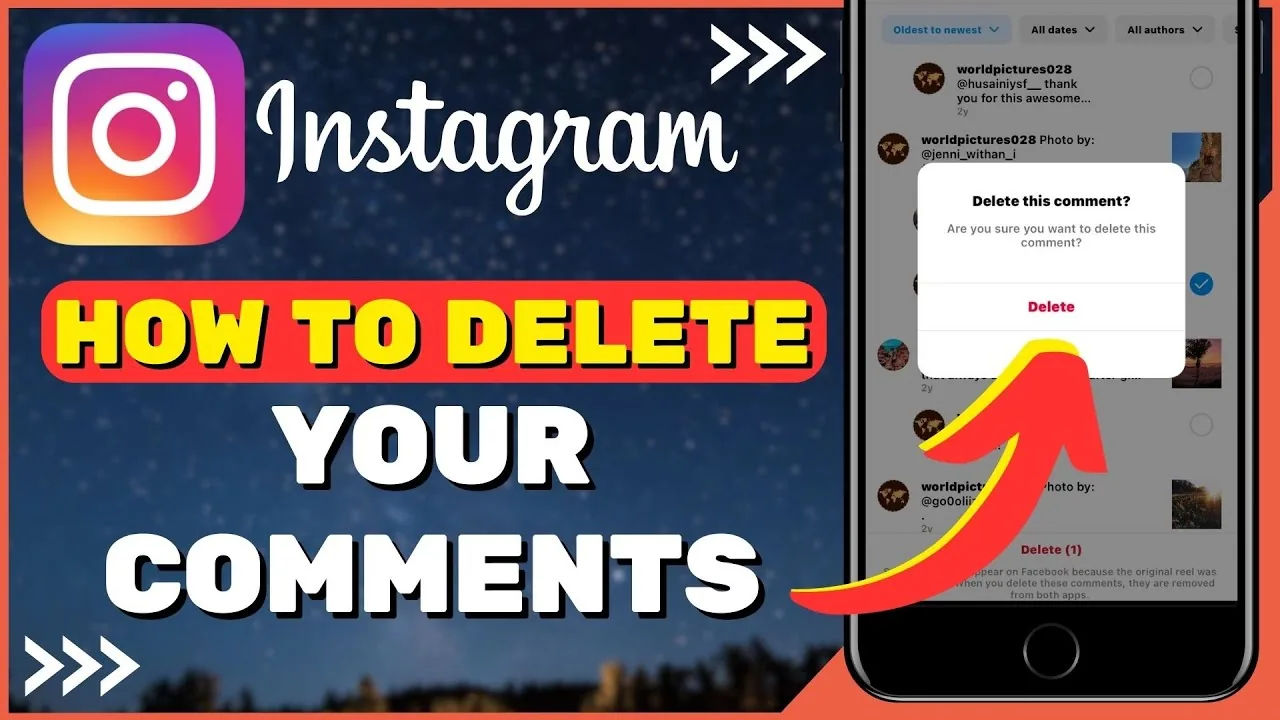
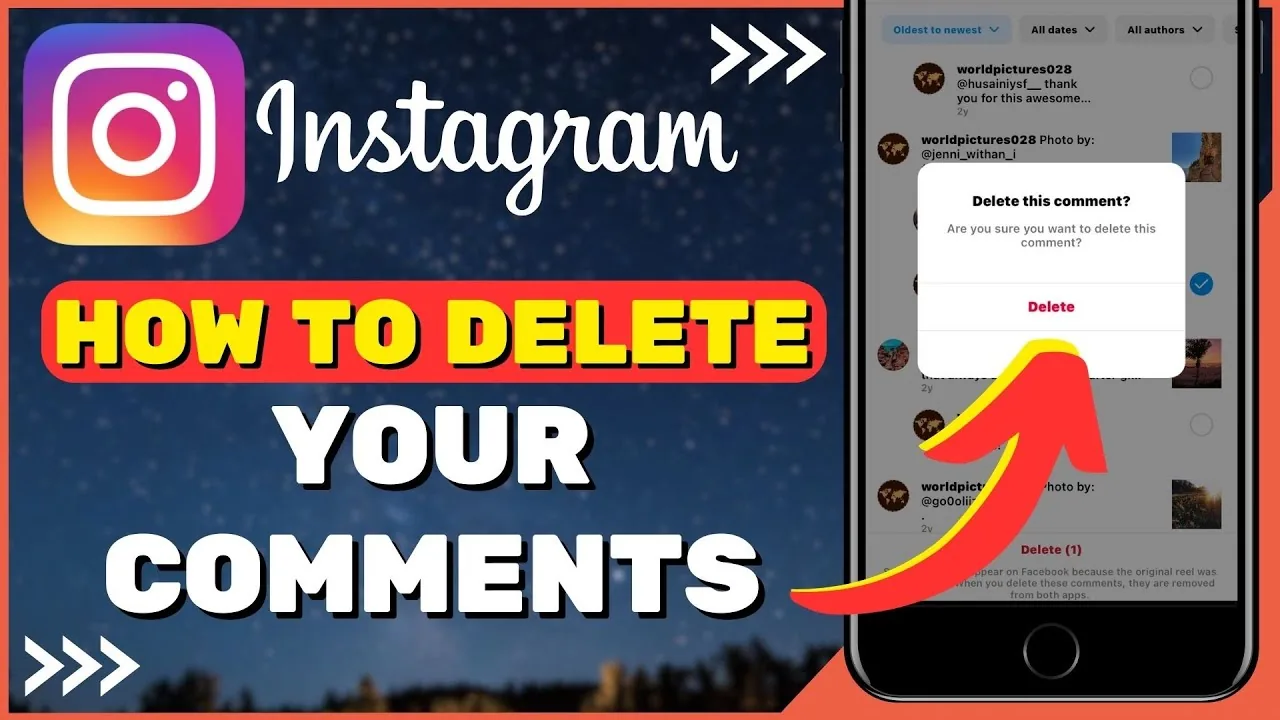
Swipe left on your own comment (iOS) or long-press and tap the trash icon (Android) to delete it, and if it's on your own post you can also bulk-delete other people's comments through the "..." Manage comments menu.
Short answer
Swipe left on your own comment (iOS) or long-press and tap the trash icon (Android) to delete it, and if it's on your own post you can also bulk-delete other people's comments through the "..." Manage comments menu.
Quick answer
You can always delete your own comments anywhere on Instagram, and you can delete anyone's comments on posts that belong to you. On iOS, open the comment thread and swipe left on the comment, then tap the trash icon. On Android, long-press the comment and tap the trash/delete icon that appears, or tap the three dots next to it.
Key takeaways
- You can delete your own comments on any post, anywhere, at any time
- If the comment is on your own post, you can also delete comments other people left, because post owners have moderation rights over their own comment sections
- You cannot delete a comment someone else left on someone else's post — only the comment's author or the post owner can remove it
- Instagram's "Manage comments" tool lets post owners select and delete multiple comments at once instead of one by one
- Deleting a comment removes it for everyone immediately; there's no recovery option once it's gone
How comment permissions work
Instagram splits comment-deletion permission between two people: whoever wrote the comment, and whoever owns the post it's on. If you wrote a comment on someone else's photo and regret it, you can remove it yourself at any time — the post owner doesn't need to do anything. Separately, if comments show up on your own post that you don't want there (spam, harassment, off-topic replies), you have the authority to delete those too, even though you didn't write them, because Instagram treats your post's comment section as something you moderate. This is also why creators and businesses can keep their comment sections clean without needing every commenter's cooperation.
For accounts getting a high volume of comments, Instagram also provides bulk moderation tools: from a post's comment section, tap the "..." menu (or the settings gear depending on app version) to open Manage comments, where you can multi-select several comments and delete them together instead of individually.
Step-by-step
To delete your own comment:
- Open the post and tap the comment bubble icon to view all comments
- Find your comment in the thread
- On iOS: swipe left on the comment, then tap the trash icon that appears
- On Android: long-press the comment until options appear, then tap the trash/delete icon (or tap the three dots "..." next to the comment and choose Delete)
- Confirm if prompted
To delete comments on your own post (including other people's):
- Open your post and tap the comment bubble icon
- Tap the "..." (more options) icon in the comments view to open Manage comments
- Tap Select next to the comments you want removed, or long-press an individual comment
- Tap the trash icon to delete the selected comment(s)
- Confirm the deletion
Common mistakes to avoid
- Trying to delete someone else's comment on someone else's post — you'll find there's no delete option available, since you lack permission
- Assuming a deleted comment can be recovered — it can't, so double-check before confirming
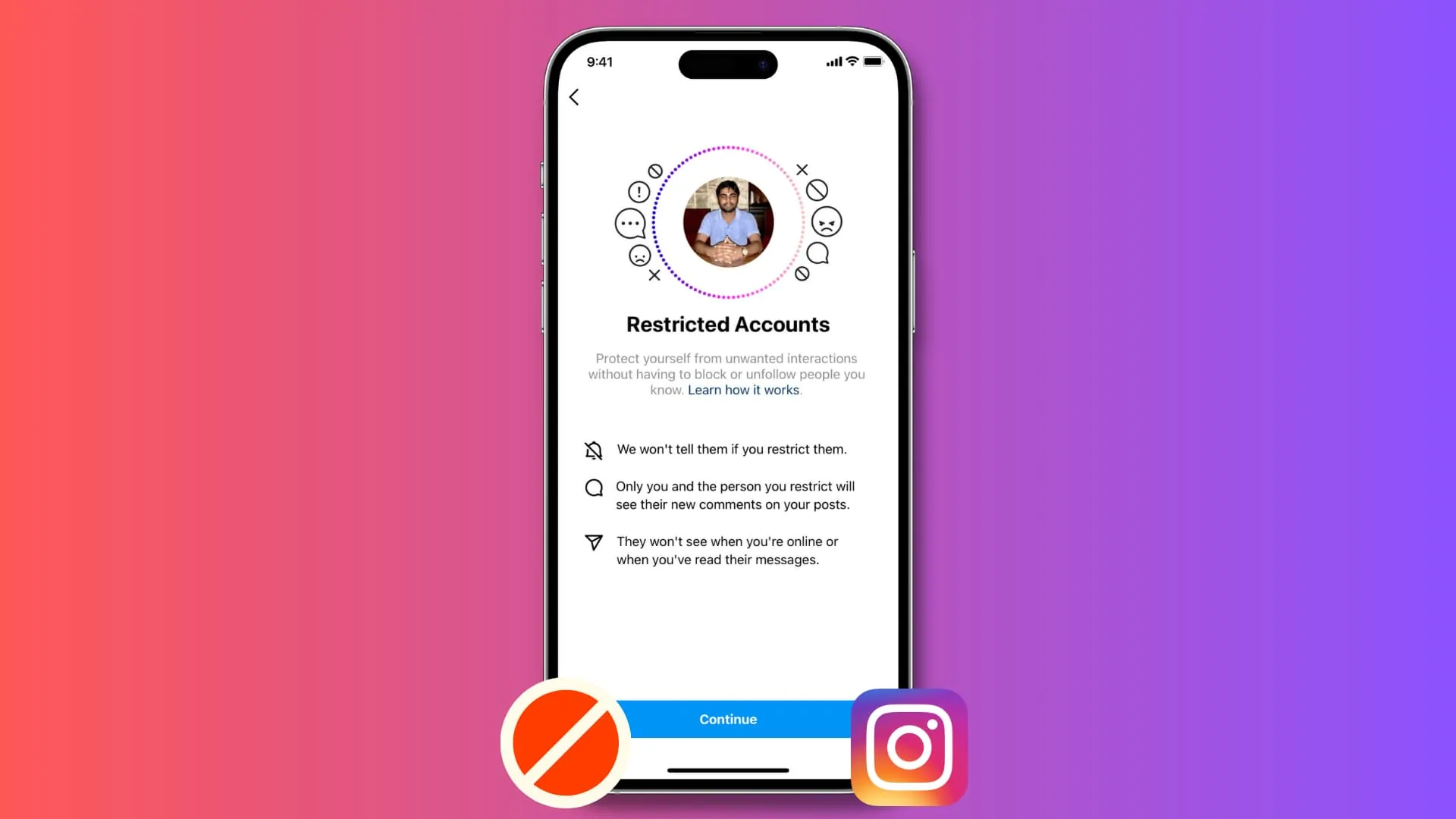
- Forgetting that deleting a comment doesn't block the person from commenting again; use Restrict or Block if the behavior is repeated harassment
- Mixing up "hide" and "delete" — some moderation tools let you hide comments from certain viewers without fully deleting them, which is a different action
Tips for success
- Use the Hidden Words and comment filter settings under Settings and privacy > Interactions > Comments to automatically hide offensive comments before you even need to delete them manually
- Use Manage comments for bulk cleanup instead of deleting one at a time when you have a lot to remove
- Combine deleting with Restrict on repeat offenders so their future comments become invisible to your followers without notifying them
Conclusion
Deleting comments on Instagram is quick for your own comments anywhere, and just as easy for any comment sitting on your own posts. For heavier moderation needs, the Manage comments bulk tool and the Hidden Words filter save a lot of manual cleanup.
Frequently asked questions
No. You can only delete your own comments, or any comment on a post that you yourself posted. You have no deletion rights over other people's comments on other people's posts.
Sources
Keep reading
More guides to grow your account.