How Do I Make a New Instagram?
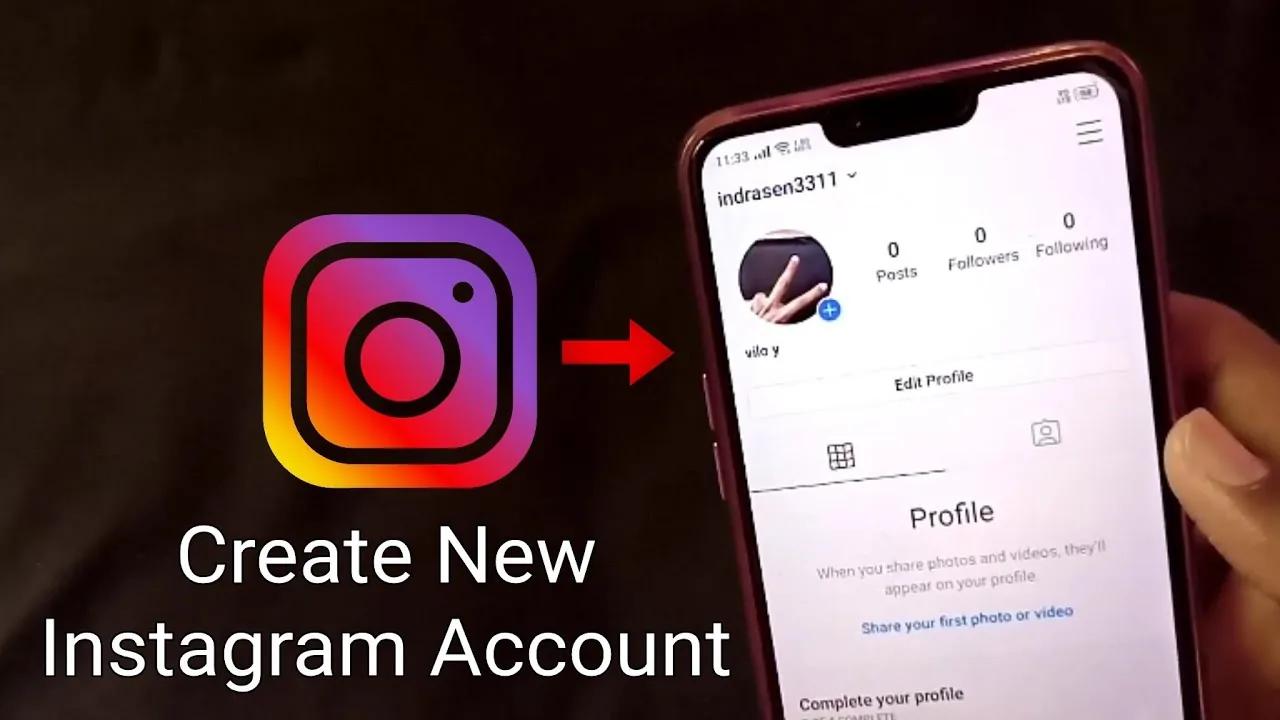
You can create a brand-new Instagram account either from scratch (a different email or phone number, no link to your existing profile) or as an added account under your current login — tap your profile icon, open the account switcher, and choose Add account to do it without logging out first.
Short answer
If you already have an Instagram account, the fastest way to make a new one is Settings and privacy > Add account, which lets you create or log into a second profile without logging out of your first. Starting completely fresh (new device, no linked accounts) just needs a different email or phone number than your existing account.
Quick answer
If you already use Instagram, the easiest way to make a new account is through the built-in account switcher: tap your profile picture, then the username dropdown at the top, then Add account, then Create new account. This lets you build a second profile without logging out of your current one, and you can switch between them instantly afterward. If you're starting completely fresh with no existing account, just download the app, tap Create new account, and sign up with an email or phone number that isn't already tied to another Instagram profile.
Key takeaways
- Instagram supports adding multiple accounts to one device and switching between them with a couple of taps — no need to log out and back in each time.
- Each new account needs its own unique email address or phone number; Instagram won't let you register two accounts with the exact same one.
- You choose a username during signup, and it must be unique across all of Instagram, not just your existing accounts.
- A new account starts with zero followers, posts, and history — Instagram doesn't let you copy or transfer content or followers from an existing account into a new one.
- If your goal is separating a personal account from a business or creator presence, a second account is the standard approach rather than converting your primary account back and forth.
How to add a second account without logging out
- Open Instagram and go to your profile.
- Tap your username at the top of the screen — this opens the account switcher.
- Tap Add account.
- Choose Create new account if you're starting fresh, or Log into existing account if you already have another Instagram login.
- Follow the signup prompts: enter a phone number or email, verify it with the code sent to you, choose a username and password.
- Once created, switch between your accounts anytime by tapping your username at the top of your profile and selecting the account you want.
How to create a brand-new account from scratch
- Download the Instagram app (or go to instagram.com if you're not on your first account on this device).
- Tap Create new account.
- Enter a mobile number or email address not already linked to another Instagram account, then verify it with the confirmation code.
- Set a password, choose your birthday, and pick a username Instagram hasn't already taken.
- Optionally add a profile photo and bio, then start following accounts to populate your feed.
Common mistakes to avoid
- Trying to use the same email or phone number for a second account — Instagram requires each account to have its own unique contact method.
- Expecting your new account to inherit followers, posts, or settings from your existing one — every new account starts completely empty.
- Picking an overly generic username and being surprised it's taken — Instagram usernames are unique platform-wide, not just within your own accounts.
- Forgetting which account you're currently active on before posting — double-check the account switcher, especially if one account is meant to stay more private or professional.
Tips
- If your goal is switching between a personal and a professional account rather than juggling logins constantly, our guide on switching accounts on Instagram covers the fastest way to toggle.
- For a broader look at doing this safely (avoiding accidental cross-posting, privacy settings, verification quirks), see how to create a new Instagram account safely in 2026.
- If the new account is meant to be a business or creator profile, set that up through Settings and privacy > Account type and tools right after creating it, rather than starting as personal and converting later.
Frequently asked questions
No, generally each Instagram account requires its own unique phone number or email address for verification. If you want a second account, you'll need a different email address at minimum, even if you reuse a phone number is restricted in some cases.
Sources
Keep reading
More guides to grow your account.