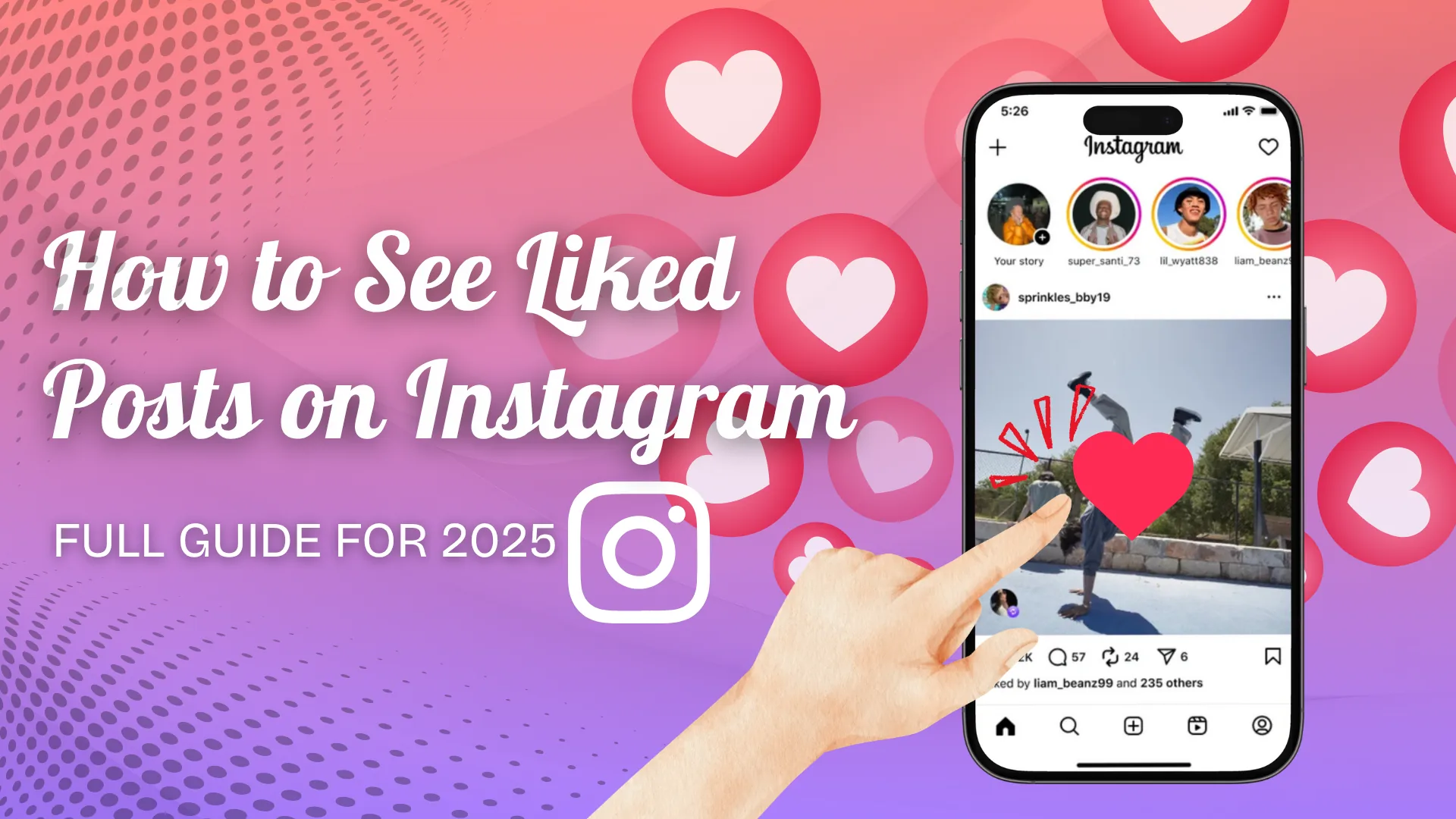
How to See Your Liked Posts on Instagram (2026 Guide)
Instagram moved liked posts out of Settings. Here's exactly where to find them today through Your Activity, plus how to filter and sort the list.
Short answer
Tap your profile, open the menu, go to Your Activity, then Likes to see posts you've liked. The old Settings path was removed, and Instagram shows your 300 most recent likes with filters for date and content type.
Key takeaways
- Liked posts now live under Your Activity — the old Settings > Account > "Posts You've Liked" path no longer exists
- Your Activity shows up to 300 of your most recent likes, filterable by content type and date
- The list is private; nobody, including people you follow, can see what you've liked
- Filters let you separate Posts, Reels, and Threads instead of scrolling one long mixed feed
- Desktop access works the same way through instagram.com, though with fewer filter options
- If a liked post vanishes from the log, it usually means the account went private or the post was deleted
Where did the 'liked posts' setting go?
It moved. Instagram retired the standalone "Posts You've Liked" menu item that used to sit inside Settings and Privacy, and folded that data into the broader Your Activity hub. If you're following older instructions that point to Settings, that's why you can't find it anymore.
How do I check my liked posts now?
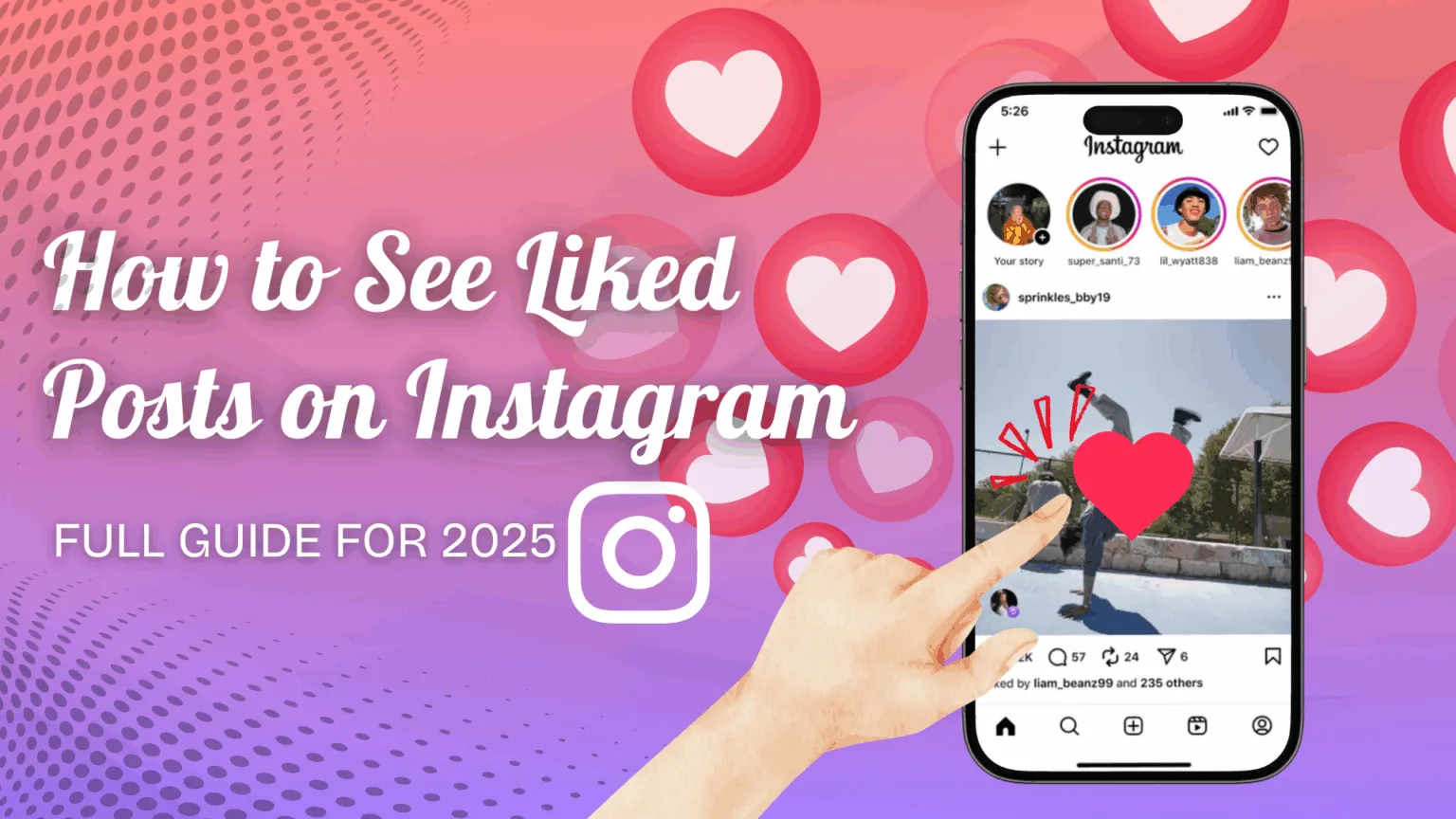
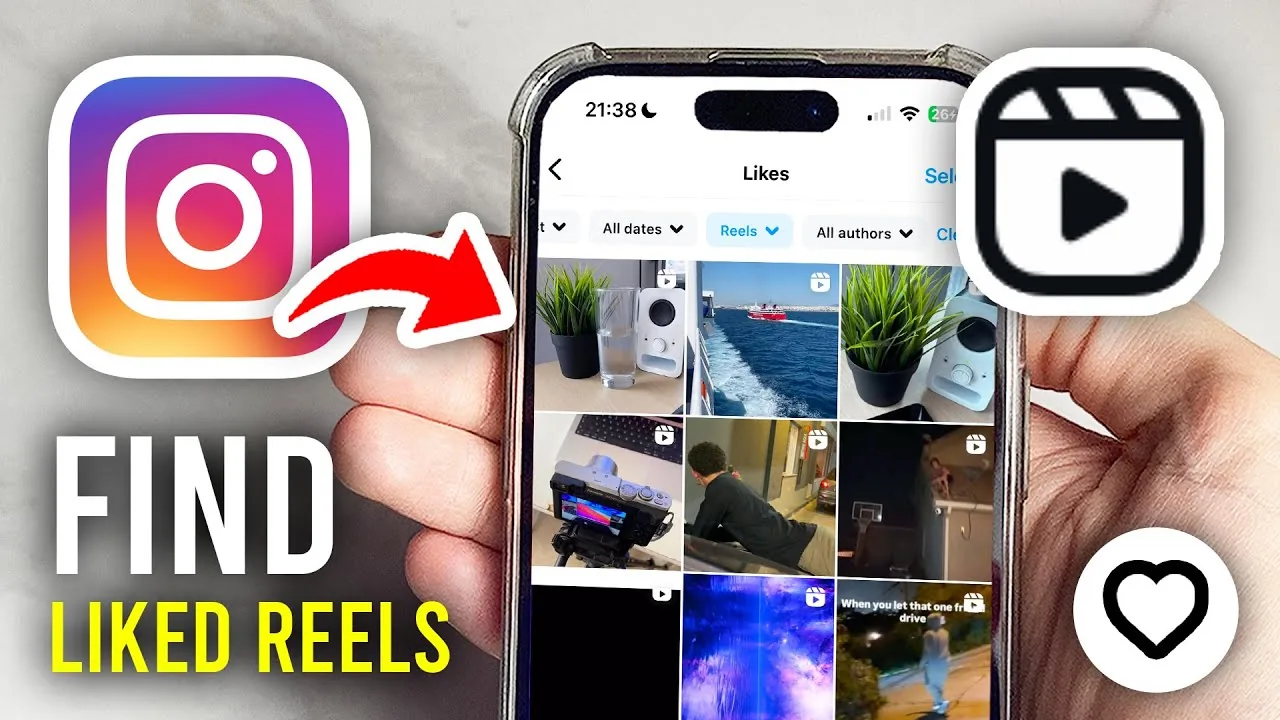
Tap your profile picture in the lower-right corner, tap the hamburger menu in the upper-right, then select Your Activity followed by Likes. This shows everything you've liked, newest first, and works the same whether you're on a personal, business, or creator profile.
From there, tap the filter control to narrow results — you can isolate Posts only, exclude Reels and Threads, or pick a custom date range if you're trying to track down something you liked around a specific event or instagram story you remember seeing.
Why can I only see my 300 most recent likes?
Instagram caps the Your Activity log at 300 items to keep it fast and manageable. If you like a lot of content, older likes will quietly drop off the bottom of the list over time, so there's no way to retrieve every like you've ever made going back for years — similar to how you can only see profile views for a limited recent window rather than your entire history.
Can someone else see what I've liked?
No. Your liked posts are private and only visible in your own account when you're logged in. Even close friends or people you follow back can't see this list, which differs from likes you leave on public posts — those are visible next to the post itself, just not compiled into a personal log others can browse. It's a similar privacy boundary to who can see your followers list if you choose to hide it.
What if I want to keep a post permanently instead of just liking it?
Use the Save feature instead. Tapping the bookmark icon on a post adds it to a Saved collection that isn't limited to 300 items and can be organized into folders, which is more reliable than relying on the Likes log if you want to find who liked your own posts or revisit content indefinitely. This matters more if you're building a content calendar and referencing past inspiration regularly.
How does this connect to monetizing my account?
Tracking what you and your audience engage with helps you spot patterns worth doubling down on, which feeds directly into monetization decisions like how to make money on Instagram or which content format to pitch to brands. Liked posts can act as a quick content audit before you plan your next campaign.
Quick reference
| Task | Path | Notes |
|---|---|---|
| View liked posts | Profile > Menu > Your Activity > Likes | Replaces the old Settings path |
| Filter by content type | Filter icon > choose Posts/Reels/Threads | Mobile app has full filtering |
| Sort by date | Your Activity > date range | Works on mobile and web |
| Check on desktop | instagram.com > More > Your Activity | Fewer filter options |
| Keep content long-term | Bookmark/Save icon | No 300-item cap |
Update the app if the option seems missing entirely — Instagram periodically shifts where these controls live, and an outdated build may still reference the discontinued Settings menu.
Frequently asked questions
Tap your profile picture, open the menu, select Your Activity, then Likes. This shows the posts, Reels, and Threads you've liked, newest first.
Sources
Keep reading
More guides to grow your account.