Do People Get Notified When You Screenshot on Instagram Story?
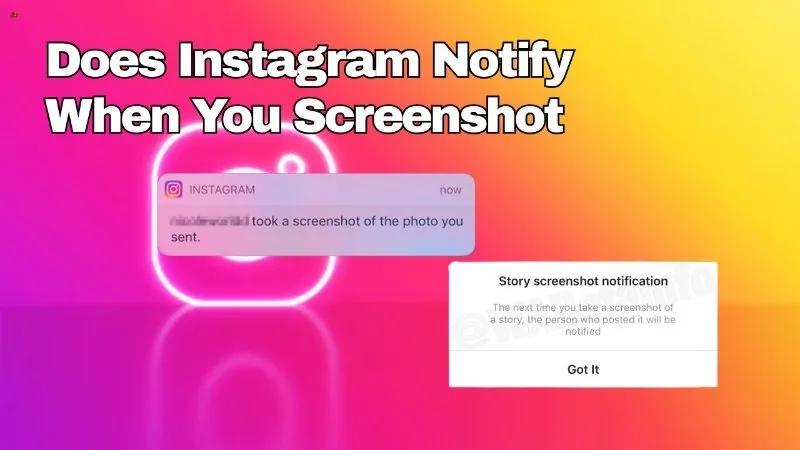
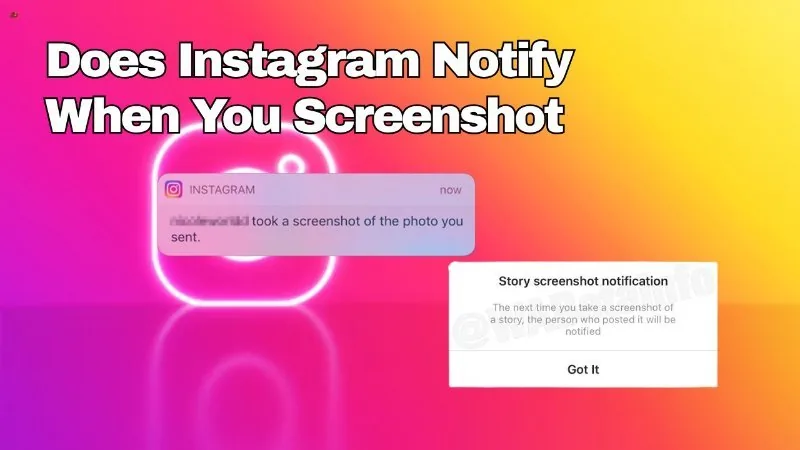
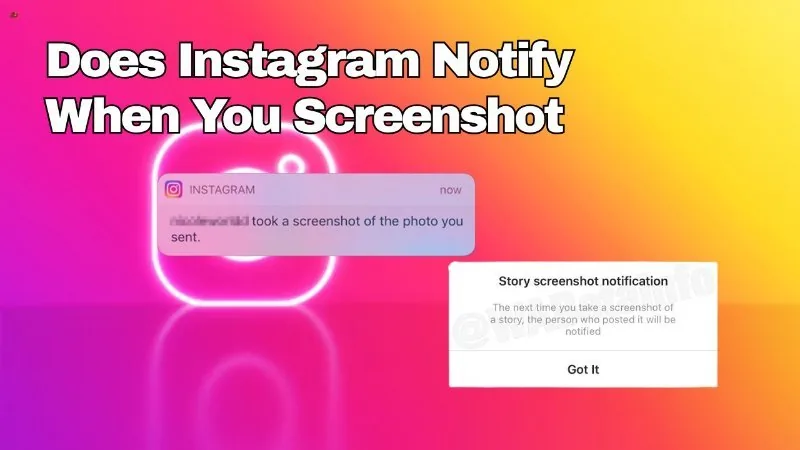
No — as of 2026, taking a screenshot of someone's regular Instagram Story does not send them any notification. Instagram tested a Story screenshot alert around 2018, but it was never made a permanent part of the app.
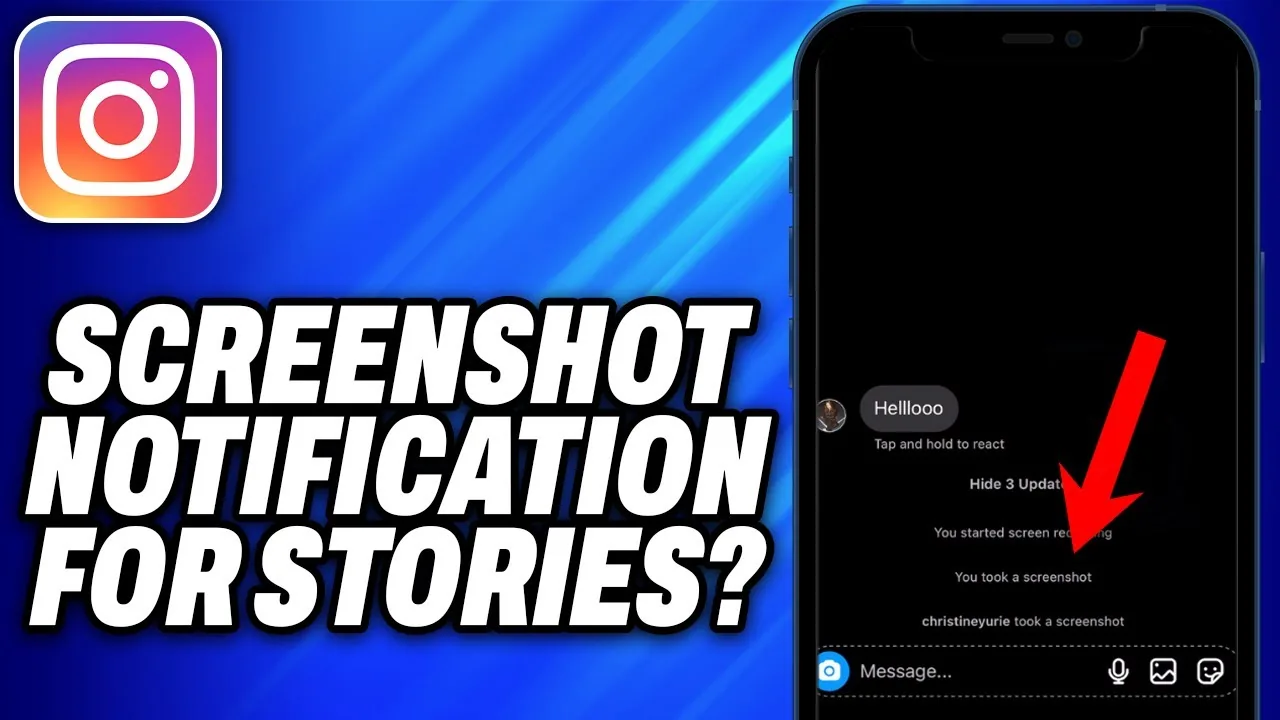
Short answer
Screenshotting a normal Instagram Story is silent — the poster is not told and no log is kept. The only screenshot alert Instagram currently sends relates to disappearing photos/videos in direct messages, which is a different feature entirely.
Quick answer
No, people are not notified when you screenshot their Instagram Story. You can capture a friend's Story, screen-record it, or save it to your camera roll without them receiving any alert. This has been the standard behavior for years and remains true in 2026.
Key takeaways
- Standard Stories can be screenshotted or screen-recorded with no notification sent to the poster.
- Instagram tested a Story screenshot-notification feature around 2018, but that trial never rolled out permanently or universally.
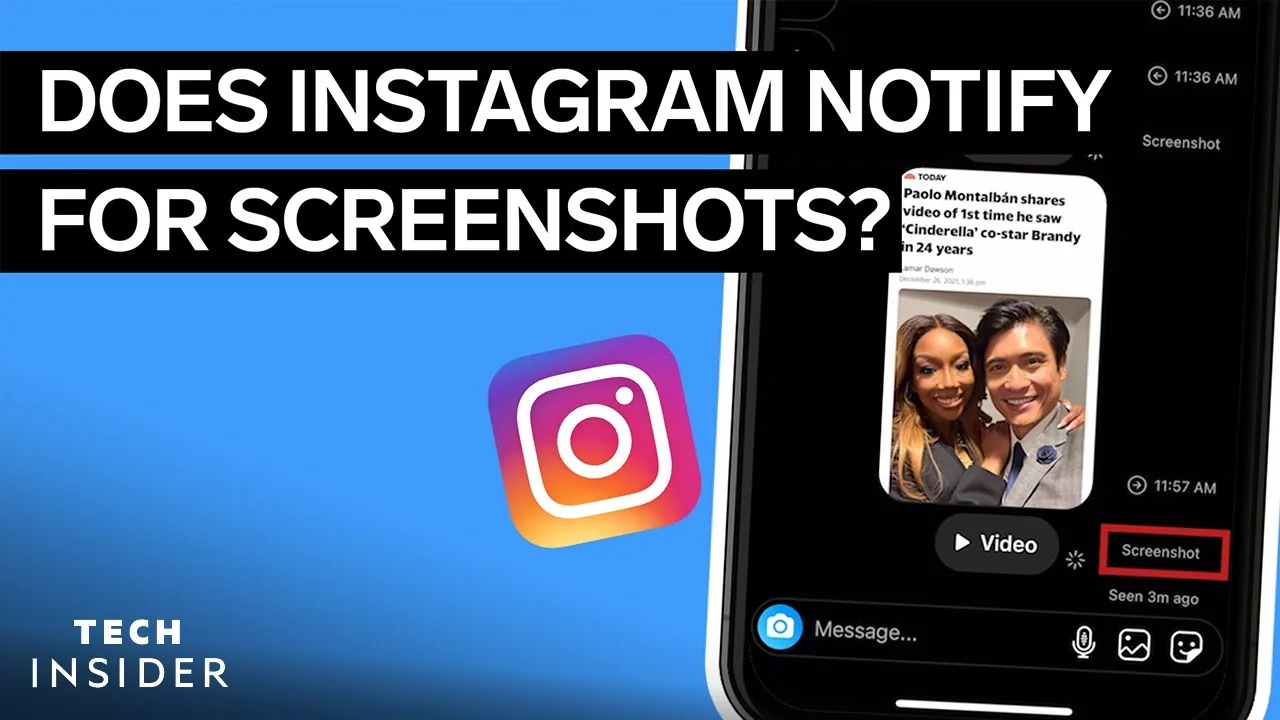
- The feature people often confuse this with is real, but it applies only to disappearing photos and videos in direct messages, not Stories.
- Story polls, quizzes, and question stickers can show who responded, but that's unrelated to screenshotting.
- Third-party claims that Instagram "secretly" tracks Story screenshots today are not accurate.
Why the 2018 test still causes confusion
Back in 2018, Instagram briefly experimented with notifying Story owners when someone screenshotted their Story, similar to how Snapchat has long handled screenshot alerts. That test generated a lot of news coverage at the time, which is likely why the idea has stuck around in people's minds ever since. But the test was limited in scope and duration, and Instagram never turned it into a standard, always-on feature for every user. If you screenshot a Story today, the account owner receives nothing — no push notification, no badge in their activity feed, no indicator in the Story viewer list beyond your name simply showing up as someone who viewed it (which happens whether or not you screenshot).
It's worth being precise about where a real screenshot alert does exist on Instagram, since it's easy to conflate different parts of the app. Inside direct messages, if someone sends a photo or video set to disappear after viewing, or set to only replay once, Instagram will tell that sender if you screenshot or screen-record it. That's a distinct, narrower feature focused on ephemeral DM content — it has nothing to do with Stories posted to your Story tray for followers to see.
Step-by-step: what actually happens when you screenshot a Story
- Open the Story you want to screenshot as you normally would.
- Take the screenshot using your device's standard method (for example, side button plus volume button on most phones).
- The image saves to your device's photo library exactly like any other screenshot.
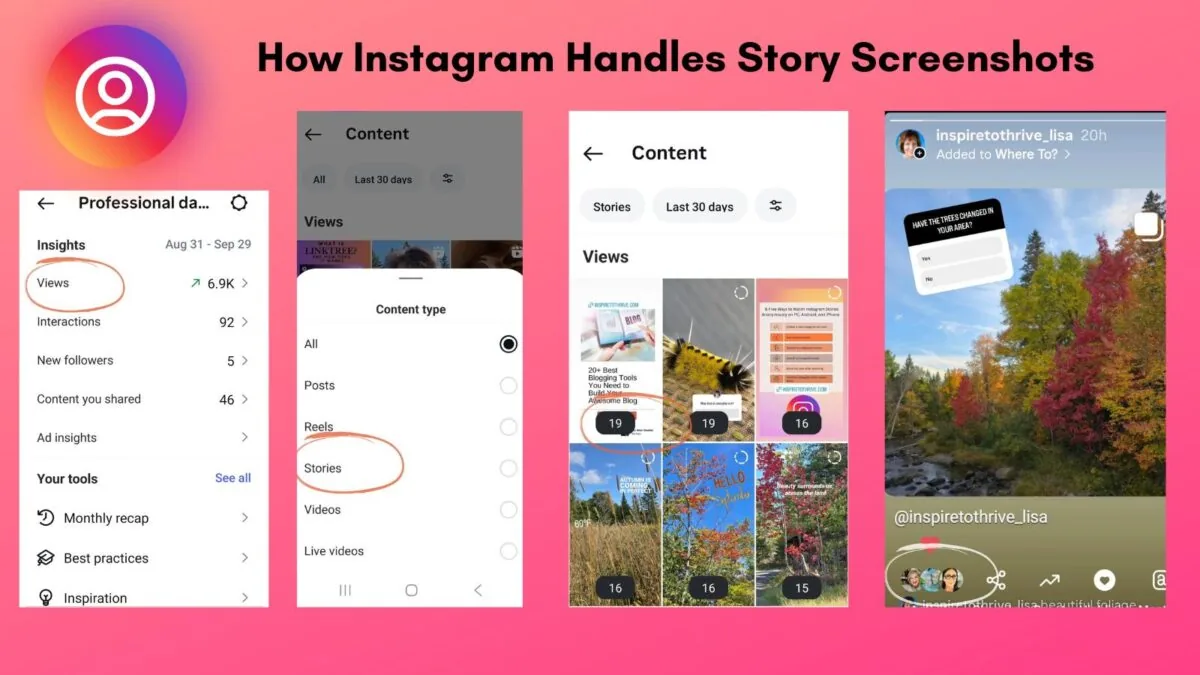
- The Story poster's viewer list simply shows your username was among those who viewed it, the same as it would if you hadn't screenshotted anything.
- No push notification, in-app alert, or special marker is sent to the poster because you took a screenshot.
Common mistakes to avoid
- Assuming Stories work like Snapchat, where screenshot alerts have long been a core feature — Instagram's Stories do not currently work that way.
- Believing outdated articles or social media posts claiming Instagram "just added" Story screenshot notifications — no such permanent rollout has happened since the limited 2018 test.
- Confusing the Story viewer list (which shows who viewed, screenshot or not) with a dedicated screenshot alert (which doesn't exist for Stories).
Tips
- If privacy is a concern, remember that anyone in your Story viewer list could have screenshotted without you knowing — there's no way to tell after the fact.
- For DMs, only disappearing/view-once media triggers a real screenshot notification; regular photos and text do not.
- Keep in mind that behavior can vary slightly by app version or region, so treat any specific edge case with some caution.
Frequently asked questions
No, taking a screenshot of a standard Story does not notify the person who posted it.
Sources
Keep reading
More guides to grow your account.