Does Instagram Alert Screenshots?
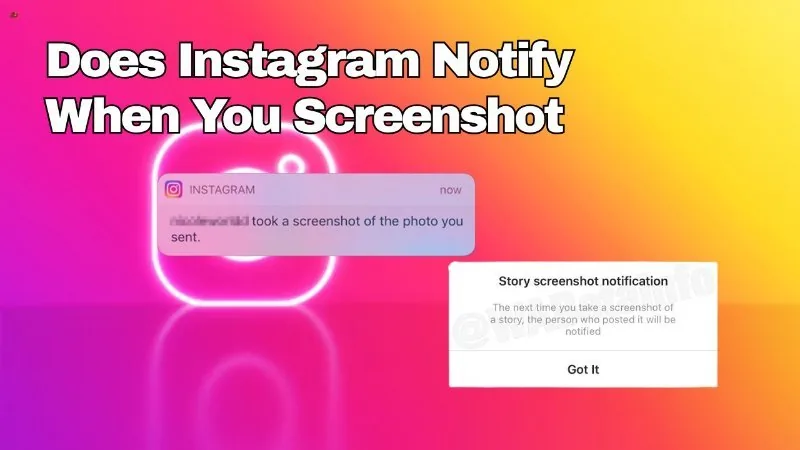
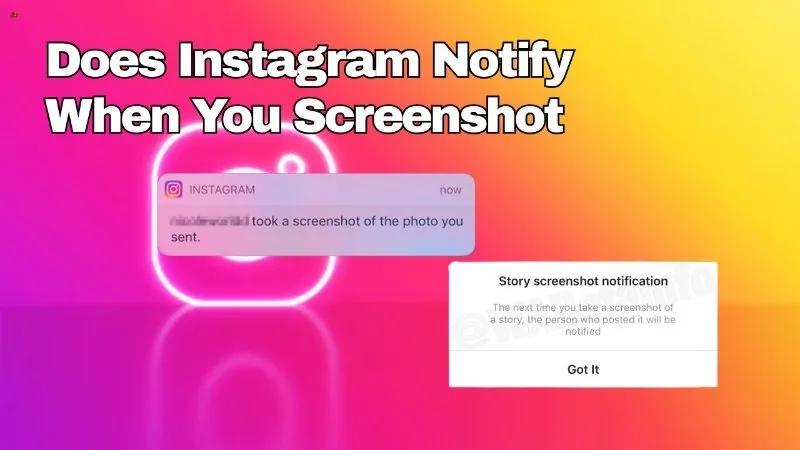
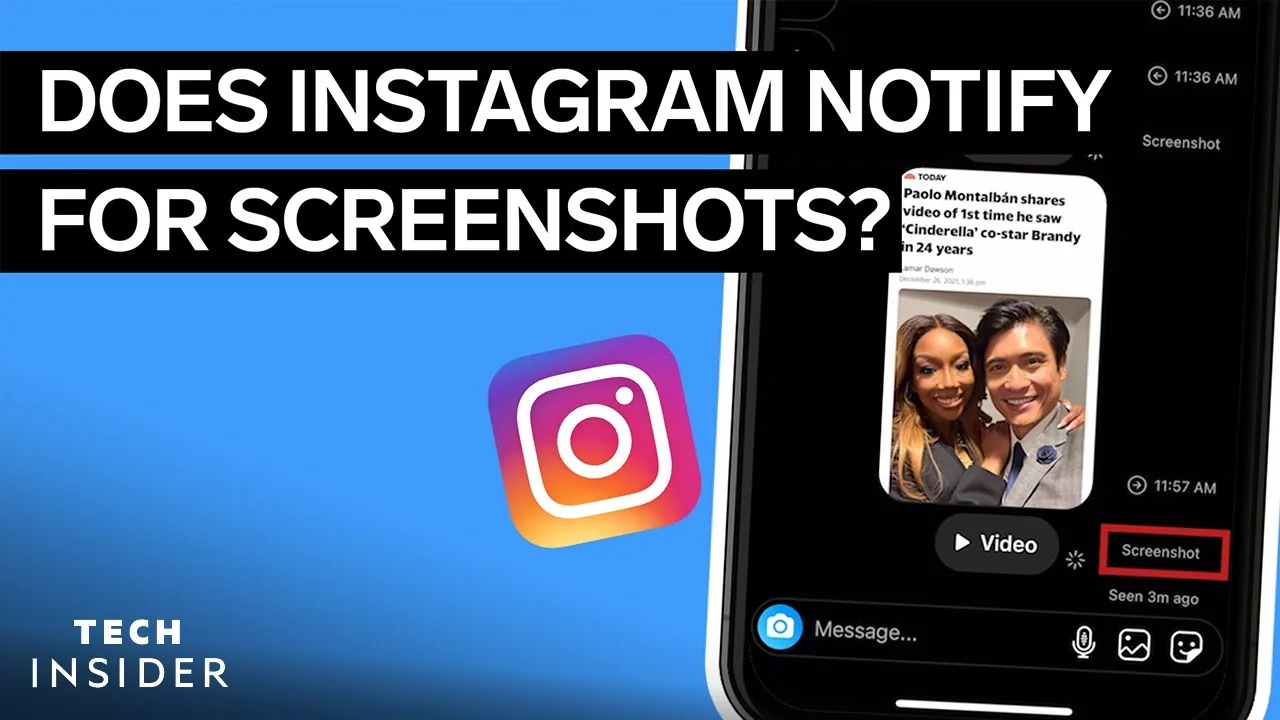
Mostly no. Instagram does not alert anyone to screenshots of the feed, Reels, profiles, or regular Stories. The one real exception is disappearing photos and videos sent in direct messages, which do trigger a screenshot alert to the sender.
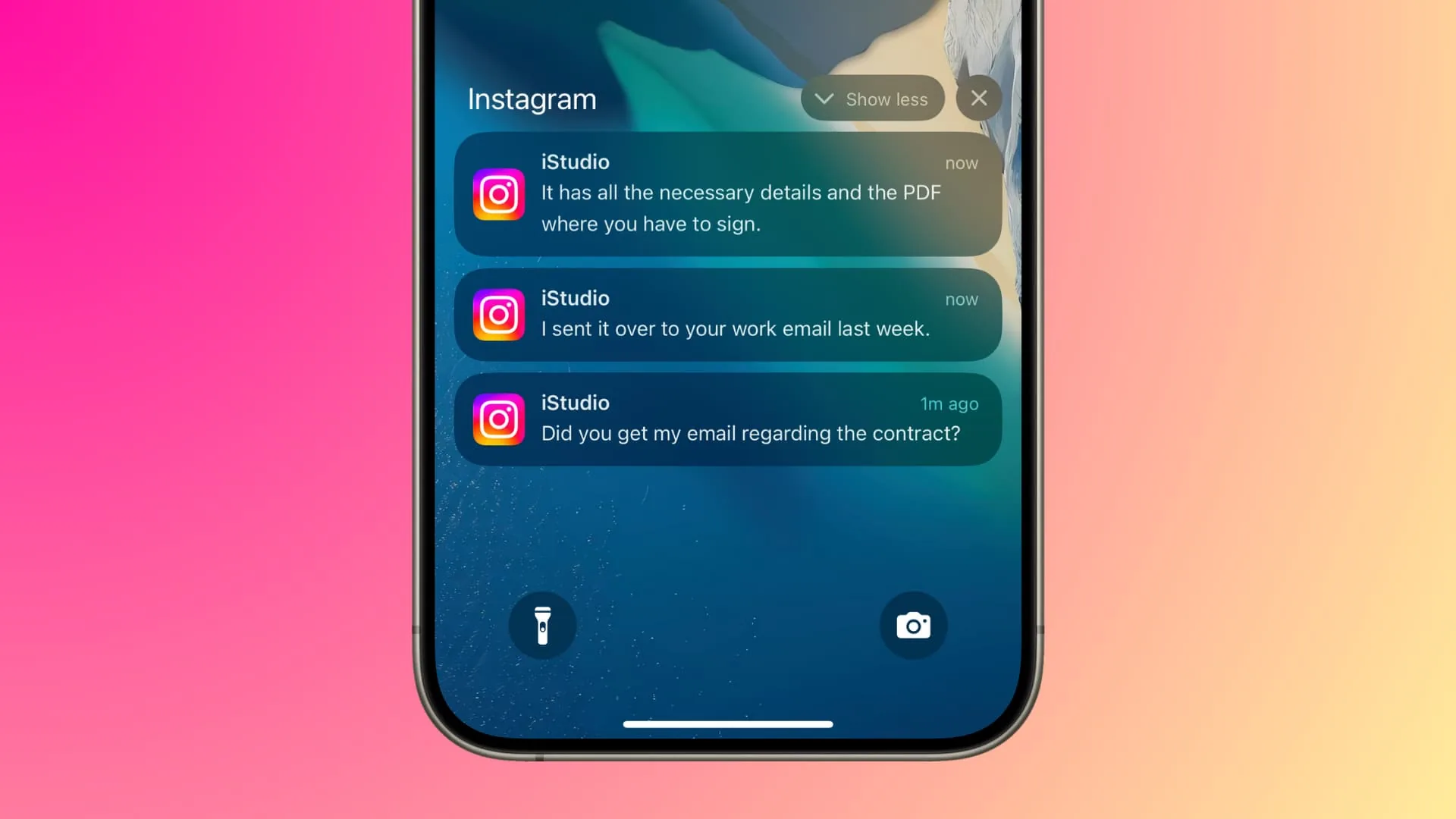
Short answer
Instagram only sends a screenshot alert for one specific thing: disappearing (view once) photos or videos in direct messages. Screenshots of posts, Reels, profiles, and normal Stories are never flagged to anyone.
Quick answer
It depends entirely on what you're screenshotting. For the vast majority of Instagram — the feed, Reels, Explore, profile pages, and regular Stories — screenshots are completely silent and generate no alert. The single confirmed exception is direct messages: if a photo or video is sent with the disappearing ("view once") or single-replay setting, Instagram does notify the sender when the recipient screenshots or screen-records it.
Key takeaways
- No alert exists for screenshotting posts, Reels, carousels, or profile pages — this has never been a feature on Instagram.
- No alert exists for screenshotting or screen-recording a standard Story either, despite a limited 2018 test that never became permanent.
- Disappearing photos/videos sent in DMs are the one confirmed case where a screenshot notification is sent to the original sender.
- A normal photo, video, or text message in a DM (without the disappearing setting) does not trigger any alert.
- Instagram's behavior here can shift slightly by version or region, so treat very specific edge cases with some caution rather than assuming a blanket rule.
Breaking down where alerts do and don't apply
It helps to think of Instagram in three separate zones when it comes to screenshots. The first is public content — the main feed, Reels, Explore, and profile pages. None of this has ever had screenshot detection built in; you can capture, save, or share any of it and the original poster will never know specifically that you took a screenshot.
The second zone is Stories. This is where a lot of the confusion originates, because Instagram genuinely did test a screenshot-notification feature for Stories around 2018. That test drew significant attention at the time, but it was never expanded into a standard, always-on feature across the app. As of 2026, screenshotting or screen-recording someone's regular Story still does not notify them.
The third zone is direct messages, and this is where a real, currently active alert exists — but only for a specific type of content. When someone sends a photo or video configured to disappear after being viewed once, or to allow only a single replay, Instagram tracks whether the recipient screenshots or screen-records it before it vanishes, and it notifies the sender if they did. This is a deliberate privacy feature built specifically around ephemeral media, and it does not extend to ordinary photos, videos, or text sent in a normal chat.
Common mistakes to avoid
- Assuming that because DMs have a screenshot alert for disappearing media, all DM content works the same way — regular messages don't trigger anything.
- Treating the 2018 Stories test as if it's current, permanent behavior — it isn't.
- Relying on browser extensions or third-party apps that claim to detect or block screenshot notifications; there's no legitimate alert to intercept outside disappearing DM media in the first place.
Tips
- If you're sending sensitive photos or videos and want the recipient to know you'll be alerted to a screenshot, use the disappearing/view-once message setting.
- If you want to save someone's Story or post without them knowing, that's already the default behavior — no special settings are needed.
- Keep the app updated, since privacy-related features are the ones most likely to see future changes.
Frequently asked questions
No. Screenshotting posts, carousels, or Reels in the feed has never triggered any notification.
Sources
Keep reading
More guides to grow your account.