How to Post an Animated GIF on Instagram Stories & Feed
Instagram doesn't support raw GIF uploads, but you can add animated GIF stickers to Stories or convert a GIF to video for the feed.

Short answer
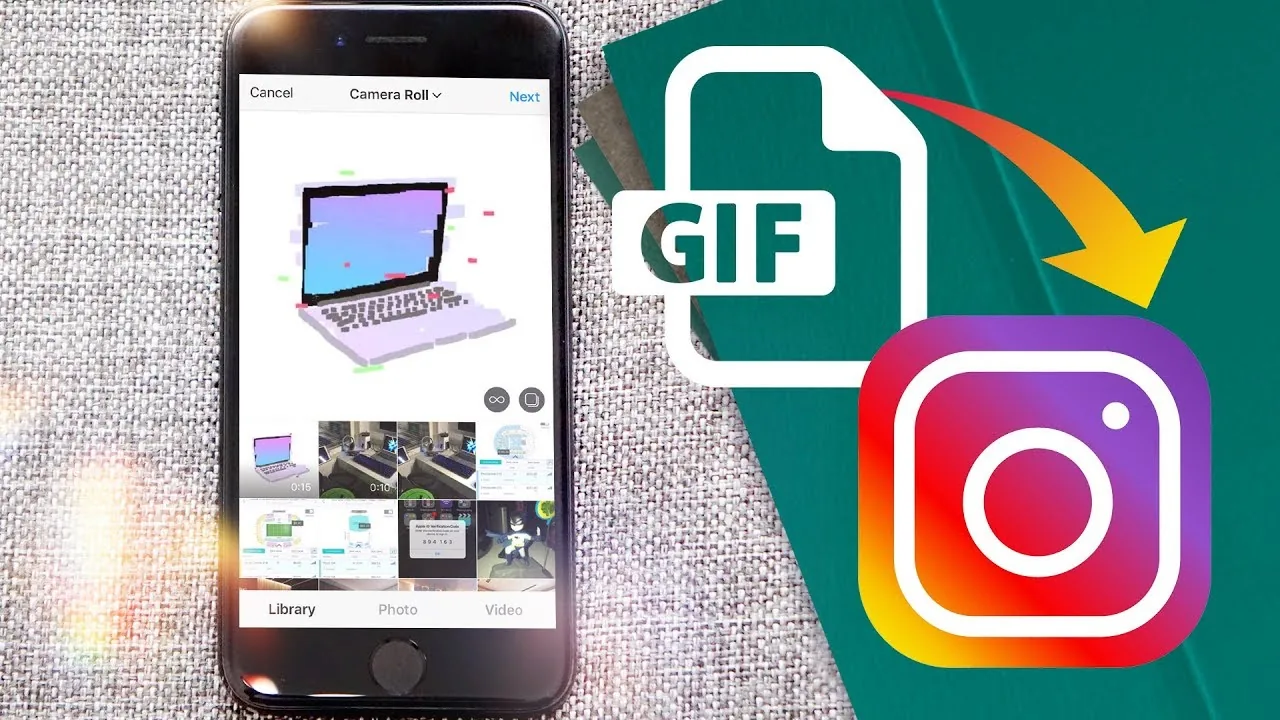
Instagram doesn't accept raw .gif files as posts. On Stories, tap the sticker icon and search the GIF library to drop an animated GIF onto your Story. For the main feed or a Reel, convert the GIF to an MP4 first, then upload it like a normal video.
Key takeaways
- Instagram never accepts a raw .gif file as a feed post or Reel — the format isn't supported for uploads
- On Stories, tap the sticker icon and search the built-in GIPHY library to add an animated GIF instantly
- To put a GIF in your feed, convert it to an MP4 first using a free converter like Ezgif, then upload it like any other video
- The GIPHY app itself can push a GIF straight to Instagram, automatically converting it to a 15-second looping MP4
- Boomerang is Instagram's native alternative for GIF-style looping clips without any conversion step
- Custom GIFs made from your own photos need approval before appearing in the Stories sticker search
Can you upload a GIF file directly to Instagram?
No, Instagram's upload system rejects .gif files outright, whether you're posting to the feed, a Story, or a Reel. Every visual post on the platform is stored as either a static image or an MP4-style video, so an animated GIF has to be converted or accessed through Instagram's own sticker library instead. This is a hard technical limit, not a settings toggle you can find in your account settings.
How do you add a GIF to an Instagram Story?
Open the Story camera, tap Create or the sticker icon at the top of the screen, then tap GIF and search the library. Instagram pulls its Story GIF stickers from GIPHY, so typing a keyword like "excited" or "coffee" brings up dozens of animated options you can drop anywhere on your Story, resize, and rotate before posting. This is the fastest way to get real GIF motion onto Instagram without any file conversion, and it pairs well with other Story tools covered in how to add music to a post.
How do you post a GIF to your main Instagram feed?
Convert the GIF to an MP4 video first, then upload it exactly like you would upload a video. Free tools like Ezgif let you drop in a GIF and export it as a short looping MP4 in seconds. Once converted, open Instagram, tap the plus icon, select the video from your camera roll, and post it to your feed or turn it into a Reel.
Can the GIPHY app post directly to Instagram?
Yes, if you already have the GIF open in the GIPHY app, tap the Instagram share icon and the app automatically converts it into a 15-second looping MP4 file, then hands it off to Instagram where you choose to post it to your feed or your Story. This skips the manual conversion step entirely and is one of the fastest paths from a chosen GIF to a live post.
What if I want to create my own custom GIF instead of using the library?
Record a short Boomerang clip or convert a short video clip into a looping GIF-style file using a converter app, then either add it to your Story as a video or submit it to GIPHY for review before it appears in Instagram's sticker search. Boomerang is Instagram's own built-in tool for creating a bouncing, looping clip without leaving the app, making it the simplest native substitute for a homemade GIF.
Does posting a GIF-based video affect quality or reach?
Converted GIFs often look lower resolution than native video because the source GIF was already compressed, so keep the clip short and check playback before publishing. Reach isn't penalized for using a converted GIF, but a blurry or heavily pixelated clip can hurt engagement the same way any poor-quality post would, similar to concerns people have when they check how long reels can be before choosing content to post.
| Where you want the GIF | What you actually do |
|---|---|
| Instagram Story | Sticker icon > GIF > search library |
| Instagram feed post | Convert GIF to MP4, upload as video |
| Instagram Reel | Convert GIF to MP4, upload as Reel |
| Quick native alternative | Record a Boomerang clip instead |
| Custom GIF in sticker search | Submit to GIPHY for review first |
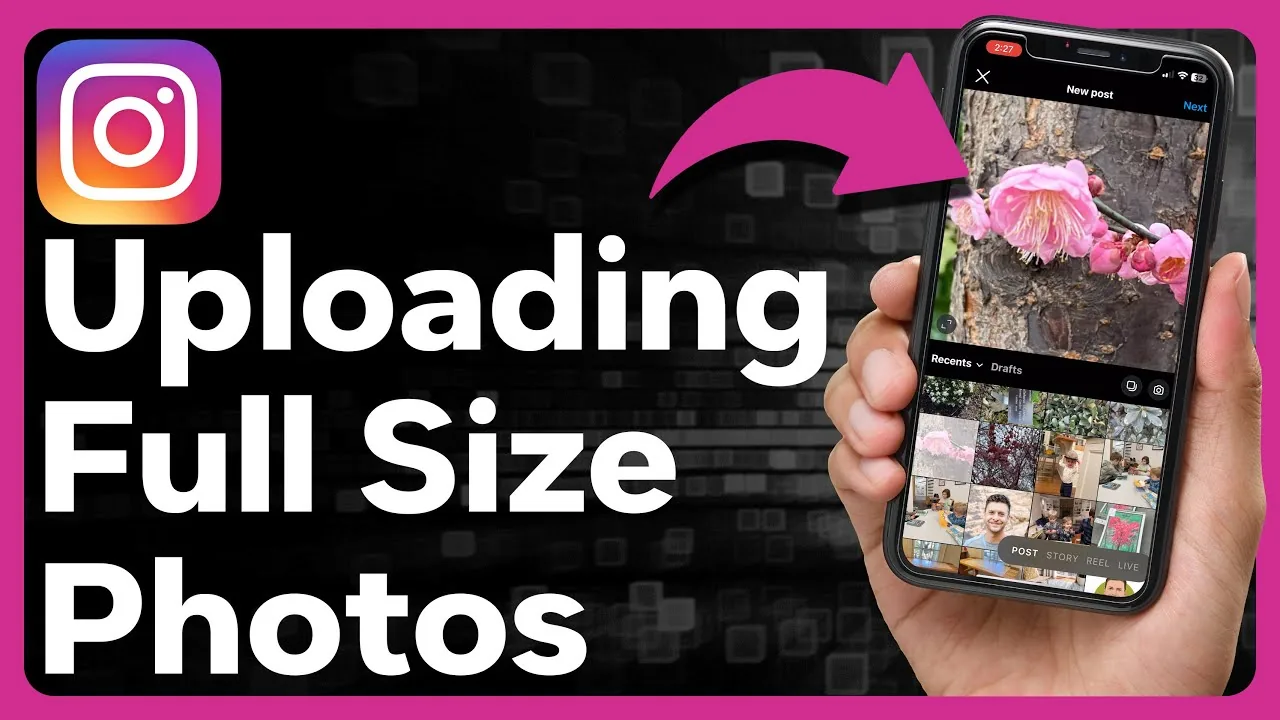
If you're also managing other content types on your profile, it's worth reviewing how videos get added to Instagram and how photos get added to a post, since GIF-to-video conversion follows the same upload rules as any other clip.
Frequently asked questions
No. Instagram doesn't accept raw GIF files for feed posts, Reels, or Stories uploads — you need to either use the built-in GIF sticker on Stories or convert the file to MP4 first.
Sources
Keep reading
More guides to grow your account.