What is Vanish Mode on Instagram?
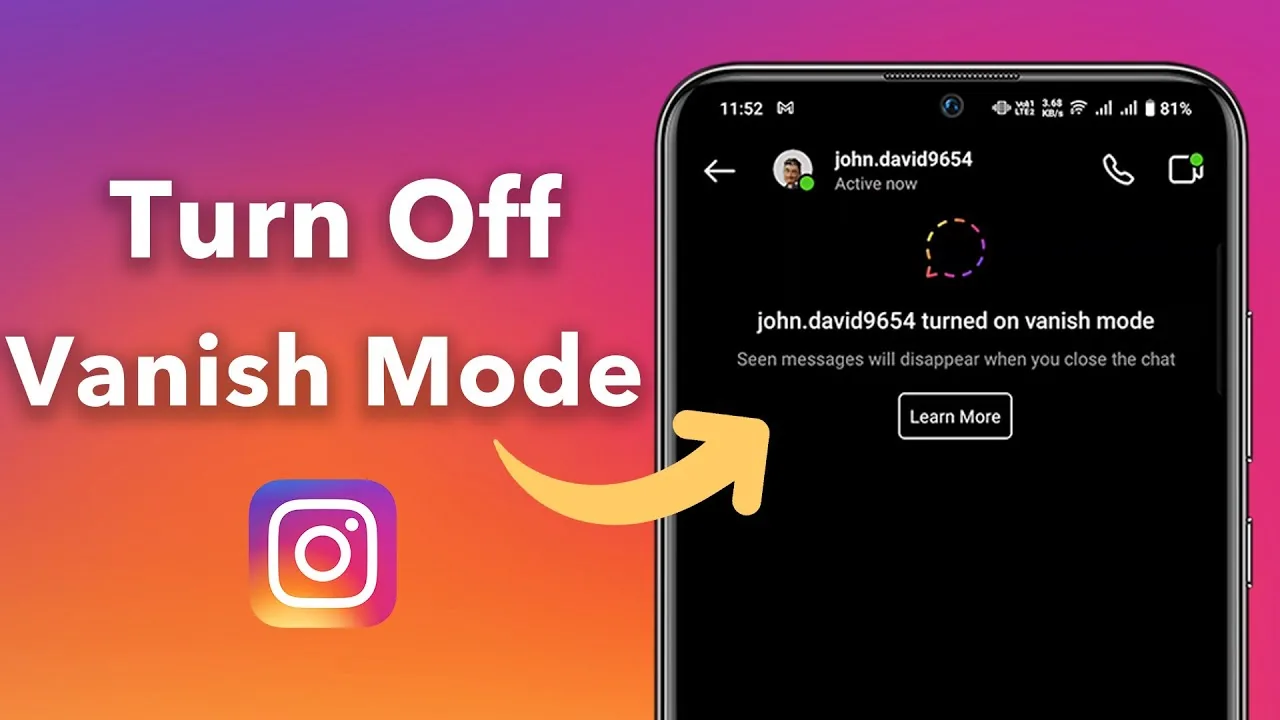
Vanish Mode is a DM setting that makes messages disappear from the conversation once both people have seen and left the chat — swipe up in any direct message thread to activate it, and any texts, voice notes, or reactions sent while it's on vanish permanently rather than staying in your chat history.
Short answer
Swipe up in any direct message thread to turn on Vanish Mode — messages sent while it's active disappear from the conversation once both people have seen them and left the chat, rather than remaining permanently in your message history like a normal DM.
Quick answer
Vanish Mode is a setting inside Instagram direct messages that makes the conversation temporary. Swipe up anywhere within an existing DM thread to turn it on — a visual change (usually a darker background with a shooting-star animation) confirms it's active. Any messages, voice notes, or reactions sent while Vanish Mode is on disappear from the chat once both people have seen them and exited the conversation, rather than remaining as permanent chat history.
Key takeaways
- Vanish Mode only affects messages sent while it's actively turned on — earlier messages in the same conversation, sent before activating it, stay in the regular chat history.
- Both people in the conversation see the same visual indicator that Vanish Mode is active, so it's never a secret one-sided setting.
- Messages vanish only after both participants have seen them and left the conversation — simply reading them doesn't trigger deletion while you're still in the chat.
- Screenshots are still technically possible during Vanish Mode, and depending on your settings, Instagram may notify the other person if you screenshot a vanish conversation.
- Vanish Mode works in both one-on-one and group DM conversations.
How to turn Vanish Mode on and off
- Open an existing direct message conversation (or start a new one).
- Swipe up anywhere within the chat area.
- The background changes appearance and an animation confirms Vanish Mode is now active.
- Send messages as normal — they'll be marked for disappearance once both people have seen and left the chat.
- To turn it off, swipe up again within the conversation; the chat returns to its normal, permanent format.
What actually happens to vanished messages
Once both participants have viewed a message sent during Vanish Mode and then exit the conversation, that message is removed from the chat. It isn't archived or recoverable through the app afterward. Messages sent before Vanish Mode was turned on, or after it's turned back off, are unaffected and remain in your regular, permanent chat history.
Common mistakes to avoid
- Assuming the entire conversation history disappears — only messages sent specifically during the active Vanish Mode window are affected, not earlier or later messages in the same thread.
- Believing Vanish Mode prevents screenshots — it doesn't block screenshots, though Instagram may notify the sender if the recipient screenshots content during an active Vanish Mode session.
- Forgetting that both people need to have seen and left the chat for messages to actually disappear — messages don't vanish the instant they're sent or read while you're both still active in the conversation.
- Treating Vanish Mode as fully secure for sensitive information — screenshots, other devices, or simply someone remembering what was said can all preserve information shared this way.
Tips
- Use Vanish Mode for casual, low-stakes conversations you don't need a permanent record of, rather than for anything you might want to reference or prove later.
- Turn Vanish Mode off before sharing anything you'd want preserved in your regular chat history, since switching it off only protects future messages, not ones already sent while it was on.
- Combine awareness of Vanish Mode with general message privacy practices — like being cautious about what you send even in a temporary format, since screenshots remain possible.
Frequently asked questions
No, only messages sent specifically while Vanish Mode is actively turned on are affected. Messages sent before activating it or after turning it off remain in your normal, permanent chat history.
Sources
Keep reading
More guides to grow your account.