Why Can't I See Comments on Instagram? Full Fix Guide
Missing comments are usually caused by active filters, disabled commenting, algorithmic sorting, a weak connection, or an outdated app version.
Short answer
Comments often disappear on Instagram because of active comment filters, commenting being turned off on that specific post, algorithmic sorting that hides less relevant replies, or a connection or app bug. Switching to Most Recent sort, checking filters, and updating the app resolve most cases.
Key takeaways
- Instagram sorts comments by relevance by default, which can hide replies you expect to see.
- Comment filters, including hidden-words lists, can silently block specific comments from view.
- The post's owner may have disabled comments entirely, which removes the section for everyone.
- A weak connection or outdated app version can make a loaded comment section appear empty.
- Switching to Most Recent sort at the top of the comment thread is the fastest fix to try first.
- Persistent issues across every post usually point to an app bug rather than one post's settings.
Why don't all comments show up by default?
Instagram doesn't display every comment in posting order by default; it uses an algorithm to surface what it considers the most relevant comments first, similar to how it ranks posts in your main feed. On popular posts with hundreds of replies, this means you're seeing a curated subset, not the full thread, unless you manually switch the sort order.
How do I see every comment in order?
Tap the sort icon near the top of the comment section and switch from Top Comments to Most Recent. This displays every comment chronologically instead of Instagram's relevance ranking, which is usually the fastest way to find a specific reply that seemed to have vanished. This is a similar concept to how to see who liked your post on Instagram, where the app also defaults to a curated view rather than a full raw list.
Could a comment filter be hiding replies?
Yes. Instagram's built-in filters automatically hide comments it flags as offensive or spammy, and you can also set a custom list of blocked words in Settings, then Privacy, then Comments. If a filter is active, some comments get moved into a hidden queue rather than appearing in the main thread, and you may need to tap View Hidden Comments to see them.
Did the poster turn off comments?
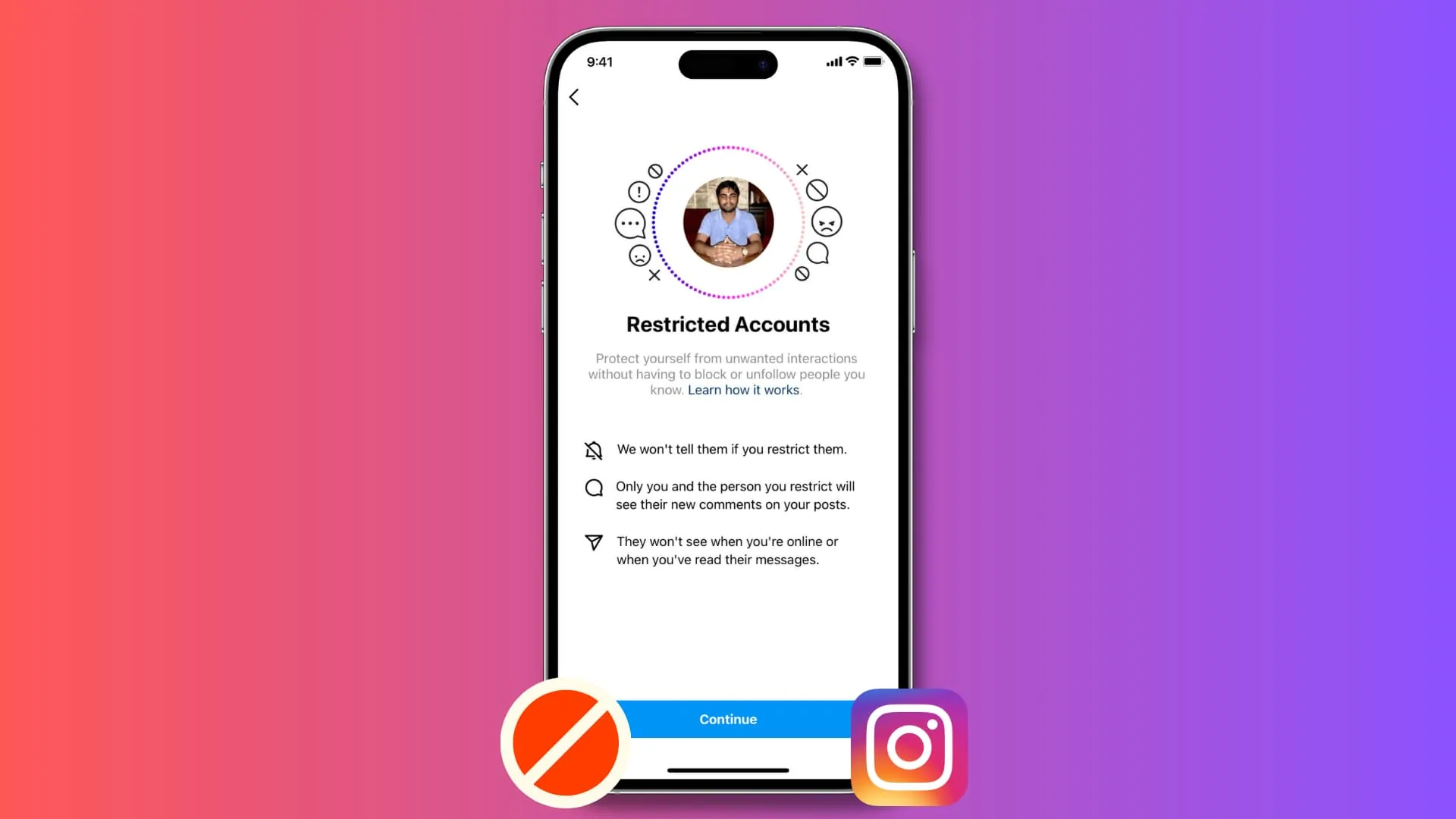
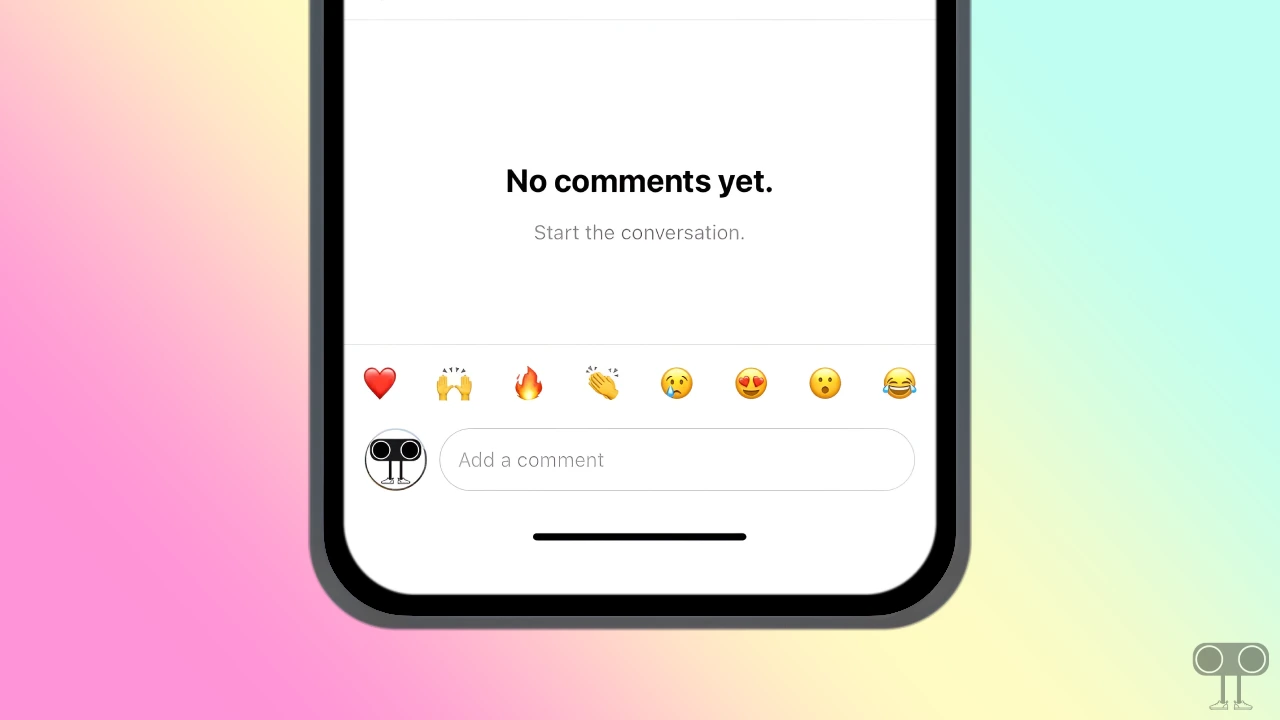
That's possible, and it's the simplest explanation when a comment section looks completely empty. Instagram lets any account holder turn off comments on a specific post, Reel, or Story, removing the input field for everyone else. There's no workaround when comments are switched off this way, similar to when someone chooses to restrict rather than block another account.
Is this a connection or app bug instead?
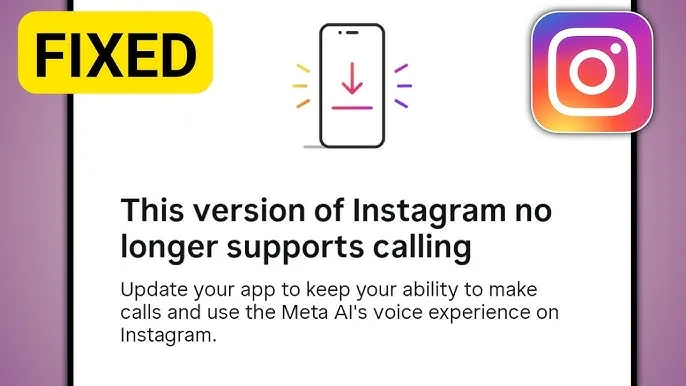
Often, yes, especially if the problem happens on every post. A weak connection can prevent the comment section from loading fully. Update the app, clear the Instagram cache, and refresh the post, the same first step worth trying if you run into Instagram messages showing a black screen.
What should I check, in order?
| Step | What to check |
|---|---|
| 1 | Switch the comment sort to Most Recent |
| 2 | Check Settings, Privacy, Comments for active filters |
| 3 | Confirm the poster hasn't disabled comments |
| 4 | Test your internet connection |
| 5 | Update the app and clear its cache |
| 6 | Try viewing the post on instagram.com instead |
Frequently asked questions
Why can't I see any comments on an Instagram post? The most common reasons are an active comment filter, comments being disabled by the poster, or the app defaulting to a Top Comments view that hides less popular replies. Switching to Most Recent sort resolves most cases.
How do I switch Instagram comments to show every reply? Tap the sort icon at the top of the comment section and choose Most Recent instead of Top Comments. This shows every visible comment in chronological order rather than an algorithmic subset.
Can someone hide their comments from just me? Not directly, but if that account has blocked you on Instagram or restricted you, their comments and posts may not appear as expected in your view.
Do comment filters remove comments permanently? No. Filtered comments are typically moved to a hidden queue rather than deleted, and you can review them by tapping View Hidden Comments at the bottom of the comment section, if that option is available.
Why do comments disappear only on some posts? That usually means the poster disabled commenting on those specific posts, since Instagram allows turning comments off per post, Reel, or Story rather than as one universal account setting.
Does an outdated app cause comment display bugs? Yes, older app versions occasionally have bugs affecting how the comment section loads or renders, so keeping Instagram updated is one of the simpler fixes worth trying before assuming a filter issue.
Will comments load on instagram.com if the app is broken? Sometimes. Since the app and website pull from different codebases, checking a post on instagram.com can help you confirm whether the issue is app-specific or account-wide.
Can a bad connection make comments look missing? Yes. A weak signal can stop the comment thread from fully loading, so the section may appear empty even though the comments exist and would load with a stronger connection.
Is there a limit to how many comments Instagram shows at once? Instagram loads comments in batches as you scroll rather than all at once, so on very high-comment posts you may need to keep scrolling or tap Load More Comments to see additional replies.
What if I still can't see comments after trying everything? Report the specific issue through Instagram customer service via Settings, then Help, then Report a Problem, so Instagram's support team can check whether it's a wider bug affecting your account.
Frequently asked questions
The most common reasons are an active comment filter, comments being disabled by the poster, or the app defaulting to a Top Comments view that hides less popular replies. Switching to Most Recent sort resolves most cases.
Sources
Keep reading
More guides to grow your account.