Does Instagram Show When You Screenshot?
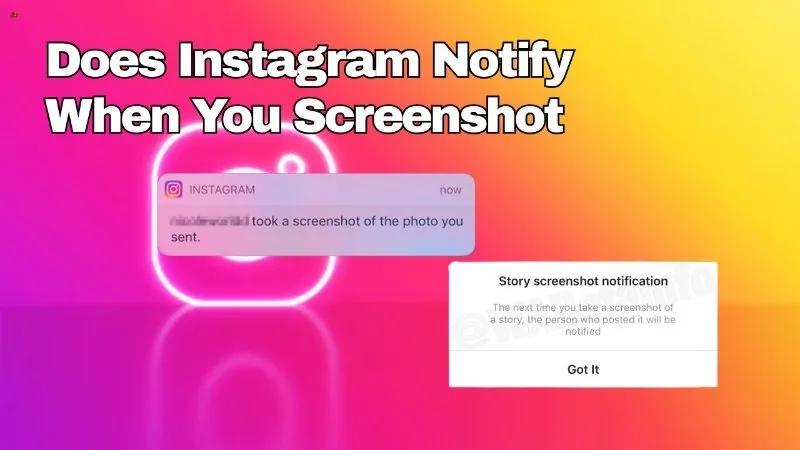
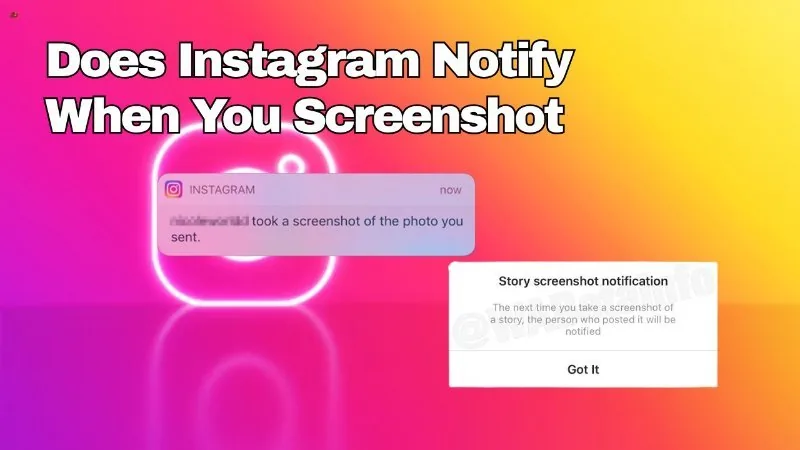
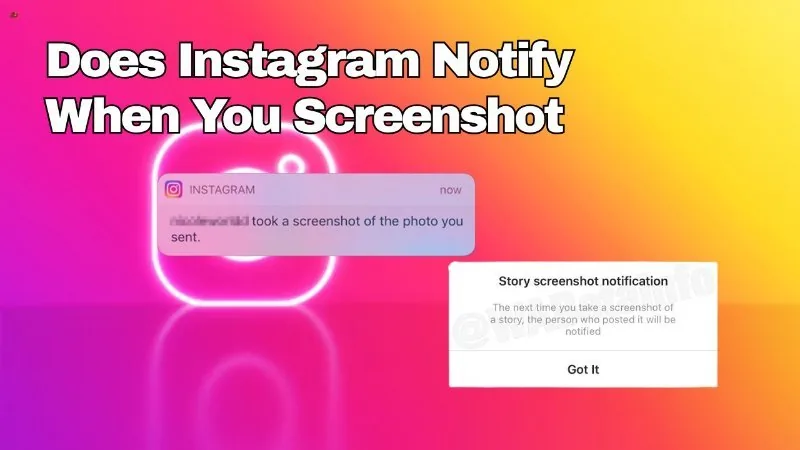
It depends entirely on what you're screenshotting: feed posts, Reels, and profiles never trigger a notification; regular Stories don't either; but disappearing view-once photos and videos in DMs do notify the sender.
Short answer
Instagram never notifies anyone about screenshots of feed posts, Reels, or profiles, and it currently doesn't for regular Stories either — the one confirmed exception is disappearing view-once media sent in direct messages.
Quick answer
It depends on what you screenshot. Feed posts, Reels, carousels, and profile pages have never triggered a screenshot notification on Instagram. Regular Stories also don't trigger one today. The single documented exception is disappearing photos and videos sent in direct messages — also called view-once or vanish-mode media — where the sender is notified if the recipient screenshots or screen-records it.
Key takeaways
- Feed posts, Reels, and profile visits: no screenshot notification, ever
- Regular Stories: no screenshot notification currently, despite a short-lived 2018 test that was never made permanent
- Disappearing DM photos/videos (view-once/vanish mode): yes, the sender is notified if screenshotted or screen-recorded
- Regular text and photo messages in DMs that aren't set to disappear are not covered by this notification
- Account type (personal, business, creator) has no bearing on any of this
A clear comparison of what Instagram does and doesn't report
It helps to break Instagram content into three buckets, because people often extend a rule that's true for one to the others incorrectly.
Feed posts, Reels, and profiles. There has never been a screenshot notification for browsing someone's grid, viewing a Reel, or visiting a profile page. You can screenshot any of this freely and the account owner is never told.
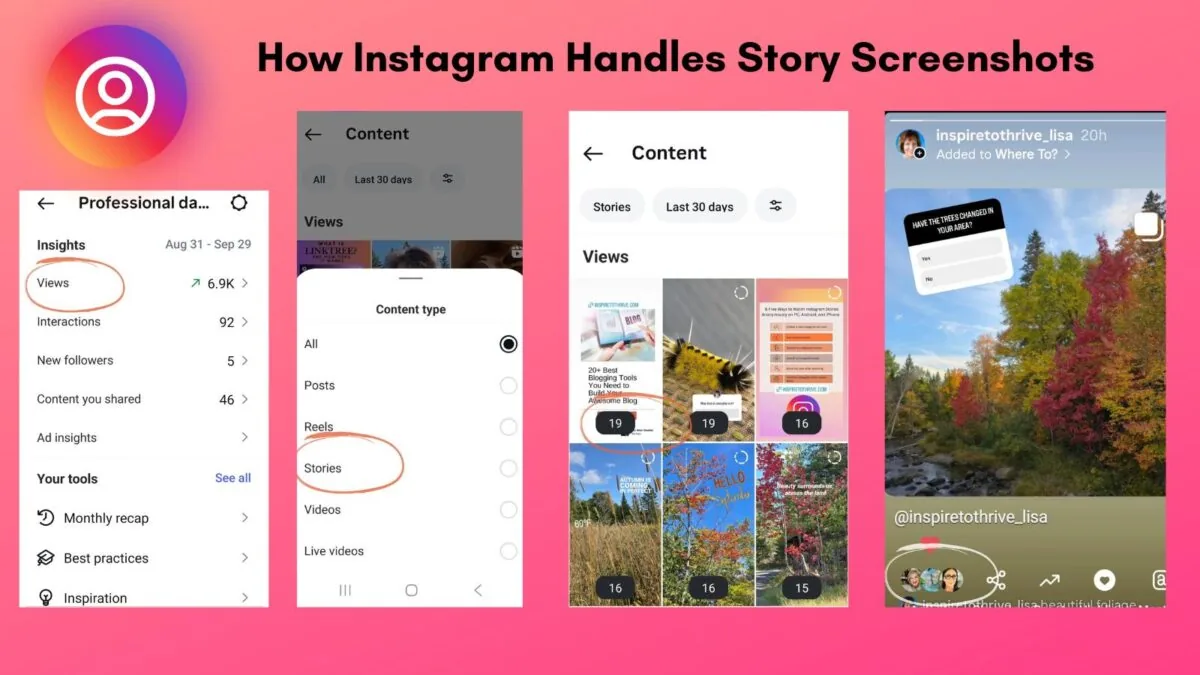
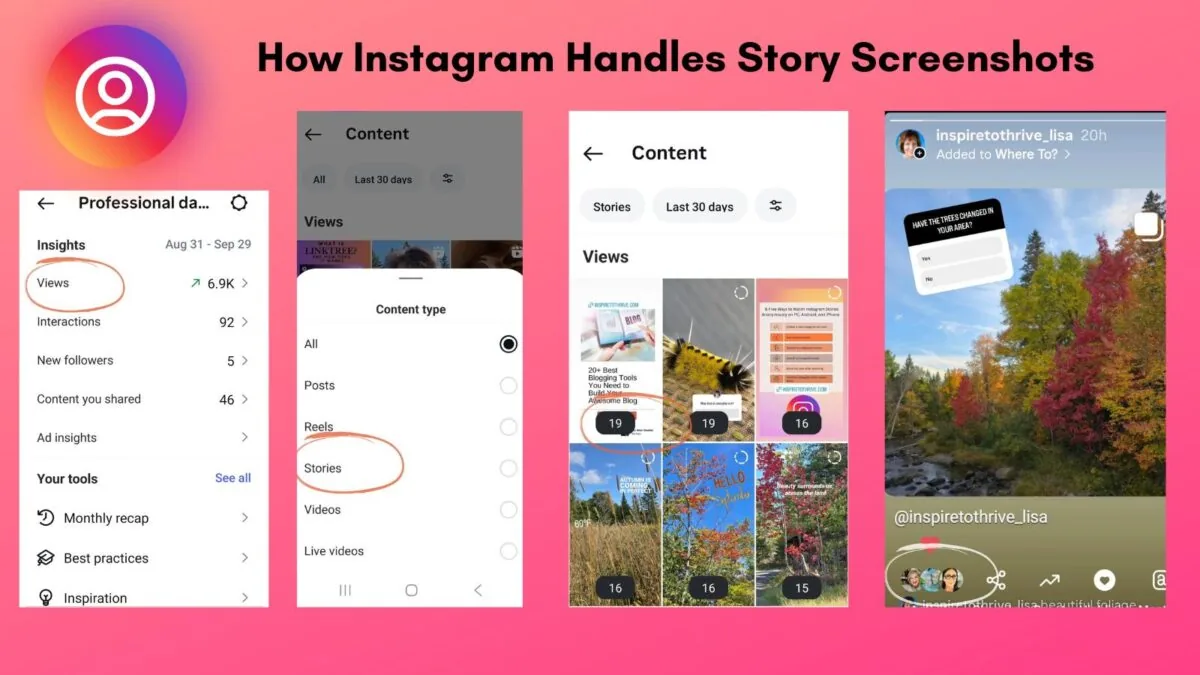
Regular Stories. This is the most confused category because Instagram did test a Story screenshot alert around 2018. It never became a permanent, universal feature. As of today, screenshotting or screen-recording a Story — public, private-account, or Close Friends — does not notify the poster.
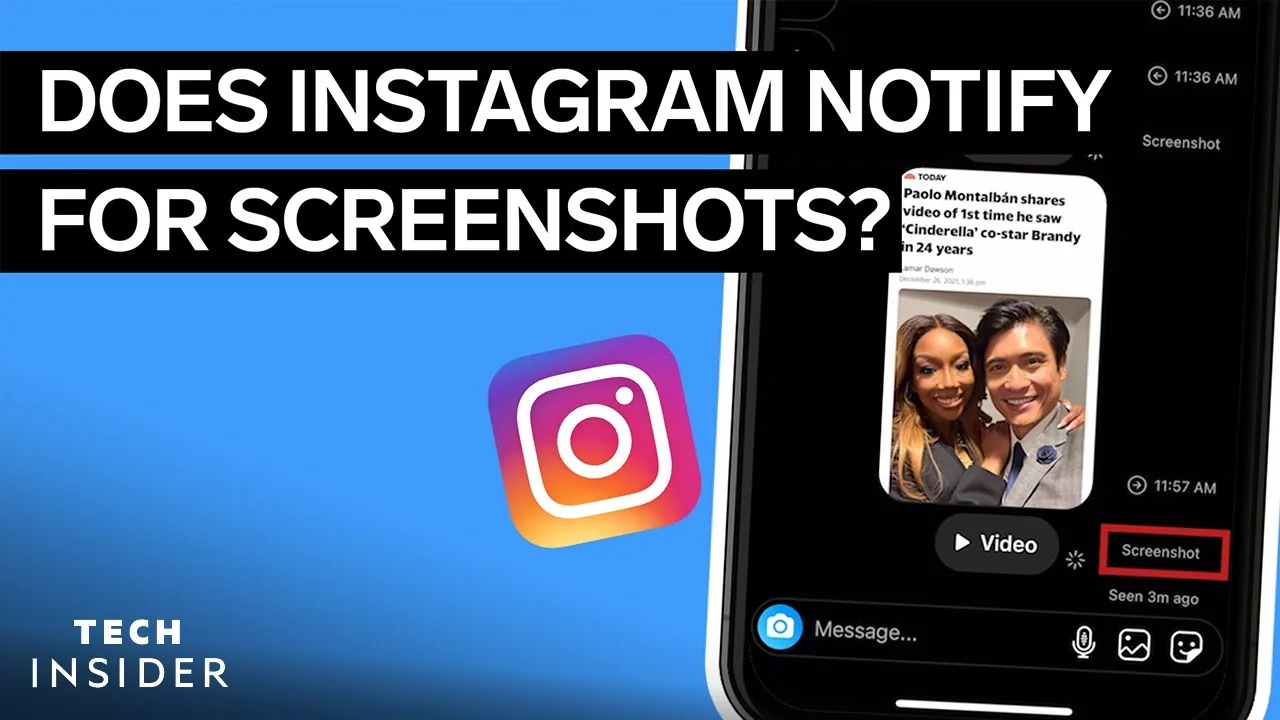
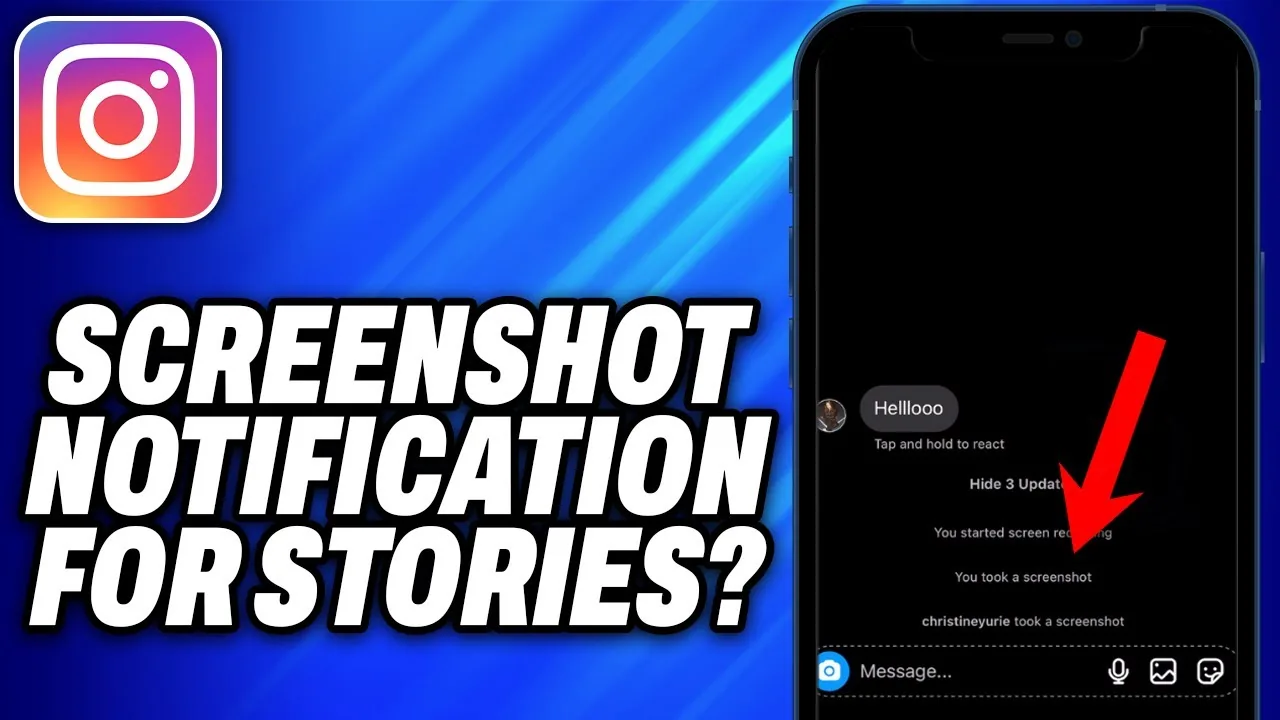
Disappearing DM media (view-once/vanish mode). This is the one case where Instagram genuinely does something. When someone sends a photo or video in a direct message set to disappear after viewing, and the recipient takes a screenshot or screen recording of it, the sender receives a notification inside the chat. This feature was built specifically because that content is meant to be seen once and not preserved — it's the closest thing Instagram has to "self-destructing" media, and the screenshot alert is part of that design.
Regular DM photos and videos that are NOT set to disappear are not covered by this alert, so don't assume every direct message is being monitored for screenshots — only the specific disappearing kind.
Step-by-step: how to know which rule applies
- Ask yourself what you're looking at: feed/Reel/profile, a Story, or a DM
- If it's a feed post, Reel, or profile: no notification exists, screenshot freely
- If it's a Story: no notification exists currently, for any privacy setting
- If it's a direct message: check whether it's a disappearing (view-once/vanish) photo or video
- Only that last case — disappearing DM media — triggers a screenshot alert to the sender
Common mistakes to avoid
- Applying the DM disappearing-media rule to Stories, which is the single most common mix-up on this topic
- Assuming a 2018 test feature for Stories quietly became permanent — it did not
- Believing business or creator accounts get special screenshot-detection abilities — they don't
- Trusting third-party apps that claim to detect screenshots anywhere on Instagram outside of disappearing DMs
Tips
- If you want a screenshot alert as a deterrent, use disappearing photo/video messages rather than Stories
- Don't rely on Instagram to protect sensitive content from being saved outside of that one disappearing-media case
- When in doubt about a specific edge case, check Instagram's Help Center rather than assuming based on how another feature behaves
Frequently asked questions
No. Profile visits and screenshots of profile pages have never triggered a notification.
Sources
Keep reading
More guides to grow your account.