How to See Who Liked a Post on Instagram
Tap the like count under any post to see the list of accounts who liked it — here's how it works and what's hidden.
Short answer
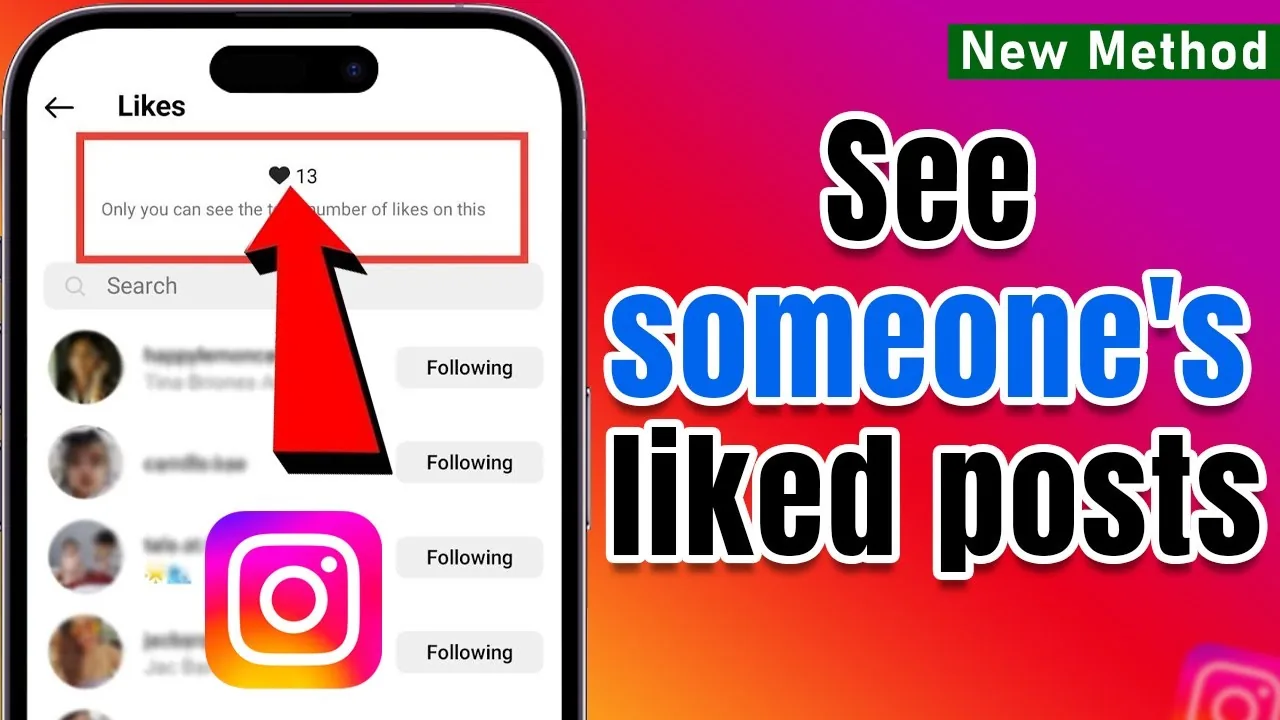
Tap the number of likes shown under a post to open the full list of accounts who liked it. If the poster has hidden like counts, or if the account is private and you don't follow it, you won't be able to see that list.
Key takeaways
- Tap the like count text below any public post to open the full list of people who liked it
- Instagram caps the visible like list at roughly 1,000 accounts, even if the real total is higher
- Creators can hide their like counts, which also hides the list from everyone but themselves
- Private accounts only show likes to approved followers who can already view the post
- There is no official way to see someone's likes on other people's posts — only likes on content you can already view
- Third-party "like viewer" tools that ask for your Instagram login are a phishing risk, not a shortcut
How do you see who liked a specific Instagram post?
Open the post and tap the line of text below it that reads "liked by X and others" or shows a like count. That opens a scrollable list of every account that liked the post, in roughly the order they liked it. You can type in the search bar at the top of that list to check whether a specific username appears. This works the same way whether you're checking your own how many instagram posts have i liked style curiosity or someone else's public post.
Why can't I see the like count on some posts?
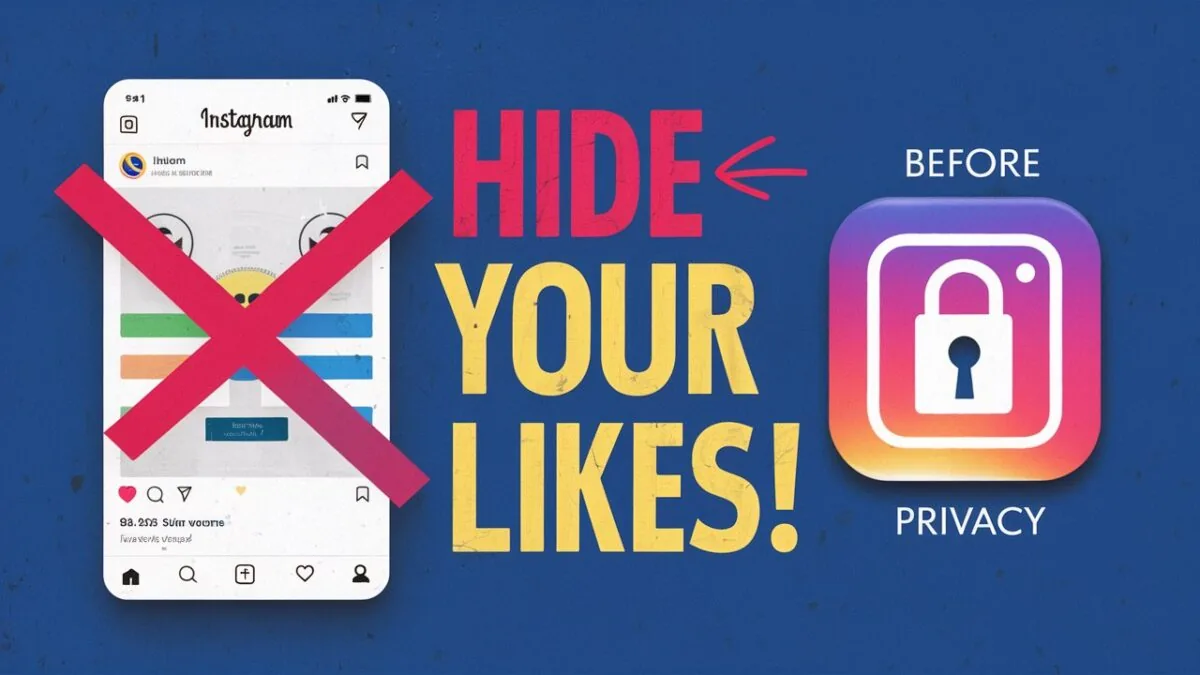
Because the poster turned it off. Instagram lets any account holder hide like counts on their own posts and Reels, which removes the visible number for everyone except the account owner, who can still see the full list in their own Activity feed. If you're trying to figure out how to not show your likes on instagram yourself, this is the same setting working in reverse.
Can you see likes on a private account's posts?
Only if you follow that account and they've approved you. Instagram's privacy rules treat likes the same way as the post itself — anyone who can view the content can see who liked it, and anyone who can't, can't. There's no workaround for private content short of being an approved follower, regardless of what third-party "viewer" sites claim.
Does Instagram limit how many likers show up in the list?
Yes, the visible list stops loading around 1,000 accounts even when a post has millions of likes. The number displayed under the post still reflects the real total, but you won't be able to scroll through every single name once a post goes viral. This is separate from how what-is-the-most-liked-instagram-post situations get their totals verified, which comes from Instagram's backend count, not the visible list.
Are third-party Instagram like viewers safe to use?
Generally, no — treat any site that asks for your Instagram username and password as a credential-harvesting risk. Legitimate tools can only pull data Instagram's public API already exposes for public accounts, and none of them can bypass privacy settings or hidden like counts. If a tool claims to reveal likes on a private account, it's lying to get your login.
What's the difference between liked posts and saved posts?
Likes are a public (or semi-public) signal tied to the post itself, while saves are private and only visible to you, similar to how looking up someone's profile only surfaces information they've chosen to make visible. If you're trying to track your own activity rather than someone else's, checking your saved collection is a completely separate feature from your like history, and neither shows up in someone else's account unless they specifically enable it.
| Scenario | Can you see the like list? |
|---|---|
| Public post, like count visible | Yes, tap the count |
| Public post, like count hidden | No, only the poster sees it |
| Private account, you follow them | Yes, same as public |
| Private account, you don't follow them | No |
| Post with 10,000+ likes | Partial list (up to ~1,000 shown) |
Understanding these rules also helps explain related privacy behavior, like whether can-people-see-who-viewed-their-instagram-profile or how does-instagram-notify-when-you-screenshot-a-message — Instagram is generally consistent about only surfacing activity to people who already have access to the content.
Frequently asked questions
Tap the like count under the post to open the list of accounts who liked it. This only works if the post is public or you follow the account, and if the poster hasn't hidden their like counts.
Sources
Keep reading
More guides to grow your account.