How to Unfollow Everyone on Instagram Safely
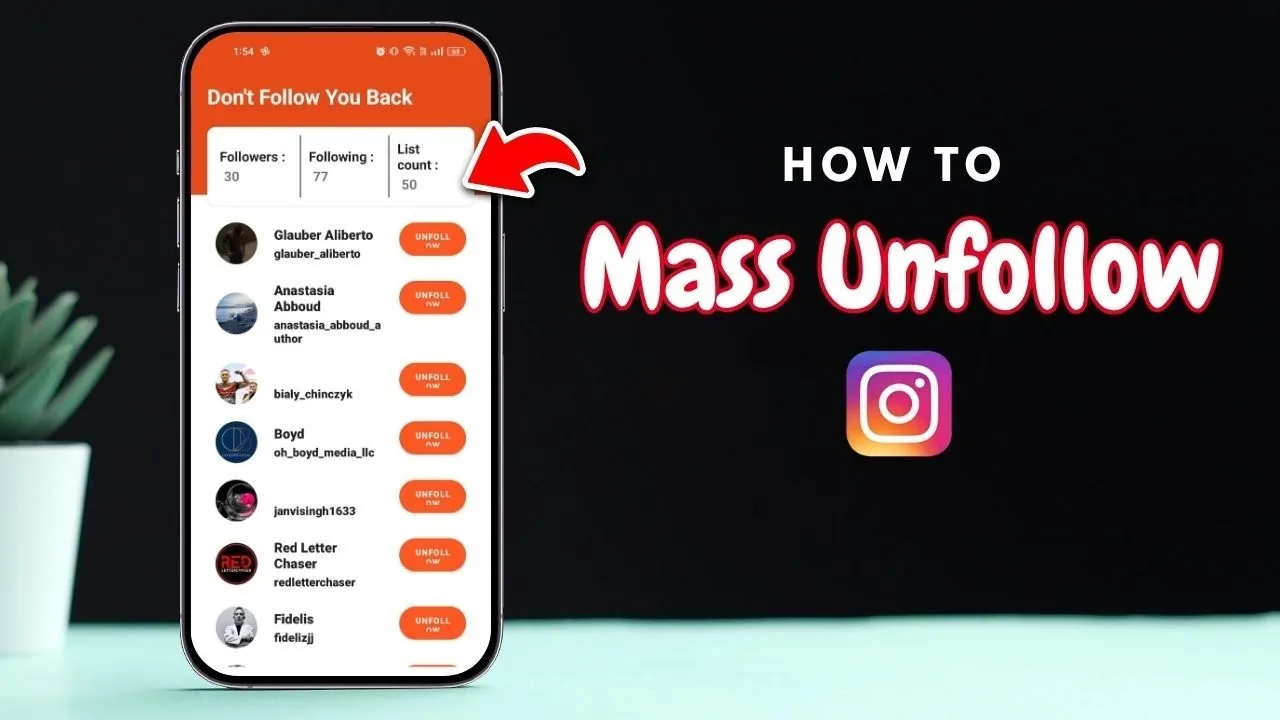
Instagram has no bulk unfollow button, so clearing your following list means unfollowing manually in batches or using a read-only tool to plan it.

Short answer
Instagram doesn't offer a one-tap way to unfollow everyone, so you have to open your Following list and unfollow accounts one at a time. Doing this in small daily batches, rather than all at once or with an automated bot, keeps your account safe from action blocks.
Key takeaways
- Instagram has no native bulk-unfollow button; every unfollow still requires an individual tap
- Automated bots and scripts that unfollow for you risk action blocks or a suspended account
- Established accounts can safely unfollow 100 to 150 accounts a day spread across the day; new accounts should stay well under that
- The Following list's Least Interacted With filter is a quick way to identify accounts worth removing first
- Never hand your Instagram password to a third-party unfollow app, only read-only tools that use official login should ever see it
- Pace yourself the same way you would when trying to grow followers organically, since both processes get flagged by the same bot-detection systems
Is there a one-tap way to unfollow everyone on Instagram?
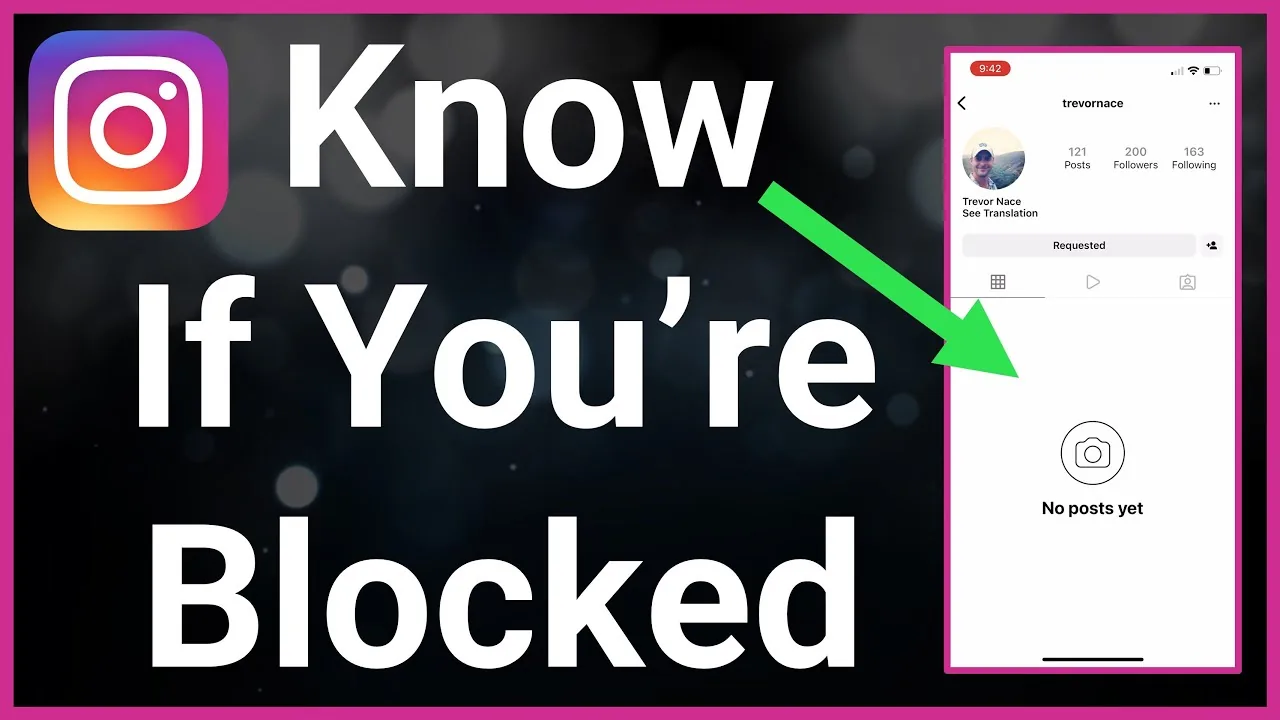
No. Instagram deliberately doesn't offer a bulk unfollow feature, so clearing out your following list means opening your profile, tapping Following, and tapping Following again next to each account you want to remove. There's no setting, no Settings menu toggle, and no supported shortcut that clears the whole list in one action.
How many accounts can I safely unfollow per day?
Accounts older than about six months can typically unfollow 100 to 150 people a day without tripping Instagram's spam detection, as long as the actions are spread across several hours rather than done in one burst. Newer accounts should stay closer to 40 to 50 a day, since fresh accounts get watched more closely for sudden bursts of activity. Spacing unfollows out with normal scrolling, liking, and posting in between makes the pattern look human rather than automated, which matters just as much as it does when reporting someone or performing any other repetitive action.
Should I use a third-party app to unfollow everyone?
Be very cautious. Any app that asks for your Instagram username and password directly, rather than using official login, is a major red flag for credential theft. Automated "unfollow everyone while you sleep" tools are also the fastest way to trigger an action block, since Instagram's 2026 detection systems can spot inhuman timing patterns within minutes, even when scripts add randomized delays.
What's the safest way to work through my following list quickly?
Use a read-only tool only to identify who to unfollow, such as inactive accounts or people who never engage back, and then remove them manually inside the actual Instagram app. This combines the speed of automation with the safety of doing every unfollow yourself, and it never requires giving up your login credentials the way sketchier tools do. It's the same principle behind safely trying to mass unfollow on Instagram without risking a ban.
How do I find who to unfollow first?
Open Following on your profile and check for a Least Interacted With category, which Instagram sometimes surfaces to highlight accounts you haven't engaged with in the last 90 days. Sorting your list by Date Followed, oldest first, is another practical way to work through years of stale follows systematically instead of randomly. This is far more targeted than trying to buy followers or other shortcuts that don't actually clean up your account.
| Method | Speed | Account risk | Login required |
|---|---|---|---|
| Manual, one by one | Slow | None | No, just your own |
| Manual in daily batches | Moderate | Low | No, just your own |
| Read-only planning tool + manual unfollow | Moderate-fast | Low | No |
| Automated bot or script | Fast | High | Often yes, risky |
What happens if I unfollow too many people too fast?
Instagram may issue a temporary action block that prevents you from unfollowing, following, or liking for anywhere from a few hours to a few days, the same kind of restriction people run into when they hack or otherwise abuse automation tools. Repeated violations can escalate to longer restrictions or, in serious cases, permanent account limitations, so it's worth erring on the side of caution rather than trying to clear hundreds of follows in a single sitting.
Does unfollowing everyone affect my own follower count?
No, unfollowing accounts only changes who you're following, not who follows you back, so your own follower count and the followers you've gained organically stay untouched. The two lists are completely independent, which is why some people unfollow everyone as a clean slate without worrying about losing their own audience.
Conclusion
Unfollowing everyone on Instagram takes patience since there's no built-in bulk button, and the accounts that try to skip that step with bots usually pay for it with a block. Working through your list in daily batches, using Least Interacted With as a starting point, keeps the cleanup safe and steady.
Frequently asked questions
No, Instagram doesn't offer a bulk unfollow feature. You have to open your Following list and unfollow each account individually, one tap at a time.
Sources
Keep reading
More guides to grow your account.