Instagram guides and how-tos
408 step-by-step Instagram how-tos. Filter by what you want to work on next.
 Monetization
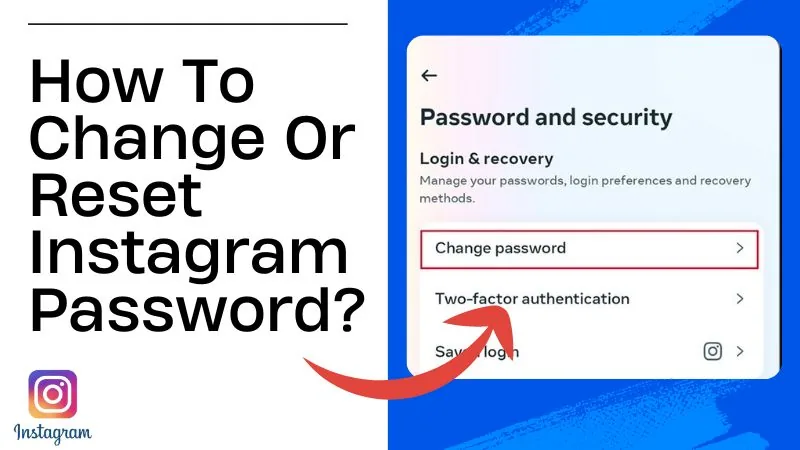
How to Reset Your Instagram Password (2026 Guide)
Reset a forgotten Instagram password via email or SMS in minutes, or use the hacked-account recovery flow if you've lost access to both.
 Explainers
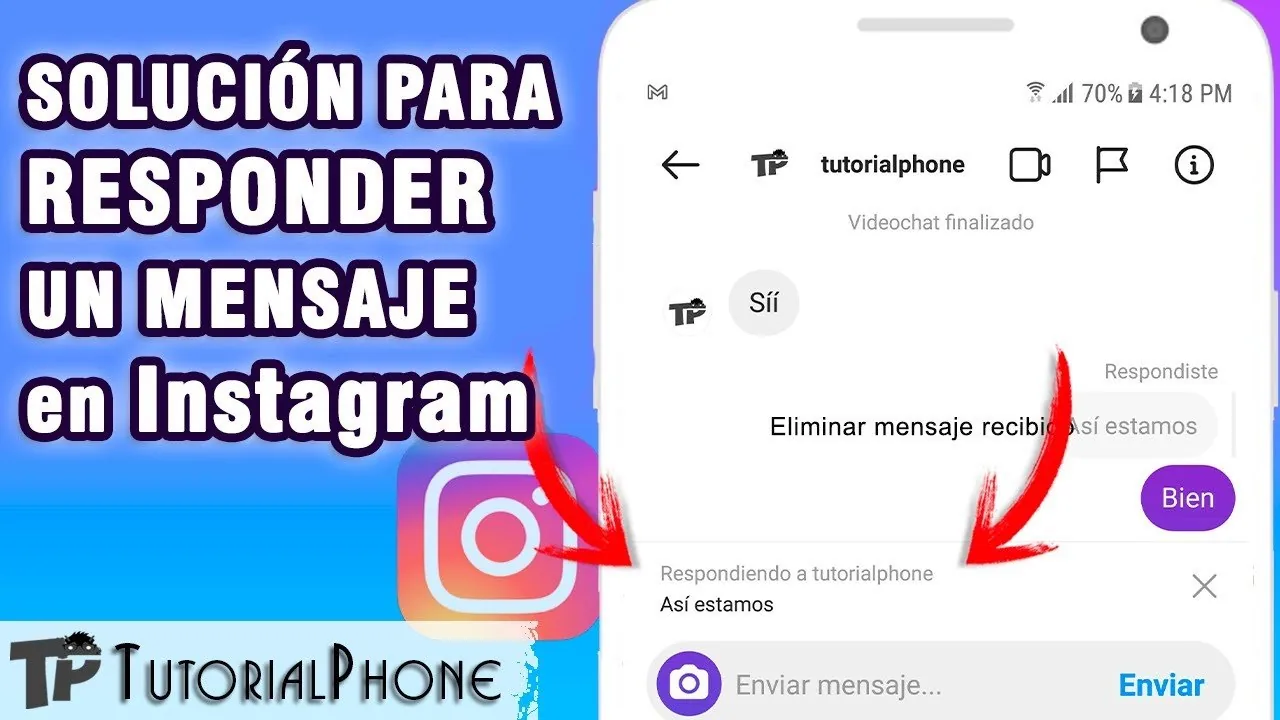
How to Reply to Messages on Instagram (DMs Explained)
Open the message in your Instagram inbox, tap the text field at the bottom, type your reply, and hit send — here's every reply option available.
 Content Strategy
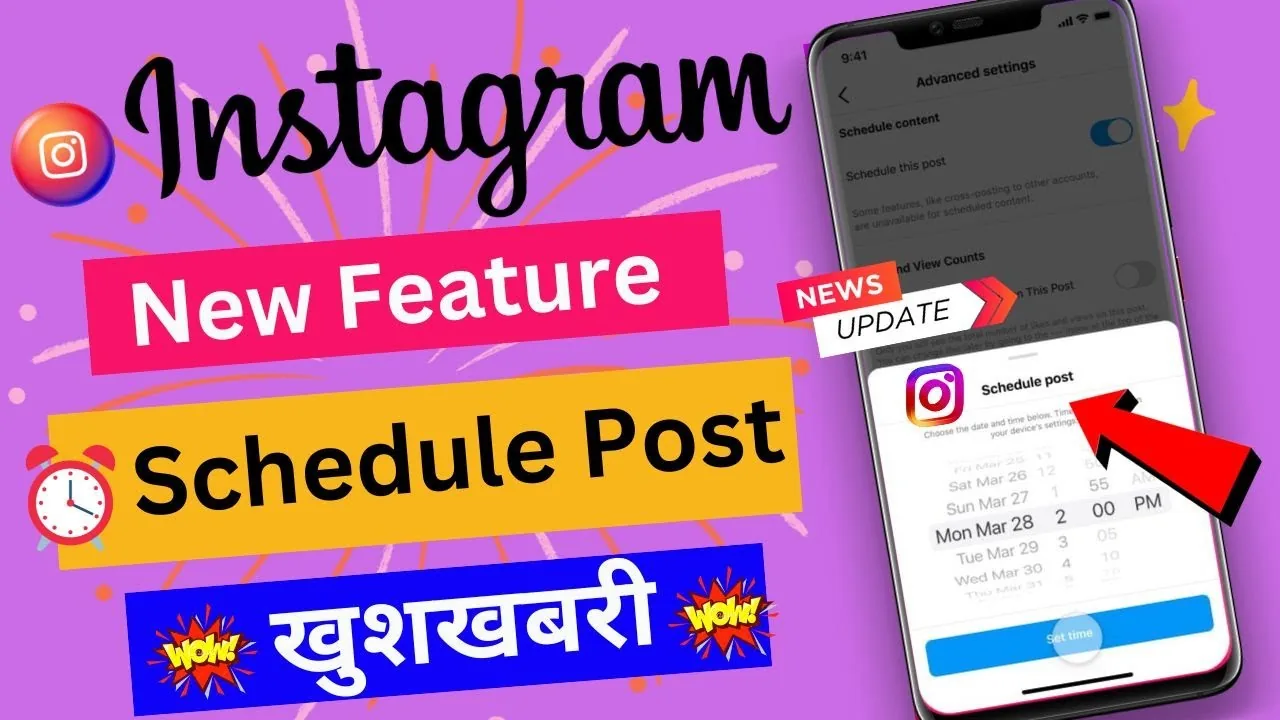
How to Schedule an Instagram Post: Full 2026 Guide
Instagram now lets any public account schedule posts, Reels, and carousels natively up to 75 days ahead. Here's exactly how to set it up.
 Growth
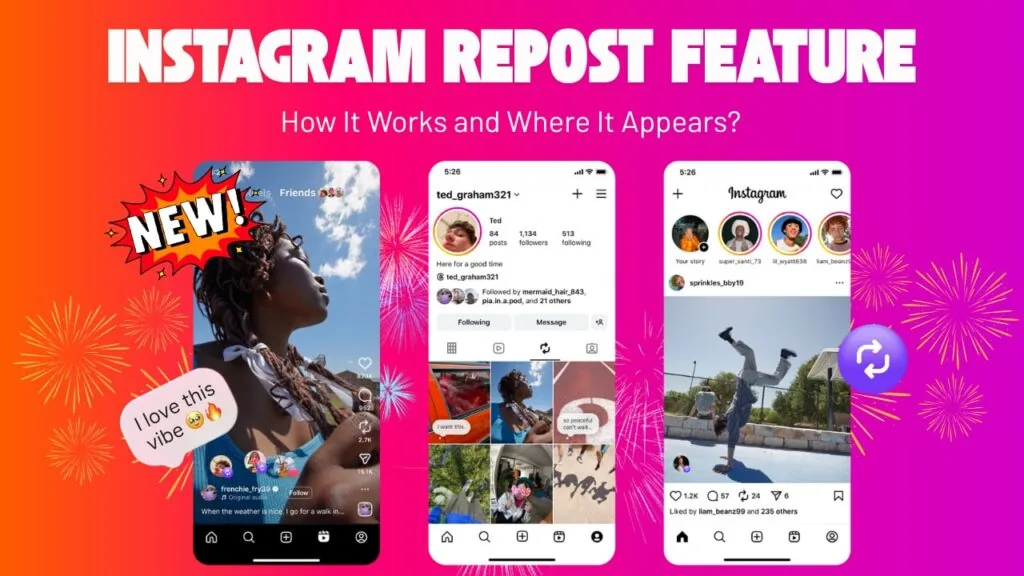
How to See Who Reposted Your Instagram Post
Instagram doesn't show a public list of everyone who reposted you — but notifications, Insights, and their Reposts tab reveal most of it.
 Profile & Bio
How to See Profile Views on Instagram (What's Really Available)
Instagram doesn't show who viewed your profile, but it is testing a profile-view counter, and you can already see exact viewers of your Stories and Live videos.
 Explainers
Can You See Who Stalks Your Instagram Profile in 2026?
There's no real Instagram feature that reveals your biggest profile stalker. Here's what data actually exists and why tracker apps are scams.
 Explainers
Can You See Who Viewed Your Instagram Profile in 2026?
Instagram has no official feature that reveals who viewed your profile. Here's what you can actually see, plus why viewer apps are scams.
 Growth
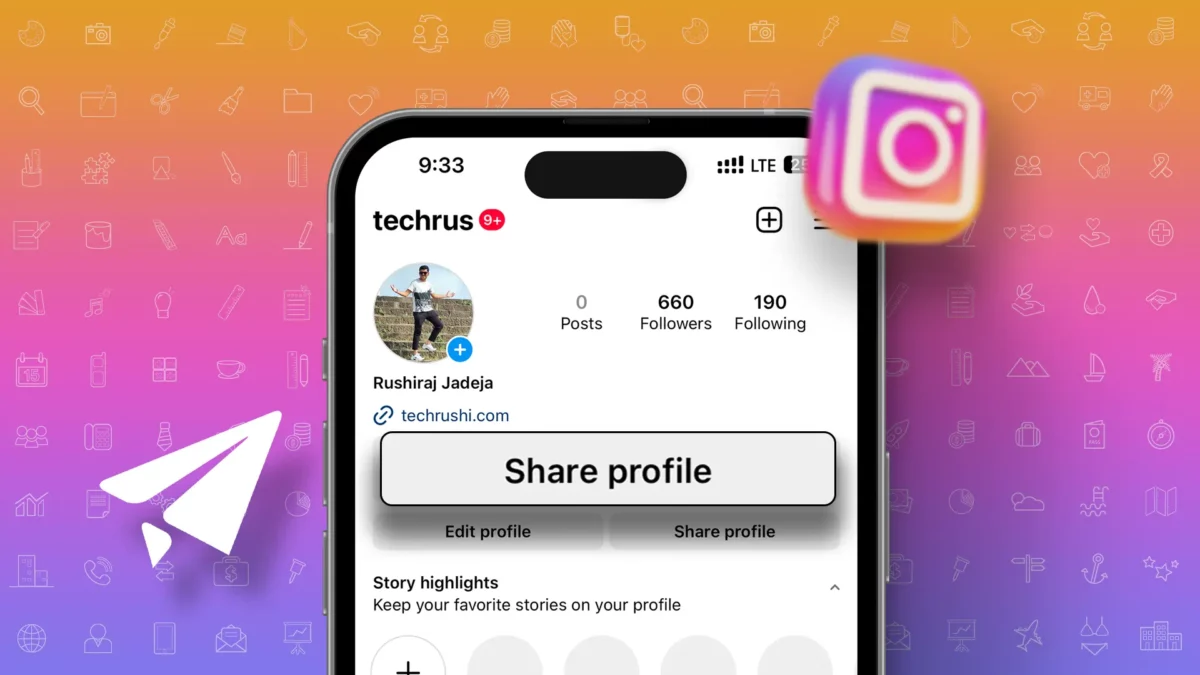
How to Share Posts, Reels and Stories on Instagram
Share Instagram posts to your story, send them by DM, or use the native repost feature. Here's how each sharing option actually works.
 Tools & Privacy
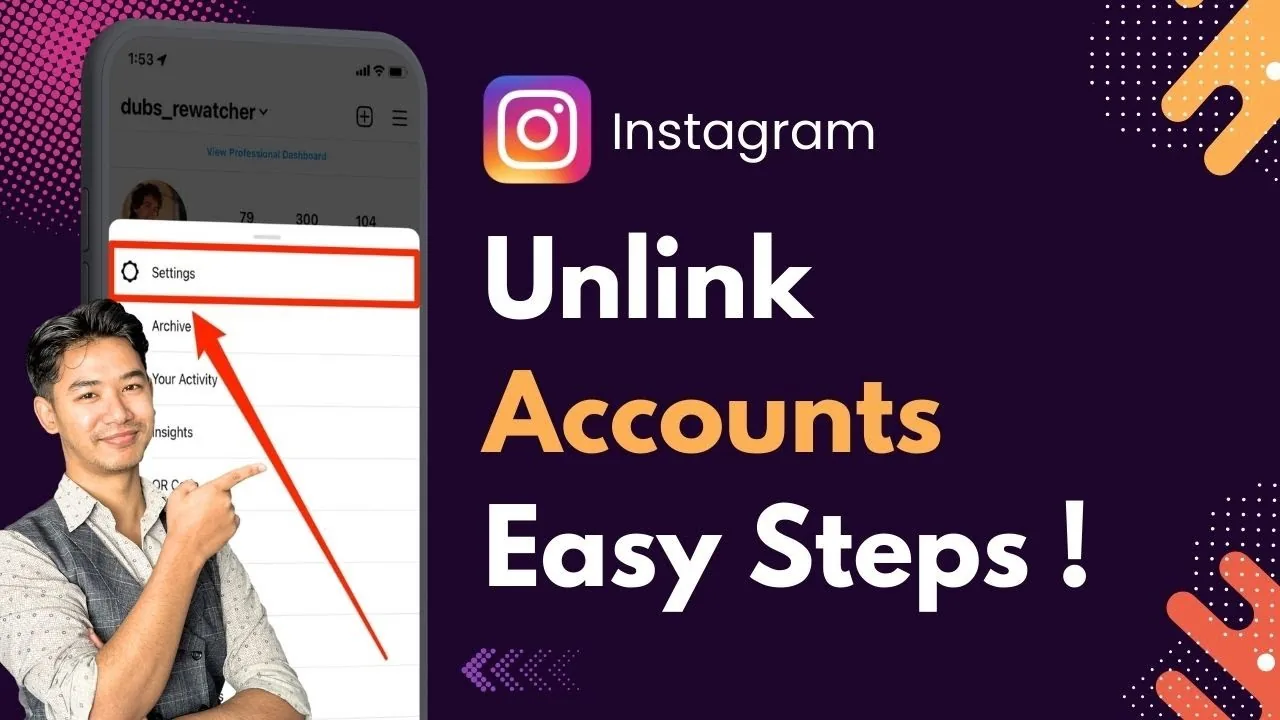
How to Unlink a Facebook or Other Account from Instagram
Remove Facebook, WhatsApp, or another Meta account from your Instagram via Accounts Center in Settings, without deleting either account.
 How-To
How to Use Instagram for Business: A Complete 2026 Guide
Set up an Instagram Business account and use Insights, Shopping tags, and ads to actually grow your business.
 Explainers
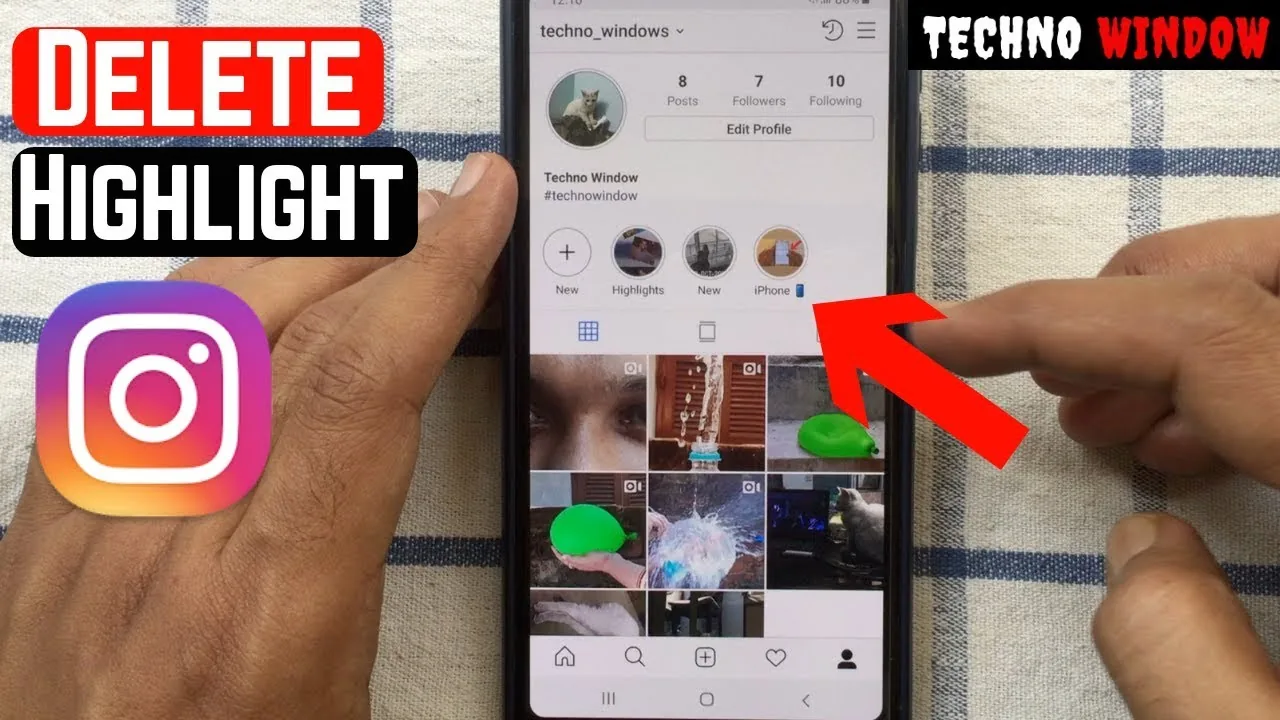
Is Instagram Removing Story Highlights in 2026?
Instagram isn't deleting Highlights — it's moving them into a dedicated profile tab. Here's what's changing and how to keep yours visible.
 Content Strategy
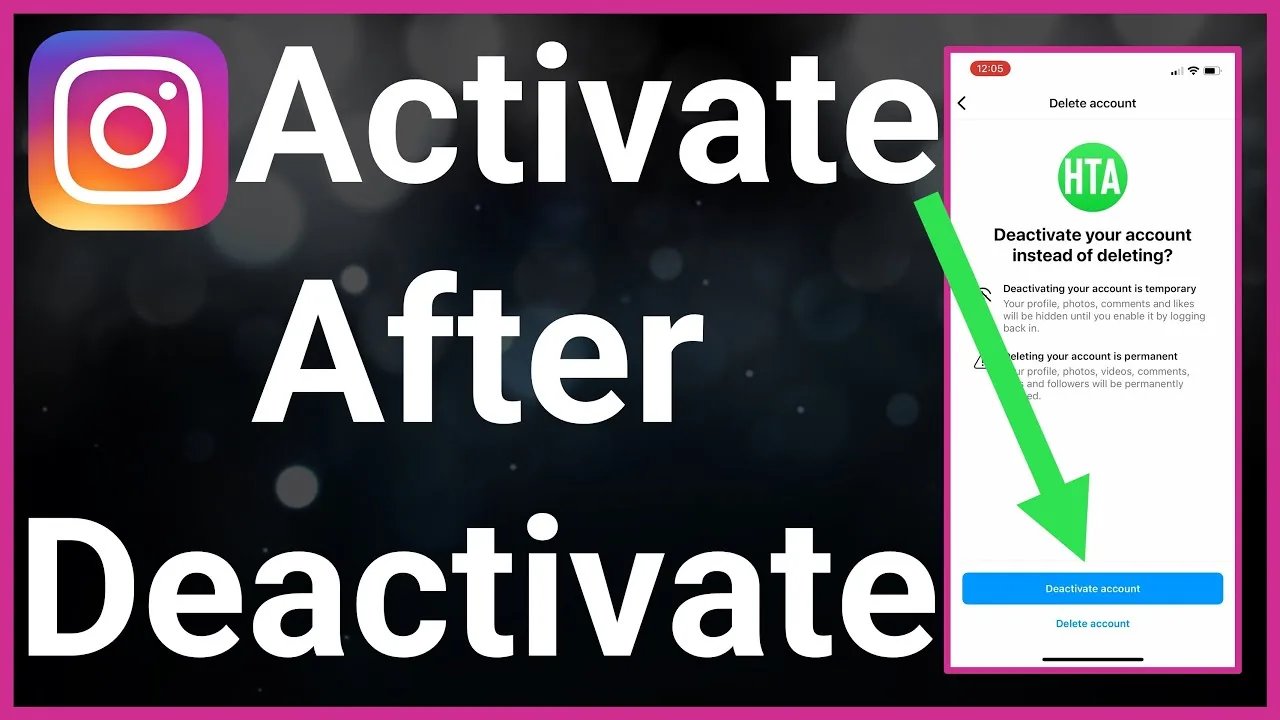
What Does Deactivated Account Mean on Instagram?
A deactivated Instagram account is temporarily hidden, not deleted — to anyone who searches for it, the profile appears to not exist at all (no "deactivated" label, just an absence), while the account owner's data, followers, and posts remain fully intact and reappear instantly the moment they log back in.
 Explainers
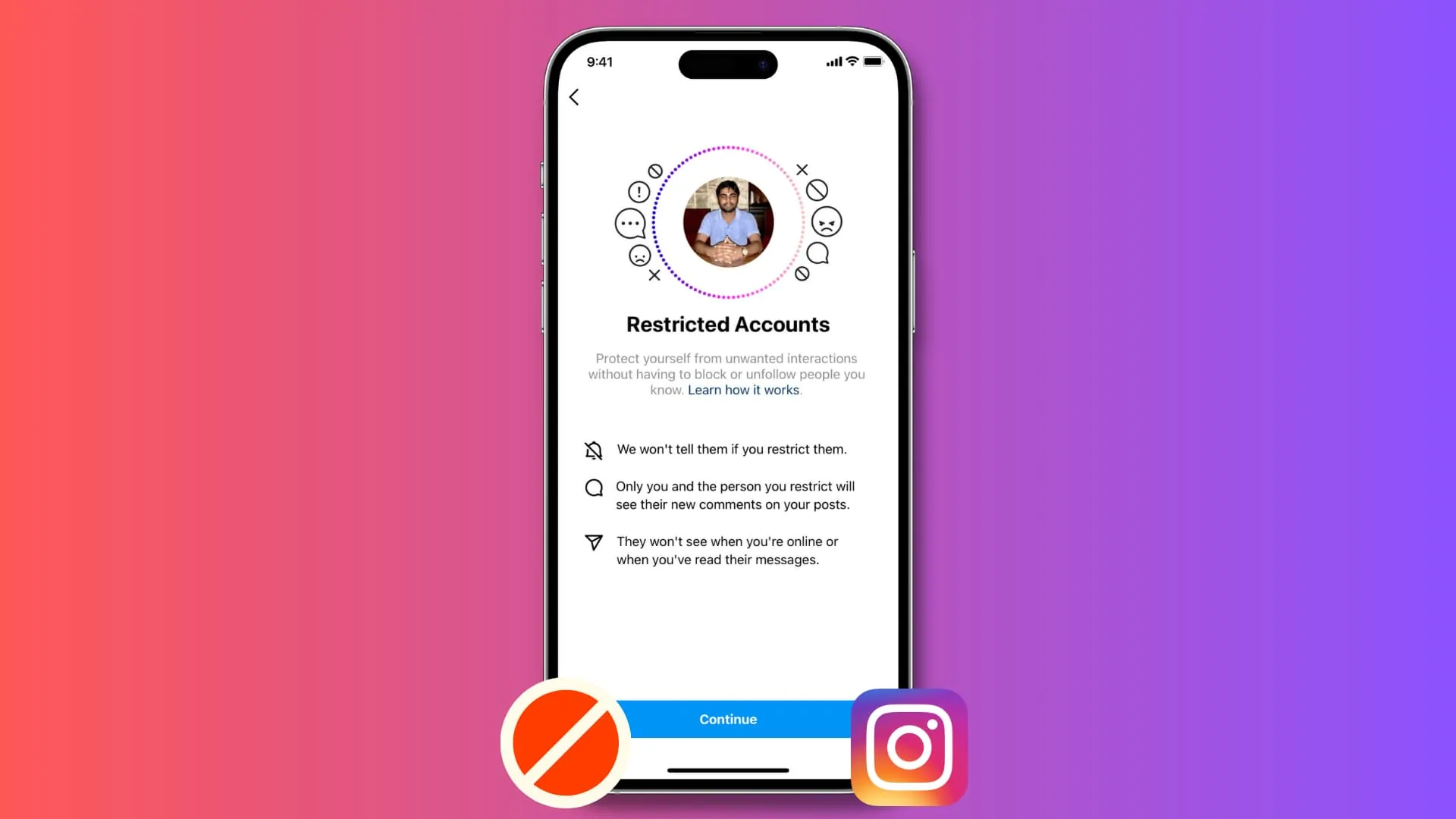
What Does Restricting on Instagram Do?
Restricting is Instagram's tool for handling difficult situations quietly — a toxic commenter on a business account, an ex you don't want to fully cut off, or low-level harassment where blocking might escalate things — since it works entirely behind the scenes without alerting the other person.
 Reels
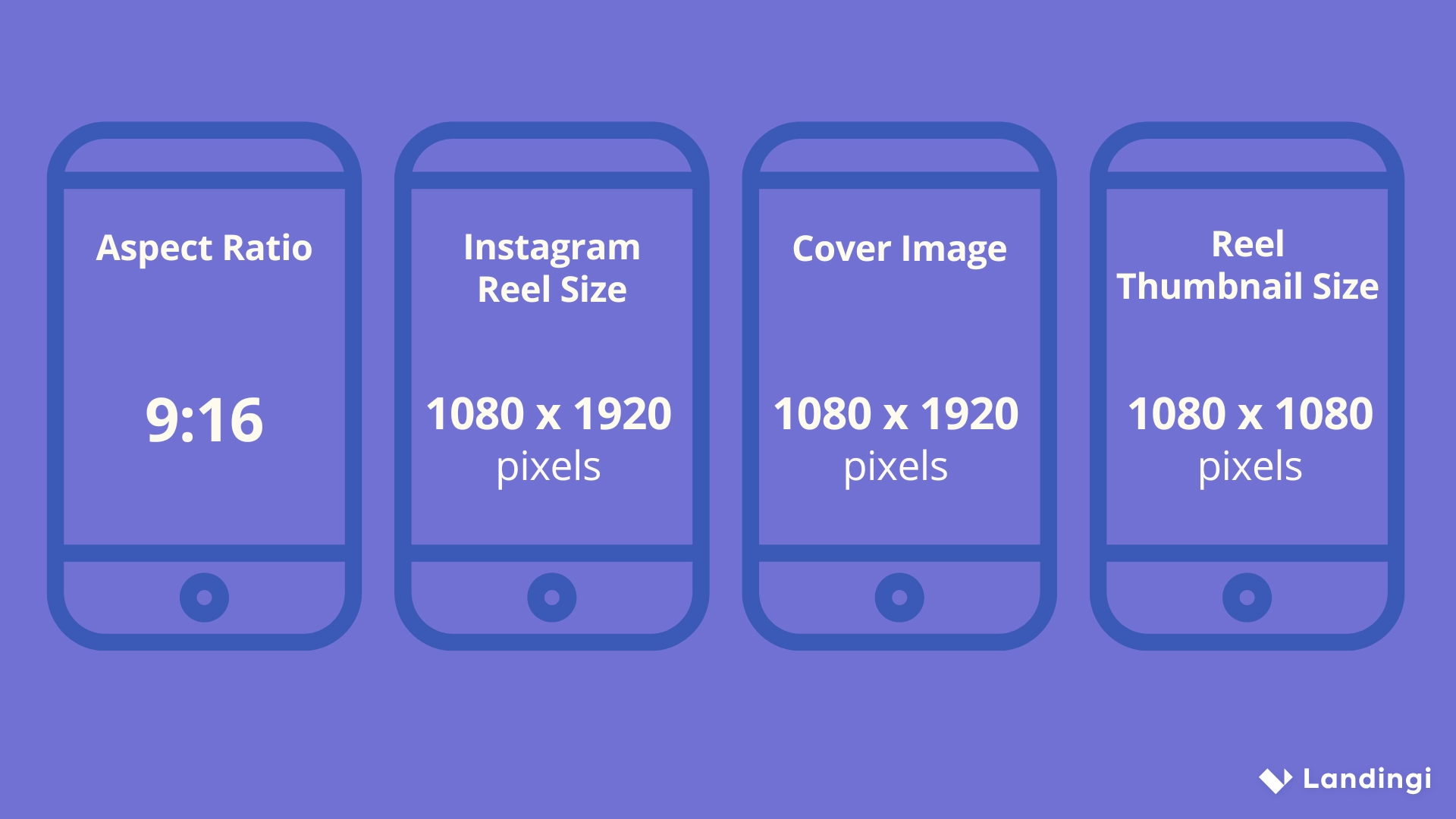
ReelsWhat is a Reel on Instagram?
A Reel is Instagram's short-form vertical video format, Instagram's direct answer to TikTok — typically set to music or audio, editable with built-in effects and text, and given the widest organic reach of any content type since Instagram actively pushes Reels into a dedicated discovery feed to attract non-followers.
 Explainers
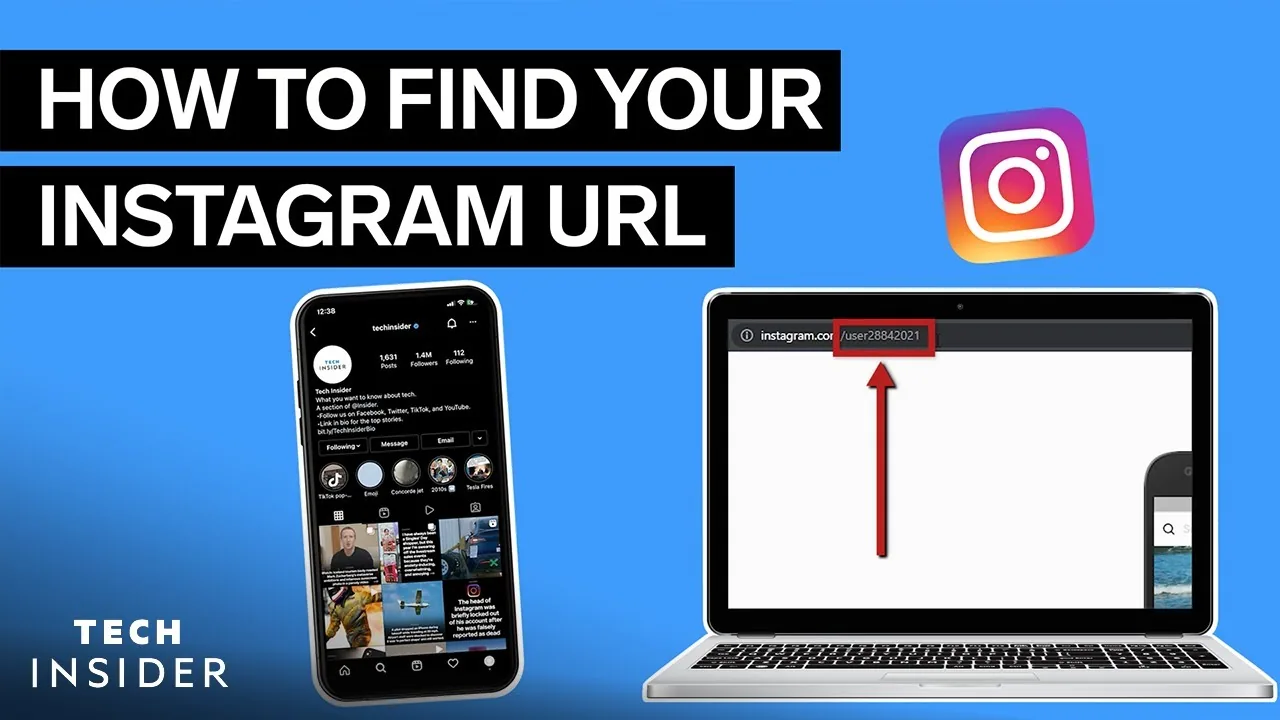
What is My Instagram Url?
Your Instagram URL is always instagram.com/ followed by your exact username, case-insensitive — the fastest way to grab the precise link is opening your profile, tapping Share Profile, and selecting Copy Link rather than typing it out by hand.
 Explainers
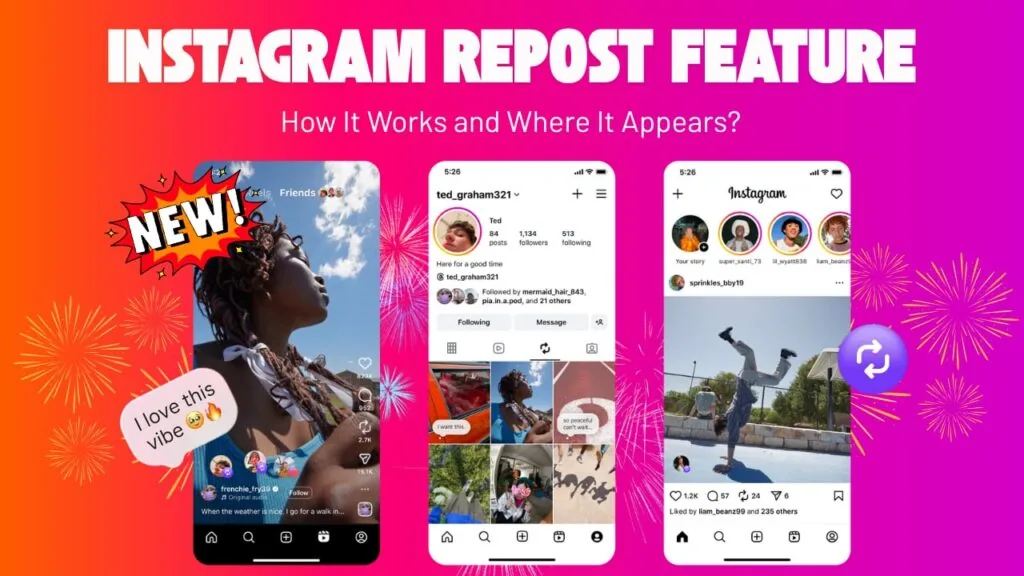
What Is Reposting on Instagram? The Repost Button Explained
Reposting shares another creator's public Reel or feed post to your own grid via Instagram's native Repost button, launched in August 2025.
 Explainers
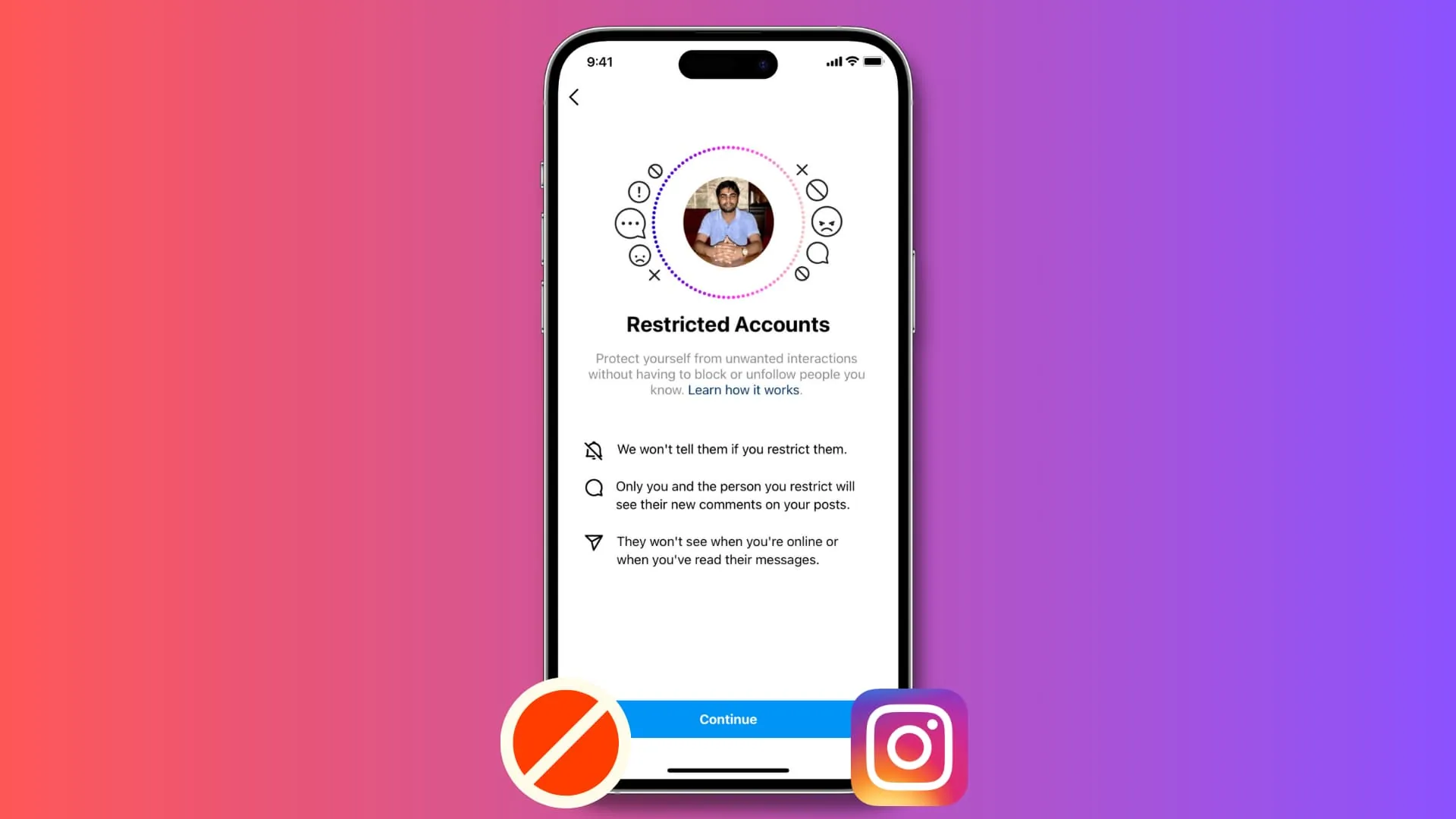
What is Restrict on Instagram?
Since Instagram never tells you when you've been restricted, the only real signs are indirect: your comments on someone's posts seem to vanish for other viewers, your messages to them never show a "Seen" receipt, and you can no longer tell if they're currently active.
 Tools & Privacy
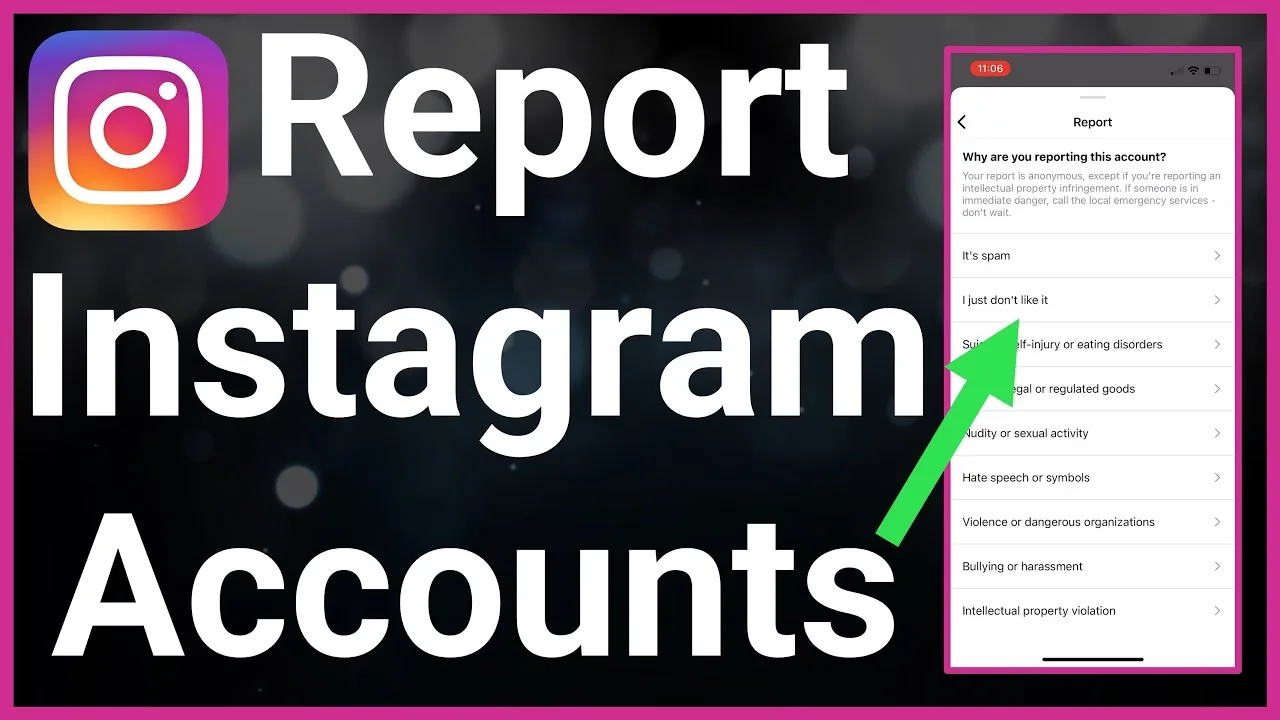
What Happens When You Report Someone on Instagram?
Reporting someone on Instagram is anonymous and starts a review, not an automatic ban. Here's exactly what happens next.
 Explainers
Why Can't I Like Posts on Instagram? Real Fixes for 2026
Usually a temporary action block from liking too fast, a bug, or a restriction — here's how to diagnose and fix it in 2026.
 Growth
Can People See if You Screenshot an Instagram Post?
No — screenshotting a regular Instagram feed post is completely silent. Instagram only sends screenshot alerts for disappearing photos and videos in Direct Messages, which is a separate feature entirely.
 Profile & Bio
Can People See What You Save on Instagram?
No — saving a post to your Instagram Saved collections is completely private. Unlike likes and comments, saves are never shown to the original poster or anyone else.
 Explainers
Can People See Who Viewed Their Instagram?
No — this is one of Instagram's longest-running myths, and it has never been true: there is no way to see who viewed your account or profile.
 Explainers
Can Someone See if I Screenshot Their Instagram Story?
No — Instagram does not notify people when you screenshot their regular Story. That notification only exists for disappearing photos and videos sent in DMs, which is a different feature entirely.
 Tools & Privacy
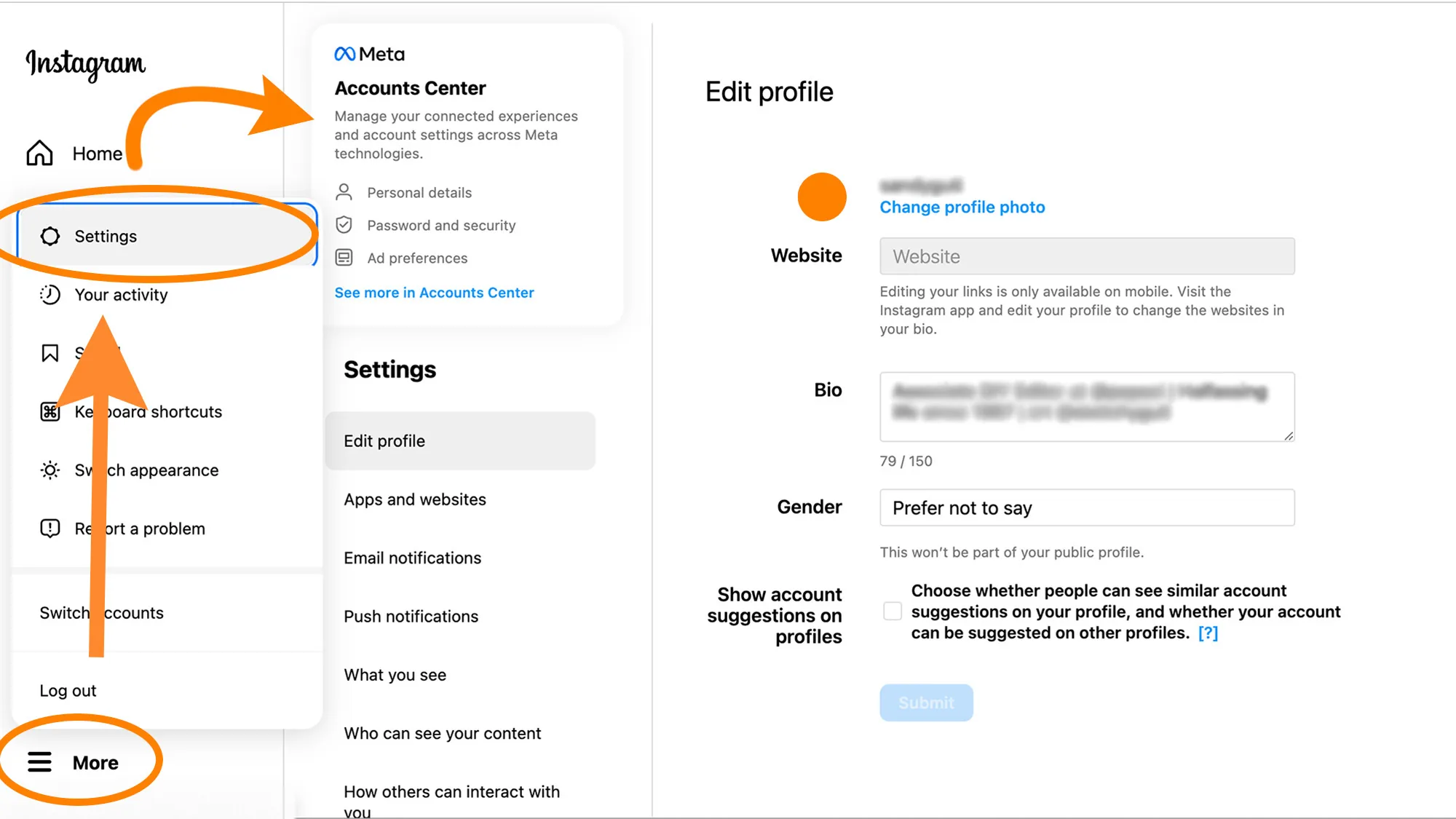
Can You Deactivate Instagram Temporarily? Full Guide
Yes, Instagram lets you temporarily deactivate your account from Accounts Center, hiding your profile until you log back in.