Can Someone See if I Screenshot Their Instagram Story?
No — Instagram does not notify people when you screenshot their regular Story. That notification only exists for disappearing photos and videos sent in DMs, which is a different feature entirely.
Short answer
Instagram does not alert a Story poster when you screenshot their Story — that only happens with disappearing (view-once) photos and videos sent in Direct Messages.
Quick answer
No. If you screenshot someone's Instagram Story — the regular kind that disappears after 24 hours — Instagram does not tell them. There's no alert, no icon, no entry in their activity, nothing. You can screenshot or screen-record a Story as many times as you want and the person who posted it will never find out through Instagram itself.
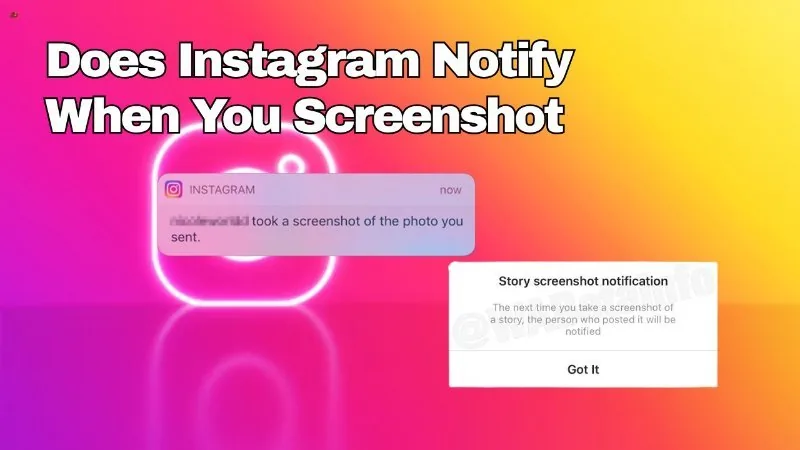
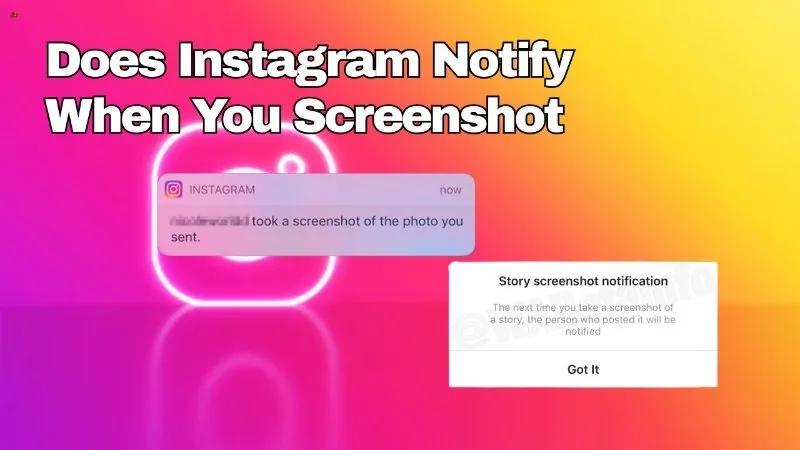
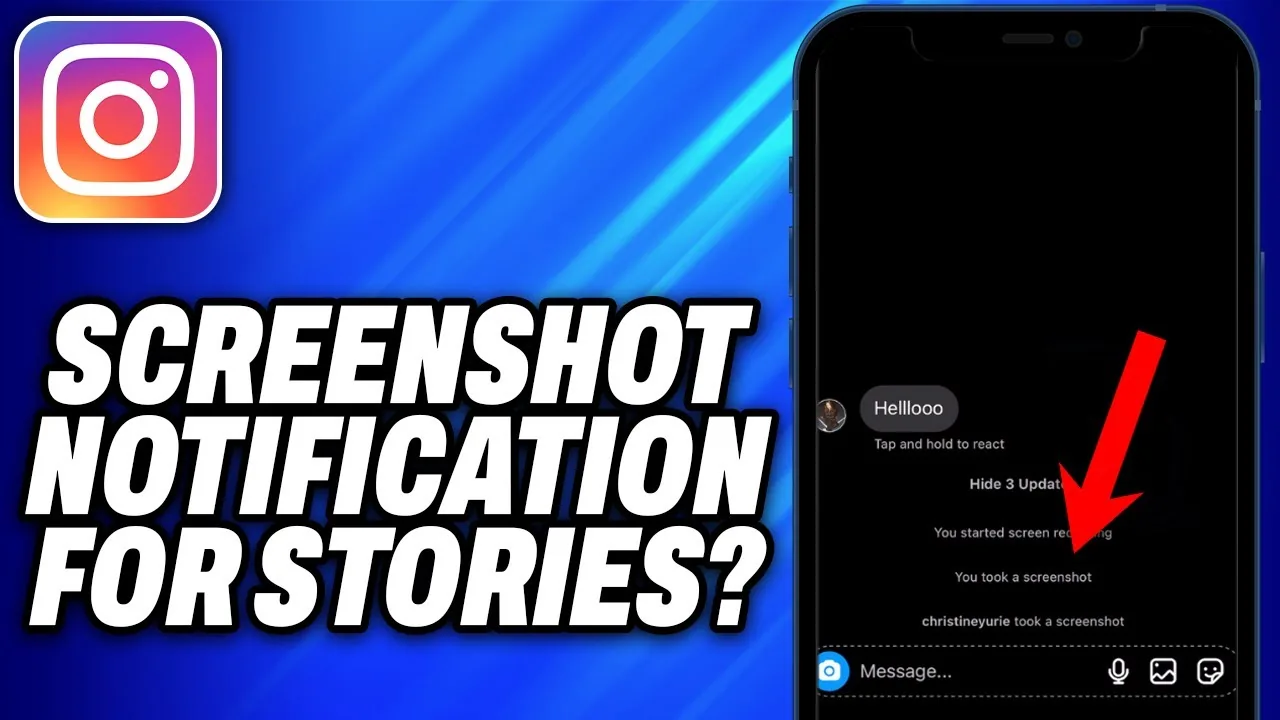
The confusion almost always comes from a different Instagram feature that does send a screenshot notification: disappearing photos and videos sent inside Direct Messages.
Key takeaways
- Regular Story screenshots (and screen recordings) are silent — the poster is never notified.
- Instagram tested a Story screenshot notification briefly in 2018 for a small group of users, then dropped it. It has not returned.
- The one place screenshot detection genuinely exists is disappearing DM media — photos/videos sent in a chat with the timer icon (view once or allow replay). If the recipient screenshots or screen-records that specific message, the sender gets a notification.
- Story views are visible to the poster (they can see your name in the viewer list), but a screenshot within that list looks identical to a normal view.
- Third-party apps claiming to reveal who screenshotted your Story are not reading real Instagram data — treat them as scams or, at best, guesswork.
Why people think Story screenshots are tracked
The mix-up is understandable. Instagram Direct Messages has a genuine, well-documented screenshot alert for disappearing media — the photos and videos you send in a chat that vanish after being viewed once or after replay. If someone screenshots that specific message, the app shows the sender a notification like "[username] took a screenshot."
Stories work on a completely different system. A Story is a public (or close-friends-list) post that anyone who follows you, or anyone with a public account viewing it, can see for 24 hours. Because it's a broadcast rather than a private, ephemeral message between two people, Instagram never built the same screenshot-detection layer into it. Snapchat's Stories feature does notify on screenshots, and a lot of the confusion is simply people carrying that Snapchat behavior over to Instagram, where it doesn't apply.
What actually happens when you screenshot a Story
- You open a Story as you normally would, from the ring at the top of the feed or from a profile.
- You take a screenshot using your phone's normal screenshot method, or you screen-record the Story playing.
- Instagram registers this exactly like a normal view — you appear in the Story's viewer list (visible only to the poster, and only for as long as the Story is live or archived), but with no special flag, icon, or screenshot indicator next to your name.
- The poster receives no push notification, no in-app alert, and no log entry saying a screenshot occurred.
This applies whether the Story is a photo, a video, a Boomerang, or includes a poll, quiz, or question sticker. Screenshotting someone's response to your own poll or question sticker also isn't flagged.
The one real exception: disappearing DM photos and videos
If you want to know where Instagram's screenshot notification actually lives, it's Direct Messages:
- When someone sends a photo or video in a DM set to "view once" or "allow replay," the media disappears after you view it (or after the replay window closes).
- If you screenshot that message, or use your phone's screen recorder while it's playing, Instagram detects it and notifies the sender.
- This does not apply to normal photos/videos sent in a chat without the disappearing timer — those behave like any other message and can be screenshotted freely without notice.
- It also doesn't apply to regular text messages, voice notes, or shared posts/reels sent in a DM thread.
So the accurate rule of thumb: Stories are never monitored for screenshots; only the specific disappearing-media option inside DMs is.
Common mistakes to avoid
- Assuming a Story works like a Snapchat Story or a disappearing DM photo — they're built differently and only the DM version reports screenshots.
- Trusting apps or browser extensions that promise to "show you who screenshotted your Story" — Instagram doesn't expose this data to anyone, including third-party developers, so these tools are fabricating results.
- Confusing the Story viewer list with a screenshot log. Seeing someone's name in your viewers doesn't mean they screenshotted anything — it just means they watched it.
Tips for staying cautious anyway
- If you're posting something sensitive to your Story, remember that anyone who can view it can screenshot, screen-record, or simply photograph it with another device — there's no technical barrier stopping them.
- Use the Close Friends list if you want to limit who can even see a Story in the first place, since that's the only real control you have (there's no control over what viewers do once they see it).
- If privacy is the real concern, disappearing DM photos (view once) are the closer fit, since screenshot notifications do apply there.
Conclusion
Screenshotting a regular Instagram Story is completely silent on Instagram's end — no notification is sent to the poster, in 2026 or at any point since Instagram briefly tested and then abandoned that idea back in 2018. The only place Instagram genuinely alerts someone to a screenshot is disappearing photo/video messages in DMs. Keep those two features separate in your head and you'll never be caught off guard — in either direction.
Frequently asked questions
No. Regular Stories have no screenshot notification. This has been the case since Instagram discontinued a short-lived 2018 test of the feature.
Sources
Keep reading
More guides to grow your account.