What is My Instagram Url?
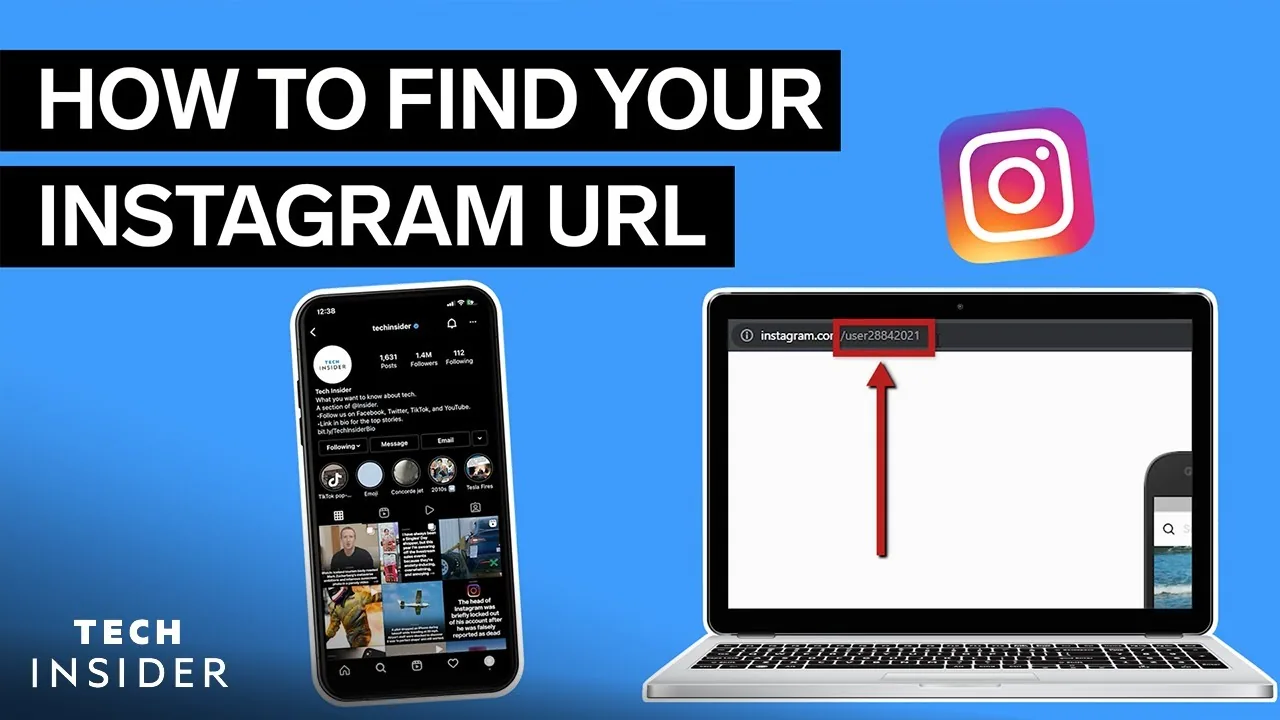
Your Instagram URL is always instagram.com/ followed by your exact username, case-insensitive — the fastest way to grab the precise link is opening your profile, tapping Share Profile, and selecting Copy Link rather than typing it out by hand.
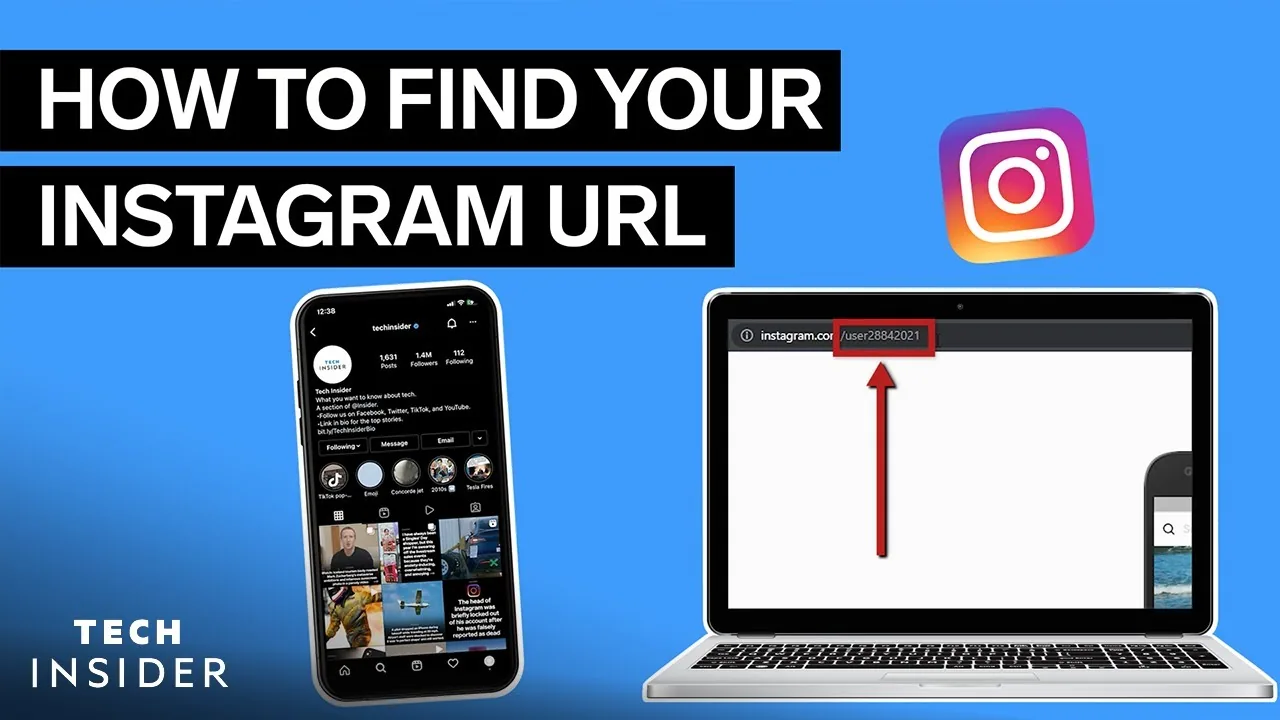
Short answer
Your Instagram profile URL follows the pattern instagram.com/yourusername — tap Share Profile from your own profile page and select Copy Link to get the exact, correctly formatted address instantly, rather than typing it manually and risking a typo.
Quick answer
Your Instagram URL is simply instagram.com/ followed by your exact username — for example, if your username is @jane_doe, your URL is instagram.com/jane_doe. Rather than typing this out and risking a mistake, open your own profile, tap Share Profile, and select Copy Link to get the precise URL copied to your clipboard instantly.
Key takeaways
- The URL always reflects your username (the @handle), not your display name, which can be different text entirely.
- Usernames are functionally case-insensitive in the URL, though Instagram displays and stores them in lowercase.
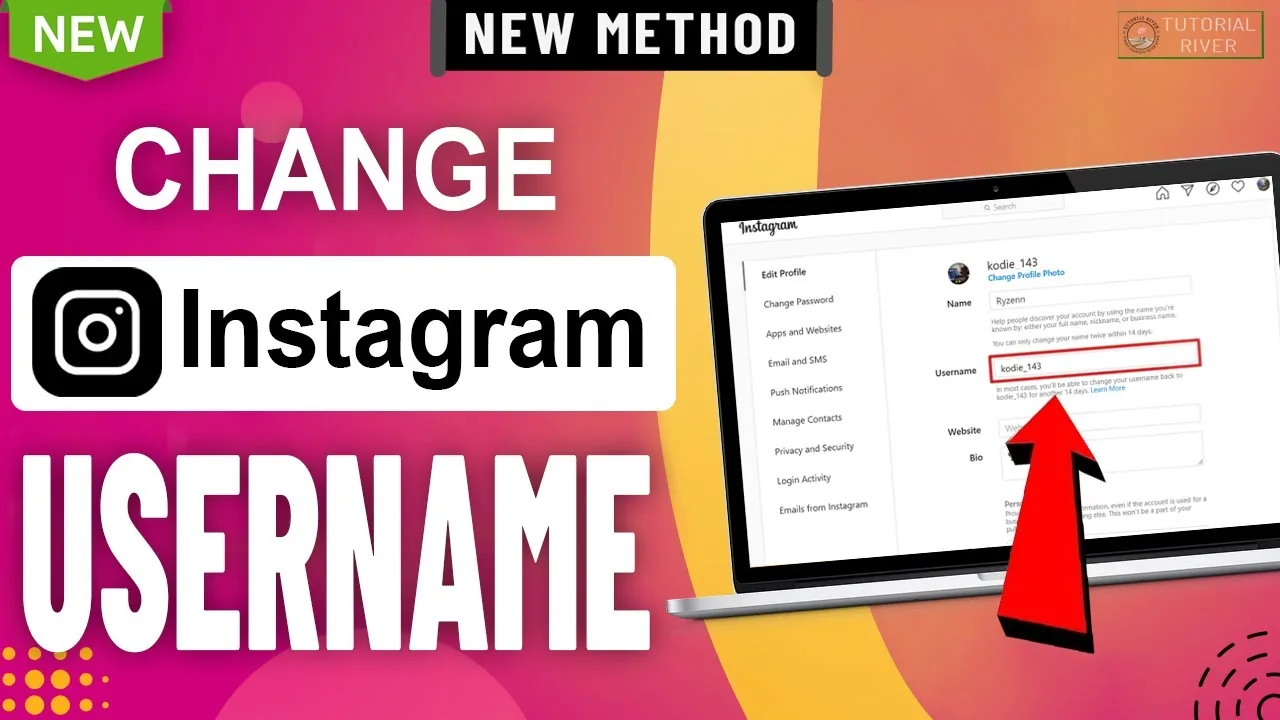
- If you change your username, your URL changes immediately to match — old links using your previous username generally stop working.
- This same format (instagram.com/username) works for any public profile, not just your own.
- There's no way to get a custom, non-username-based URL on Instagram — unlike some platforms that offer separate vanity links.
How to find and copy your exact URL
- Open Instagram and go to your own profile.
- Tap Share Profile below your bio (or the three-dot/three-line menu on some app versions).
- Select Copy Link from the share options.
- Paste it anywhere — your URL will read as https://www.instagram.com/yourusername/.
If you just need to confirm your username itself (not the full link), it's displayed directly below your display name at the top of your profile.
Why your URL might not match what you expect
A common point of confusion: your display name (the larger text shown on your profile, which can include spaces, emojis, and special characters) is different from your username (the @handle used in your URL). If your display name is "Jane 🌸 Doe" but your username is @janedoe22, your URL is instagram.com/janedoe22 — the display name has no bearing on the link structure at all.
Common mistakes to avoid
- Typing your display name into a URL instead of your actual username — only the username works in the link structure.
- Assuming your old URL still works after changing your username — Instagram doesn't guarantee automatic redirects from a previous username to your new one.
- Manually typing out your URL and introducing a typo — using the built-in Copy Link option avoids this entirely.
- Forgetting that a private account's URL, while technically valid, only shows a follow request screen to people who aren't already approved followers.
Tips
- Use your Instagram URL as your link-in-bio destination across other platforms (TikTok, YouTube, Twitter/X) for consistent cross-platform discovery.
- If you're rebranding and changing your username, update any external links pointing to your old URL right away, since they won't reliably redirect.
- For finding someone else's URL rather than your own, the same Share Profile > Copy Link method works from any public profile you visit.
Frequently asked questions
It's instagram.com/ followed by your exact current username — for example, instagram.com/yourusername. You can get the precise link by tapping Share Profile and Copy Link from your own profile.
Sources
Keep reading
More guides to grow your account.