How to Reply to Messages on Instagram (DMs Explained)
Open the message in your Instagram inbox, tap the text field at the bottom, type your reply, and hit send — here's every reply option available.
Short answer
To respond to an Instagram DM, open the conversation from your inbox, tap the text box at the bottom of the screen, type your reply, and tap send. You can also swipe to reply directly to a specific message, react with an emoji, or reply with a voice note, photo, or video.
Key takeaways
- Open the conversation from your Direct inbox and use the text field at the bottom to type and send a reply
- Swipe right on any individual message to reply directly to it, which keeps the quoted context attached
- Double-tap a message to react with a heart, or hold it down to pick a different emoji reaction
- You can reply with text, a photo, a voice note, a video, or a Story reshare in the same thread
- Message requests from people you don't follow land in a separate folder and need to be accepted before you can reply normally
- Read receipts can be turned off in settings if you don't want people to see when you've opened their message
How do you reply to a direct message on Instagram?
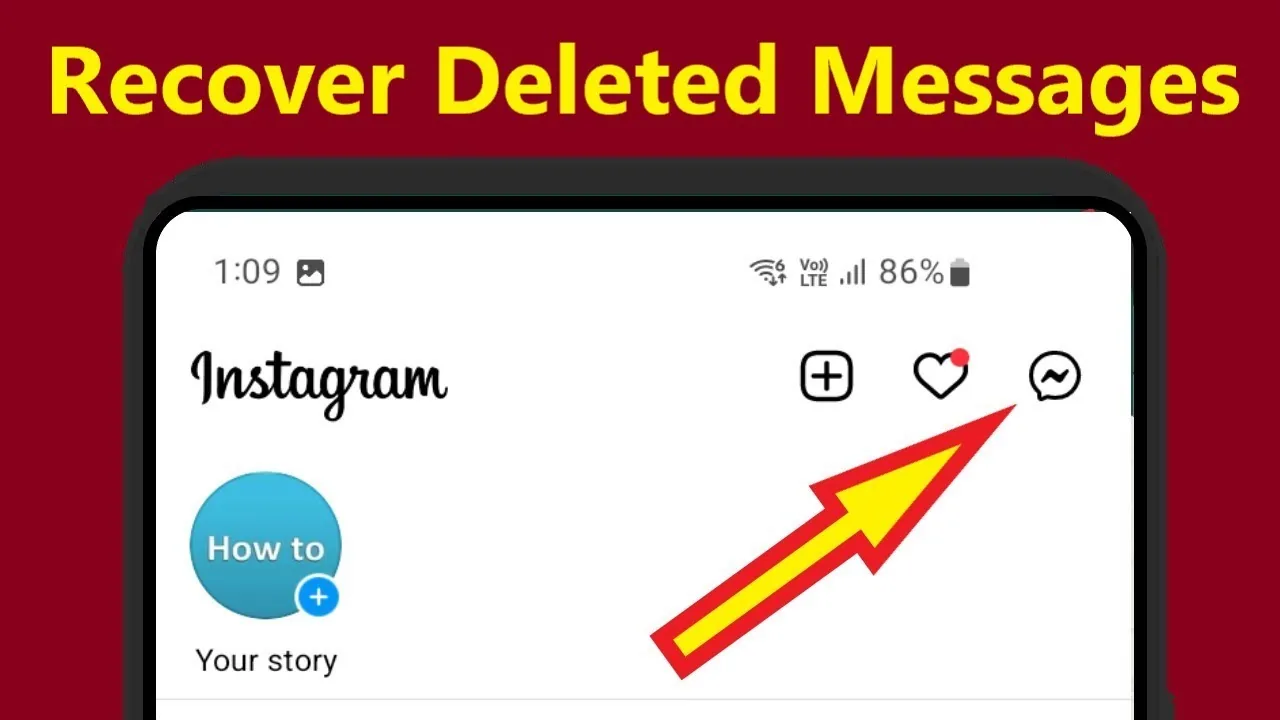
Open Instagram, tap the paper-airplane icon or Messages at the top of your feed, select the conversation, tap the text box at the bottom of the screen, type your message, and tap the send arrow. This is the standard way to keep a conversation going, and it works the same whether you're on the main feed inbox or opened a thread from a notification. For a deeper walkthrough of the inbox layout itself, see what Instagram Direct actually is.
How do you reply to one specific message instead of the whole thread?
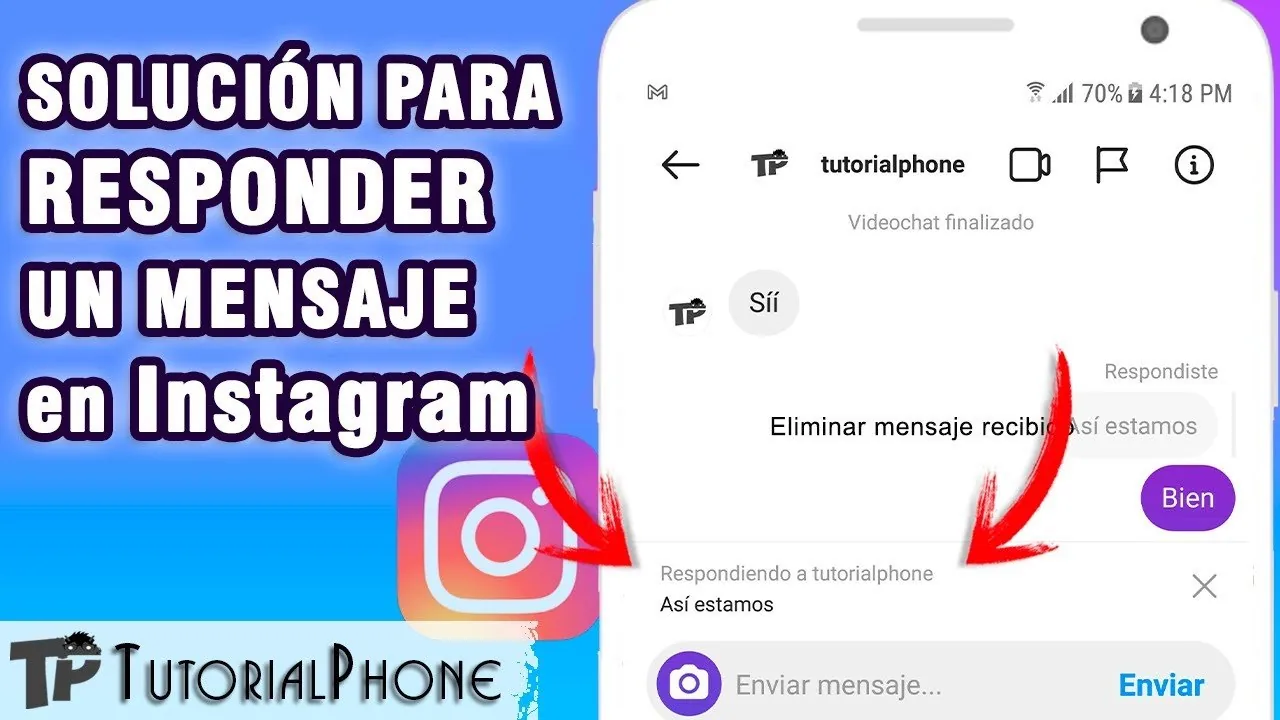
Swipe right on the message bubble you want to respond to, and Instagram opens a reply field with that message quoted above your new text. This keeps context clear in busy group chats where multiple topics are being discussed at once, so the person you're responding to can see exactly which message you meant. It's a faster, clearer alternative to typing "regarding your last message" every time, and it's especially useful once you've learned how to check your DMs across several active threads.
Can you react to a message without typing a reply?
Yes, double-tap any message bubble to drop a quick heart reaction, or press and hold it to choose from a wider set of emoji reactions. This sends a lightweight acknowledgment without adding a new message to the thread, which is handy when you just want to confirm you saw something without derailing the conversation.
What if the message is in your requests folder instead of your main inbox?
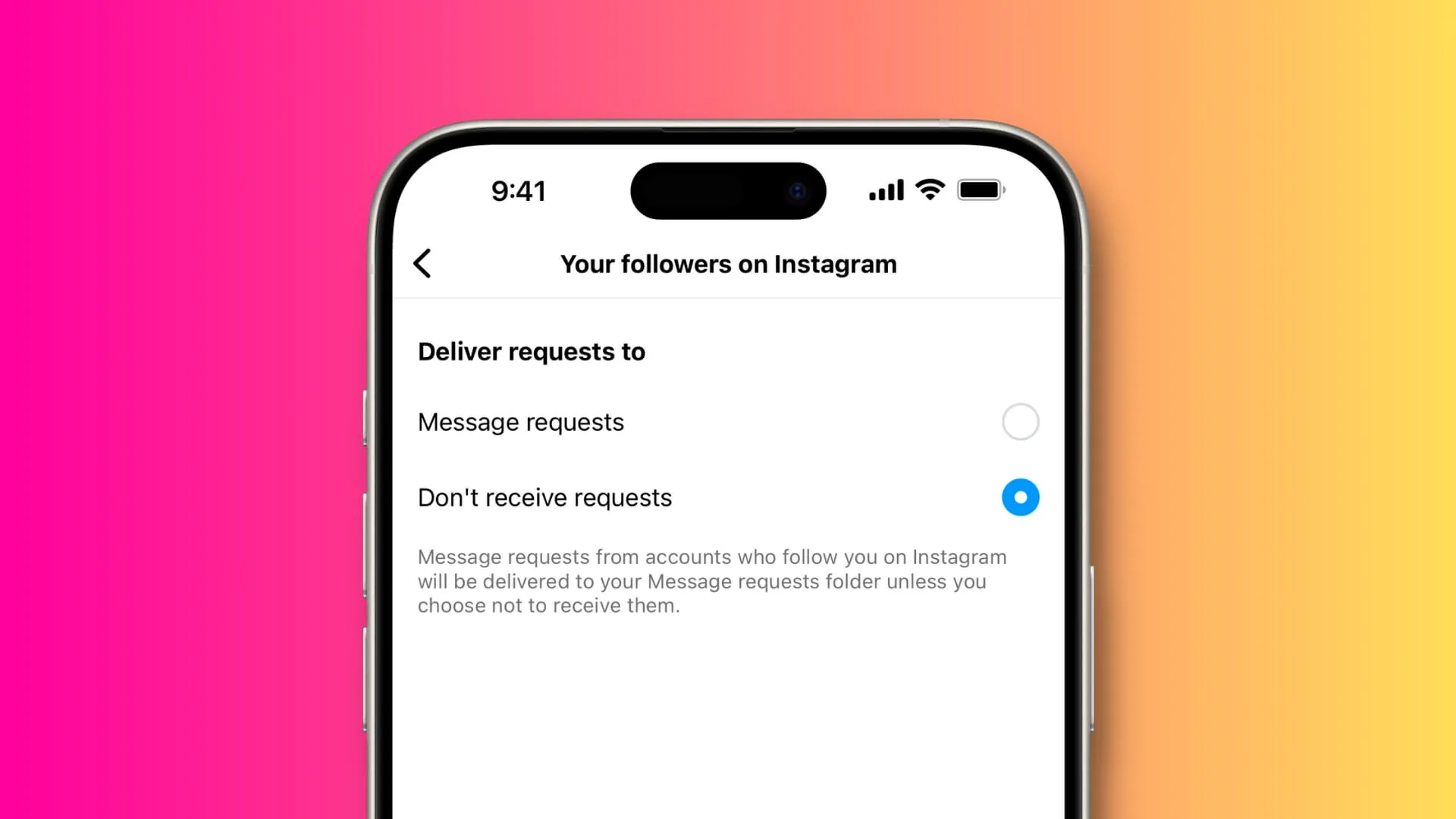
Messages from accounts you don't follow land in a separate "Requests" tab, and you need to tap Accept before you can reply through the normal message box. You also have the option to reply without formally accepting, which sends your response but doesn't move the sender into your primary inbox. This system exists specifically to filter unsolicited messages before they show up mixed in with your regular contacts.
Can you send more than text when replying to someone on Instagram?
Yes, tap the camera icon to send a photo or video, the microphone icon to record a voice note, or the sticker icon to attach a GIF, similar to how GIFs get added to a Story. You can also reshare a Story or a post directly into the chat as your reply, which Instagram automatically formats as a shareable card the recipient can tap to view.
Will the other person know I read their message before I replied?
By default, yes — Instagram shows a "Seen" indicator once you've opened a message, unless you've turned off read receipts in your privacy settings. If you'd rather reply without confirming you've seen it, you can preview a message from the notification banner without fully opening the thread, similar to the tactics people use around whether Instagram notifies when you screenshot a message.
| Reply method | Best used for |
|---|---|
| Text box at bottom of chat | Standard back-and-forth replies |
| Swipe-to-reply on a message | Responding to one message in a busy thread |
| Double-tap reaction | Quick acknowledgment without typing |
| Voice note or photo/video | Faster or more personal responses |
| Story or post reshare | Sharing content as part of the conversation |
If a conversation goes sideways, it also helps to know how to block someone on Instagram or how reporting someone works, since those tools sit right next to the reply options inside every DM thread.
Frequently asked questions
Open the conversation from your Direct inbox, tap the text field at the bottom of the screen, type your reply, and tap the send arrow to deliver it.
Sources
Keep reading
More guides to grow your account.