What is a Reel on Instagram?
A Reel is Instagram's short-form vertical video format, Instagram's direct answer to TikTok — typically set to music or audio, editable with built-in effects and text, and given the widest organic reach of any content type since Instagram actively pushes Reels into a dedicated discovery feed to attract non-followers.
Short answer
Reels are Instagram's short vertical video format, built to compete directly with TikTok — set to music, editable with in-app effects, trims, and text, and shown to non-followers in a dedicated Reels tab that gives them significantly more organic reach than a standard feed post.
Quick answer
A Reel is Instagram's short-form, full-screen vertical video format — the platform's direct answer to TikTok. Reels can be recorded in-app or uploaded, are commonly paired with music or trending audio, and support built-in editing tools like trimming, speed controls, text overlays, and effects. They live in their own dedicated Reels tab (accessible from the bottom navigation), and Instagram's algorithm gives them significantly wider organic reach to non-followers than a regular feed post.
Key takeaways
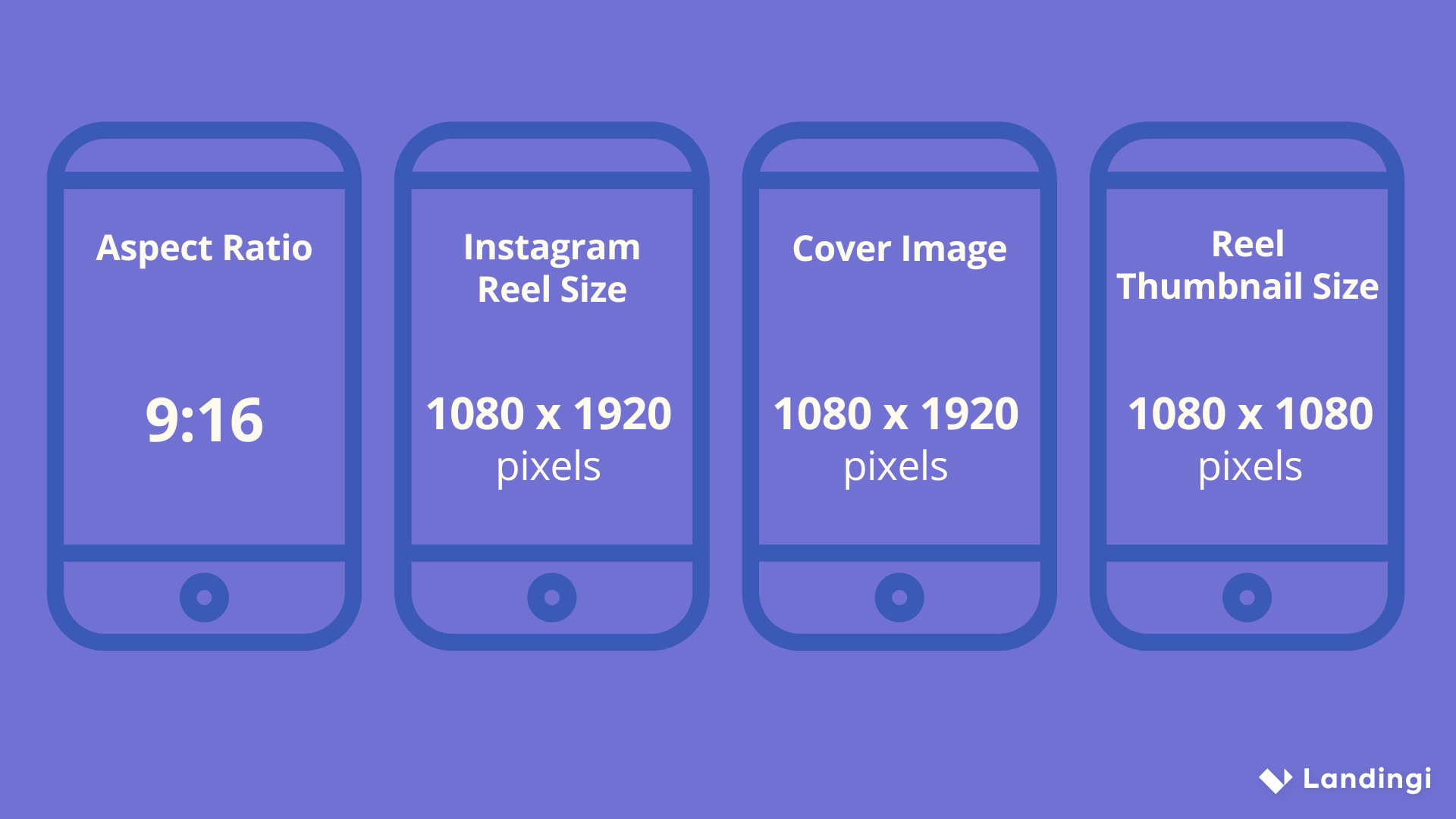
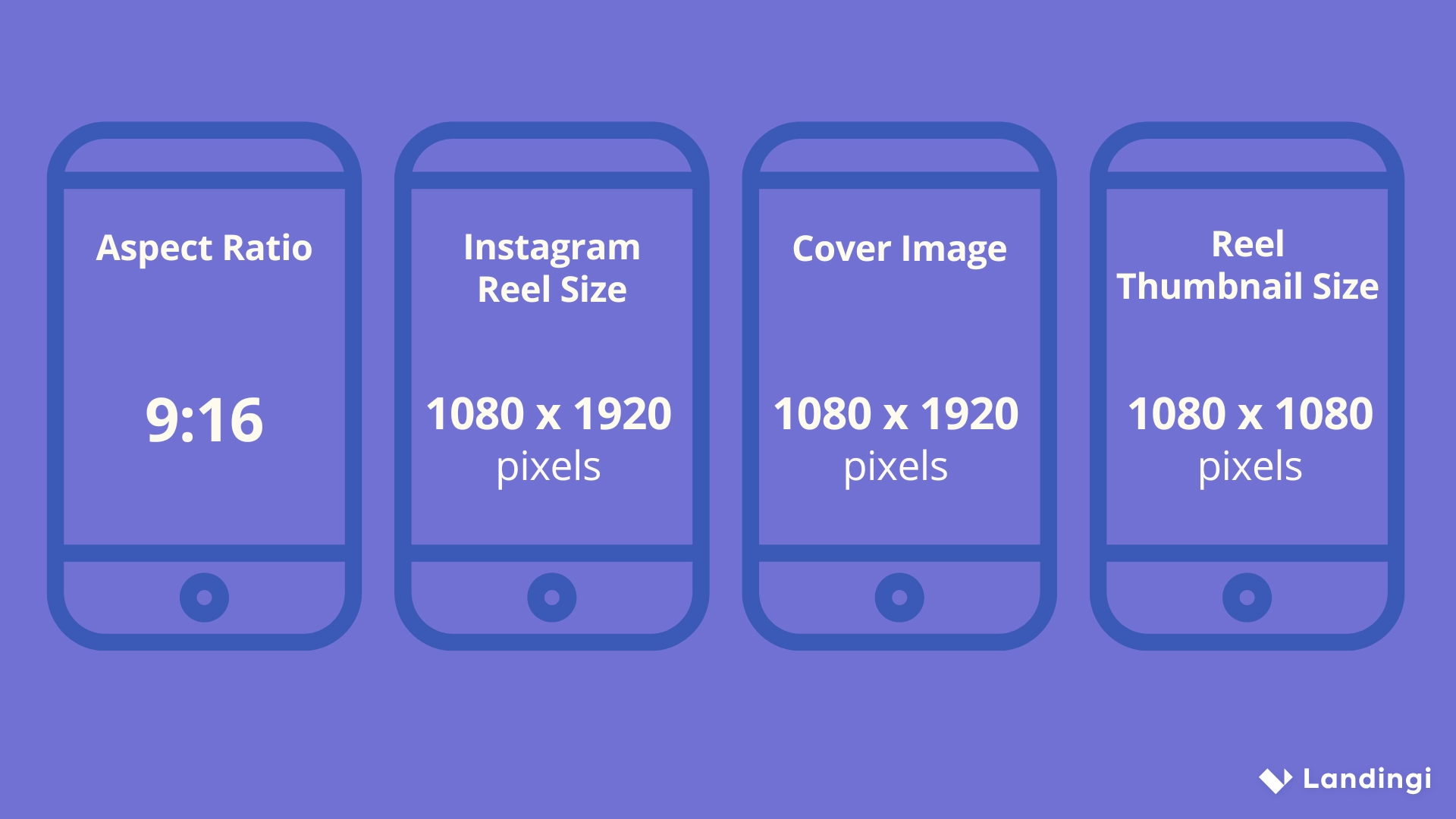
- Reels are vertical videos, typically shot in 9:16, distinct from regular feed video posts which favor other aspect ratios.
- They appear in multiple places: your profile grid (marked with a small Reels icon), the dedicated Reels tab, Explore, and sometimes your followers' Home feed.
- Reels support in-app tools for adding music, adjusting playback speed, aligning multiple clips, and overlaying text or effects.
- Instagram actively promotes Reels to people who don't follow you, making them the strongest tool for organic discovery on the platform.
- Reels can be shared to your Story, sent in DMs, or saved, similar to how regular posts can be shared.
Where Reels show up
A published Reel appears in several places at once: it's marked on your profile grid with a small icon distinguishing it from photo posts, it plays in the dedicated Reels tab (both your own and other users' when browsing), it can surface in Explore to non-followers based on Instagram's recommendation algorithm, and it may also appear in your followers' regular Home feed alongside photo posts.
How Reels differ from Stories and regular video posts
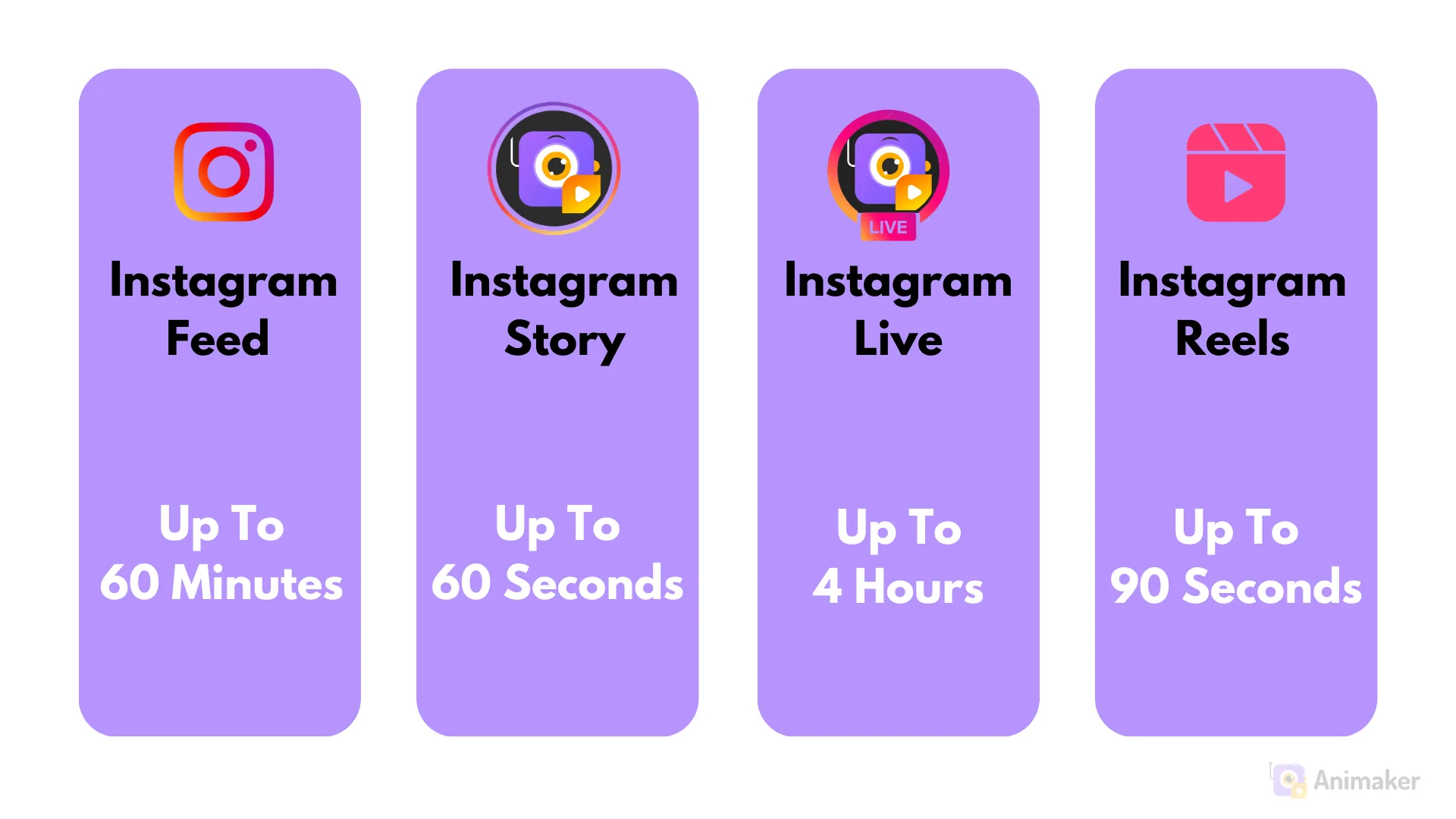
- Reels vs. Stories: Reels are permanent (until you delete them) and discoverable by non-followers through the Reels tab and Explore; Stories disappear after 24 hours and are seen primarily by your existing followers.
- Reels vs. regular feed video: both can appear in your feed, but Reels get dedicated placement in the Reels tab and Explore, receiving substantially more algorithmic push toward new audiences than a standard feed video post.
Common mistakes to avoid
- Uploading a widescreen or square video as a Reel without reformatting it to vertical 9:16, resulting in black bars or an awkward crop.
- Treating Reels like Stories and assuming they disappear — Reels are permanent content on your profile unless you manually delete them.
- Ignoring trending audio and effects entirely — using popular sounds (when relevant to your content) can meaningfully boost a Reel's discoverability through Instagram's recommendation system.
- Posting the same static-feeling content as both a Reel and a regular photo without adjusting for each format's strengths — Reels favor movement, hooks, and pacing over posed static shots.
Tips
- If you're new to creating Reels, our guide on creating a Reel on Instagram walks through the recording and editing steps in detail.
- Check current maximum length limits before recording, since Reels duration caps have changed over time — see how long can a Reel be on Instagram for the latest guidance.
- Strong hooks in the first couple of seconds matter enormously for Reels specifically, since Instagram's algorithm weighs how many viewers keep watching past the opening moment.
Frequently asked questions
Both can appear in your feed, but Reels get dedicated placement in the separate Reels tab and Explore page, receiving significantly more algorithmic promotion to non-followers than a standard feed video.
Sources
Keep reading
More guides to grow your account.