Can You Deactivate Instagram Temporarily? Full Guide
Yes, Instagram lets you temporarily deactivate your account from Accounts Center, hiding your profile until you log back in.
Short answer
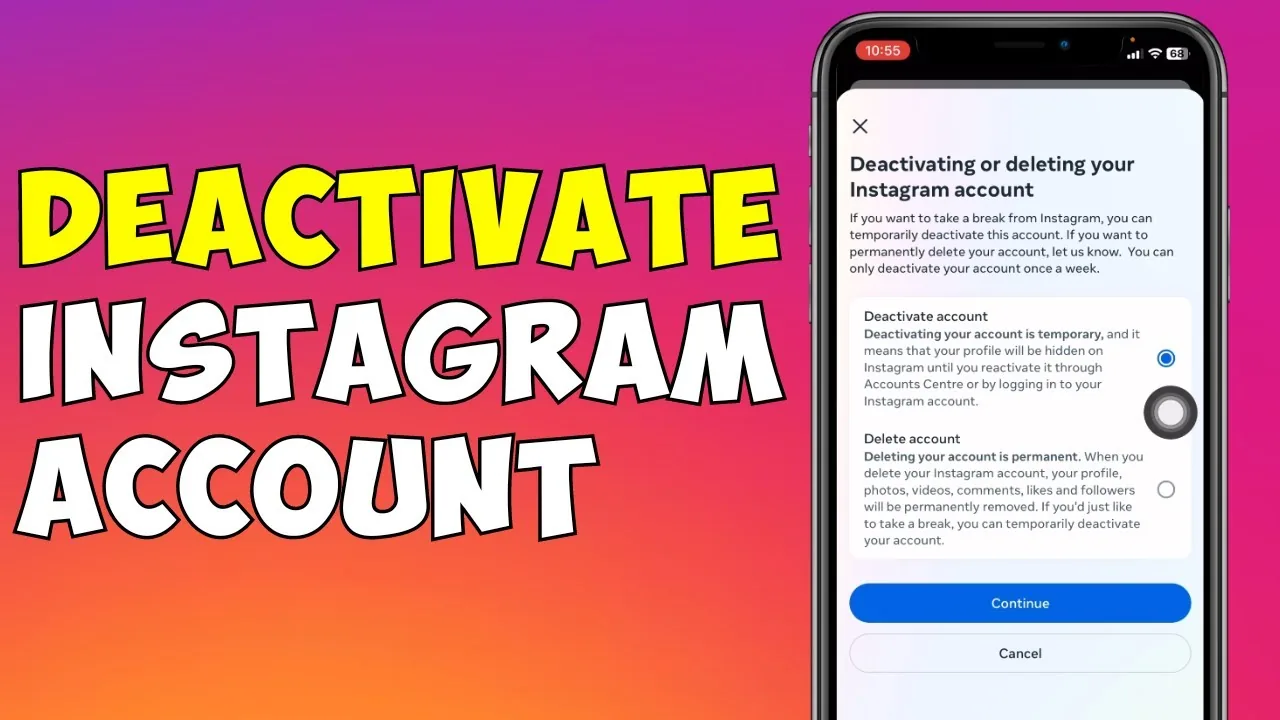
Yes, you can deactivate your Instagram account temporarily through Accounts Center in Settings. Deactivating hides your profile, posts, comments, and likes until you log back in, and you can only deactivate once per week, while permanent deletion is a separate, non-reversible option.
Key takeaways
- Yes, Instagram supports temporary deactivation, separate from permanent account deletion.
- Deactivating hides your profile, posts, comments, and likes until you log back in.
- The option lives under Accounts Center, not the classic Settings menu, on current app versions.
- You can only deactivate your account once per week.
- Your followers, following list, and data all stay intact and reappear once you reactivate.
- Reactivating is as simple as logging back in with your username and password.
Can you actually deactivate Instagram, or only delete it?
Yes, Instagram offers a genuine temporary deactivation option that's distinct from permanently deleting your account. Deactivation hides everything tied to your profile, including your posts, comments, likes, and followers list, without erasing any of it, which makes it a reasonable middle ground if you're only wondering how to deactivate Instagram on your phone for a short break rather than leaving for good.
How do you deactivate your Instagram account?
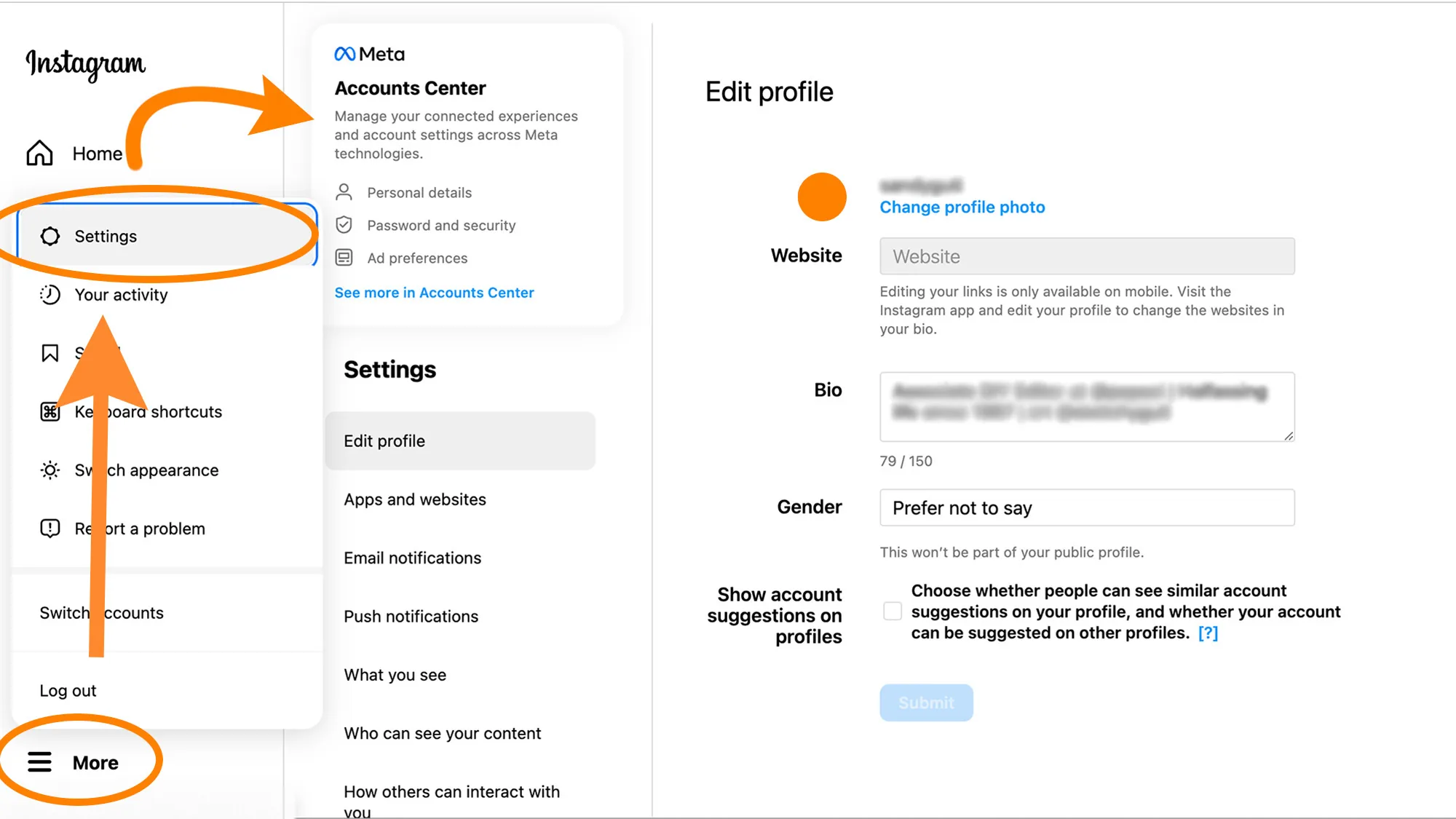
Open the app, tap your profile picture (see how to change your Instagram profile pic if you want to update it first), then tap the menu icon in the top right and choose Accounts Center. From there, tap Personal details, then Account ownership and control, then Deactivation or deletion. Select the account you want to deactivate, tap Deactivate account, confirm your password, choose a reason from the list, and tap Deactivate account one more time to finish. The flow is similar whether you're deactivating a personal, business, or creator account.
What happens to your content while deactivated?
Everything is hidden, not deleted. Your posts, Stories, comments, and likes disappear from other people's view of Instagram, and your profile can't be found in search. Your data stays stored on Instagram's servers exactly as it was, so nothing is lost, and this is different from options like archiving individual posts, covered in how to archive an Instagram post, which only hides one post rather than your whole account.
How often can you deactivate your account?
Instagram limits deactivation to once per week. If you reactivate by logging back in and then want to deactivate again shortly after, you'll need to wait out that weekly cooldown before the option becomes available again.
How do you reactivate a deactivated account?
Simply log back in using your username and password; if you've forgotten it, see how to find your Instagram password before you try to reactivate. There's no separate reactivation button or waiting period beyond the initial login, and your profile, posts, and followers all return exactly as they were before you deactivated.
Deactivation vs. deletion, side by side
| Feature | Deactivation | Permanent deletion |
|---|---|---|
| Reversible | Yes, by logging back in | No |
| Content visibility | Hidden while deactivated | Erased after grace period |
| Followers/following | Preserved | Lost |
| Frequency limit | Once per week | Not applicable |
| Best for | A short break | Leaving Instagram permanently |
Frequently asked questions
Can you deactivate Instagram temporarily? Yes. Instagram has a built-in temporary deactivation option under Accounts Center that hides your profile, posts, and activity until you log back in.
Where is the deactivation option in the app? It's under Accounts Center, not the older Settings menu. Go to your profile, tap the menu icon, choose Accounts Center, then Personal details, then Account ownership and control, then Deactivation or deletion.
Does deactivating delete my photos and followers? No. Deactivation hides everything without deleting it. Your photos, comments, likes, and followers list are all preserved and return once you log back in.
How many times can I deactivate my Instagram account? You can deactivate once per week. If you reactivate and want to deactivate again soon after, you'll need to wait for the weekly limit to reset.
How do I reactivate my Instagram account? Just log back in with your username and password. There's no extra confirmation step, and your account returns to normal immediately.
Is deactivating the same as deleting Instagram? No. Deactivation is reversible and temporary, while permanent deletion, described in guides like how to permanently delete Instagram, erases your account and data after a grace period with no way to recover it.
Can people still message me while I'm deactivated? No. Deactivating hides your profile from search and from other users, so people generally can't view your profile or send you new messages until you reactivate.
Will my username stay reserved while deactivated? Yes, your username remains reserved to your account during deactivation, since the account still exists, just hidden, and nobody else can claim it while it's deactivated.
Do I need a business or creator account to deactivate? No. Deactivation works the same way across personal, business, and creator accounts, all managed through the same Accounts Center flow.
Why would someone deactivate instead of just logging out? Logging out only signs you out of the app on that device, while your profile stays fully visible to everyone else. Deactivating actually hides your profile and activity from other users until you return.
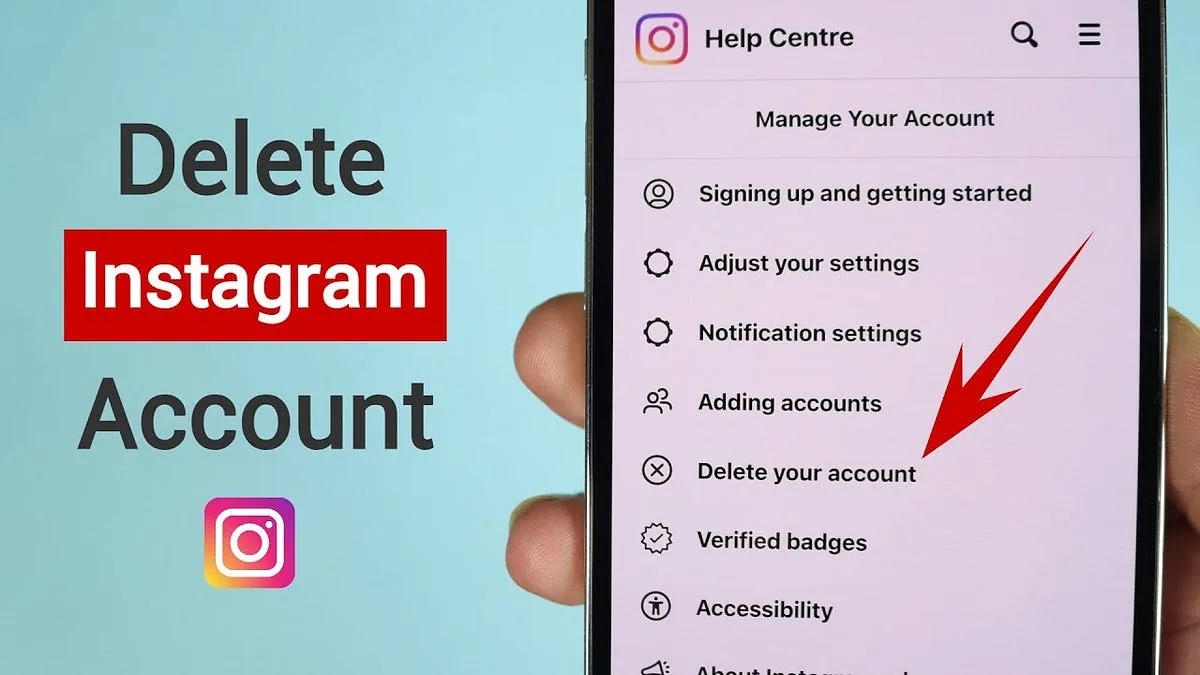
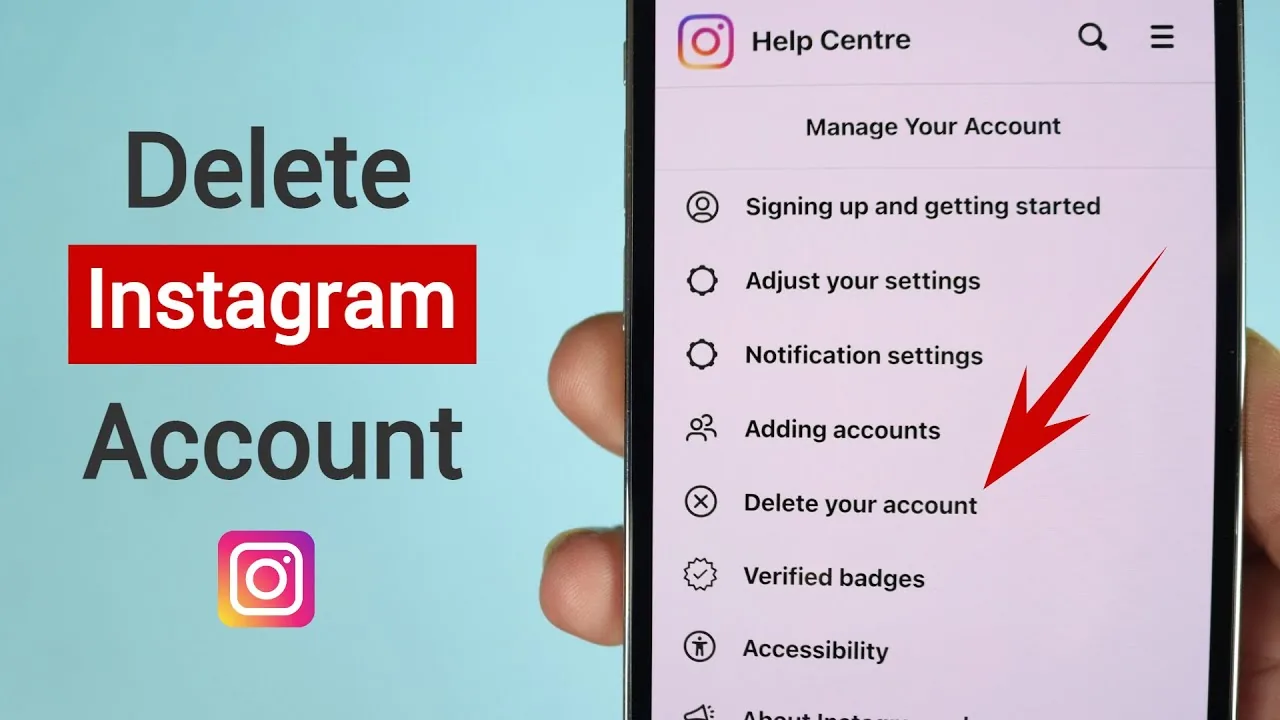
If you ultimately decide a short break isn't enough and you want to leave for good, compare this option against how to delete your Instagram account before making a final call.
Frequently asked questions
Yes. Instagram has a built-in temporary deactivation option under Accounts Center that hides your profile, posts, and activity until you log back in.
Sources
Keep reading
More guides to grow your account.