How to Unlink a Facebook or Other Account from Instagram
Remove Facebook, WhatsApp, or another Meta account from your Instagram via Accounts Center in Settings, without deleting either account.
Short answer
Open Instagram Settings, go to Accounts Center under the Meta section, select the linked account (usually Facebook), and tap Remove from Accounts Center. This disconnects cross-posting and shared login without deleting or deactivating either account.
Key takeaways
- Linked accounts are managed through Meta's Accounts Center, not the old Instagram-Facebook linking menu
- Removing an account from Accounts Center stops cross-posting and shared data, but both accounts stay fully active
- If you originally signed up for Instagram using Facebook login, set a standalone Instagram password before unlinking
- The same Accounts Center process works for unlinking WhatsApp or a second Instagram account
- Unlinking doesn't undo past crossposts — old posts shared to both platforms remain where they were published
Where do I actually go to unlink an account?
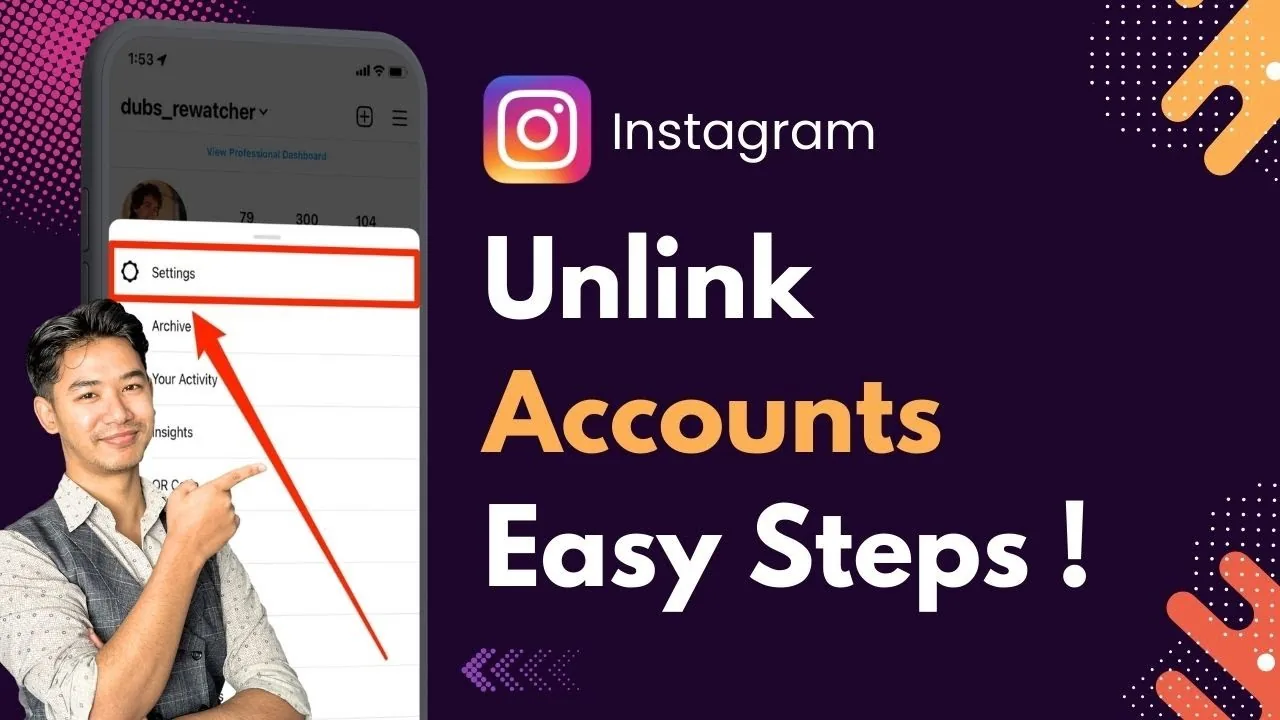
On mobile, tap your profile picture, open the menu icon in the top right, go to Settings and Privacy, scroll to the Meta section, and tap Accounts Center. From there tap Accounts, select the account you want to remove — most often Facebook — and choose Remove from Accounts Center, then confirm. On desktop, click your profile icon, go to Settings, scroll down and click the Accounts Center link, then follow the same Accounts and Remove steps. This is a different menu than the older method some guides still describe when they talk about how to link Facebook to Instagram, since Meta consolidated account linking into Accounts Center a while back.
Will unlinking delete or deactivate my Facebook or Instagram account?
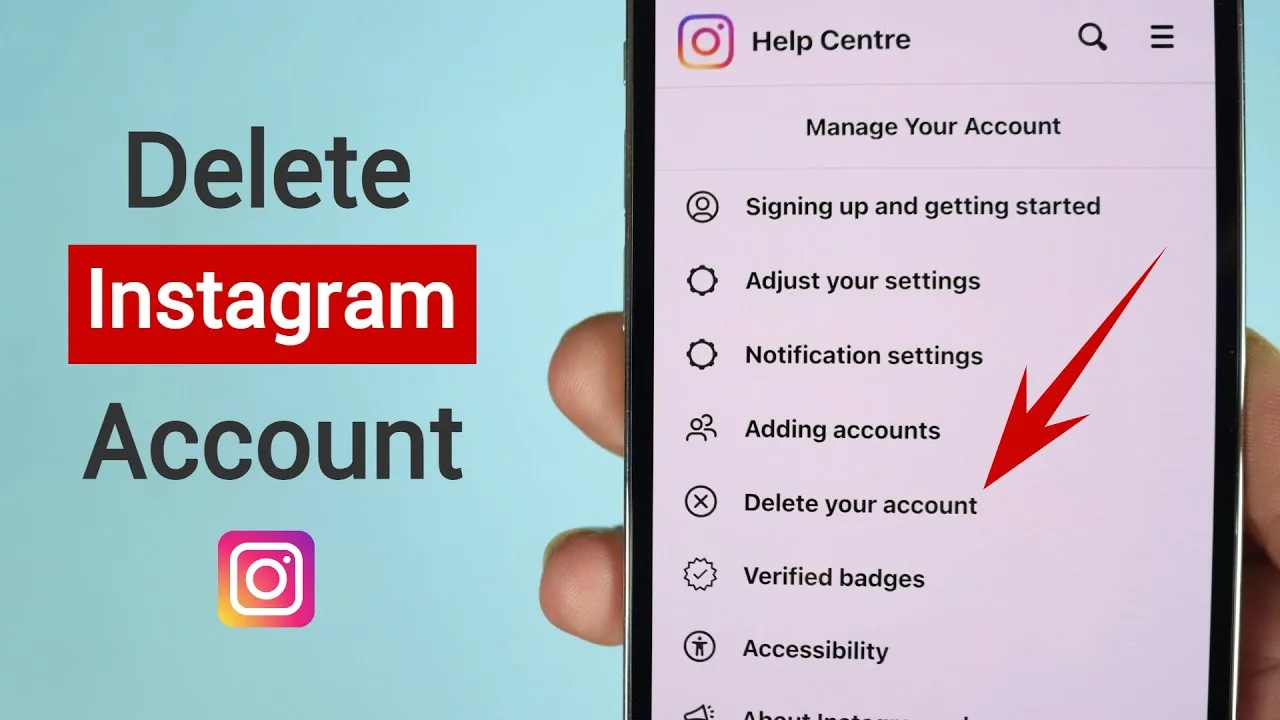
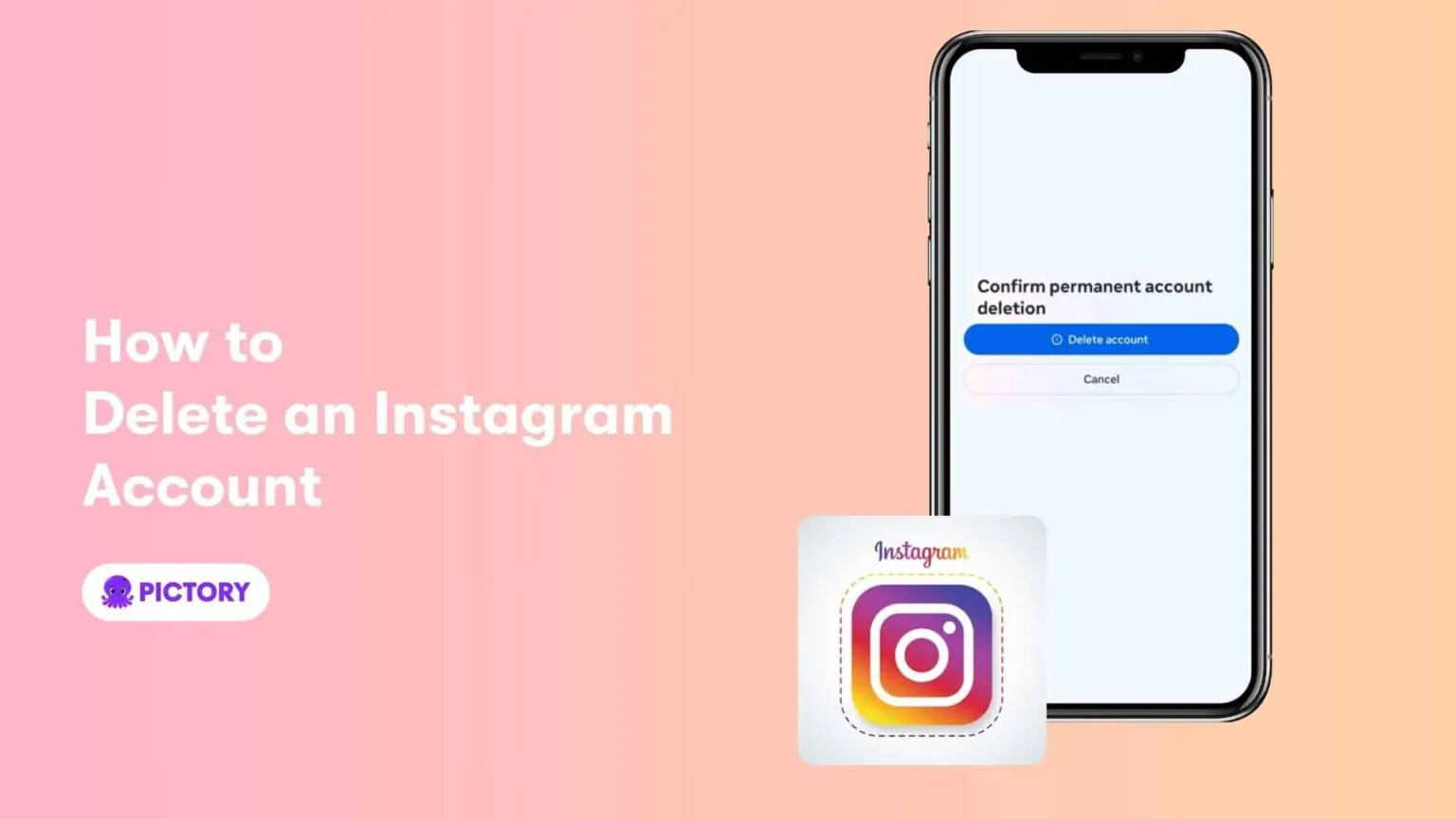
No, unlinking only removes the connection between the two accounts — neither account is deleted, deactivated, or logged out as a result. Your posts, followers, and settings on both platforms remain exactly as they were, since Accounts Center only manages the cross-account link, not the accounts themselves. This is a much lighter action than actually choosing to delete an Instagram account or deactivate it temporarily.
What stops working once I unlink the accounts?
Cross-posting between Instagram and Facebook stops immediately, so a photo you share to Instagram Stories will no longer automatically appear on Facebook, and vice versa. You'll also lose the shared login convenience, meaning you'll need separate passwords and separate logins for each app going forward. If you used your Facebook login to originally create your Instagram account, Instagram will prompt you to set a standalone password before letting you complete the unlink.
Can I unlink WhatsApp or a second Instagram account the same way?
Yes, Accounts Center handles all Meta account connections the same way, whether it's Facebook, WhatsApp, or an additional Instagram profile. Open Accounts Center, select the specific account, and use Remove from Accounts Center just as you would for Facebook. This is handy if you're managing multiple profiles and want to switch accounts on Instagram without them being tied together administratively.
Why would I want to unlink accounts in the first place?
Common reasons include wanting separate audiences on each platform, avoiding accidental crossposting of content meant for only one app, or simplifying login security by not having accounts tied together. Creators managing a personal Instagram and a separate business page often unlink to keep messaging and content strategy independent, especially once they've built out a content calendar that treats each platform differently.
Does unlinking affect ads or business tools connected to my account?
It can. If your Instagram is linked to a Facebook Page for advertising or a Business Suite setup, unlinking through Accounts Center may also disconnect ad management and cross-platform insights tied to that connection. Before unlinking, check whether you rely on shared business tools, since reconnecting later may require rebuilding those settings from scratch, especially if you also plan to advertise on Instagram through the connected Page.
What if I just want to log out instead of unlinking?
Logging out is a completely separate action from unlinking accounts, and it doesn't touch your Accounts Center connections at all. If your goal is simply to stop seeing a second account's content or switch devices, learning how to log out of Instagram is a lighter option than removing an account link, and it's fully reversible by logging back in with your credentials.
| Action | What happens | Reversible |
|---|---|---|
| Remove from Accounts Center | Stops crosspost and shared login | Yes, relink anytime |
| Deactivate Instagram | Profile hidden temporarily | Yes |
| Delete Instagram | Account and data permanently removed | No |
| Unlink WhatsApp | Removes shared contact/business tools | Yes |
Unlinking is fully reversible, so if you change your mind you can return to Accounts Center and add the account back at any time without losing data on either platform.
Frequently asked questions
Go to Settings and Privacy, open Accounts Center under the Meta section, tap Accounts, select the linked account, and choose Remove from Accounts Center. Confirm the removal to complete the process.
Sources
Keep reading
More guides to grow your account.