Can People See What You Save on Instagram?
No — saving a post to your Instagram Saved collections is completely private. Unlike likes and comments, saves are never shown to the original poster or anyone else.
Short answer
Saving a post on Instagram is a private action — nobody, including the original poster, can see that you saved it or what's inside your Saved collections.
Quick answer
No one can see what you save on Instagram. When you tap the bookmark icon on a post or Reel to save it, that action is entirely private — it doesn't appear in your activity to followers, it doesn't notify the original poster, and it's not visible on your profile to anyone browsing it. This is different from likes and comments, which are public actions tied to your username and visible to anyone who can see the post.
Your Saved collections live in a part of your profile that only you can access. Nobody else — not your followers, not the account you saved the post from, not even someone who follows both you and that account — has any way to see your saved posts or collections.
Key takeaways
- Saving a post or Reel is completely private; it's not visible to the poster, to your followers, or to anyone viewing your profile.
- This is fundamentally different from likes and comments, which are public and tied to your account.
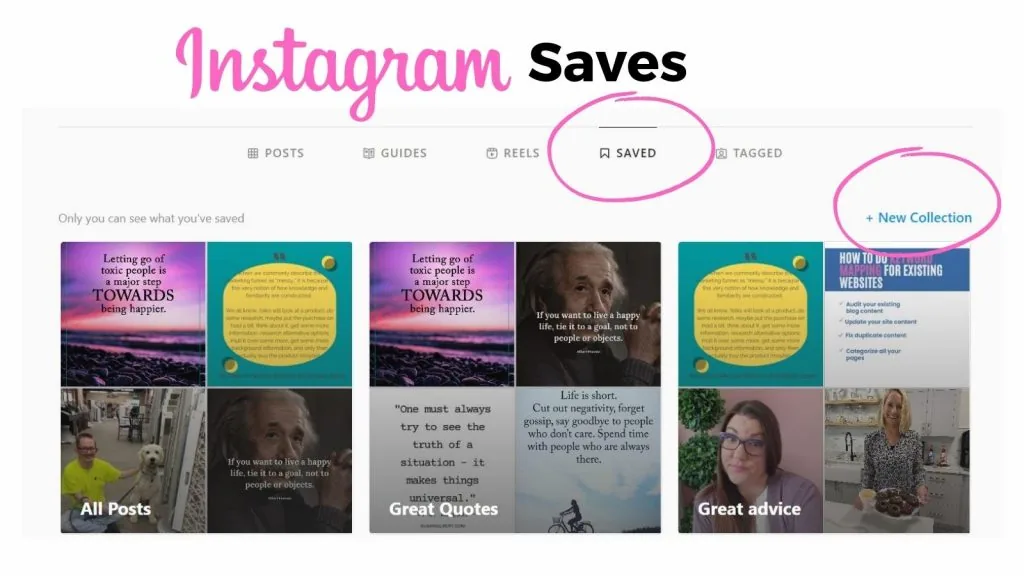
- You can organize saved posts into named collections (e.g., "Recipes," "Workouts"), and those collections are private too — only you can open and view them.
- The only way someone would know you saved their post is if you told them yourself, since Instagram doesn't send any notification for a save.
- This applies to personal, business, and creator accounts equally — there's no account setting anywhere that exposes saves to others.
How saving actually works
To save a post, tap the bookmark/ribbon icon underneath any post or Reel — it sits alongside the like (heart), comment, and share icons. Tapping it once saves the post to your default "All Posts" collection; you can also choose or create a specific named collection to file it under, which is handy for organizing recipes, outfit ideas, workout routines, or anything else you want to find again later.
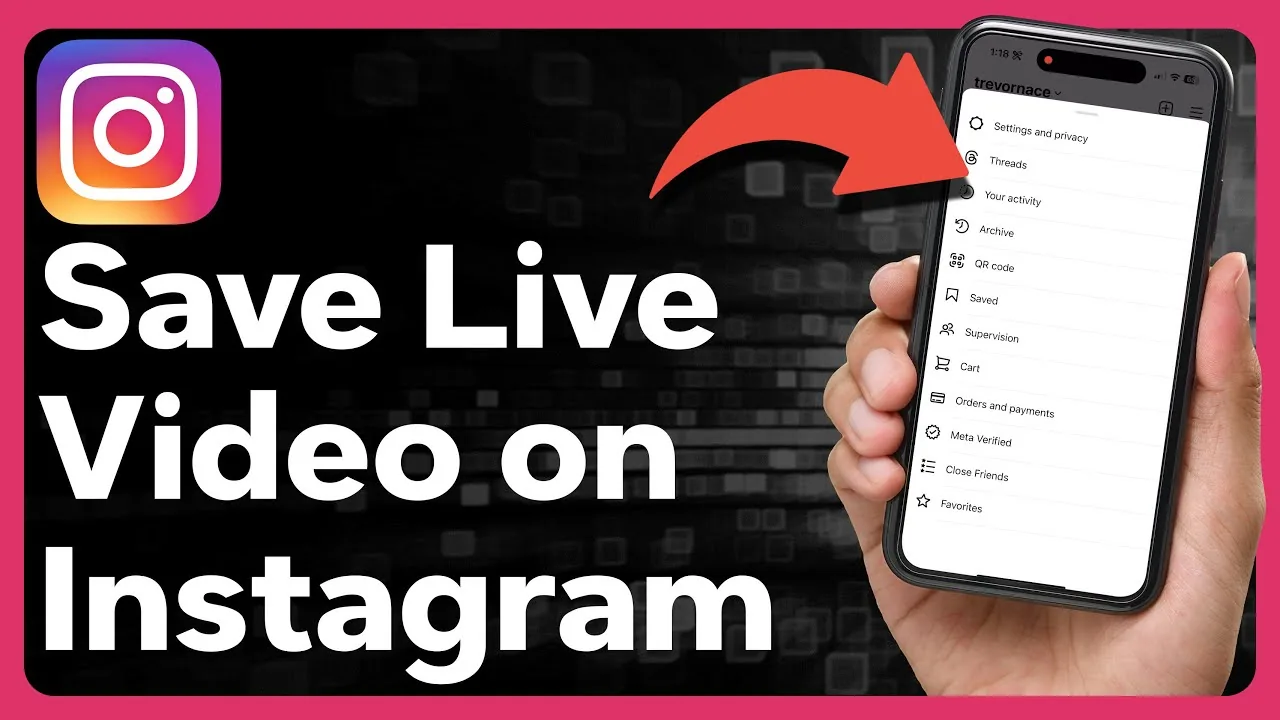
To see everything you've saved, go to your own profile, tap the menu (the three horizontal lines in the top right on mobile), and select Saved. From there you can browse your default collection or any custom collections you've created. This screen is only ever visible to you when logged into your own account — there's no equivalent screen or link that lets someone else browse your Saved tab.
Saves vs. likes and comments — the key distinction
It helps to think of Instagram interactions in two buckets:
- Public interactions: likes, comments, shares to your Story (if you choose to share), and follows. These are all tied to your username and visible to others who have permission to see the content.
- Private interactions: saves. This is the one major engagement action on Instagram that leaves no public trace at all. The poster gets aggregate save counts in their post Insights if they have a professional account (e.g., "142 saves"), but that's a total number — never a list of usernames.
So if you're worried about someone finding out you saved their post, the honest answer is: they can't, short of you telling them directly.
Common mistakes to avoid
- Assuming saves work like likes — they don't; saves carry no username attribution visible to anyone but you.
- Worrying that a business/creator account owner can see your username in their save count — they only see a total number, not who saved it.
- Thinking a private collection name is visible to others — collection names and contents are for your eyes only.
Tips for using Saved collections well
- Use multiple named collections to keep things organized (e.g., separate collections for recipes vs. travel inspiration) — none of this organization is ever exposed to anyone else.
- Remember that while your save is private, the underlying post itself is still subject to whatever privacy settings the original poster set — you can only save posts you can already see.
- If a post gets deleted by its original creator, it will also disappear from your Saved collection, since Instagram is just linking to the live post rather than storing a separate private copy.
Frequently asked questions
No. Saving a post is a private action and is never shown to the original poster, whether they have a personal, business, or creator account.
Sources
Keep reading
More guides to grow your account.