Instagram guides and how-tos
408 step-by-step Instagram how-tos. Filter by what you want to work on next.
 Content Strategy
Can You Add Multiple Photos to One Instagram Post?
Yes, Instagram carousel posts let you add up to 20 photos or videos in a single post. Here's how to create one and pick the right number of slides.
 Monetization
Can You Earn Money From Instagram? 7 Ways That Work
Yes, Instagram creators earn through Reels bonuses, Live Badges, Subscriptions, brand deals, and Shopping. Here's what actually pays in 2026.
 Reels
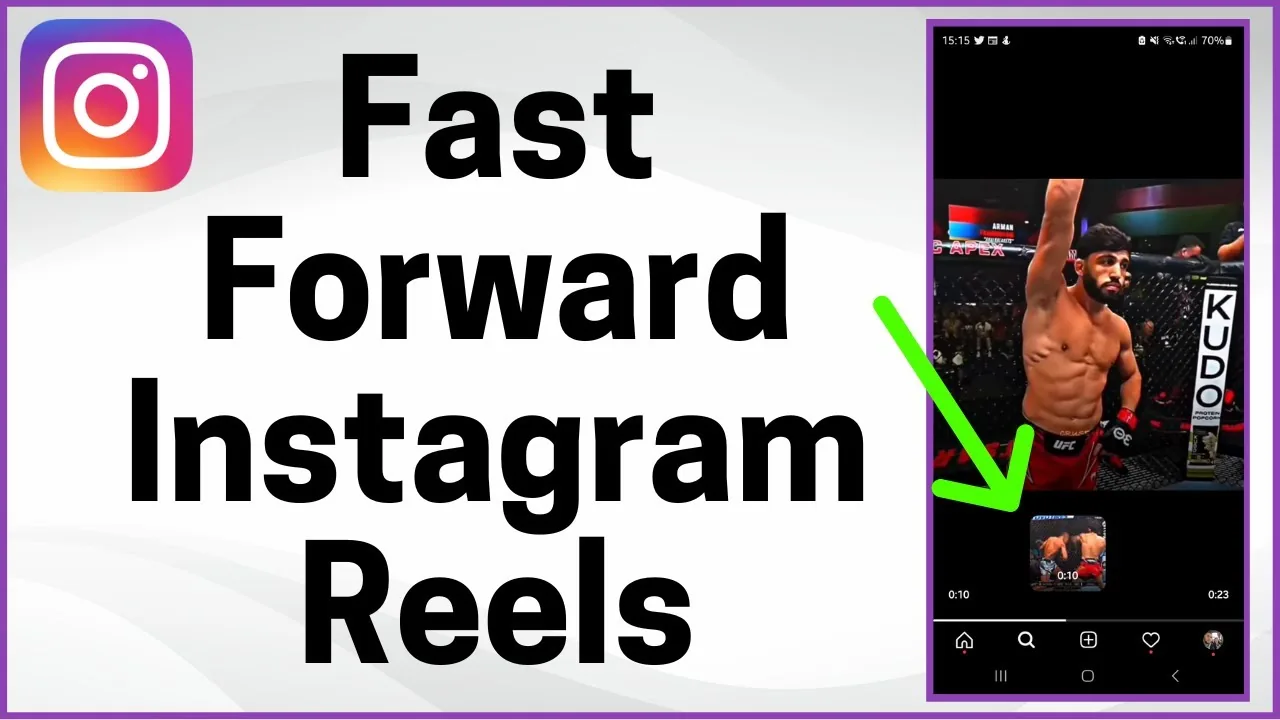
ReelsCan You Fast-Forward or Rewind Instagram Reels?
Instagram lets you fast-forward Reels by holding the screen edge, but there's still no dedicated rewind gesture. Here's what actually works.
 Explainers
Can You Go Live on Instagram? Requirements for 2026
Yes, but you now need a public account with at least 1,000 followers to start an Instagram Live in 2026.
 How-To
Can You Hide Posts From Specific People on Instagram?
Instagram doesn't let you hide feed posts from one specific person without blocking. Here's what Close Friends, muting, and privacy settings can do instead.
 Tools & Privacy
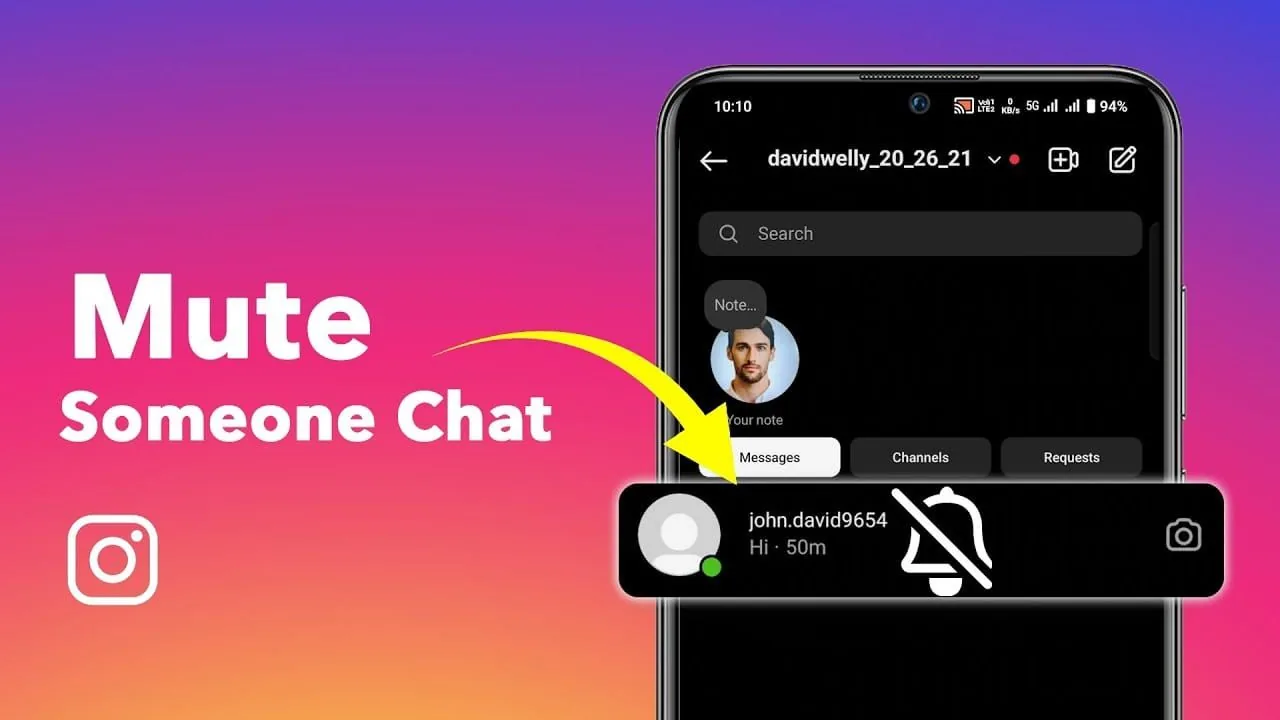
Can You Mute Someone on Instagram Without Unfollowing?
Yes, Instagram lets you mute someone's posts, Stories, and messages separately without unfollowing them, and they are never notified.
 Growth
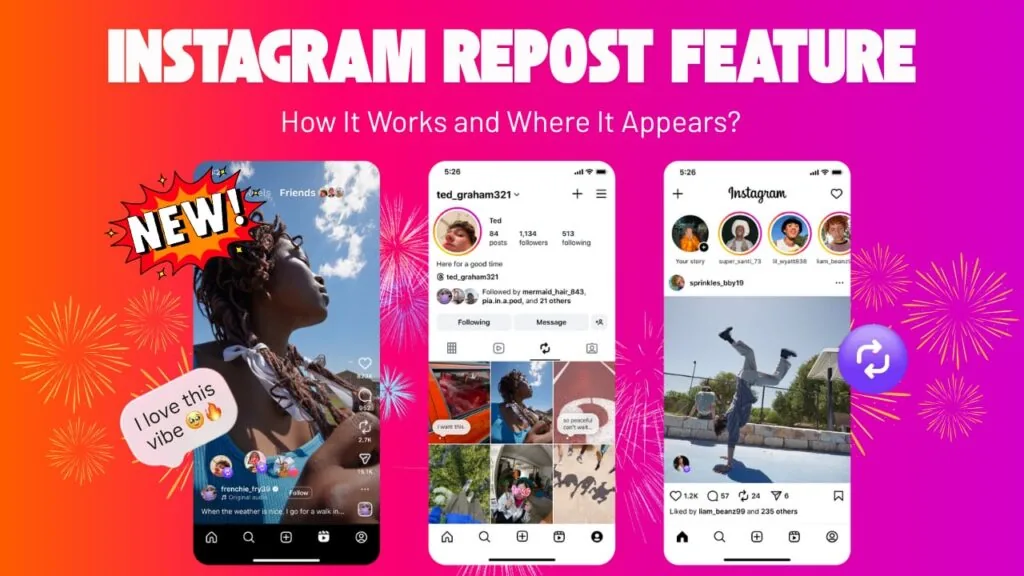
Can You Repost on Instagram? Native Repost Feature Explained
Yes, Instagram's built-in Repost button lets you share public posts and Reels with full creator attribution, no third-party app needed.
 Profile & Bio
Can You Screenshot Instagram DMs Without Anyone Knowing?
You can screenshot regular Instagram DMs without a notification, but Vanish Mode and view-once media are the exception. Here's the full breakdown.
 Explainers
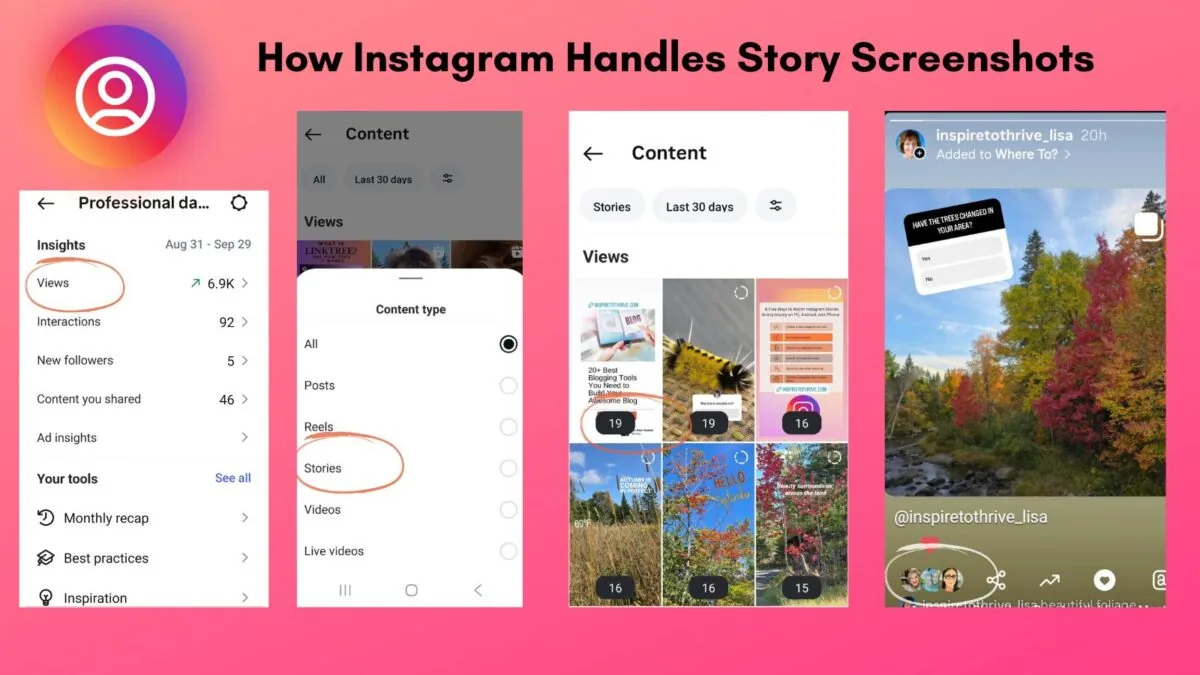
Can You See Who Screenshots Your Instagram Story?
No — Instagram doesn't identify which viewer took a screenshot of your Story. It only reveals who viewed it, not what they did with it, and this hasn't changed since screenshot alerts for Stories were removed in 2018.
 Explainers
Can You See Who Sent Your Instagram Post?
Yes — any post sent to you on Instagram arrives in a Direct Message thread labeled with the sender's username and profile photo, so there's no way to send a post anonymously. What Instagram does not show you is a full chain of everyone who has forwarded that same post onward after you received it.
 Explainers
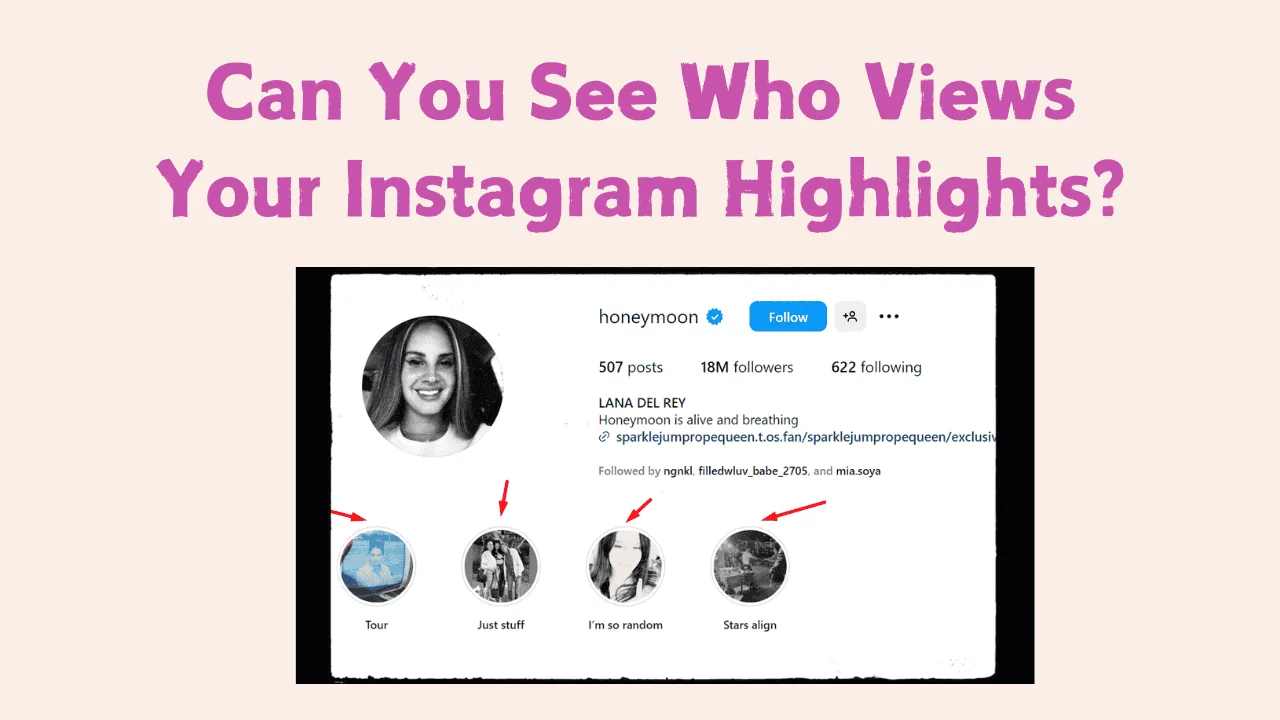
Can You See Who Views Your Instagram Highlights?
Yes, but only for a limited time: the viewer list attached to a Highlight is really the viewer list of its original Story, and Instagram doesn't keep detailed names visible forever once that Story has been archived for a while.
 Growth
Do Hashtags Work on Instagram?
Yes, hashtags still work as a discovery tool on Instagram in 2026, but their impact on reach has dropped significantly since 2018-2020 as the algorithm now leans on interest-based recommendation through Explore and Reels rather than hashtag-following.
 Explainers
Who Owns Instagram in 2026? Meta Ownership Explained
Who owns Instagram in 2026? Meta Platforms owns the app after Facebook acquired it in 2012. See the verified deal, founders, and leadership timeline.
 Explainers
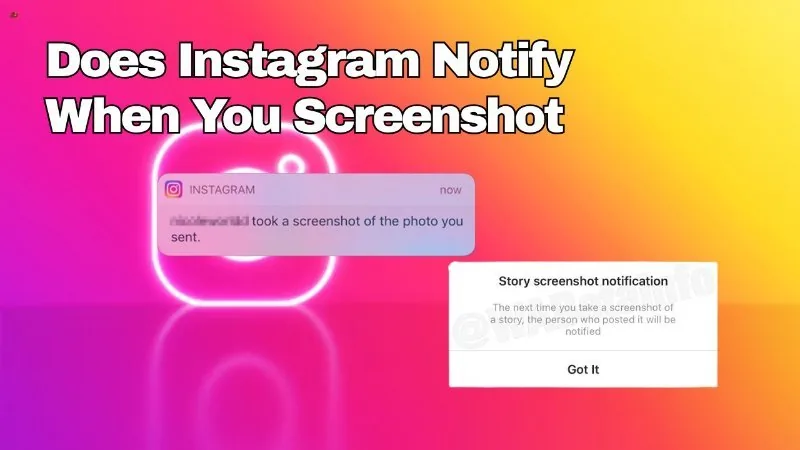
Does Instagram Notify When You Screenshot a Message?
It depends what kind of message: plain text and standard photos in a DM thread can be screenshotted with no alert, but a disappearing (view-once) photo or video sent in chat does notify the sender if it's screenshotted or screen-recorded.
 Content Strategy
Does Instagram Pay for Views?
Not in a simple per-1,000-views way like YouTube. Instagram monetization is spread across several separate programs — Reels bonuses (largely wound down in the US), ads revenue sharing on Reels, Subscriptions, Live Badges, and brand deals — and Meta has never published a fixed per-view rate.
 Tools & Privacy
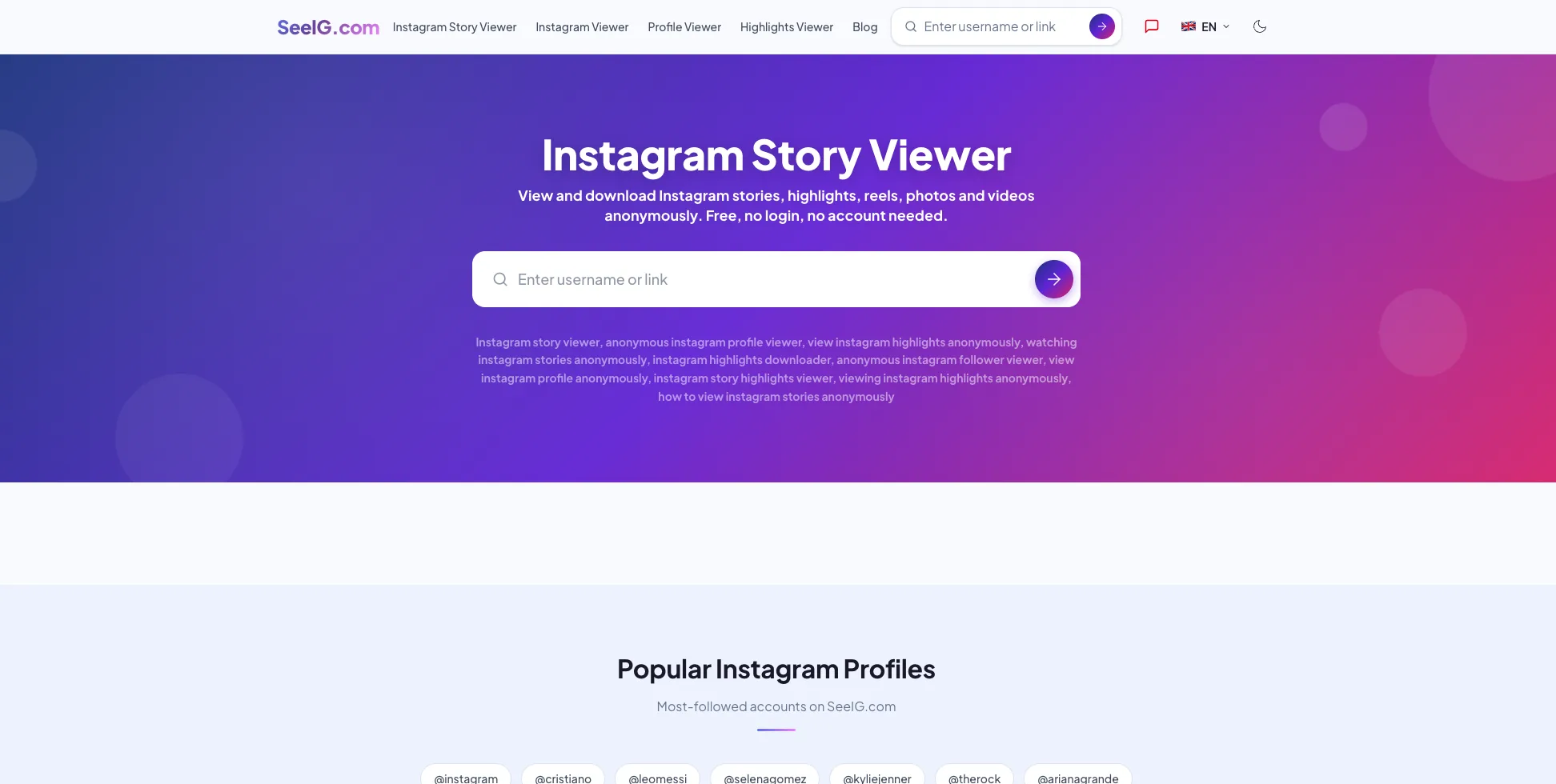
How to View an Instagram Story Anonymously (2026 Safety Guide)
Can you view an Instagram story anonymously in 2026? Here is what actually works, what does not, and which "anonymous viewer" sites are outright scams.
 Explainers
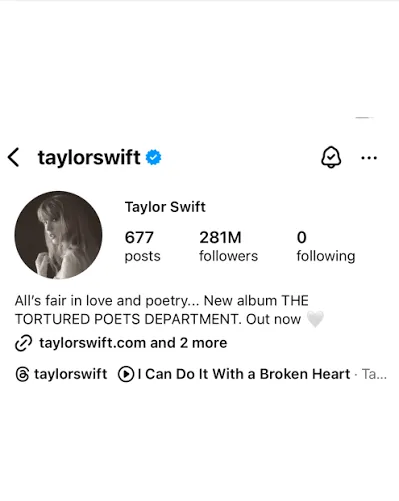
Taylor Swift Instagram: Official Handle and Followers
Taylor Swift's Instagram is @taylorswift, with about 274 million followers as of July 2026. Find the verified profile and learn what she posts.
 Tools & Privacy
How to Save an Instagram Video Safely (2026 Guide)
How to save an Instagram video in 2026: use the native Save bookmark, the built-in Download for your own Reels, and why third-party downloaders are risky.
 Explainers
Does Meta Own Instagram?
Yes. Meta (originally Facebook, Inc.) has owned Instagram since acquiring it in April 2012 for roughly $1 billion in cash and stock, and Instagram has operated as one of Meta's core "Family of Apps" ever since Facebook renamed itself Meta in October 2021.
 How-To
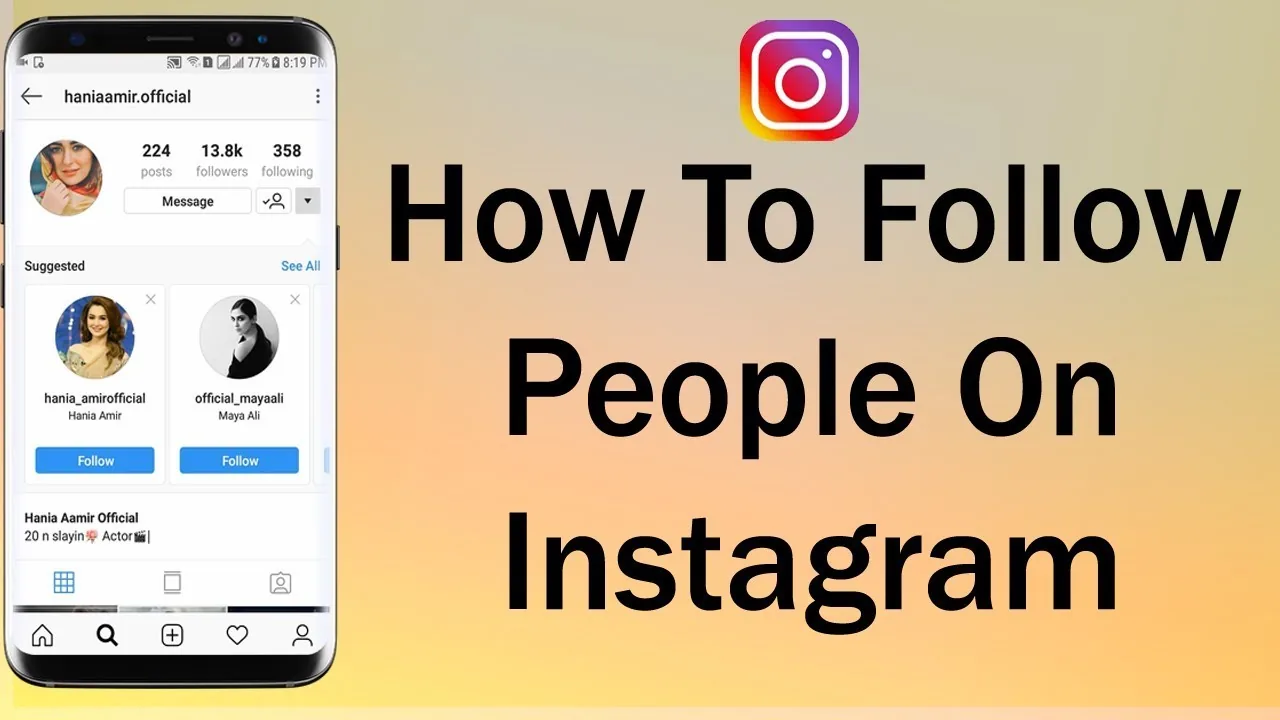
How Can I Follow People on Instagram?
Search their name or username in the app and tap Follow on their profile — or follow directly from a Suggested for You card, a post's likes list, or a Story — and Instagram caps how many follow actions you can take in a short period to deter spam.
 Tools & Privacy
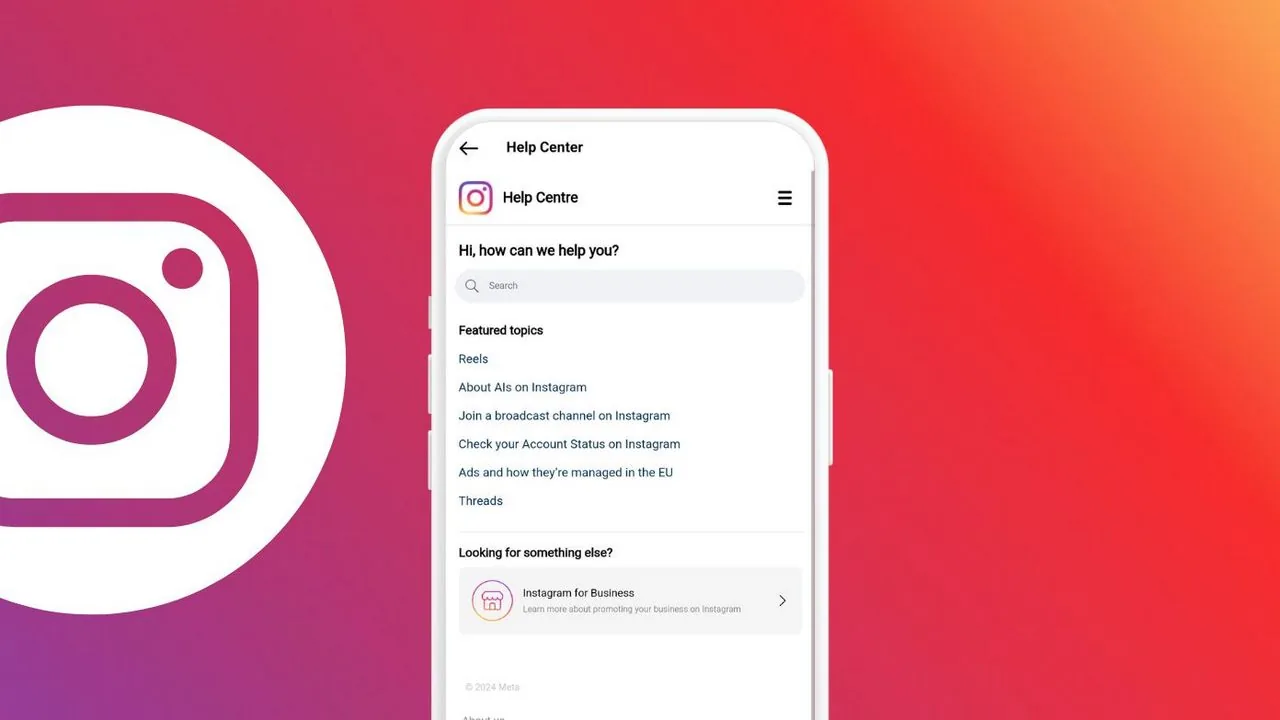
How Can I Get in Contact With Instagram?
Instagram has no general phone line or public support email — for tool and account problems you go through in-app Report a Problem, the Help Center, or Meta Business Suite depending on what's broken.
 Explainers
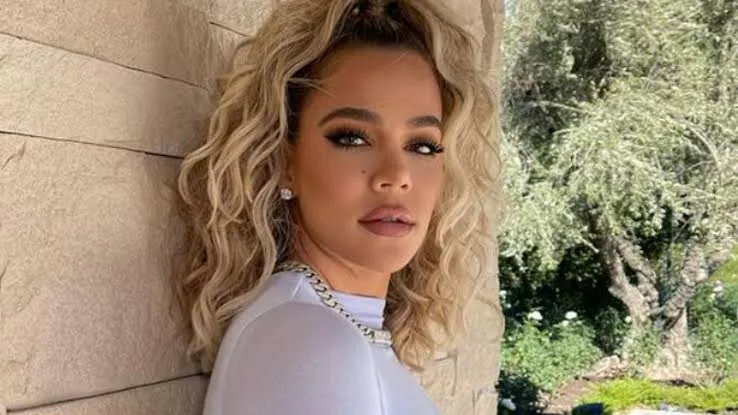
Khloe Kardashian Instagram: Handle, Followers & Facts
Khloe Kardashian's Instagram is @khloekardashian, a verified account with roughly 293 million followers as of 2026. Here are the verified facts.
 Tools & Privacy
Instagram Video Downloader Without Watermark: Safe Guide
Need an Instagram video downloader without watermark? Learn the legitimate ways to keep your own clean original and avoid risky converter sites.
 Profile & Bio
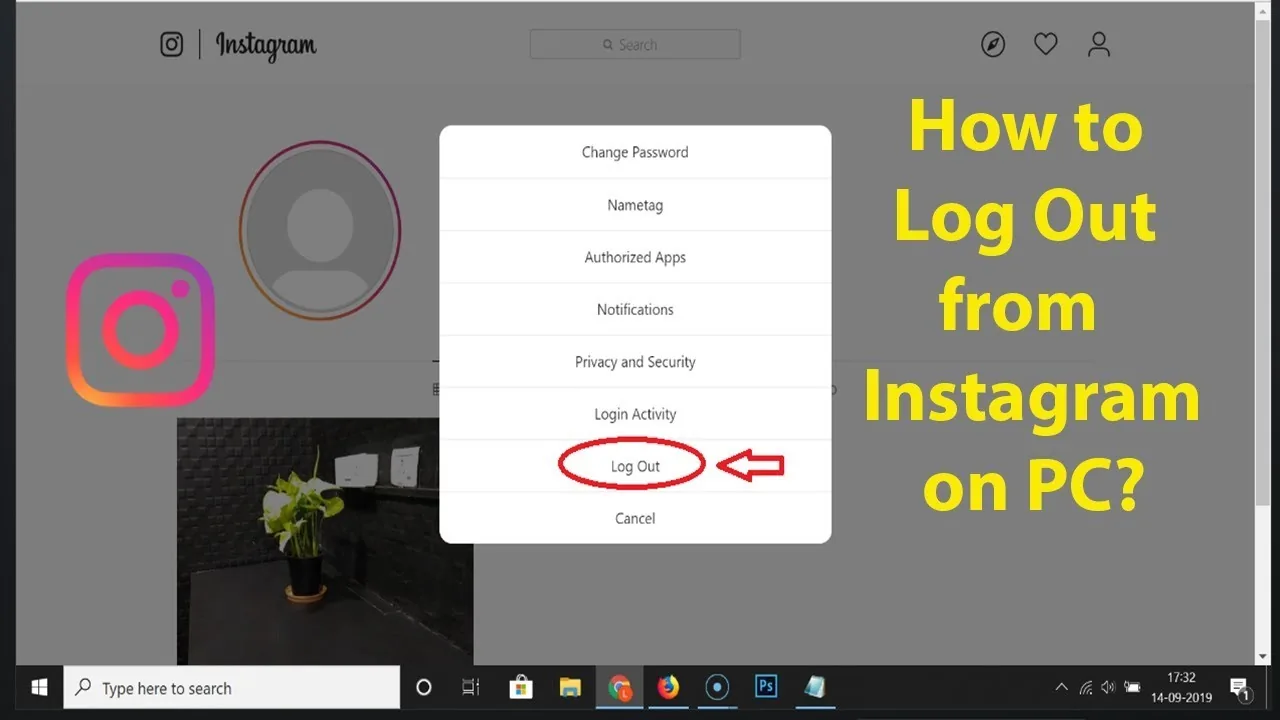
How Can I Logout of Instagram?
Tap your profile picture, open the menu (☰) in the top right, scroll to the bottom, and tap Log out — if you have multiple accounts logged in, you'll be asked whether to log out of just that account or all of them.