How to See Who Reposted Your Instagram Post
Instagram doesn't show a public list of everyone who reposted you — but notifications, Insights, and their Reposts tab reveal most of it.
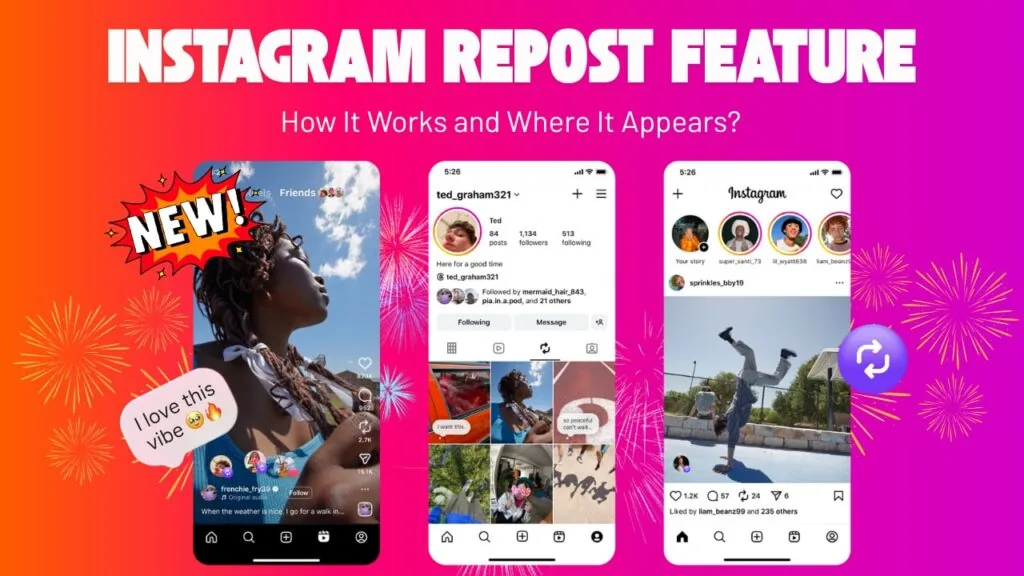
Short answer
You'll see individual reposts of your content through activity notifications when someone reposts a post or Reel, and professional accounts can check total repost counts in Insights. There's no single public list of every account that reposted you, but checking another user's dedicated Reposts tab on their profile can confirm whether your content is there.
Key takeaways
- Notifications alert you by username whenever someone reposts your post or Reel, similar to a like or comment alert
- Professional accounts can see total repost counts in Insights, though not a list of individual usernames
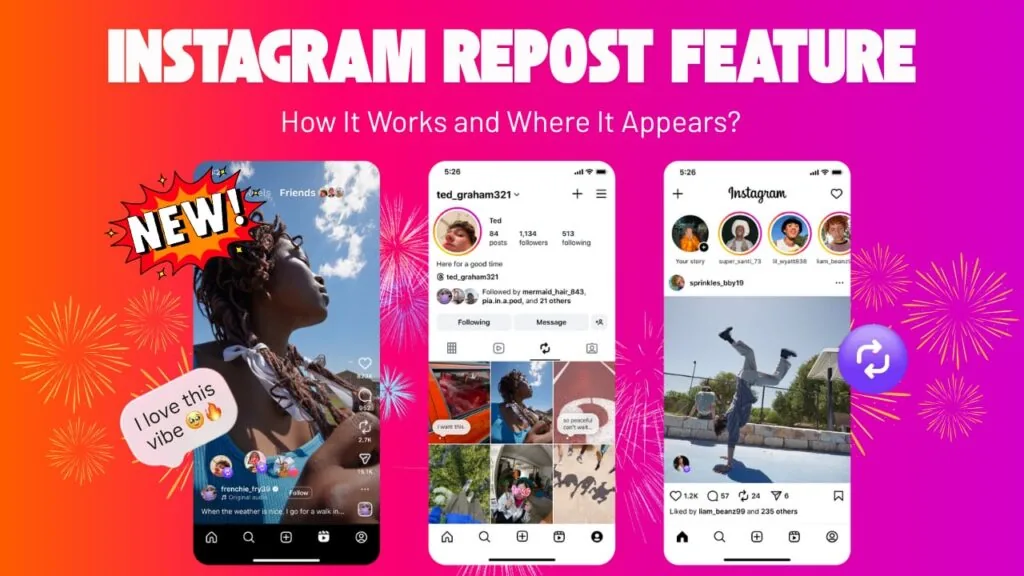
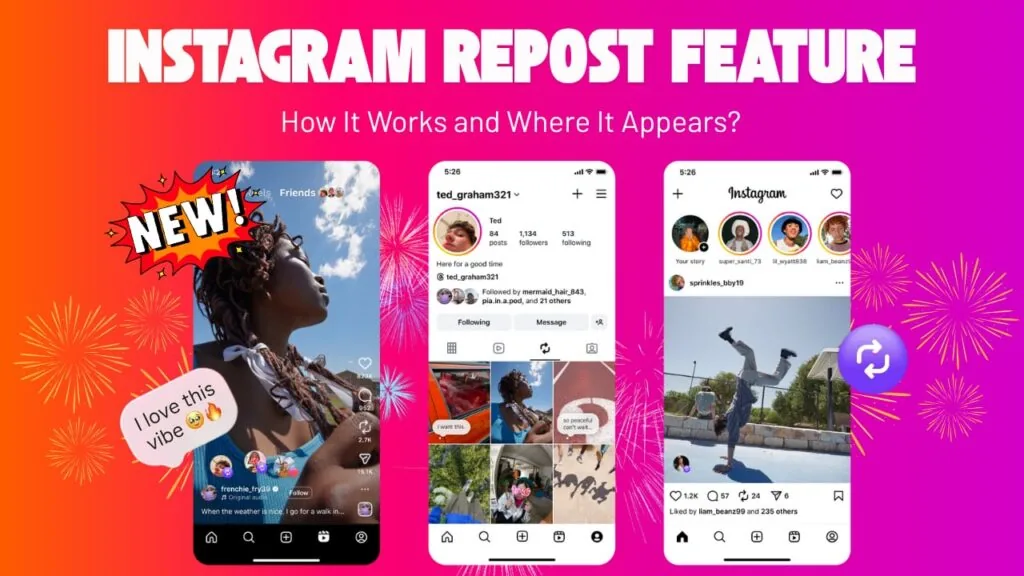
- Reposts live in a dedicated Reposts tab on the reposting user's own profile
- There is no single public page that lists everyone who has ever reposted your content
- Checking a specific person's profile is the only way to confirm they reposted you if you suspect it happened
- Deleted or archived original posts can make reposts harder to trace back
How do I find out someone reposted my content?
Check your activity notifications first — Instagram sends an alert with the reposting account's username the moment they repost your post or Reel, the same way it would for a like. This is the fastest and most direct signal, and it works whether the repost came from a follower or someone who found your content through instagram algorithm explained style discovery.
Can I see a full list of everyone who reposted me?
No — Instagram doesn't offer a comprehensive, searchable list of every account that has reposted a specific post. You're limited to the notifications you've received and any Insights totals your professional account provides, so tracking every single repost after the fact isn't fully possible through official tools.
What does Insights tell me about reposts?
If you're on a Creator or Business account, Insights shows you the aggregate number of times your content has been reposted, giving you a sense of scale without individual names attached. Pairing that number with your regular engagement review, like when you check how to see who liked your post on instagram, gives a fuller picture of how a piece of content is spreading.
How do I check if a specific person reposted my post?
Visit that person's profile and open their dedicated Reposts tab, which lists everything they've reposted from other accounts. If your original post or Reel appears there, that confirms the repost; if it doesn't, either they removed it or it never happened in the first place.
Why didn't I get a notification for a repost I found?
Notification settings, app glitches, or a large backlog of alerts can all cause you to miss one, even though the repost technically happened. If notifications seem unreliable overall, it's worth reviewing your settings the same way you would when troubleshooting why cant i see comments on instagram style notification issues, or checking how to turn off repost on instagram if you'd rather limit reposting of your own content entirely.
Does deleting my original post affect repost tracking?
Yes — once you delete or archive the original, any linked reposts typically stop displaying the content properly, and the connection back to your account becomes harder to verify. If you're managing older content, understanding what does archive mean on instagram helps you decide whether archiving versus deleting better preserves that repost trail.
| Method | Shows usernames | Shows total count | Available to everyone |
|---|---|---|---|
| Activity notifications | Yes, per repost | No | Yes |
| Insights (professional accounts) | No | Yes | Business and Creator only |
| Checking a profile's Reposts tab | Yes, if you check manually | No | Yes |
| Public repost list | Not available | Not available | N/A |
Growing accounts that rely on reposts for reach often pair this tracking with broader tactics from how to grow followers on instagram organically, since reposts from other accounts are a meaningful, if hard-to-fully-track, source of new eyes on your content.
Frequently asked questions
Check your activity notifications, which alert you by username whenever someone reposts your post or Reel, similar to how like and comment notifications work.
Sources
Keep reading
More guides to grow your account.