How to Share Posts, Reels and Stories on Instagram
Share Instagram posts to your story, send them by DM, or use the native repost feature. Here's how each sharing option actually works.
Short answer
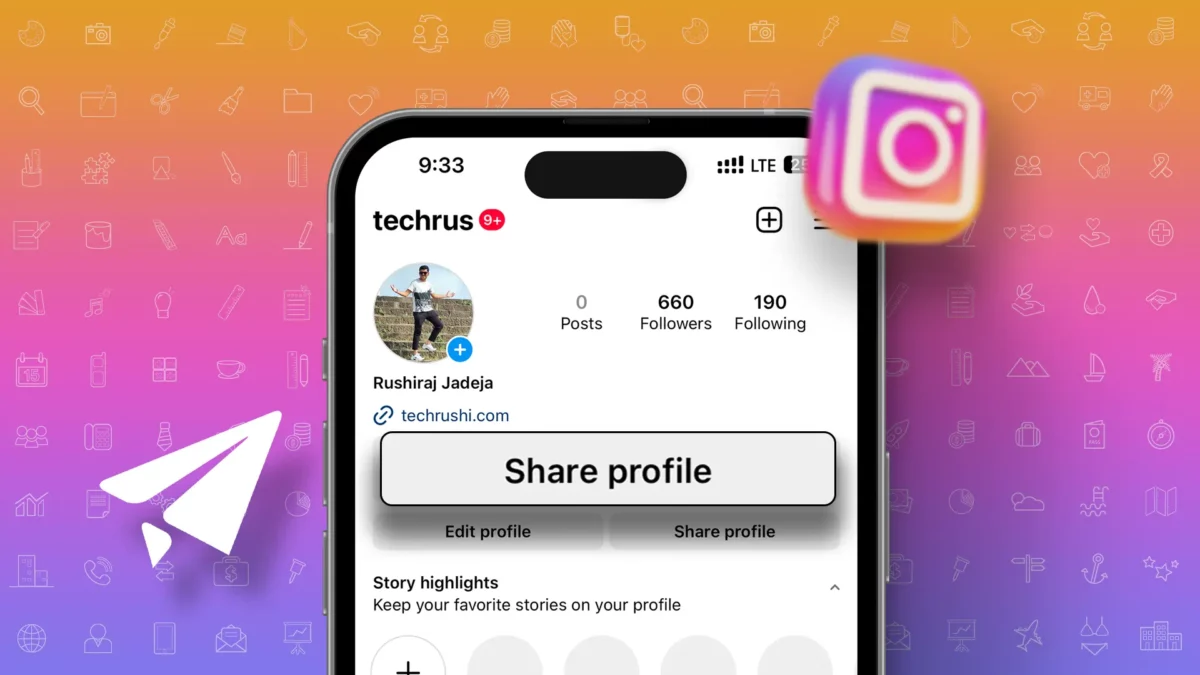
You can share Instagram content by tapping the paper airplane icon below a post or Reel, then choosing to add it to your story, send it via DM, or use the native repost feature. Each method reaches a different audience, so picking the right one matters.
Key takeaways
- The paper airplane icon under any post or Reel is the main way to share content on Instagram
- Adding a post to your story lets you comment on it before it disappears after 24 hours
- The native repost feature shares a public Reel directly to followers' feeds and your profile's reposts tab
- Sharing via DM sends content privately to specific friends instead of your whole audience
- Instagram's 2026 algorithm treats shares and DMs as a top-ranking signal, so sharing helps growth as much as posting does
How do you share a post to your story?
Tap the paper airplane icon below the post or Reel, then select Add to Story. This pulls the content into the story editor, where you can add text, stickers, or a GIF explaining why you're sharing it before posting. Anyone who follows you can then tap through to the original post directly from your story.
How do you share a post through direct message?
Tap the paper airplane icon and choose specific friends or a group chat from the list that appears, then hit send. This is the fastest way to send something to one or two people without posting it publicly, and it works the same way whether you're sharing a Reel, a photo post, or someone else's story.
What is Instagram's native repost feature?
Instagram rolled out a built-in repost option in late 2025 that lets you share a public Reel straight to your followers' feeds with one tap. When you repost a Reel or feed post, Instagram automatically tags and links back to the original creator, and the repost also shows up under the reposts tab on your own profile. This differs from regramming with a third-party app, which used to be the only workaround.
Can you share someone's story to your own story?
Yes, if they've allowed resharing. Open the story, tap the paper airplane or share icon, and select Add to your story. Instagram links back to the original poster automatically, similar to how reposted Reels work.
| Sharing method | Audience | Disappears? | Credits original creator |
|---|---|---|---|
| Add to story | All your followers | Yes, 24 hours | Yes, with a link back |
| Direct message | Selected people only | No | No |
| Native repost | All your followers + profile tab | No | Yes, automatically |
| Share to another app | Outside Instagram | Depends on app | No |
Does sharing too much hurt your reach?
It can. Instagram's 2026 recommendations reportedly exclude accounts that post ten or more reposts within 30 days from Explore and Reels recommendations, so leaning entirely on resharing other people's content instead of posting your own can backfire. Mixing original posts with the occasional share tends to work better for organic growth.
Why can't I share a specific post?
Some accounts disable resharing for their content, in which case the option simply won't appear in the share menu. Private accounts and posts marked with sharing turned off in privacy settings both limit whether others can repost or forward your content.
Should businesses share differently than personal accounts?
Business and creator accounts often lean more on the native repost feature and story shares to amplify user-generated content, since it builds social proof without extra editing work. Combining shares with scheduled posts and a consistent posting schedule tends to keep an account's reach steadier than relying on shares alone. If you're also running ads, shared content with strong organic engagement can be a useful signal for which posts are worth boosting.
Frequently asked questions
Tap the paper airplane icon below the post, then choose to add it to your story, send it via DM, or use the native repost option, depending on how public you want the share to be.
Sources
Keep reading
More guides to grow your account.