Is Instagram Removing Story Highlights in 2026?
Instagram isn't deleting Highlights — it's moving them into a dedicated profile tab. Here's what's changing and how to keep yours visible.
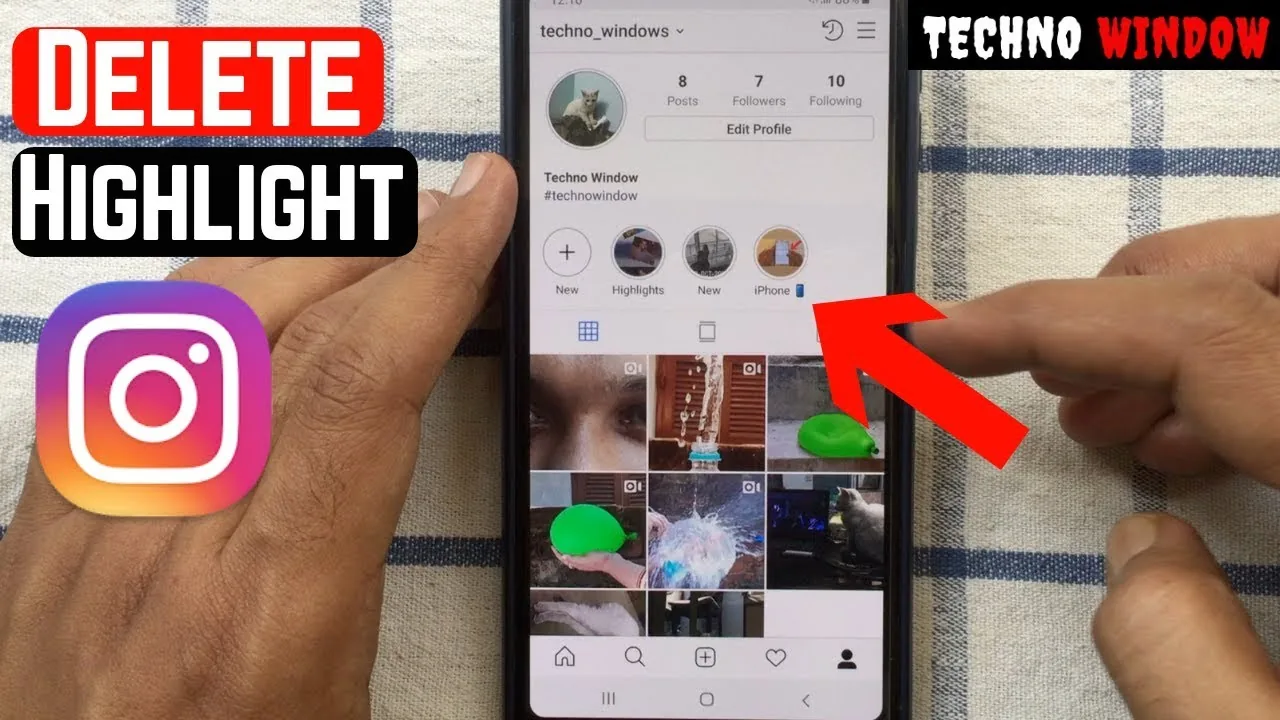
Short answer
Instagram is not removing Highlights outright — it's restructuring how they appear, moving them off the top of the profile into their own dedicated grid tab. Your existing highlights stay intact, just relocated.
Key takeaways
- Highlights are not being deleted — Instagram is relocating them from the top-of-profile row into a dedicated Highlights tab on the grid
- Head of Instagram Adam Mosseri says the goal is to surface more grid content above the fold on profile visits
- The rollout has been gradual, tested with some accounts before wider release, so not everyone sees the change at once
- You can still pin, edit, or delete individual highlights the same way you always have
- If a highlight looks missing, check for an app update or a new Highlights tab icon before assuming it's gone
- The underlying stories inside each highlight are unaffected — only the display location is changing
Why is Instagram moving Highlights instead of deleting them?
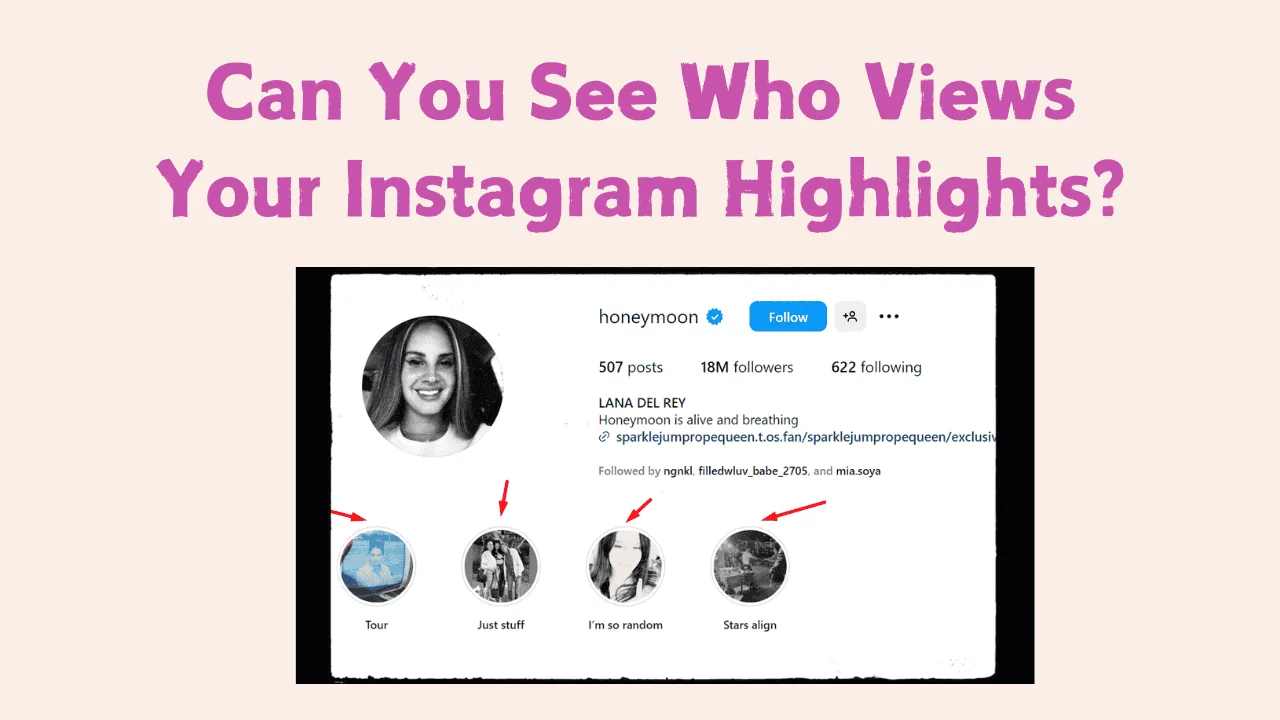
Instagram wants profiles to show more actual grid content the moment someone visits, rather than a row of circular Highlight icons eating up space at the top. That's the entire rationale behind the redesign — it's a layout change, not a feature removal. If you've spent time working out how to add highlights on instagram or curating them for a business page, none of that effort is wasted; the content simply lives in a new tab.
Will my old Highlights disappear?
No. Every highlight you've already created, including its cover image and the stories inside it, carries over to the new tab automatically. Nothing is auto-deleted as part of this rollout. If a highlight vanished for you, it's more likely tied to an unrelated issue — such as an expired underlying story, an account glitch, or you being logged into a different profile — rather than the tab reshuffle itself.
How do I find my Highlights if they've moved?
Open your profile and look for a dedicated Highlights tab near your grid, Reels, and tagged-photos tabs — tap it to see the same circular icons in the same order you left them. If you don't see a separate tab yet, your account likely hasn't received the update, and your highlights are still sitting in their old spot above the grid, same as before.
Does this affect how viewers see my profile?
Only the layout changes — viewers can still tap into any highlight and watch the stories exactly as before. Anyone checking how old is instagram or scrolling through your latest posts will now hit your grid faster since the highlight row no longer sits at the very top.
Should creators and businesses change their strategy?
Treat this as a nudge to make your grid itself strong, since it now gets more visual priority than before. Keep highlight covers clean and consistent, but also invest in your top grid posts — pinning strong content the way you'd approach how to make a collage on instagram for a cohesive first impression matters more now that highlights sit one tap further away.
What should I do if a highlight is genuinely missing?
Update the app first, since older versions may not reflect the new tab structure or could be mid-migration — the same first step you'd take if you were troubleshooting is instagram down style connectivity issues. If it's still missing after updating, check whether the original stories expired from being unsaved, or reach out through how to contact instagram support for account-specific troubleshooting.
Is this related to Instagram testing other new profile features?
Yes, layout experiments like this tend to roll out alongside other profile updates, similar to how Instagram has tested changes around what is threads on instagram integration in recent years. Keeping an eye on official announcements is the best way to stay ahead of these shifts rather than guessing from a single screenshot online.
| Change | What actually happens |
|---|---|
| Highlight location | Moves from top-of-profile row to a dedicated tab |
| Highlight content | Unchanged — stories, covers, order all preserved |
| Rollout | Gradual, not simultaneous for all accounts |
| Action needed | None — update the app if you don't see the new tab |
| Risk of data loss | None reported from the relocation itself |
Instagram highlights remain a core profile feature; only their position is shifting to make room for grid content, similar to how what does archived mean on instagram content stays intact even when its display location changes.
Frequently asked questions
No. Instagram is relocating Highlights from the top of the profile into a dedicated tab, but the feature itself, along with all existing highlights, remains fully functional.
Sources
Keep reading
More guides to grow your account.