How to Make Instagram Private in 2026: Steps and Limits
Learn how to make Instagram private on phone or desktop, what approved followers can see, and which profile details always remain public.
Short answer
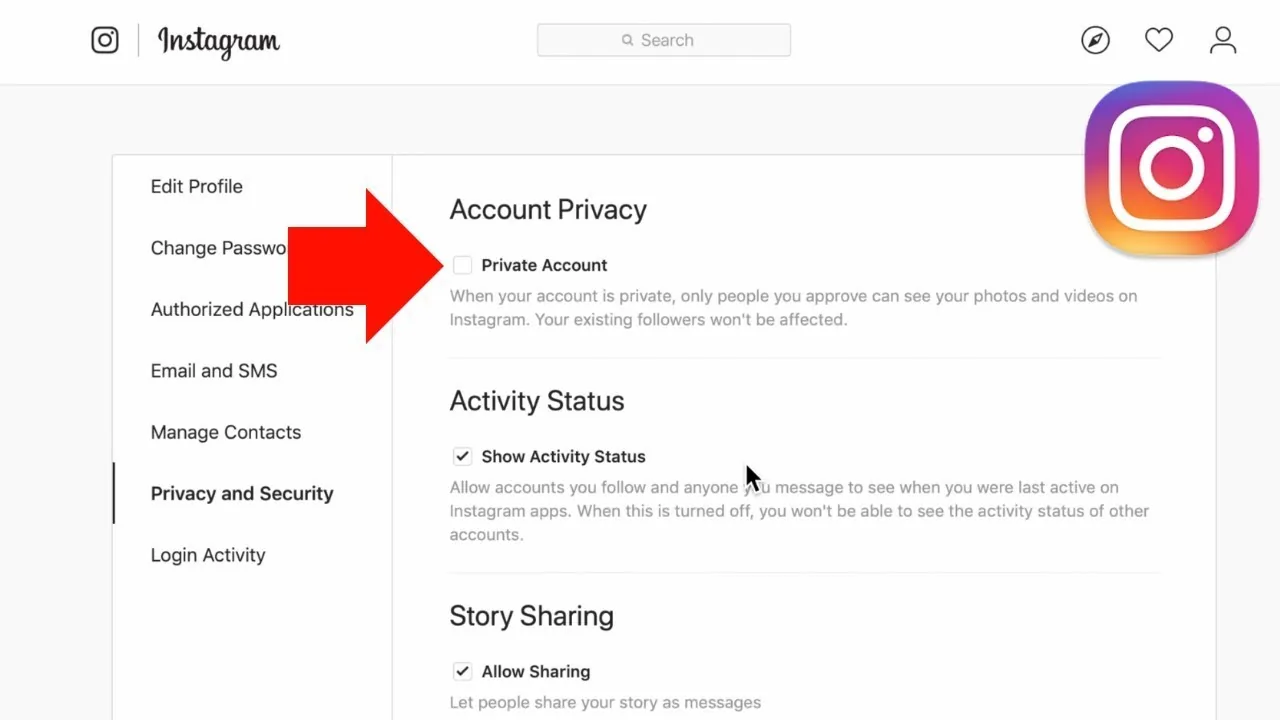
To make Instagram private, open your profile menu, choose Settings and activity, open Account privacy, and enable Private account. Only approved followers will see your posts, Stories, and Reels, but your name, username, profile photo, bio, links, and follower counts remain public.
Key takeaways
- Turn on Private account under Settings and activity > Account privacy to require follower approval.
- Approved followers can see private posts, Stories, and Reels; non-followers generally cannot see that content.
- Your name, username, profile photo, bio, links, and follower/following counts remain visible even on a private account.
- Business profiles cannot be private and must first switch back to a personal account.
- Making an account private does not automatically remove existing followers, so review the follower list manually.
How do you make Instagram private on iPhone or Android?
Make Instagram private by opening Profile > Menu > Settings and activity > Account privacy, then turning on Private account and confirming. Menu wording can vary slightly by app version, but Account privacy is the setting to find.
- Open the official Instagram app and sign in to the correct account.
- Tap your profile picture at the bottom right.
- Tap the menu icon at the top right.
- Open Settings and activity.
- Under who can see your content, choose Account privacy.
- Turn on Private account, then confirm.
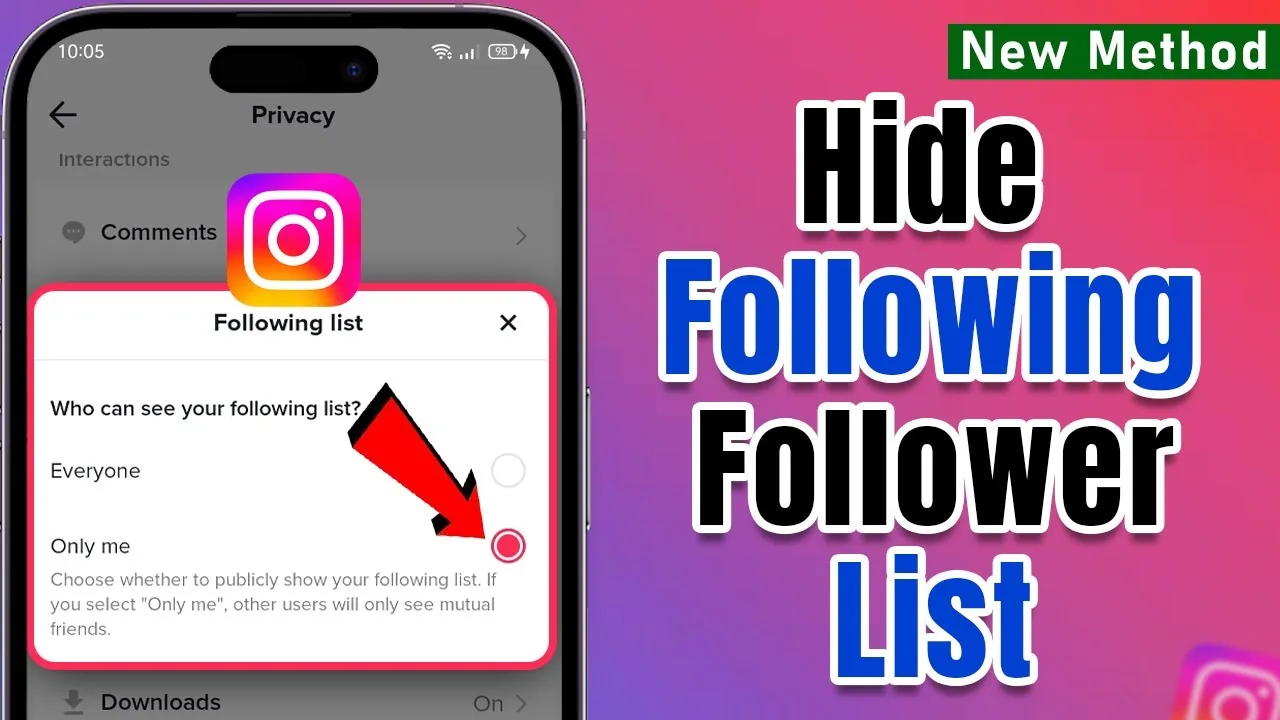
The change applies to the account, not only the phone. If the option is missing, update the app and confirm that the account is personal rather than business. Pair the setting with how to hide Instagram followers and the realistic limits of hiding your following list.
How do you make Instagram private on a computer?
Make Instagram private on the web by opening Instagram settings, selecting Account privacy, and enabling Private account. The privacy choice syncs across the web and mobile because it belongs to the account.
Go to instagram.com, sign in, open More, choose Settings, and find Account privacy under the visibility controls. Enable the private-account switch and confirm. If your layout differs, use the settings search or follow Meta's current Help Center link rather than a third-party extension.
A private account can still post photos and videos on Instagram, go Live for approved followers, and use direct messages. Privacy changes the audience; it does not erase content or disable the profile.
What changes when your Instagram account is private?
A private account limits posts, Reels, Stories, and most discovery surfaces to followers you approve. It does not make your entire identity invisible, and approved followers can still interact with or capture the content they can see.
| Feature | Public personal account | Private personal account |
|---|---|---|
| Who can follow | Anyone | People you approve |
| Who sees profile posts | Anyone | Approved followers |
| Explore, hashtag, and location visibility | Content may appear | Private content is not shown there to non-followers |
| Reel downloads | May be allowed by settings | Not available to non-followers |
| Name, username, photo, and bio | Public | Still public |
| Follower and following counts | Public | Still public |
| Existing followers | Keep access | Keep access until removed |
Meta's public/private comparison says embedding and remixing are also more restricted for private content. If Story privacy is your main concern, review the anonymous Instagram Story viewer explainer and avoid assuming that any audience can be perfectly controlled.
What stays visible after you switch to private?
Your core profile information stays visible to anyone on or off Instagram: name, username, profile photo, bio, links, avatar, Threads username, channels, and follower/following counts. Meta explicitly says this information cannot be hidden merely by making the personal account private.
Edit sensitive information out of the profile instead. A phone number, workplace, school, routine, or home location can reveal more than a private feed, so use the principles in turning off Instagram location and write a privacy-conscious bio with the Instagram bio guide.
Private content can also be copied by an approved follower. Instagram does not show ordinary captures, as explained in whether Instagram shows screenshots, so do not post secrets solely because the account is private.
Why can't you turn on Private account?
You usually cannot turn on Private account because the profile is set to Business, which Instagram requires to remain public. Switch the business profile back to a personal account, then return to Account privacy and enable the setting.
A creator account may also expose different options as Instagram changes professional-account behavior, so verify the current account type and read each confirmation screen. Switching away from a professional account can remove access to Insights and business tools; record any analytics you need first.
Teen accounts have extra rules. Meta says accounts for people under 18 are private by default, and teens under 16 generally need a parent or guardian's permission to switch public, though local age rules may differ.
How do you remove followers after going private?
Remove an unwanted follower by opening your Followers list, finding the account, and choosing Remove. Instagram generally does not notify the person that you removed them, although they may notice they no longer follow you.
Going private does not purge people who already followed the public account. Audit the list, remove unknown accounts, and block someone when you need stronger separation. If you suspect a block in the other direction, use the careful checklist for knowing whether someone blocked you rather than a risky tracker app.
Which other settings improve Instagram privacy?
Improve privacy by combining a private account with follower reviews, limited tags and mentions, Close Friends, hidden activity status, strong login security, and cautious location sharing. No single toggle controls every audience or signal.
Turn off presence indicators with Instagram active-status instructions, restrict who can mention or tag you, and enable two-factor authentication. Review connected apps and never enter your password into a site claiming to be an Instagram profile viewer; private-profile bypass promises are scams.
Use block for a person who should not find or contact the account, and report threats or impersonation through Instagram. In an immediate safety situation, preserve evidence and contact appropriate local support.
Frequently asked questions
Open Settings and activity, choose Account privacy, and turn on Private account. Confirm the change when Instagram asks.
Sources
Keep reading
More guides to grow your account.