How to Change Your Instagram Profile Picture (2026)
Change your Instagram profile picture from Edit Profile or Accounts Center, crop it for the circular frame, and know what remains publicly visible.

Short answer
Open your Instagram profile, choose Edit profile, select Edit picture or avatar, and upload or capture a new image. Your profile picture is public even when your personal account is private, so use an image you are comfortable showing off Instagram too.
Key takeaways
- Change the photo from Edit profile or from Profiles in Accounts Center.
- Instagram displays profile pictures in a circular crop, so keep the subject centered.
- A profile picture remains publicly visible even when a personal account is private.
- Importing from Facebook can reuse the connected Facebook profile photo.
- Meta Verified profile changes may require review and have change-frequency limits.
How do you change your Instagram profile picture?
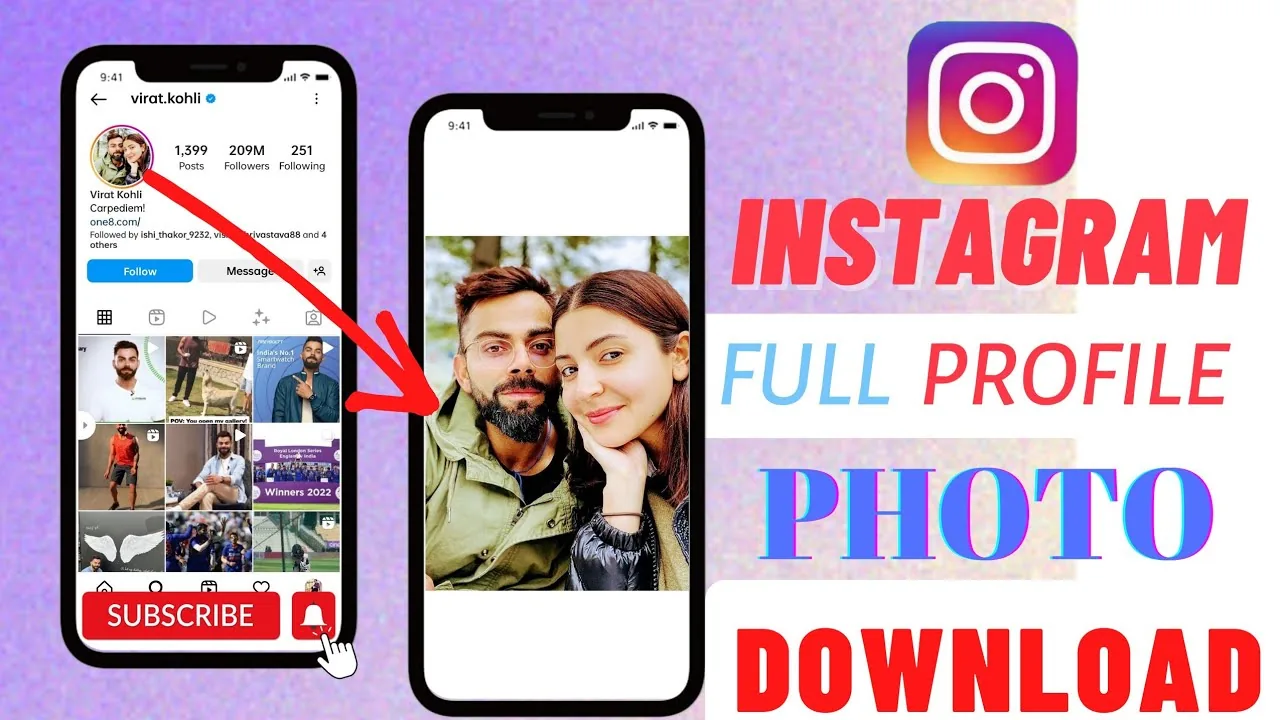
Change your Instagram profile picture by opening your profile, tapping Edit profile, then Edit picture or avatar and choosing a new photo. On the web, use Edit Profile and Change photo. Accounts Center offers another route when profiles are connected. Instagram can take a new photo, use one from the device library or import the connected Facebook picture. Review the circular preview carefully before saving.
For the neighboring workflow, use How to Post on Instagram: Step-by-Step Guide before changing another setting. The related guide to How Do You Upload on Instagram? Phone & Desktop explains the control users most often confuse with this one.
What makes a good Instagram profile photo?
A good profile photo stays recognizable at a very small size and inside a circle. Center a face, logo or simple object, leave breathing room around the edges and avoid tiny text. Use strong contrast between subject and background. The grid may contain detailed imagery, but the avatar functions more like an icon. Businesses should use the same approved mark across channels when brand recognition matters.
- Open Instagram and tap your profile picture.
- Tap Edit profile, then Edit picture or avatar.
- Choose a device photo, take a new photo or import from Facebook.
- Move and scale the image inside the circular preview.
- Save, then check the profile from another screen or browser.
If your goal is broader account management, How to Grow on Instagram in 2026: A Beginner Guide is the practical next step. You can compare the result with How Does the Instagram Algorithm Work in 2026? so you do not solve the wrong problem.
Where can you change the picture?
Instagram provides more than one path because profile data can be managed in the app, on instagram.com or through Accounts Center. The result is the same profile image, but connected profiles can offer reuse options. Meta Verified creators face additional review rules intended to reduce impersonation. If one path is missing, use Edit profile directly before disconnecting accounts or reinstalling the app.
| Option | Best for | Important note |
|---|---|---|
| Upload photo | Personal or brand image | Keep the subject centered |
| Take photo | Fast personal update | Use even lighting |
| Import from Facebook | Connected identity | May reuse the Facebook photo |
| Meta avatar | Illustrated identity | Can remain publicly visible |
Choose the method for identity and privacy, not merely convenience.
For a safer fallback, follow How to Optimize Your Instagram Bio for More Followers instead of handing credentials to an unknown service. Creators should also review How to Write a Good Instagram Bio because the same choice can affect reach or presentation.
Can you hide your Instagram profile picture?
You cannot fully hide an Instagram profile picture with the normal privacy toggle. Meta states that the profile picture, name, username, bio, links and follower counts are public profile information, even for private accounts. Use a neutral image, logo or illustration if you do not want a recognizable face displayed. Blocking a specific account can limit its access, but public information may still be visible elsewhere.
- Do not upload identity documents or private contact details as an avatar.
- Confirm you own or may use logos and artwork.
- Expect public visibility even on a private account.
- Verified creators should account for review time before a campaign.
The platform behavior makes more sense alongside Captions for Instagram: 60 Ideas That Drive Engagement. For the privacy side of the decision, read How to Batch an Instagram Content Calendar in One Day and keep the two settings separate.
Why is the new profile picture blurry or not updating?
A new profile picture can look blurry because the source is tiny, heavily compressed or cropped too tightly. Start with a clean square image, center the subject and avoid repeated screenshotting. If the old image persists, refresh the profile on another device before uploading again; cached previews can lag. Meta Verified changes may remain pending for review rather than appearing instantly.
- Use a larger square source if the picture is pixelated.
- Check Accounts Center if the wrong connected profile changed.
- Wait for Meta Verified review before submitting another change.
- Restart or refresh before assuming a cached image was not saved.
A complete setup also benefits from Best Time to Post on Instagram in 2026, especially after an app update. When this action changes what other people see, Instagram Search Queries Optimization: The 2026 SEO Guide provides useful context.
Should you use an avatar or a real photo?
Use an avatar when privacy, illustration or brand style matters, and use a real photo when personal recognition is the priority. Instagram can display a Meta avatar alongside the standard profile picture on supported accounts, and anyone may be able to see it. The best choice is consistent with the account’s purpose. Never copy another person’s photo or logo in a way that could impersonate them.
Frequently asked questions
Open your profile and tap Edit profile, then Edit picture or avatar. On desktop, use Edit Profile and Change photo.
Sources
Keep reading
More guides to grow your account.