How to Turn Off Read Receipts on Instagram in 2026
Learn how to turn off read receipts on Instagram for every DM or one chat, what the setting hides, and which activity signals remain visible in 2026.
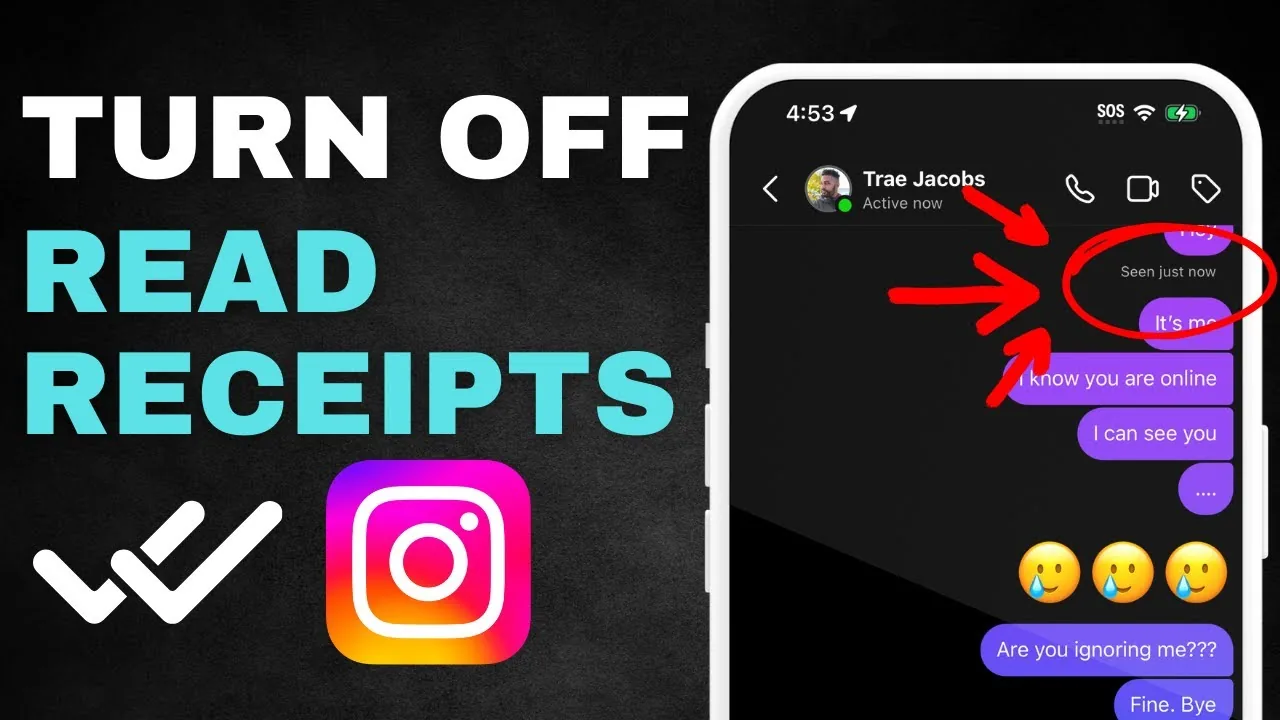
Short answer
To turn off Instagram read receipts for all DMs, open Settings and privacy, choose Messages and story replies, tap Show read receipts, and switch it off. You can also open an individual chat, tap the chat name, choose Privacy and safety, and change Read receipts for that conversation; this does not hide your activity status or retract a Seen indicator already sent.
Key takeaways
- Instagram lets you turn read receipts off for all chats or for selected conversations in the mobile app.
- The global route is Settings and privacy, Messages and story replies, then Show read receipts.
- A chat-specific setting is useful when you want receipts on generally but need privacy in one conversation.
- Turning receipts off prevents new Seen confirmations; it does not erase a receipt that was already transmitted.
- Read receipts, activity status, typing indicators, message requests, and disappearing media are separate controls or signals.
How do you turn off Instagram read receipts for all chats?
Open Instagram's message controls and switch Show read receipts off to stop sending new Seen confirmations across your chats. Meta introduced this global control in 2024, and it remains available in the iPhone, iPad, and Android apps in 2026.
- Open Instagram and go to your profile.
- Tap the menu, then Settings and privacy.
- Choose Messages and story replies.
- Tap Show read receipts.
- Turn the switch off.
Menu wording can vary slightly by app version, so update Instagram if the option is missing. If the inbox itself fails to render, work through the Instagram messages black-screen fixes and clear Instagram's cache safely before changing privacy settings.
How do you disable read receipts for one Instagram chat?
Open that conversation and change its read-receipt control under the chat's privacy settings. This lets you keep the global setting on while making one direct or group conversation more private.
- Open Instagram DMs and select the chat.
- Tap the person's name or group name at the top.
- Open Privacy and safety.
- Turn Read receipts off.
If the per-chat option is absent, update the app and check whether the global control is available. Feature labels and rollout can differ by device or account. Muting is different: the guide to muting someone on Instagram silences or hides selected updates but does not itself disable Seen.
What changes when Instagram read receipts are off?
New messages you open in affected chats should no longer show the sender a Seen confirmation. The setting does not make you invisible everywhere on Instagram and does not change who can message you.
| Signal or feature | Hidden by read-receipt setting? | Separate action |
|---|---|---|
| Seen after opening a normal DM | Yes, for new reads in affected chats | Toggle read receipts |
| Previously transmitted Seen | No | Cannot be reliably retracted |
| Green dot or last active time | No | Turn off activity status |
| Typing indicator | No guaranteed control here | Avoid typing until ready |
| Message delivered or sent state | No | Not a read receipt |
| Story view | No | Story viewers are separate |
| Screenshot alerts for disappearing media | No | Treat disappearing media separately |
For broader online visibility, use the active-status privacy steps. Screenshot behavior also depends on the content type, explained in Instagram screenshot notifications.
Does turning off receipts remove an existing Seen label?
No, turning off the setting after opening a message should not be treated as a way to undo an existing Seen receipt. Change the control before opening unread messages when timing matters.
Likewise, marking a conversation as unread reorganizes your inbox; it does not revoke the receipt already delivered to the other participant. Airplane-mode tricks and notification-preview workarounds are inconsistent because the app may sync when connectivity returns. Use the supported setting instead of relying on a race condition.
If the concern is unwanted contact rather than reply pressure, privacy controls may be more appropriate. Making your Instagram account private changes audience approval, while the blocking-sign checklist explains how blocking affects account access.
Is read-receipt privacy the same as activity status?
No, read receipts reveal whether a message was opened, while activity status can show when you are active or were recently active. Turn off both settings if you do not want a hidden Seen label undermined by an online indicator.
Activity status is under Messages and story replies, then Show activity status. Meta notes that activity-status privacy is reciprocal: when you switch it off, you also stop seeing other people's activity status. Read-receipt settings can be global or chat-specific, so review both levels after changing them.
Other profile visibility remains separate. The guide to hiding your following list explains what private accounts can and cannot conceal, and the location privacy walkthrough covers device permission, Map sharing, and geotags.
Why can't you find Show read receipts?
The most common causes are an outdated app, looking on the desktop site, a staged rollout, or menu wording that changed. Instagram's Help Center lists read-receipt management as available on Android, iPhone, and iPad but not on computers.
Update Instagram through the official app store, restart it, and search inside Settings and privacy for Messages and story replies. Avoid uninstalling until you have saved any local Reel drafts, because Instagram says drafts live on the device and can be lost when the app is removed. Never pay a third party or give it your password to unlock a built-in privacy feature. The Instagram support scam warning explains why unofficial support numbers are dangerous.
What privacy limits should you remember in DMs?
Read-receipt controls reduce social pressure, but they do not guarantee anonymous messaging or stop recipients from saving what you send. Assume text, photos, voice notes, and video can be copied, recorded, or shown to someone else.
Review message-request controls, restrict or block abusive accounts, and keep sensitive information out of DMs. For disappearing photos and videos, screenshot or screen-record behavior may trigger different indicators than ordinary messages; the detailed story screenshot guide covers related notification myths. If somebody is threatening, impersonating, or extorting you, preserve evidence and use Instagram's in-app reporting tools rather than focusing only on Seen.
Frequently asked questions
Yes. Instagram offers a global Show read receipts switch and controls for specific chats in its mobile apps. The feature is not available on the computer interface listed by Instagram's Help Center.
Sources
Keep reading
More guides to grow your account.