How to Repost on Instagram: Every Method for 2026
How to repost on Instagram in 2026: use the native Repost button for public feed posts and Reels, plus Stories, DMs, and manual reshares with credit.
Short answer
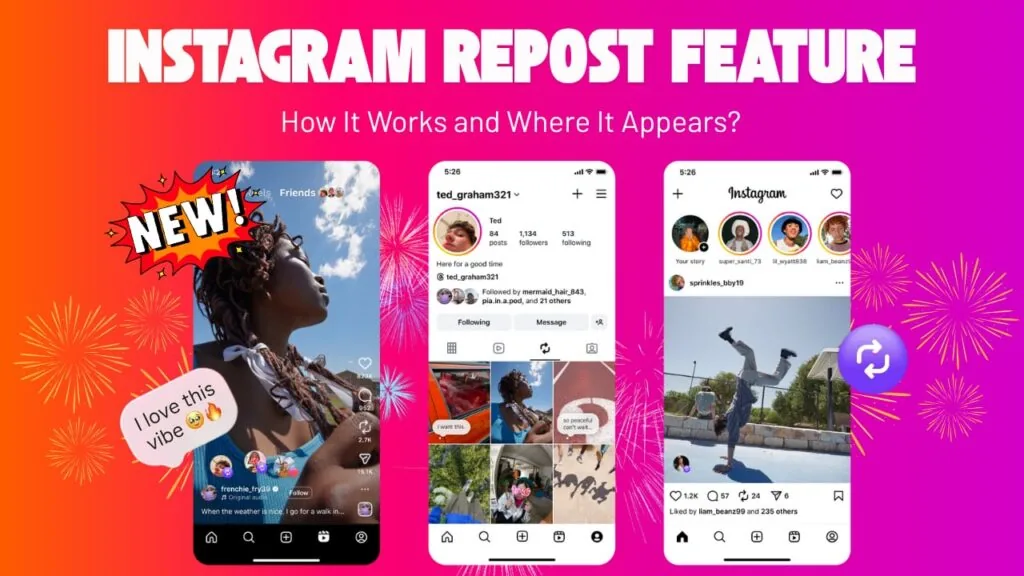
To repost on Instagram, tap the Repost icon (two circular arrows) on any public feed post or Reel, add an optional note, and tap Repost. Instagram rolled this native button out globally starting August 6, 2025, and it auto-credits the original creator. For Stories, private posts, or older content, you can still reshare to your Story, send via DM, or use manual screenshot methods.
Reposting on Instagram finally became simple in 2026. Instagram now has a built-in Repost button for public feed posts and Reels, so you no longer need third-party apps for most sharing. This guide covers the native feature plus every other way to reshare content the right way.
Key takeaways
- Instagram launched a native Repost button globally starting August 6, 2025 for public feed posts and Reels, credited automatically to the original creator.
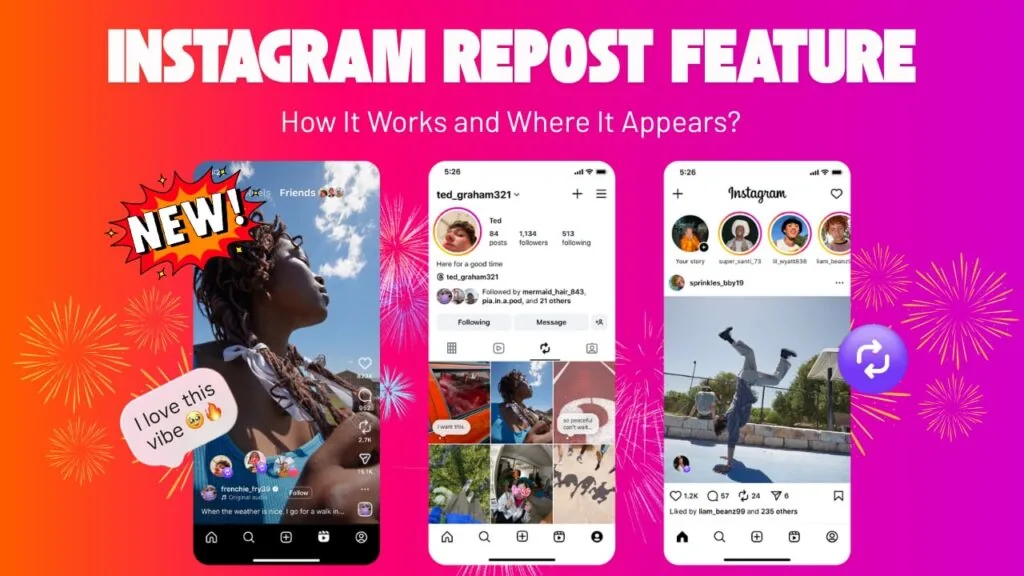
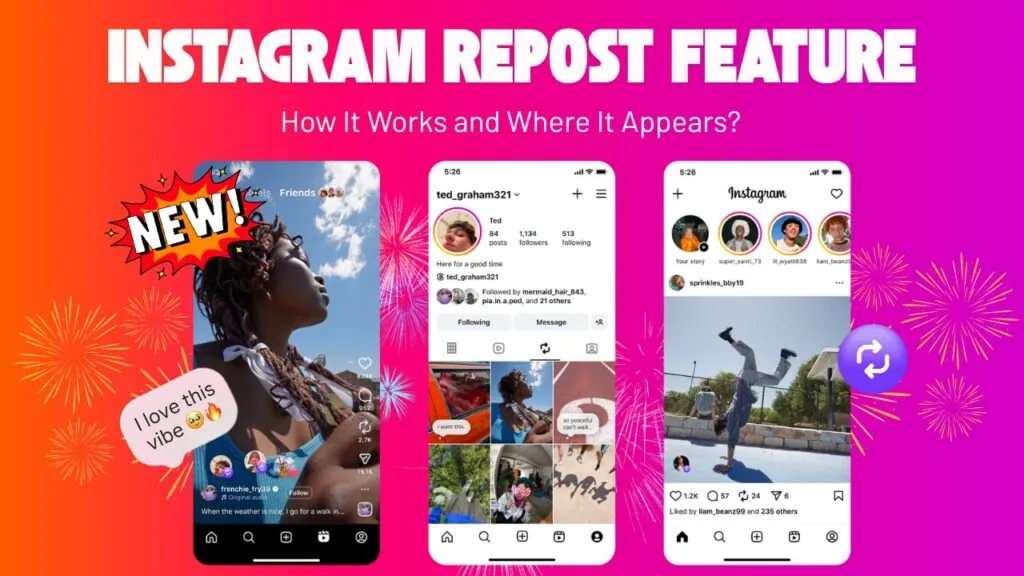
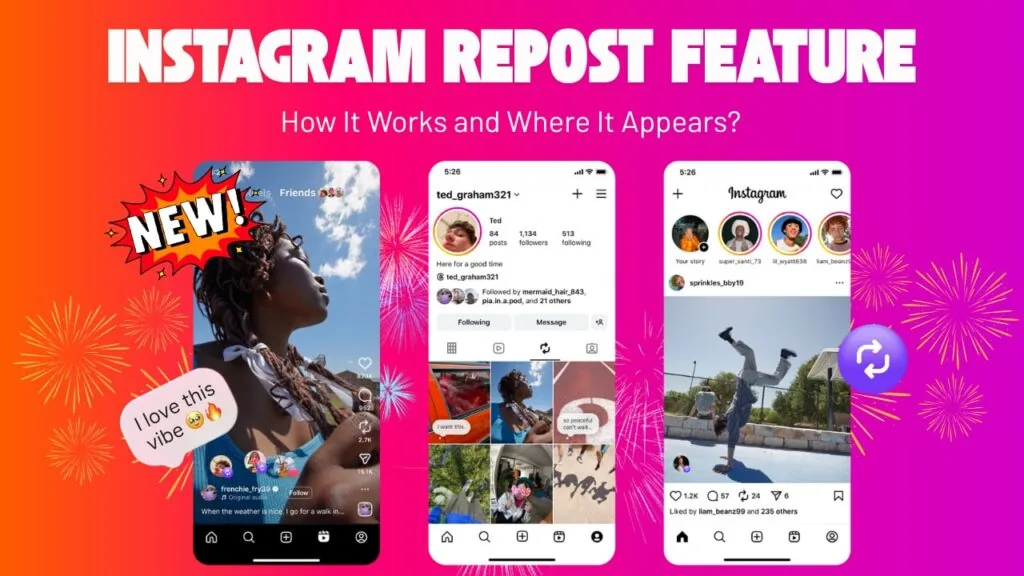
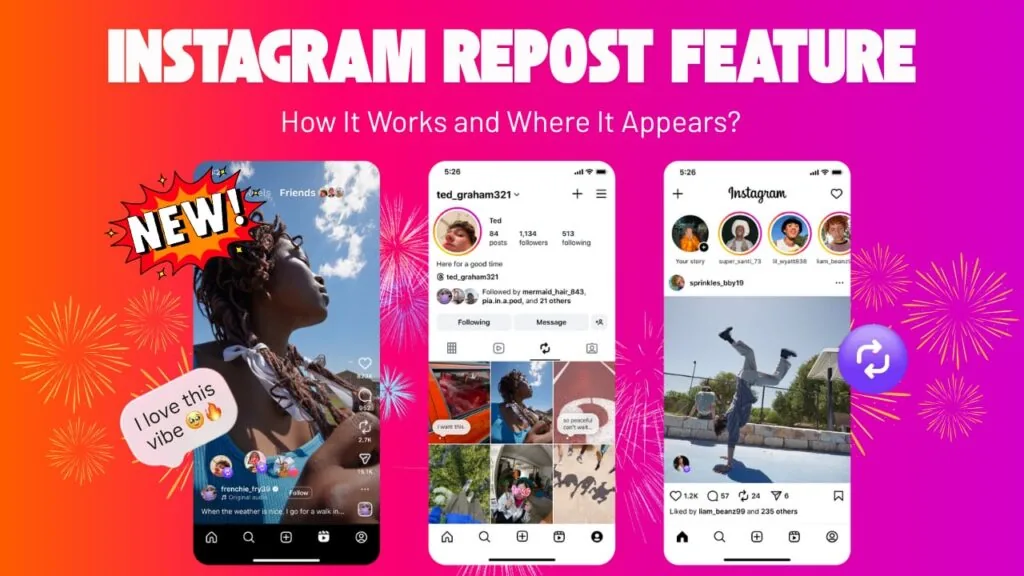
- Reposts appear in your followers' feeds and in a dedicated Reposts tab on your profile, positioned between your Reels and Tagged tabs.
- You can only repost public content where the creator has reposting enabled (the default); private accounts and reposts-of-reposts are blocked.
- Reposting expands the original creator's reach: their content may be recommended to your followers even if they don't follow the creator.
- For Stories, DMs, or older workflows, you can still reshare with screenshots, the paper-airplane share icon, or the Add to Story option.
- Always credit the original creator and get permission for commercial use to stay within Instagram's terms and copyright rules.
What is the fastest way to repost on Instagram in 2026?
The fastest way is the native Repost button: tap the circular-arrows icon under any public post or Reel, then confirm. Instagram introduced this feature in August 2025, and it now works on both iOS and Android without any extra app. The reposted content is automatically credited to the original poster, and viewers can tap through to the source. If you are new to the platform, start with our Instagram growth guide for beginners to understand how sharing fits into a wider strategy.
How do I use Instagram's native Repost button?
Use the Repost button in three taps. Here is the exact process:
- Open a public feed post or Reel you want to share.
- Tap the Repost icon (two circular arrows) below the post, near the like and comment icons.
- Optionally tap the thought bubble by your profile photo to Add a thought or note.
- Tap Repost to confirm.
Your repost is then recommended to your followers' feeds and stored in your Reposts tab. It does not appear in your main grid, so it won't clutter your curated profile. This is the same core skill as sharing full posts covered in our how to post on Instagram walkthrough.
Where do my reposts appear on my profile?
Your reposts live in a separate Reposts tab on your profile, not on your main grid. Instagram added this tab between the Reels and Tagged Photos tabs, similar to TikTok's repost tab. This keeps your primary feed clean while letting followers and visitors revisit everything you have amplified. Because reposts stay separate, you can share freely without disrupting the aesthetic you built when you optimized your Instagram bio and profile.
Can I repost any post or Reel?
No. You can only repost content that meets three conditions at once, or the Repost button won't appear.
| Requirement | Can you repost? |
|---|---|
| Public feed post or public Reel | Yes |
| Private account's post | No |
| Creator disabled resharing | No |
| Post that is already a repost | No |
| Your own public post | Yes |
If the button is missing, the account is likely private or the creator turned off reposting. Understanding these limits ties into how the Instagram algorithm decides distribution, since only shareable public content can be amplified across feeds.
How do I repost a Story or someone who tagged me?
Stories use a different flow than feed posts. When someone tags your account in their Story, you get a direct message with an Add to your story button, which reshares it instantly with credit. For a full breakdown of Story mechanics, see our dedicated guide on how to repost a Story on Instagram.
To reshare a public feed post to your Story instead of the Reposts tab:
- Tap the paper-airplane share icon under the post.
- Choose Add post to your story.
- Add stickers, text, or a mention tag, then share.
The difference between resharing to Stories versus using the Repost tab is explained further in our how to reshare on Instagram guide.
What are the manual ways to repost when the button won't work?
When native reposting isn't available, use these manual methods, ranked by reliability:
| Method | Best for | Watch out for |
|---|---|---|
| Repost button | Public posts and Reels | Only if enabled |
| Add to Story | Public feed posts | 24-hour lifespan |
| Share via DM | Sending privately | Not public reach |
| Screenshot and re-upload | Older or blocked posts | Must credit manually; crop quality loss |
| Screen recording | Reels and video | Copyright and quality risks |
If you screenshot and re-upload, always tag the creator and credit them in your caption. Third-party "repost" apps still exist, but many harvest login data or violate Instagram's terms, so avoid tools that ask for your password. When you share your own polished content, batch it ahead of time using a weekly content calendar so reposting supplements rather than replaces original work.
Does reposting help me grow on Instagram?
Yes, reposting can grow both the resharer and the original creator. When you repost, the creator's content may be recommended to your followers even if they don't follow the creator, which widens reach on both sides. For creators, being reposted is free distribution; for curators, it fills gaps between original posts. Pair reposts with strong original content like a Reel built on a proven hook formula to convert new viewers into followers. If you monetize, reposting user-generated content is also a common tactic when landing your first brand deal as a small account. To time your own posts and reposts for maximum engagement, check the best time to upload on Instagram.
Is it legal to repost someone else's content.
Reposting is allowed on Instagram, but the original creator still owns the copyright to their work. The native Repost button and tagged-Story reshares are the safest options because they carry automatic credit. For screenshots or downloads, always get permission for commercial use and credit the creator clearly. Respecting ownership matters even for private actions like managing your audience, similar to how you would hide your followers list for privacy. When in doubt, ask before you share.
Frequently asked questions
Yes. Instagram rolled out a native Repost button globally starting August 6, 2025, and it is standard on iOS and Android in 2026. It works on public feed posts and Reels and automatically credits the original creator.
Sources
Keep reading
More guides to grow your account.