How to Hide Your Following List on Instagram in 2026
You cannot fully hide your following list on Instagram from approved followers. Learn what a private account, removal, and blocking actually hide.
Short answer
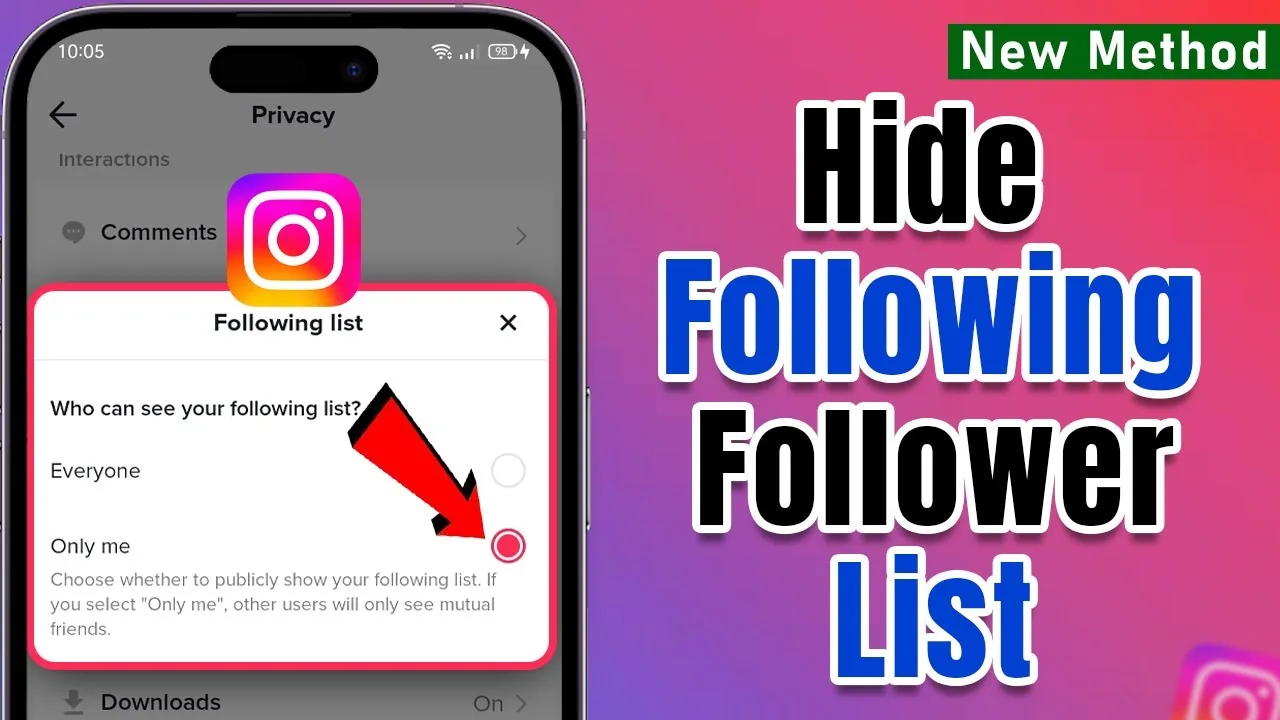
Instagram does not offer a setting that hides your following list from selected approved followers in 2026. Making your account private restricts the list to people you approve, while removing or blocking a person is the practical way to stop that individual from viewing it; follower and following counts remain public.
Key takeaways
- Instagram has no universal hide-following-list switch in 2026, especially for people you have already approved as followers.
- A private personal account limits your full followers and following lists to approved followers, but the numeric counts remain public.
- To hide the list from one approved follower, remove that follower; because the account is private, they must request access again.
- Blocking is stronger because the blocked account cannot view your profile normally, though alternative accounts may still find public information.
- Never trust a third-party app promising secret list controls; Instagram's official help warns against giving untrusted apps account access.
Can you hide your following list on Instagram?
You cannot completely hide your following list from everyone or from selected approved followers with a dedicated Instagram setting. In 2026, the practical controls are making a personal account private, removing a follower, or blocking an account.
Instagram's official privacy documentation says the number of followers and accounts followed is always public. On a private account, however, only approved followers can see the accounts in your followers and following lists. If you need a broader setup walkthrough, use how to make Instagram private and compare the related guide to hiding followers on Instagram.
How do you make your following list private?
Make your personal account private to prevent non-followers from opening the full following list. In the current app, open your profile, tap the menu, enter Settings and activity, choose Account privacy, and turn on Private account; labels can vary slightly by device or app version.
A private account requires you to approve new follow requests. People you already approved keep access, so review the list afterward. Professional business accounts may need to switch back to a personal account before using private mode. Privacy also affects posts, Stories, and Reels, but it does not make your username, profile photo, bio, links, or follower/following counts invisible. The Instagram profile viewer safety guide explains what outsiders can actually see.
What does a private account hide?
A private account hides your shared content and full social lists from people you have not approved, but it does not erase all profile information. The table distinguishes what changes from what stays visible.
| Profile element | Public account | Private account |
|---|---|---|
| Posts, Reels, and Stories | Generally visible to anyone | Visible to approved followers |
| Full followers list | Generally visible | Approved followers only |
| Full following list | Generally visible | Approved followers only |
| Follower/following counts | Public | Public |
| Username, photo, name, bio | Public | Public |
| Previously approved follower | Can view | Can still view until removed |
Private mode is useful, but it is an access gate rather than anonymity. Someone can screenshot information they were allowed to see, and an approved follower may share it elsewhere. Review whether Instagram shows screenshots and how to turn off active status for separate privacy questions.
How do you hide the list from one person?
On a private account, remove the person from your followers or block them if you need stronger separation. To remove them, open your profile, tap Followers, find the account, tap Remove, and confirm; Instagram says the person is not notified of the removal.
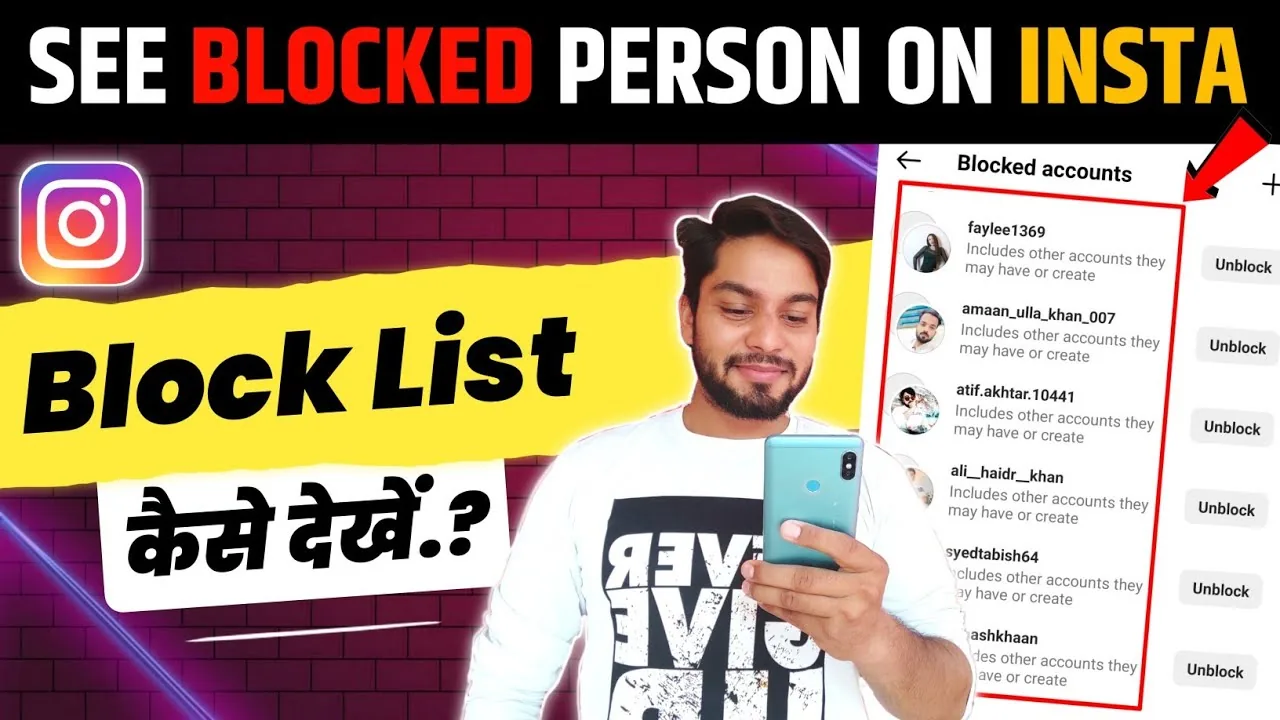
Removal is quiet but not permanent: the person can notice and submit another follow request. Blocking prevents their account from viewing or interacting with yours normally and may offer an option to block other accounts they create. Restricting or muting is not enough because those tools change interactions or what you see, not whether the person can inspect your following list. See how to mute someone on Instagram and how to tell if someone blocked you for those distinctions.
Can followers see who you follow?
Yes, approved followers can normally see who you follow, even when your account is private. Private mode blocks non-followers from the full list; it is not designed to conceal connections from people you accepted.
Instagram may occasionally limit list visibility because of safety systems, suspected scraping, age protections, or temporary technical issues. That platform-generated message is not a privacy control you can reliably enable. Do not interpret it as a new global feature unless Instagram adds and documents a setting. If a list looks blank unexpectedly, update the app and use the official report-a-problem flow rather than installing an Instagram account viewer.
Do Restrict, Mute, or Close Friends hide your list?
No: Restrict, Mute, and Close Friends do not hide your followers or following list. Restrict limits comment and message visibility, Mute changes what appears in your feed, and Close Friends limits a selected Story audience.
These tools solve different problems and can complement privacy settings, but none removes an approved follower's list access. Turning off activity status also only hides last-active indicators. If privacy is the goal, use private mode plus follower removal; if you want less contact without removal, use mute or restrict. Our guide to watching Instagram anonymously also explains why interface tricks should not be treated as guaranteed invisibility.
Are third-party hiding apps safe?
No third-party app can legitimately add a privacy control that Instagram itself does not provide, and giving one your password can put your account at risk. Meta has documented malicious apps designed to steal login information, and Instagram advises users to be careful when authorizing outside services.
Avoid any site that promises to hide lists, reveal private lists, or asks you to complete surveys, install configuration profiles, paste session cookies, or provide a verification code. Review connected services in Instagram's Apps and websites settings and remove anything you do not recognize. If you already entered credentials, change the password and enable two-factor authentication. For safer account management, follow how to clear Instagram cache for troubleshooting and how to disable Instagram if you need a temporary break.
Bottom line: Make the account private, remove people who should not see the list, and block when necessary. Instagram does not let you keep someone as an approved follower while selectively hiding only your following list from them.
Frequently asked questions
No, Instagram has no setting that hides the list from every approved follower. A private account limits the full list to approved followers, while the numeric count stays public.
Sources
Keep reading
More guides to grow your account.