How to Delete Instagram Photos and Posts (2026)
Delete one Instagram photo, Reel or video, remove multiple posts through Your activity, and understand Recently Deleted versus Archive.
Short answer
Open a photo or post you own, choose the options menu, tap Delete and confirm. For bulk deletion, use Your activity; deleted content normally moves to Recently Deleted for a limited recovery period, while Archive hides a post without deleting it.
Key takeaways
- You can delete a photo, Reel or video only from an account that owns it.
- Your activity can select and delete multiple posts in one batch.
- Archive hides a post from the profile without removing it permanently.
- Recently Deleted may allow restoration for a limited period before automatic deletion.
- A boosted post requires the associated ad to be deleted before the original post.
How do you delete a photo or post on Instagram?
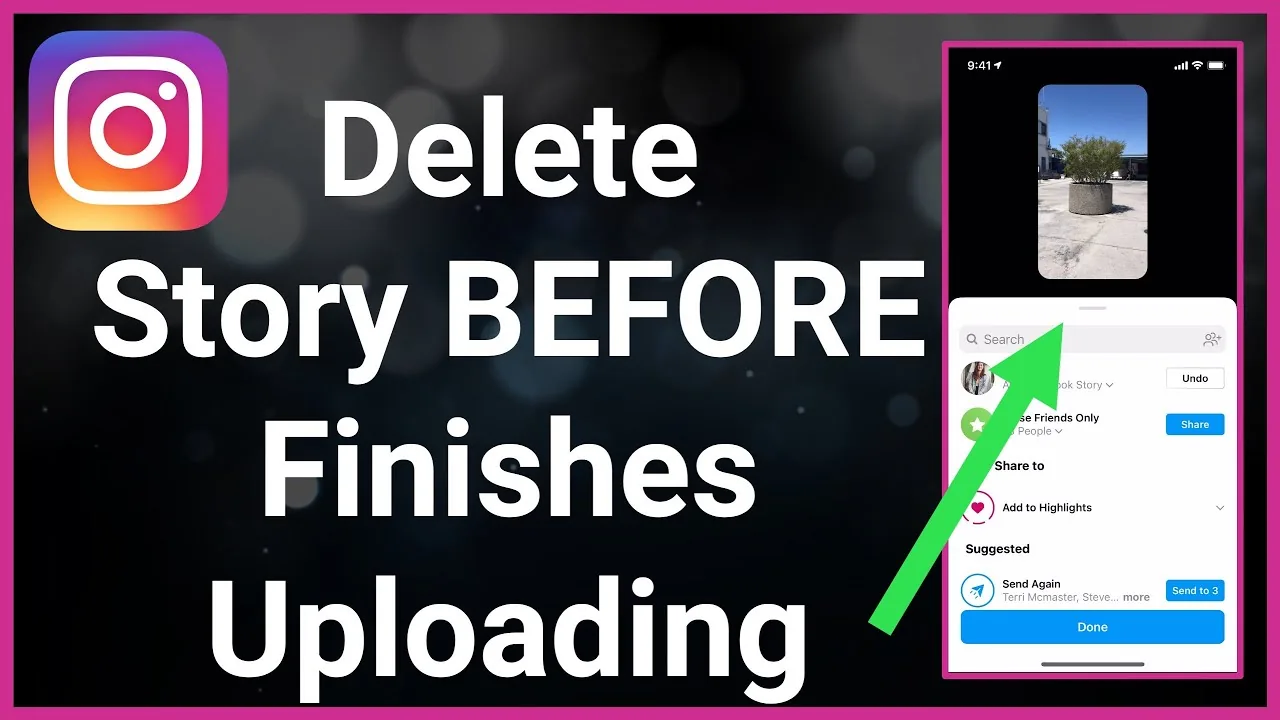
Delete an Instagram photo or post by opening content you own, tapping the options menu, choosing Delete and confirming. The same basic flow applies to feed photos, videos and Reels, although menu placement differs by device. If the post is part of a campaign, save the original media, caption and performance record first. Deleting removes the public post and its engagement from the profile rather than merely hiding it.
For the neighboring workflow, use How to Delete Your Instagram Account before changing another setting. The related guide to How to Delete an Instagram Account Permanently explains the control users most often confuse with this one.
How do you delete multiple Instagram posts?
Delete multiple posts through Your activity, where Instagram lets you filter Photos and videos, select items and confirm a bulk action. Work in small batches and inspect the selection before final confirmation, especially when thumbnails look similar. Bulk deletion is useful for cleanup, but Archive is safer when you are uncertain. Never give a third-party cleanup tool your password merely to speed up a task Instagram supports natively.
- Open the photo, video or Reel from the owning account.
- Tap the three-dot options menu.
- Choose Delete rather than Archive only when removal is intended.
- Confirm the item and wait for the action to complete.
- Review Recently Deleted or Your activity if you need to verify the result.
If your goal is broader account management, How to Disable Instagramin 2026 is the practical next step. You can compare the result with Instagram Customer Service Number 24/7: Does It Exist? so you do not solve the wrong problem.
What is the difference between Delete and Archive?
Delete moves eligible content toward removal, while Archive hides a post from other people and preserves it for possible restoration. Recently Deleted is a temporary recovery area for eligible deleted content, not a permanent backup. Archive is appropriate for seasonal, outdated or personally sensitive posts you may want later. Delete is appropriate when the account should no longer retain or republish the item.
| Action | What viewers see | Can you reverse it? |
|---|---|---|
| Archive | Post disappears from profile | Yes, from Archive |
| Delete | Post is removed | Temporarily if eligible |
| Remove carousel slide | Remaining slides stay | Feature-dependent recovery |
| Delete boosted post | Post removed after ad cleanup | Ad must be deleted first |
When uncertain, Archive creates a lower-risk decision than permanent deletion.
For a safer fallback, follow How to Clear Instagram Cache on iPhone and Android instead of handing credentials to an unknown service. Creators should also review How to Make Instagram Private in 2026: Steps and Limits because the same choice can affect reach or presentation.
Can you delete one photo from a carousel?
Instagram may offer carousel editing options that differ by account and app version, so check the current Edit menu before deleting the whole post. If removing one slide is unavailable or would break the story, save the originals and recreate the carousel. Do not rely on an old tutorial’s button placement. A recreated post receives a new date, URL and engagement history; Instagram does not merge those records.
- Back up original media before irreversible cleanup.
- Confirm the active username before bulk actions.
- Preserve evidence before deleting abusive or infringing content.
- Avoid third-party bulk-delete apps that request credentials.
The platform behavior makes more sense alongside How to Know If Someone Blocked You on Instagram. For the privacy side of the decision, read How to Turn Off Active Status on Instagram and keep the two settings separate.
Why won’t Instagram let you delete a post?
A post may resist deletion because the connection failed, the app is outdated, the account lacks ownership or a boost is still attached. Instagram states that boosted posts require the ad to be deleted first. Restart, test instagram.com and confirm you are in the correct account. Repeated tapping can create confusion, so wait for the first request to finish before trying a different device.
- Delete the associated ad before a boosted post.
- Update the app and test the web version.
- Use Your activity for multiple items rather than rapid repeated taps.
- Check Recently Deleted promptly if the wrong item was removed.
A complete setup also benefits from How to Turn Off Read Receipts on Instagram in 2026, especially after an app update. When this action changes what other people see, Instagram Profile Viewer: Can You See Who Viewed Your Profile? provides useful context.
What should you save before deleting content?
Save the original media, caption, alt text, approvals and any business records needed for reporting or compliance. Screenshots of Insights can preserve a performance snapshot, but they are not a substitute for an authorized analytics export. If the post contains evidence of harassment or infringement, preserve URLs and timestamps before removal. Deleting your copy does not erase screenshots, reposts or copies held by other people.
Frequently asked questions
Open the post, tap its options menu, choose Delete and confirm. You must be signed into the account that owns it.
Sources
Keep reading
More guides to grow your account.