How to Disable Instagram (Deactivate Temporarily) in 2026
How to disable Instagram in 2026: deactivate your account temporarily to hide your profile without losing followers or data, and how it differs from deleting.

Short answer
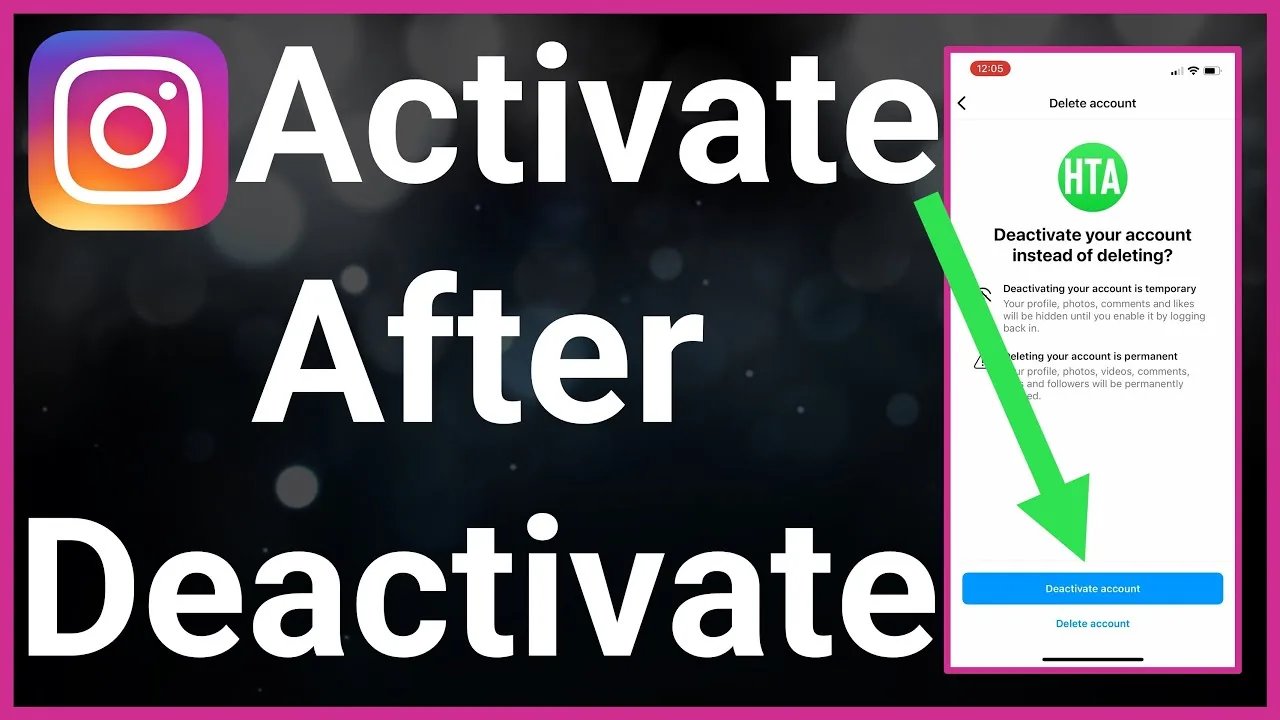
To disable Instagram, deactivate your account temporarily: go to Accounts Center, Account ownership and control, Deactivation or deletion, then Deactivate account. This hides your profile, posts, likes and comments until you log back in, and nothing is lost. Deactivation is fully reversible with no time limit, unlike deletion, which permanently erases everything after a 30-day grace period.
Key takeaways
- Disabling Instagram means deactivating it — a reversible pause that hides your profile, photos, comments and likes until you log back in.
- Nothing is deleted. Your followers, posts, DMs and data are preserved and reappear instantly when you reactivate by logging in.
- You can only deactivate once per week, so plan around that limit before you tap the button.
- Deactivation has no time limit — stay disabled for days, months or years — while deletion permanently wipes everything after a 30-day grace period.
- The fastest route is Accounts Center → Deactivation or deletion, available in the app and on instagram.com as of 2026.
What does it mean to disable Instagram?
Disabling Instagram means temporarily deactivating your account rather than deleting it. Deactivation hides your entire profile — posts, story archive, comments, likes and your username — so no one can find or view you, but Meta keeps all of it stored on its servers. The moment you log back in, everything is restored exactly as you left it.
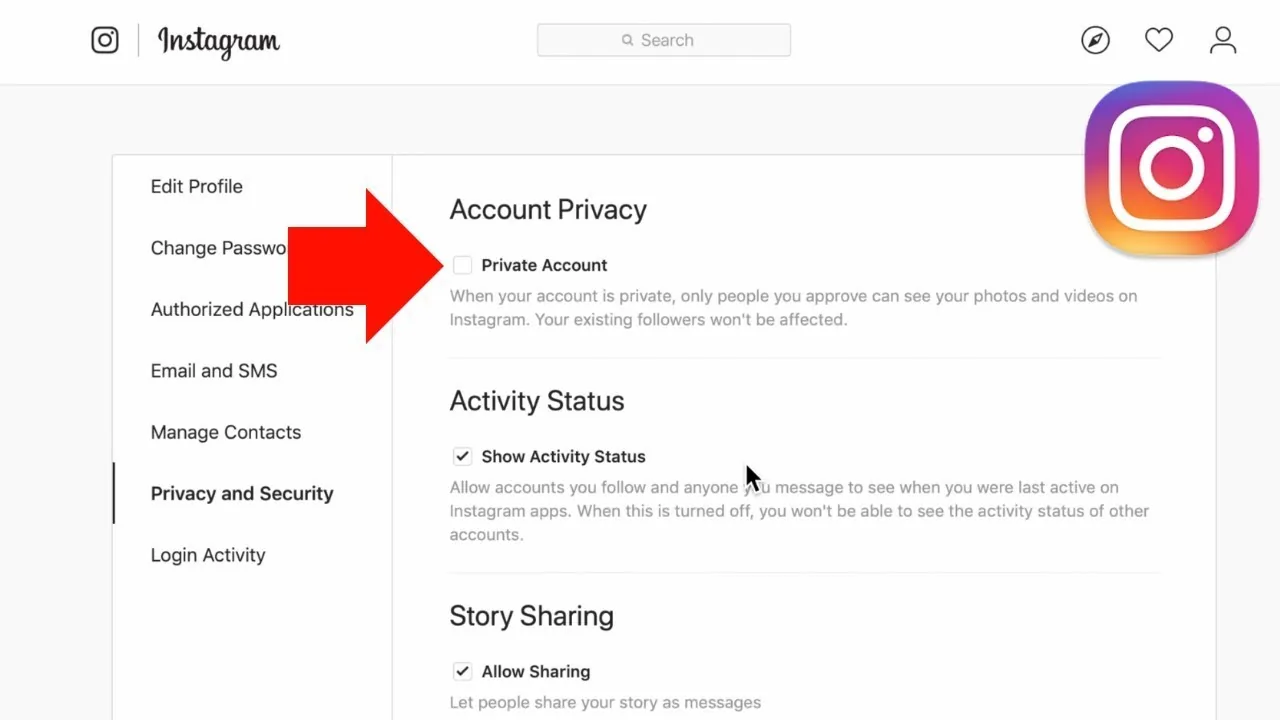
This is different from a permanent account deletion, which starts a countdown to erase your data for good. If you just need a break, a digital detox, or want to disappear from search temporarily, deactivation is the right tool. Many people pair it with steps to make their Instagram private before deciding whether to leave at all.
How do I deactivate my Instagram account in 2026?
To deactivate Instagram, open Accounts Center and select Deactivation or deletion. As of 2026, the flow lives in the same place on the app and the web. Follow these steps in the Instagram app:
- Open the app and tap your profile picture in the bottom-right corner.
- Tap the menu (three lines) in the top right, then tap Accounts Center.
- Tap Profiles and personal details, then Account ownership and control.
- Tap Deactivation or deletion.
- Select the account you want to disable.
- Choose Deactivate account, then tap Continue.
- Re-enter your password, pick a reason, and tap Deactivate account to confirm.
On a desktop browser, go to instagram.com, open Settings, then Accounts Center, and follow the same Deactivation or deletion path. Learning how to post on Instagram and other core actions all start from this same Accounts Center hub.
Deactivate vs delete: which one should I choose?
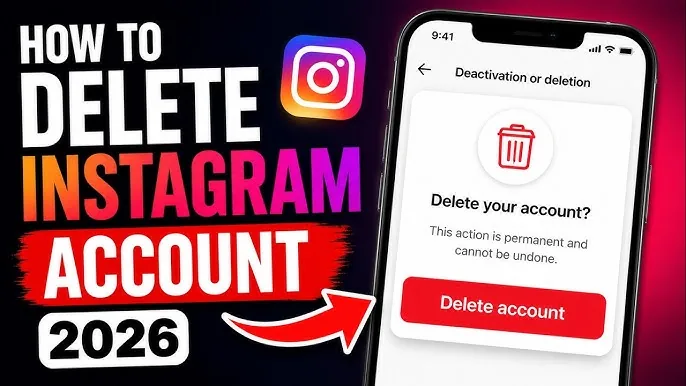
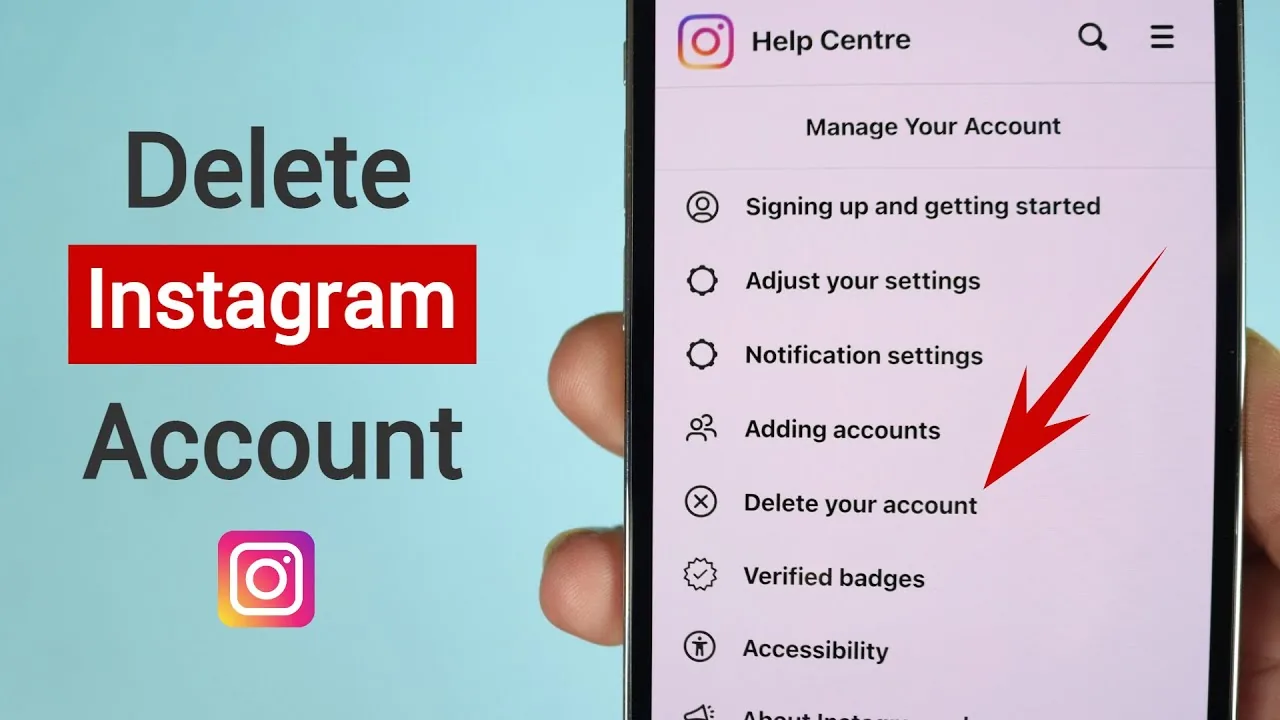
Choose deactivate if you want a reversible break; choose delete only if you never intend to return. Deactivation is a pause, deletion is permanent. The table below compares them directly.
| Feature | Deactivate (disable) | Delete |
|---|---|---|
| Reversible | Yes — just log back in | Only within 30 days |
| Data kept | All preserved | Erased after 30 days |
| Profile visible | Hidden | Hidden, then gone |
| Time limit | None | 30-day grace period |
| Frequency limit | Once per week | One request |
| Best for | Breaks, detox, privacy | Leaving for good |
If you are certain, see our guide on deleting your Instagram account permanently. If you also want to wipe cached data and search history, our walkthrough on how to erase Instagram covers the extra cleanup steps.
How long can I keep Instagram disabled?
You can keep Instagram deactivated indefinitely — there is no official expiry as of 2026. Unlike deletion, deactivation does not start any countdown, so your account can stay hidden for weeks, months or years and still be recovered by simply logging back in. The only restriction is frequency: Instagram limits you to one deactivation per week, so you cannot flip your account on and off multiple times a day.
Because your data is untouched, you also keep your username reserved. That matters if you have spent time on your Instagram bio or built momentum with a growth strategy for beginners — none of it is lost while you are away.
How do I reactivate a disabled Instagram account?
To reactivate, simply log back in with your username and password. There is no separate reactivation button — logging in automatically restores your profile, followers, posts and DMs within a few minutes. If you use Facebook to sign in, make sure your accounts are still connected; our guide on linking Instagram to Facebook explains that setup.
If your username or password no longer works, use the in-app password reset before assuming anything went wrong. Instagram has no 24/7 phone line, so ignore any so-called customer service number you find online — those are scams.
Will people know my Instagram is disabled?
When you disable Instagram, your profile simply disappears — it will not show a special "deactivated" label. Anyone visiting your profile URL sees a "user not found" or empty page, the same view they would get if you blocked them or if the account never existed. Your comments and likes vanish from other posts, and you are removed from followers' and following lists until you return.
Because the disappearance looks identical to a block or deletion, people cannot tell exactly why you are gone. If your goal is privacy rather than a full exit, consider quieter options first, such as hiding your following list or turning off active status so you appear offline while still using the app.
What should I do before disabling Instagram?
Before you deactivate, download your data and note your login details so reactivation is smooth. Meta lets you request a full copy of your photos, videos and messages from Accounts Center under "Your information and permissions." Save anything you might want offline, since a disabled account is not accessible to browse.
- Back up content — request your data download or save key posts and Reels.
- Confirm your login — verify your password and recovery email or phone.
- Tell close contacts — let people know you are pausing, since DMs go dark.
- Decide on timing — remember the one-per-week limit before you confirm.
Once you are ready, follow the deactivation steps above. If you later decide Instagram is not for you at all, permanent deletion is always one Accounts Center tap away.
A disabled Instagram account is a pause, not an ending. Your audience, memories and username wait for you until the moment you log back in.
Frequently asked questions
Disabling (deactivating) hides your account temporarily and is fully reversible by logging back in, with no data lost. Deleting permanently erases your account and all data after a 30-day grace period. Choose deactivation if there is any chance you will return.
Sources
- Temporarily deactivate your Instagram profile — Instagram Help Center
- Permanently delete or deactivate your Instagram account — Instagram Help Center
- Deactivate vs Delete Instagram: Key Differences (2026) — Unfollr
- How to Delete Your Instagram Account (2026 Guide) — ESET
- How to Delete Your Instagram Account — Security.org
Keep reading
More guides to grow your account.