Instagram Explainers guides
Facts, definitions, and answers about Instagram and its biggest accounts.
 Explainers
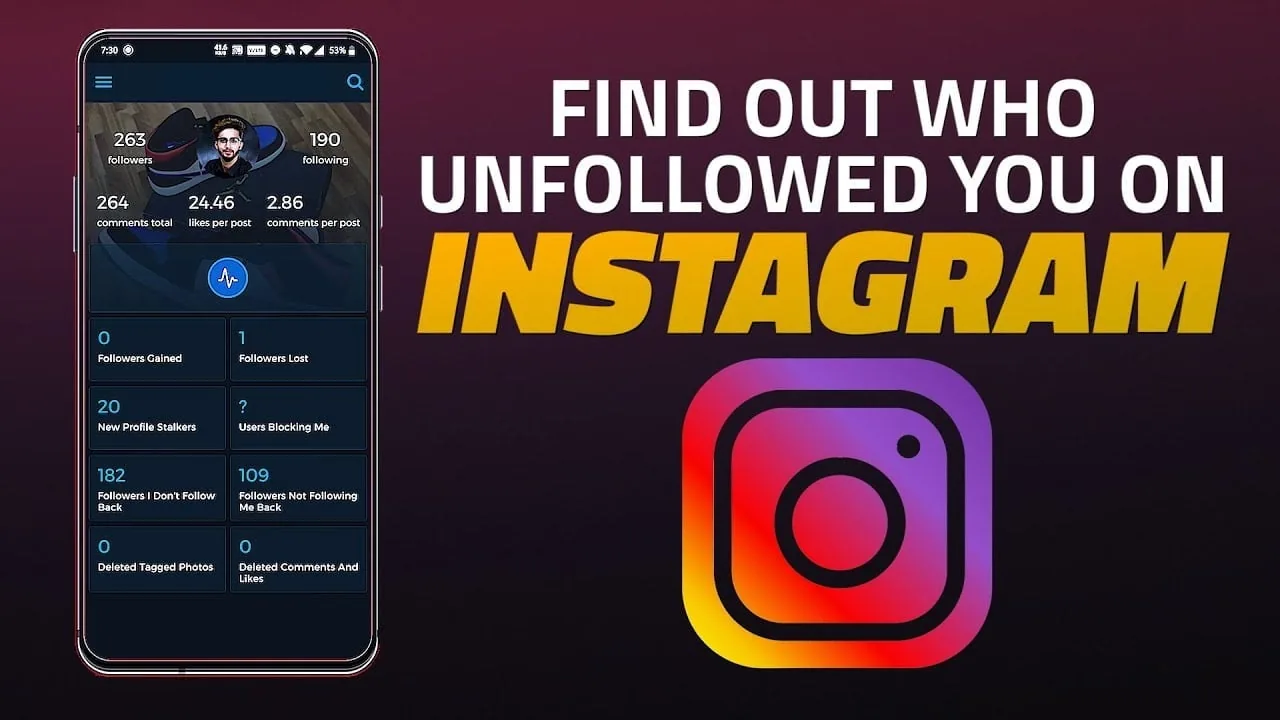
How Can I See Who Unfollowed Me on Instagram?
Instagram has no built-in "who unfollowed me" list — the only native method is manually comparing your Followers list over time. Third-party unfollower-tracker apps require handing over your login credentials, which violates Instagram's Terms of Use and puts your account at real risk.
 Explainers
How Do I Post Gifs to Instagram?
If you want a native GIF-like looping clip rather than converting an existing file, Instagram's built-in Boomerang camera mode does exactly that — it shoots a short 1-second burst and automatically loops it forward-and-backward, and you post the result as a regular video, no conversion or GIPHY needed.
 Explainers
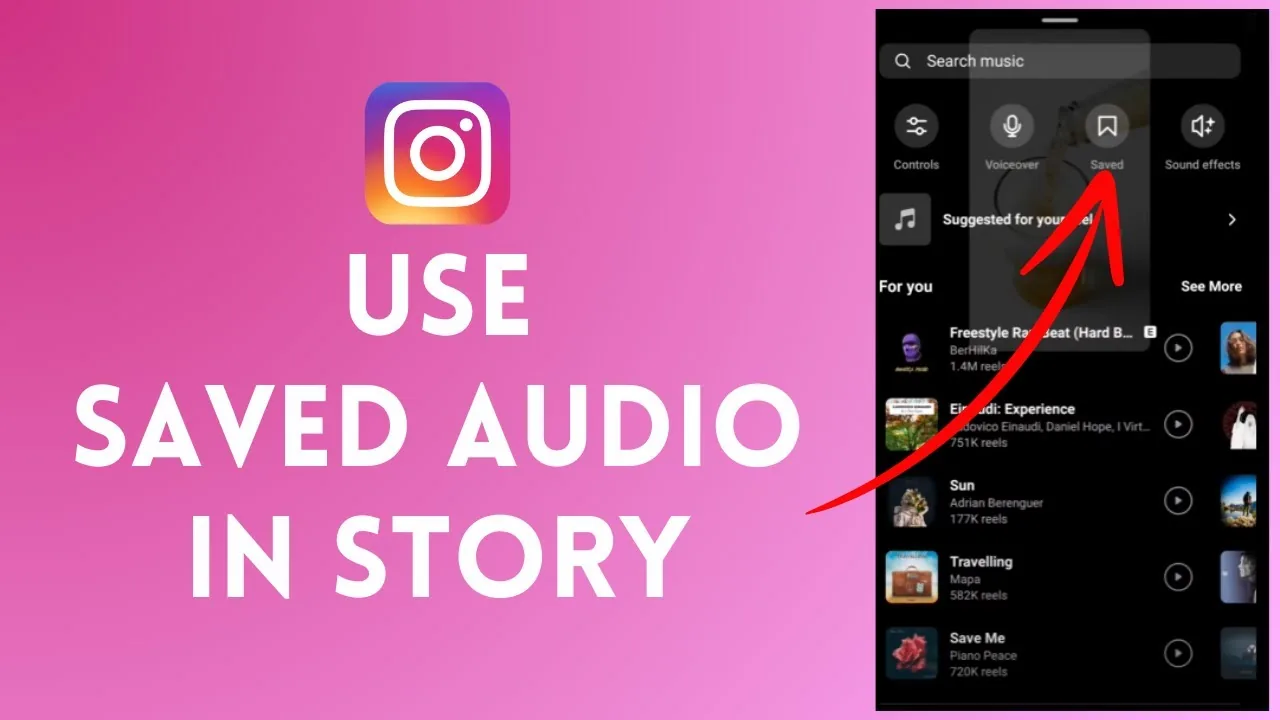
How to Listen to Your Saved Instagram Audio on a PC
Instagram's desktop site lacks a Saved Audio tab, so play the original reel on instagram.com or extract the sound as an MP3 to listen on PC.
 Explainers
How to See Who Someone Recently Followed on Instagram
Instagram removed the public follow activity feed, so checking a profile's Following tab or a tracking tool are the only ways to spot new follows.
 Explainers
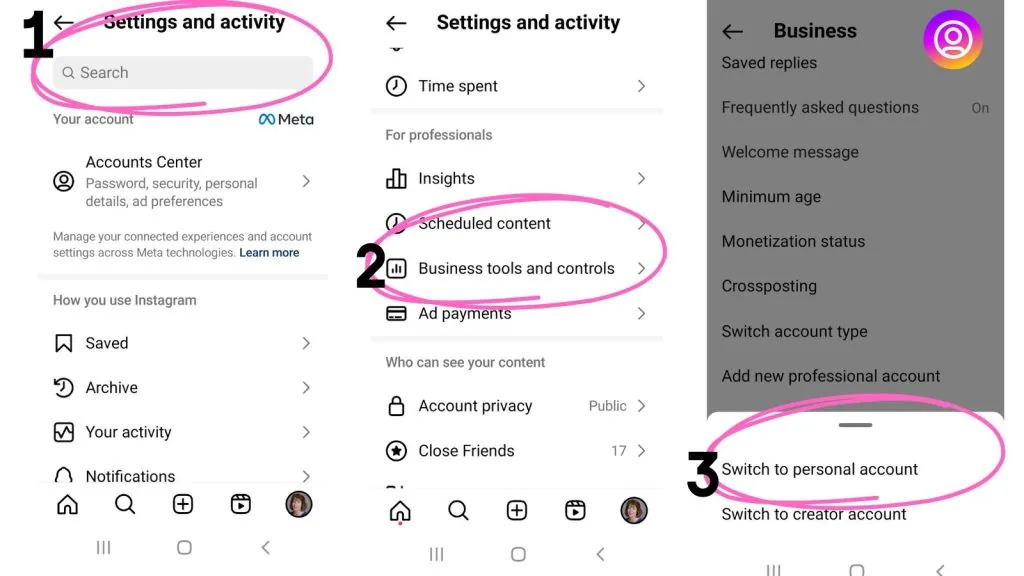
How to Switch Between Instagram Accounts Fast
Add up to five Instagram accounts to one device and switch between them in a tap. Here's every method, from the profile menu to double-tap shortcuts.
 Explainers
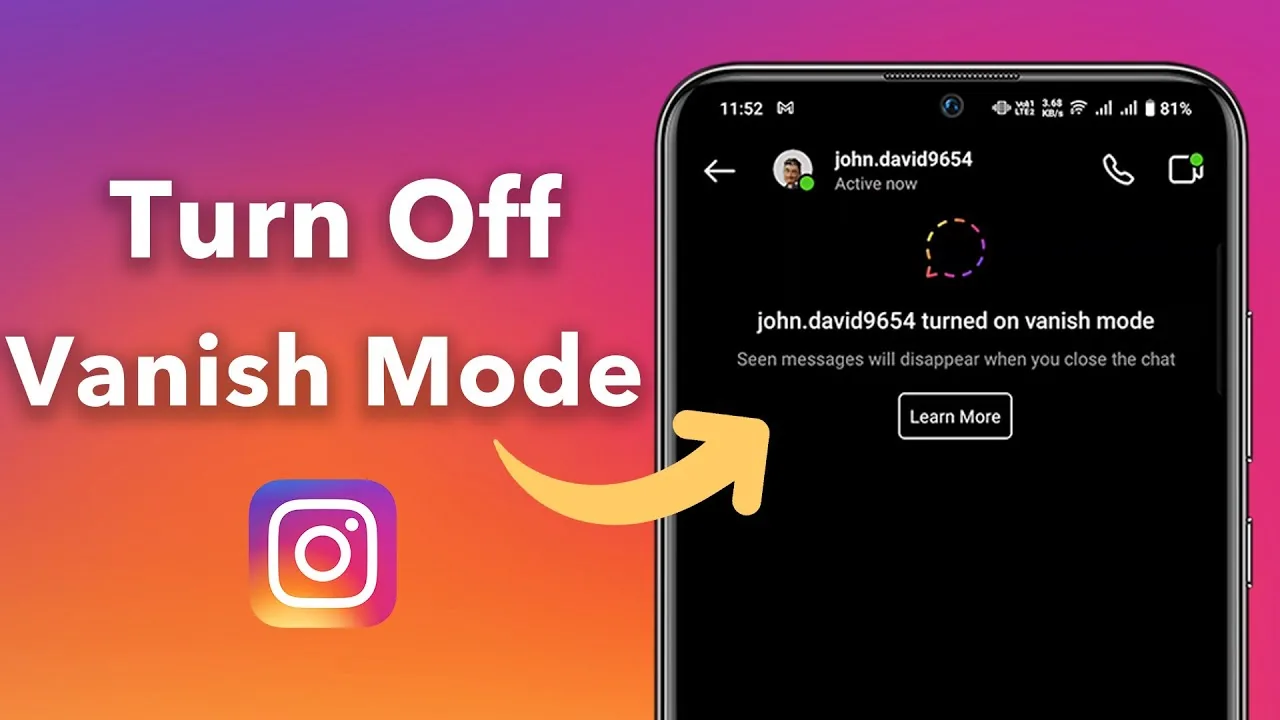
What is Vanish Mode on Instagram?
Vanish Mode is a DM setting that makes messages disappear from the conversation once both people have seen and left the chat — swipe up in any direct message thread to activate it, and any texts, voice notes, or reactions sent while it's on vanish permanently rather than staying in your chat history.
 Explainers
Why Can't I Post on Instagram? 2026 Fixes That Work
Weak connections, outdated apps, full storage, and account restrictions are the top reasons Instagram posts fail. Here's how to fix each.
 Explainers
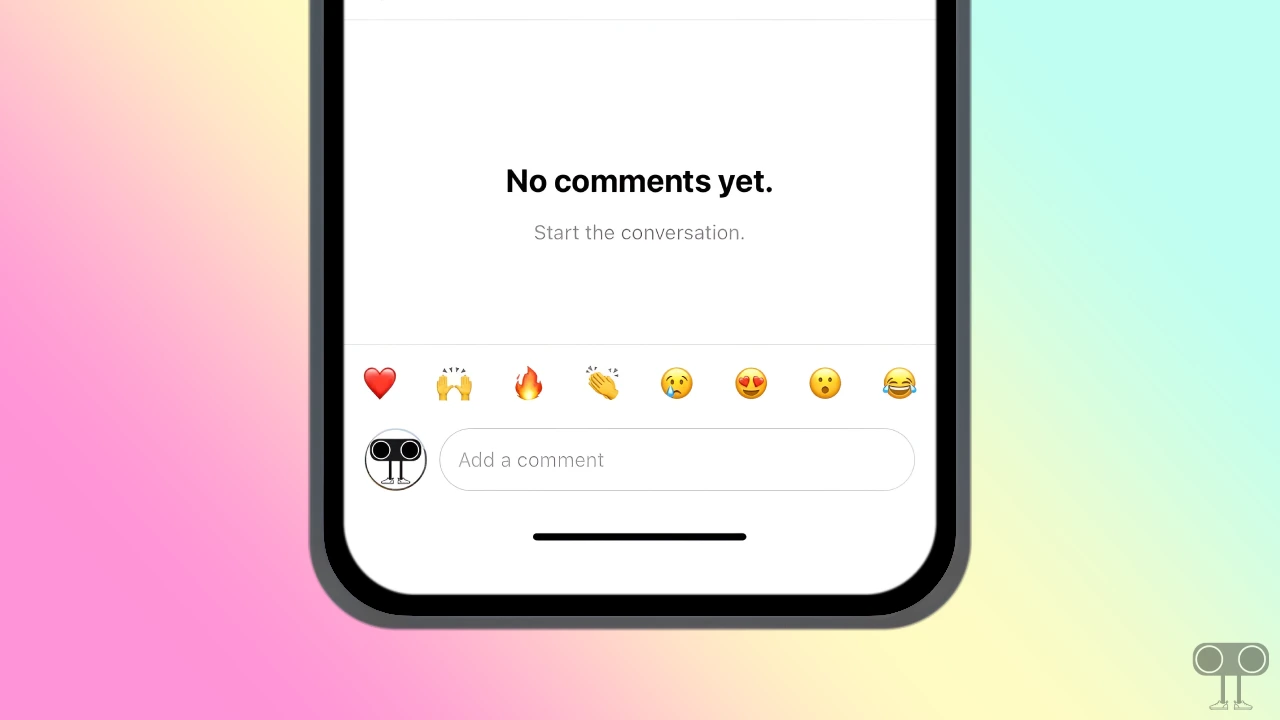
Why Can't I See Comments on Instagram? Full Fix Guide
Missing comments are usually caused by active filters, disabled commenting, algorithmic sorting, a weak connection, or an outdated app version.
 Explainers
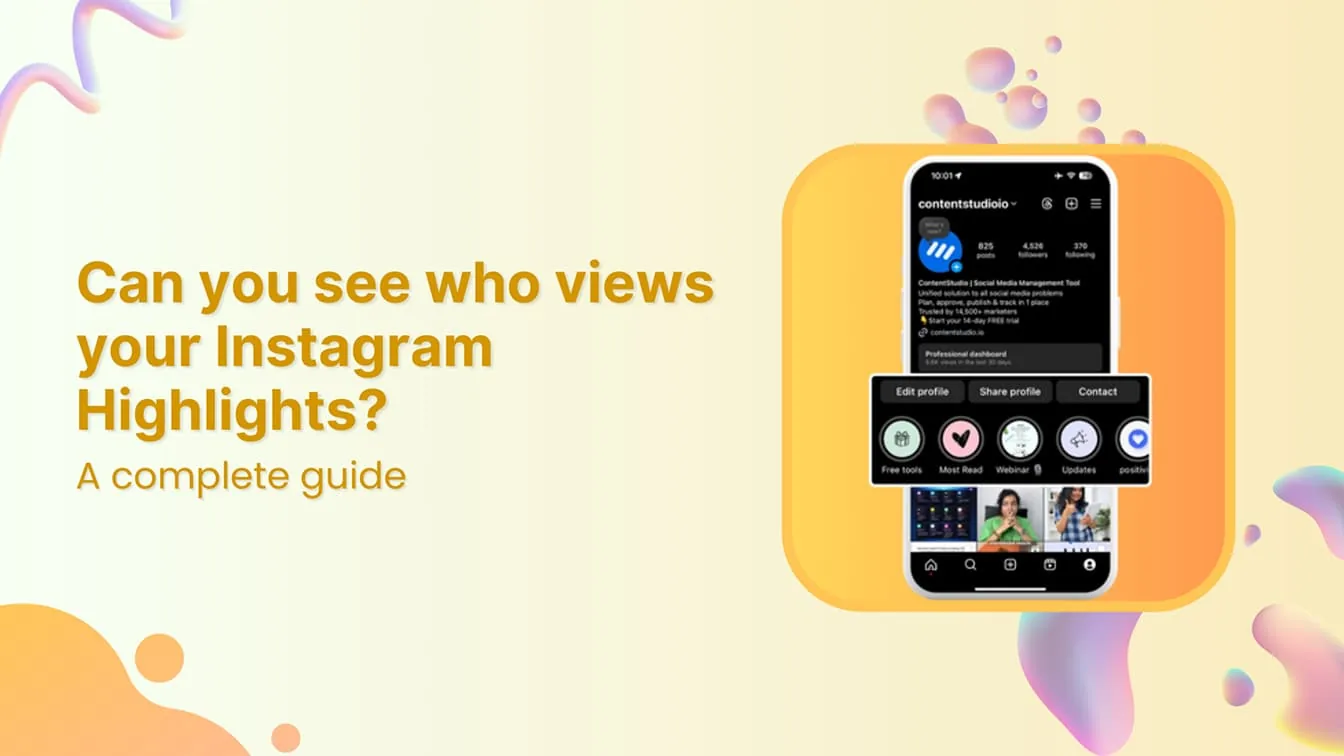
Can You See Who Views Your Instagram Story?
Yes — Stories are the one part of Instagram that does show you exactly who watched, via a swipe-up viewer list, for as long as the Story is active (24 hours) and afterward through your Archive, though the list ordering follows Instagram's own ranking logic rather than a strict timestamp.
 Explainers
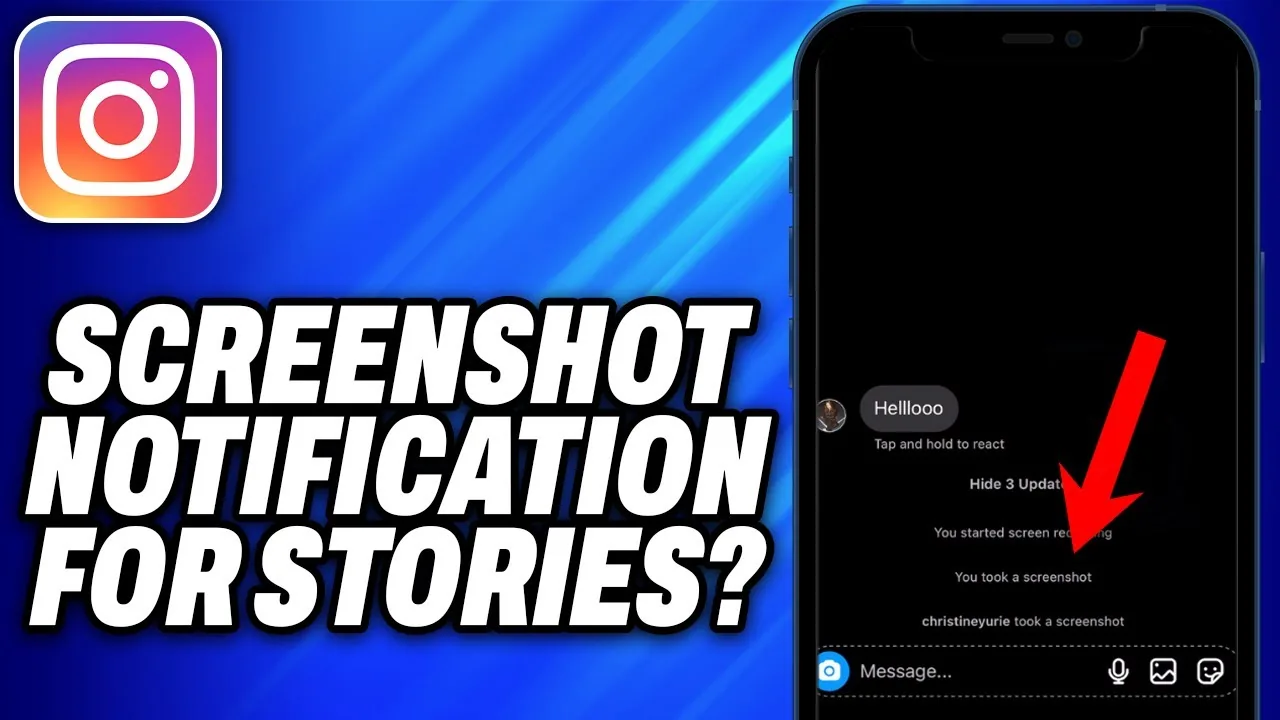
Do People Get Notified When You Screenshot on Instagram Story?
No — as of 2026, taking a screenshot of someone's regular Instagram Story does not send them any notification. Instagram tested a Story screenshot alert around 2018, but it was never made a permanent part of the app.
 Explainers
Does Instagram Show When You Screenshot?
It depends entirely on what you're screenshotting: feed posts, Reels, and profiles never trigger a notification; regular Stories don't either; but disappearing view-once photos and videos in DMs do notify the sender.
 Explainers
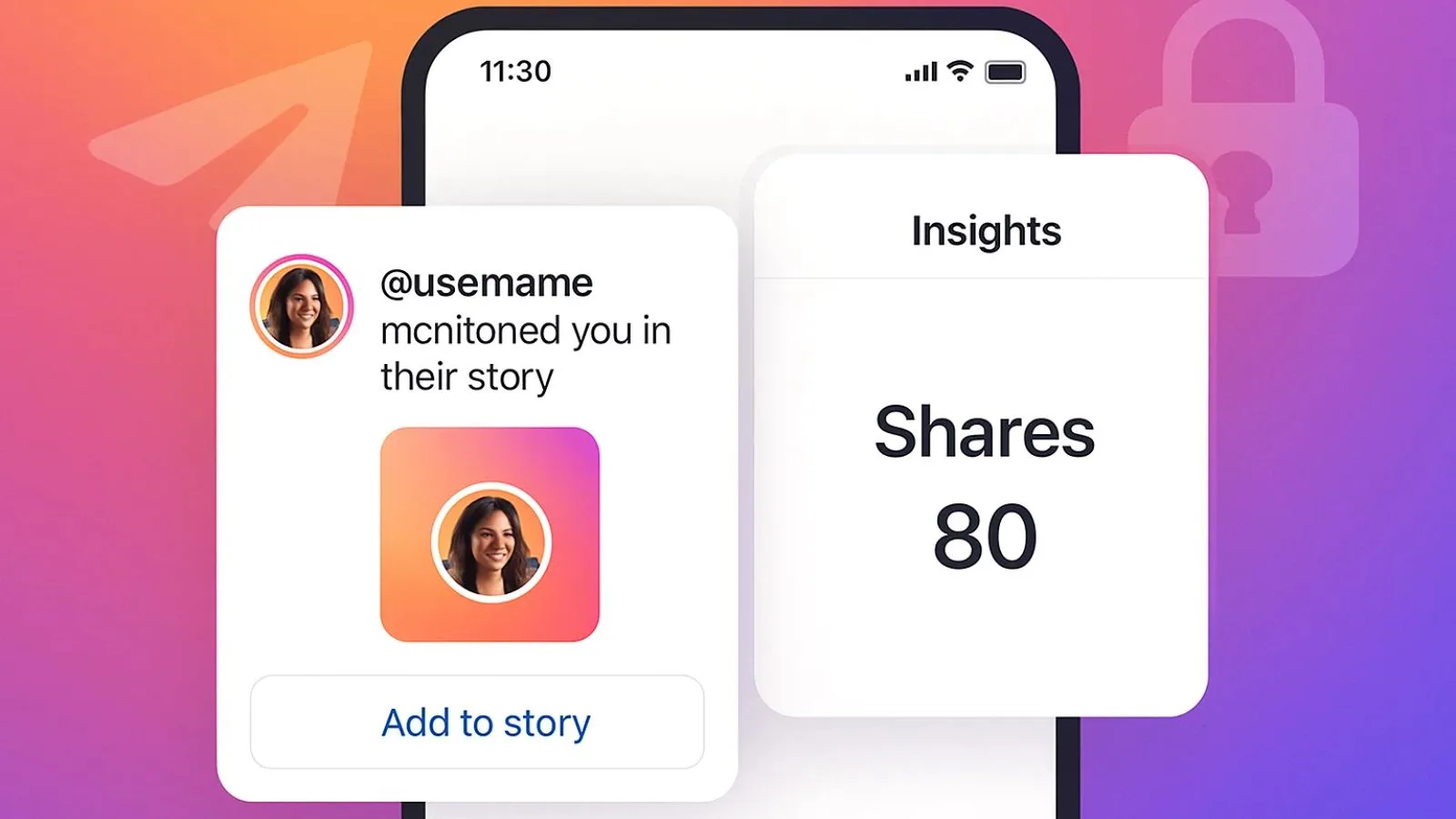
How Can I See Who Shared My Post on Instagram?
Instagram doesn't give you a full list of names for everyone who shared your post to their Story or sent it in a DM. You'll only find out about shares that tag or mention you (like a Story repost with the share sticker), plus an aggregate, name-free "Shares" count in Reels Insights for professional accounts.
 Explainers
How Can You Hide Who You Follow on Instagram?
If your account is public, anyone can see your Following list — Instagram has no toggle to hide just that list. The only real option is switching to a Private account, which restricts your following/followers lists to approved followers only.
 Explainers
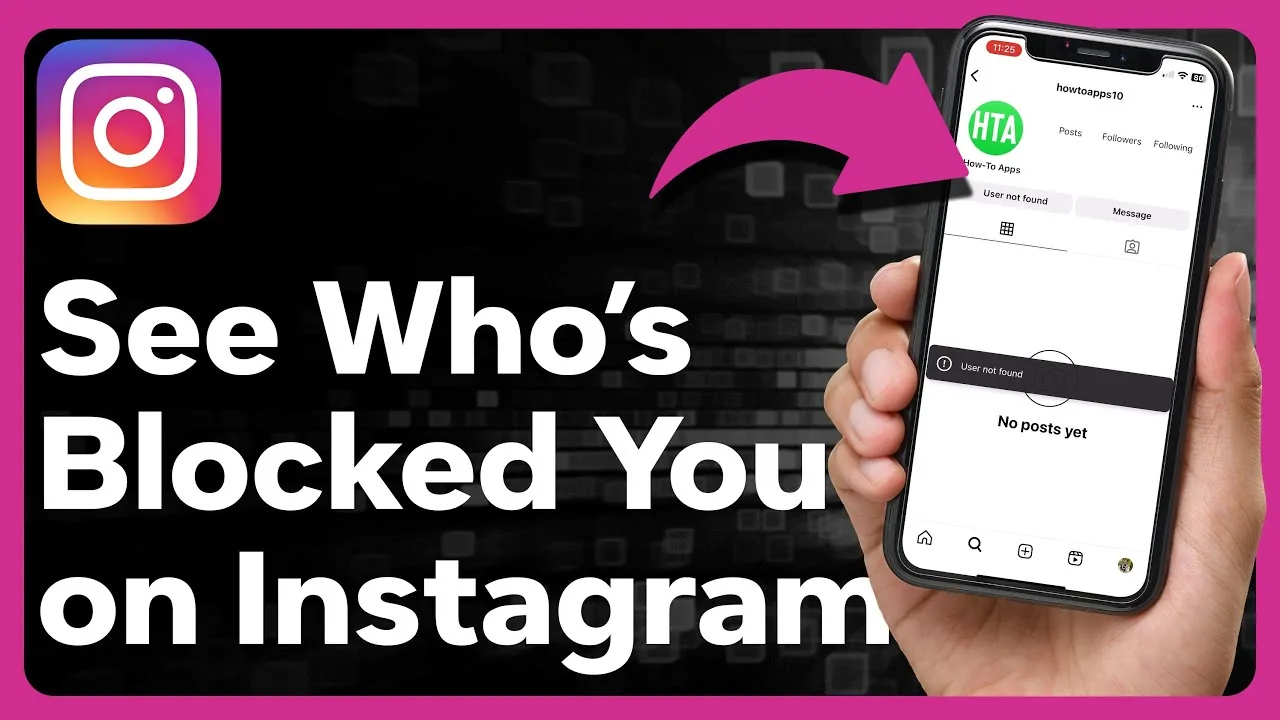
How to Find Out Who Has Blocked You on Instagram
Instagram never sends a block notification, but a missing search result, a grayed-out DM, or vanished comments are reliable signs someone blocked you.
 Explainers
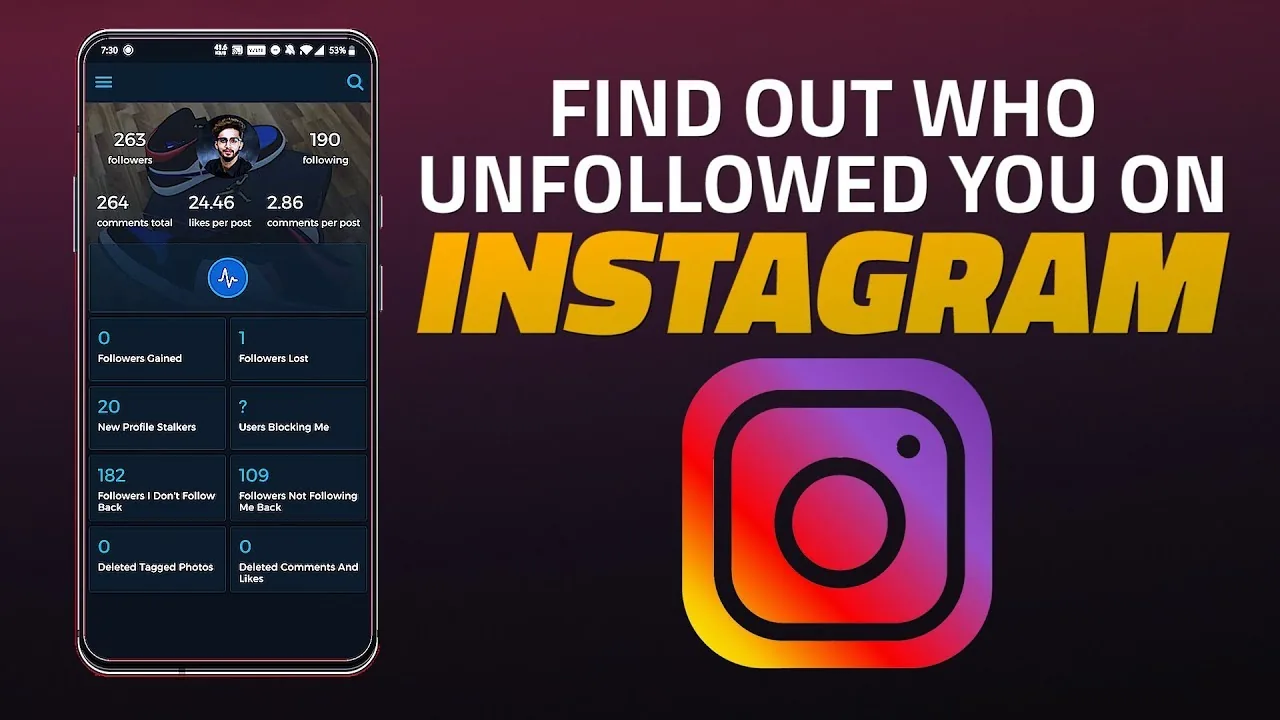
How to Find Out Who Unfollowed You on Instagram
Compare your follower list manually, check Insights, or use a snapshot-based tracker to see exactly who stopped following you on Instagram.
 Explainers
How to Hide Your Like Count on Instagram (2026 Guide)
Turn off visible like counts on a single post, all future posts, or just your own view of the feed — here's exactly where each toggle lives.
 Explainers
How to Post More Than 10 Photos on Instagram (2026)
Instagram expanded carousels to 20 photos and videos, though rollout is uneven. Here's how to check your limit and what to do if you're stuck at 10.
 Explainers
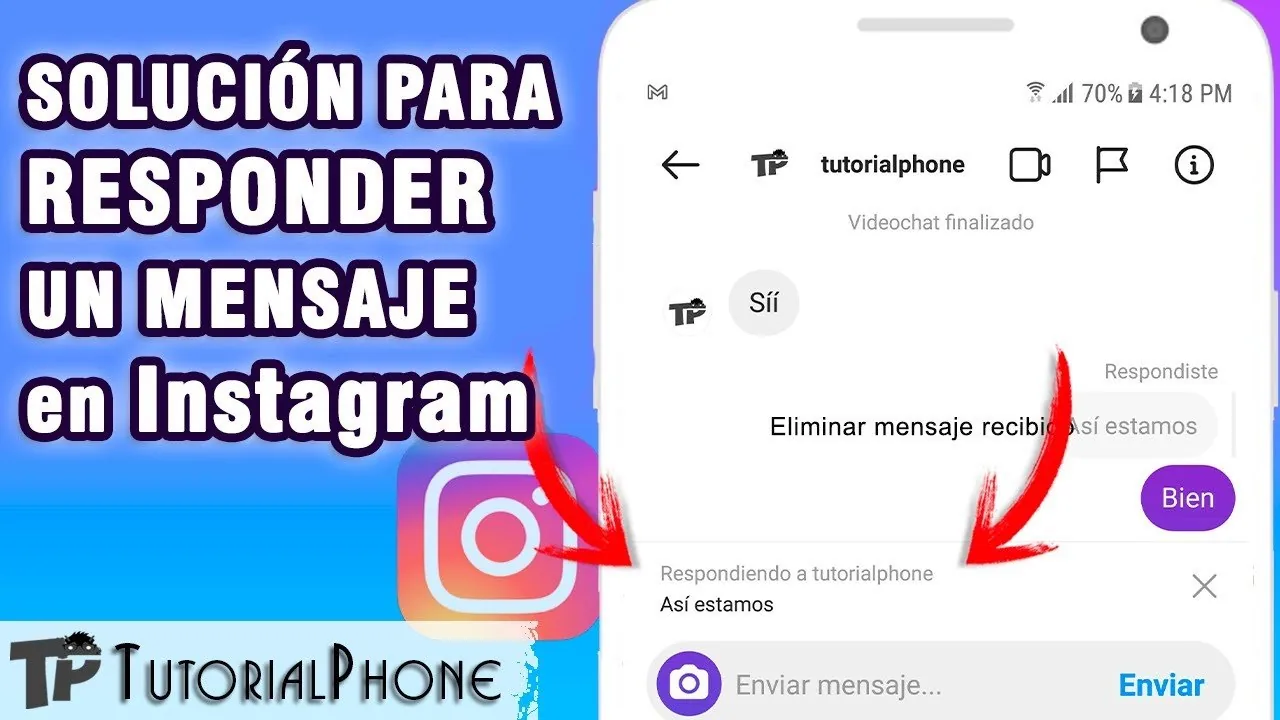
How to Reply to Messages on Instagram (DMs Explained)
Open the message in your Instagram inbox, tap the text field at the bottom, type your reply, and hit send — here's every reply option available.
 Explainers
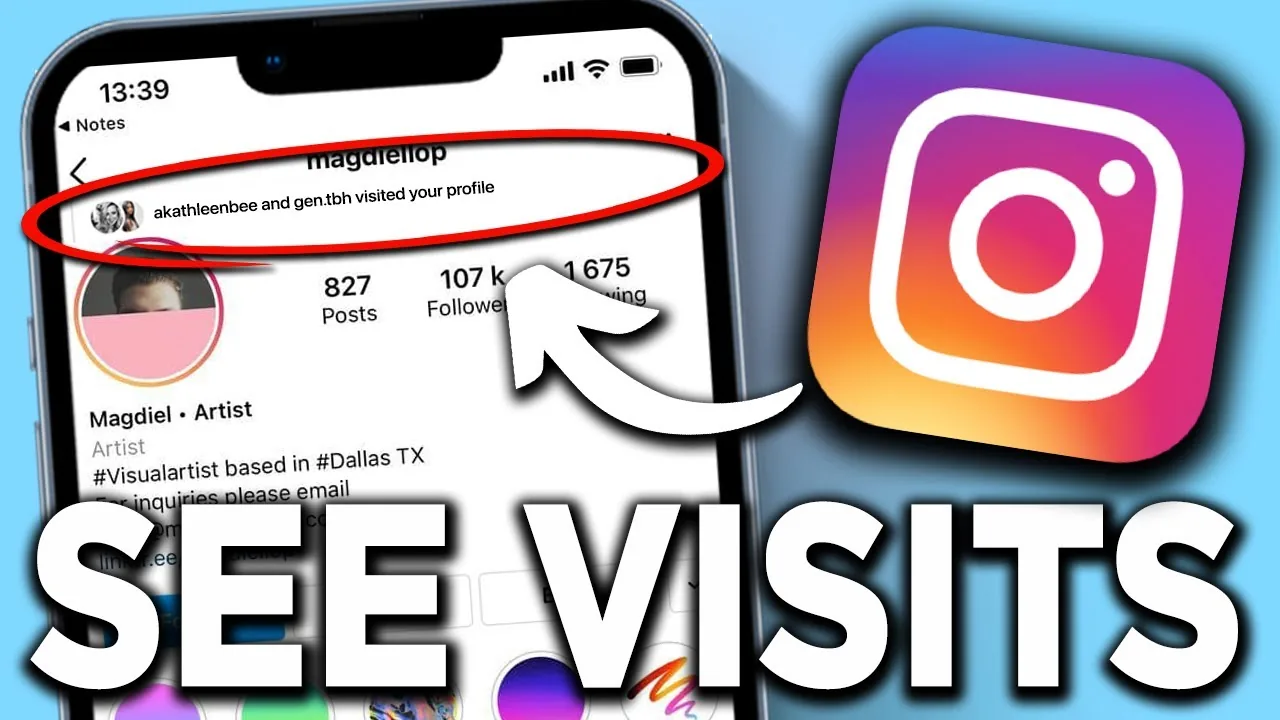
Can You See Who Stalks Your Instagram Profile in 2026?
There's no real Instagram feature that reveals your biggest profile stalker. Here's what data actually exists and why tracker apps are scams.
 Explainers
Can You See Who Viewed Your Instagram Profile in 2026?
Instagram has no official feature that reveals who viewed your profile. Here's what you can actually see, plus why viewer apps are scams.
 Explainers
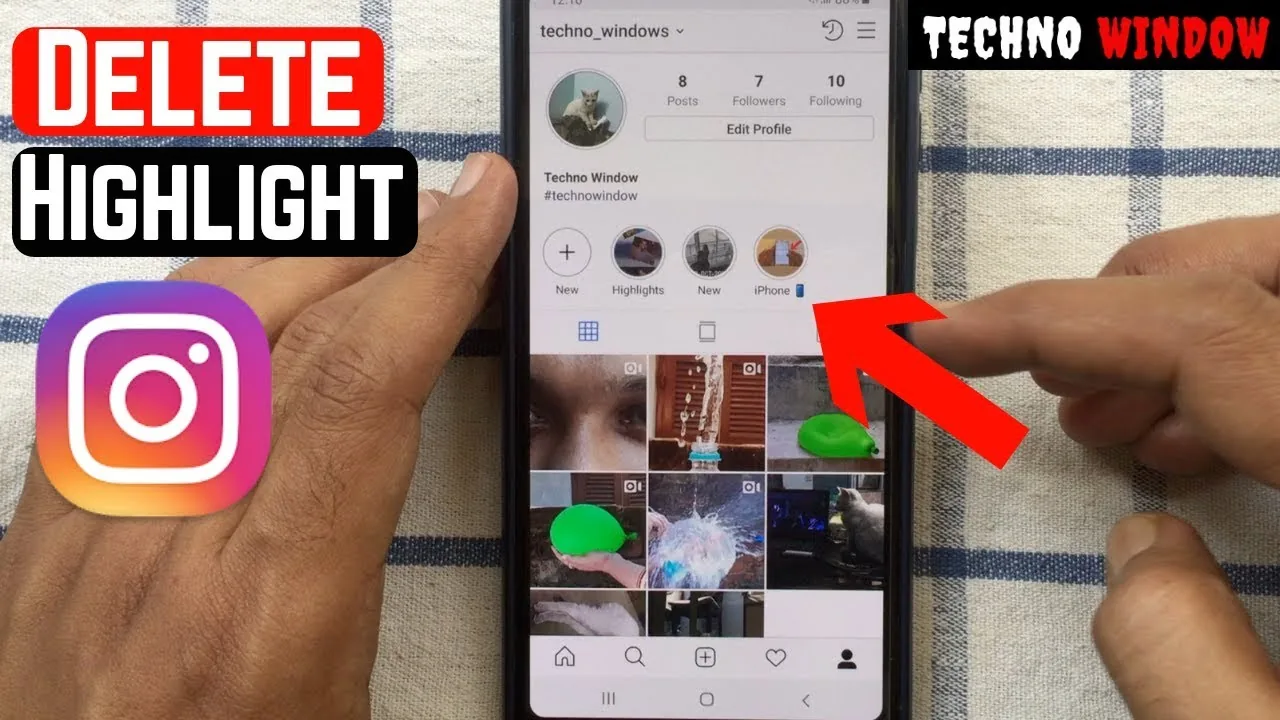
Is Instagram Removing Story Highlights in 2026?
Instagram isn't deleting Highlights — it's moving them into a dedicated profile tab. Here's what's changing and how to keep yours visible.
 Explainers
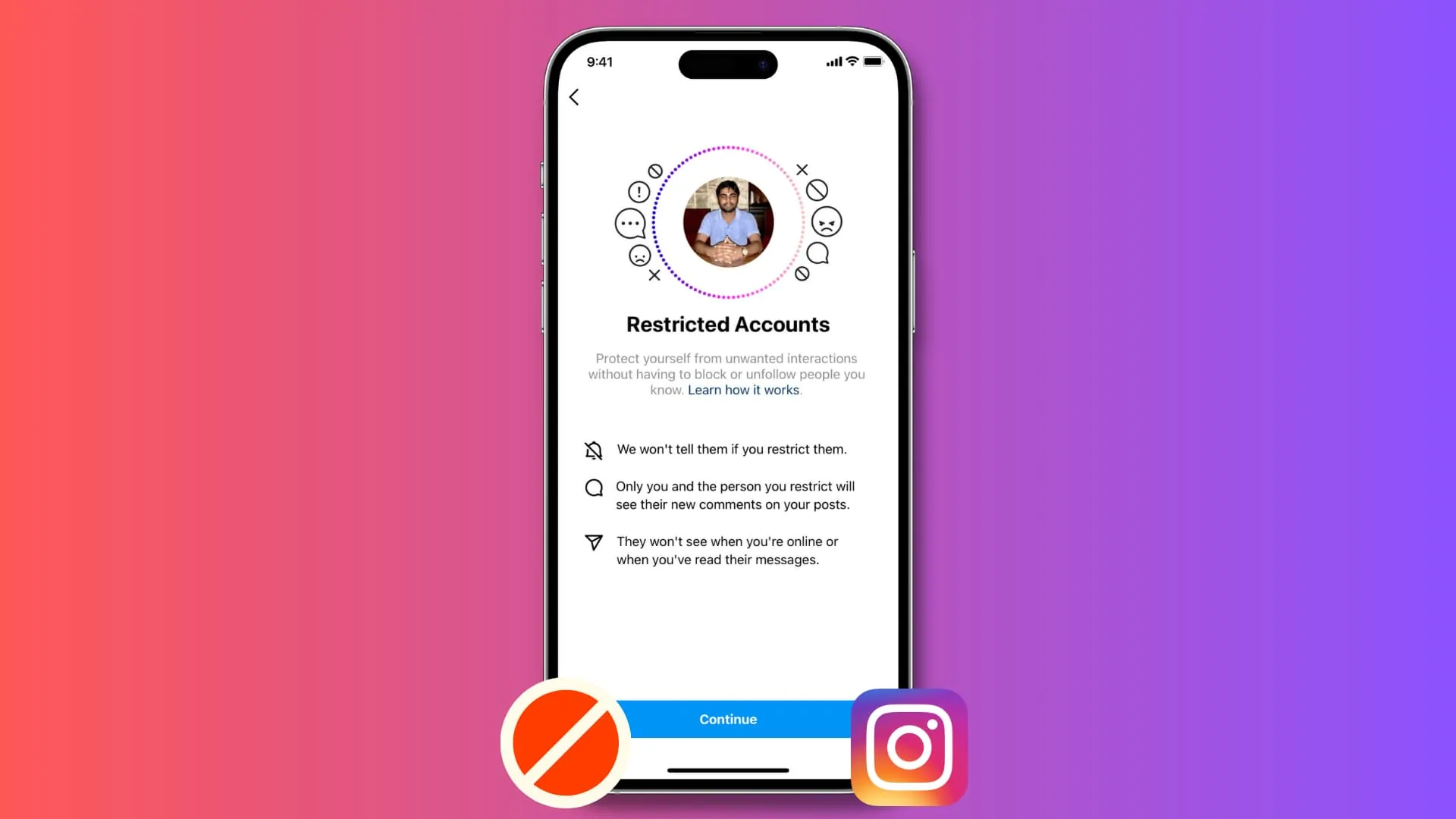
What Does Restricting on Instagram Do?
Restricting is Instagram's tool for handling difficult situations quietly — a toxic commenter on a business account, an ex you don't want to fully cut off, or low-level harassment where blocking might escalate things — since it works entirely behind the scenes without alerting the other person.
 Explainers
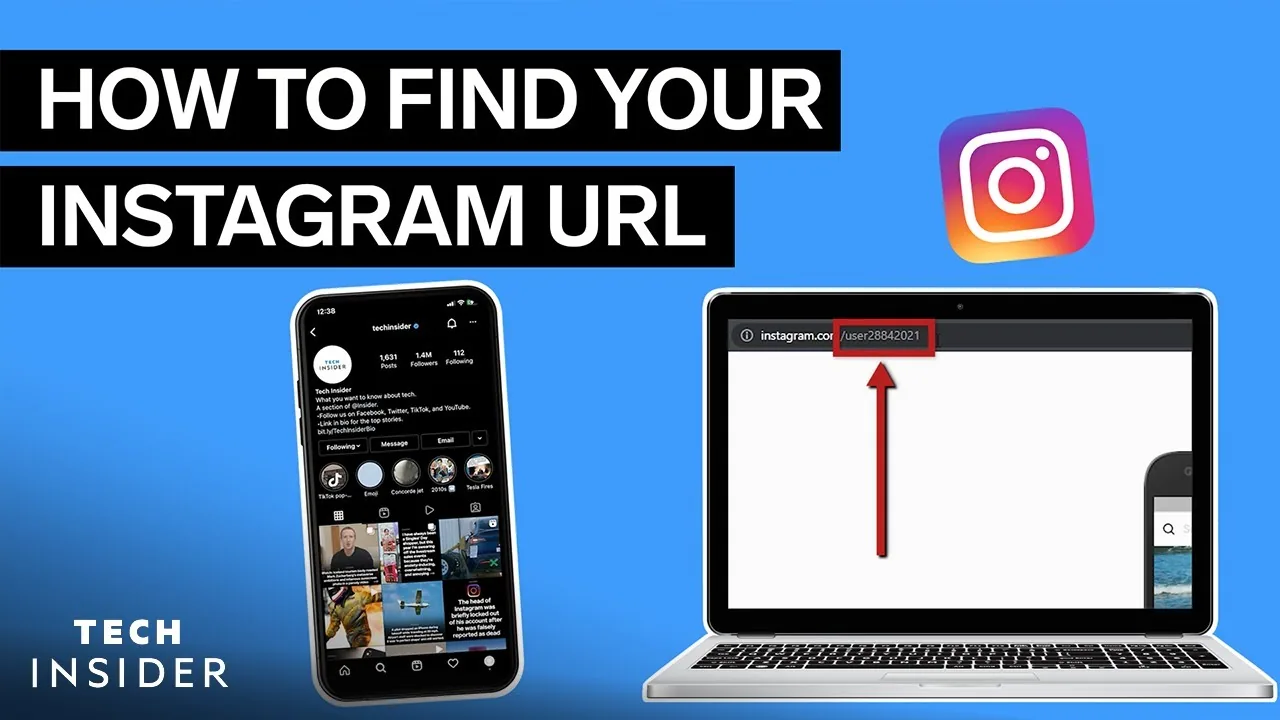
What is My Instagram Url?
Your Instagram URL is always instagram.com/ followed by your exact username, case-insensitive — the fastest way to grab the precise link is opening your profile, tapping Share Profile, and selecting Copy Link rather than typing it out by hand.
 Explainers
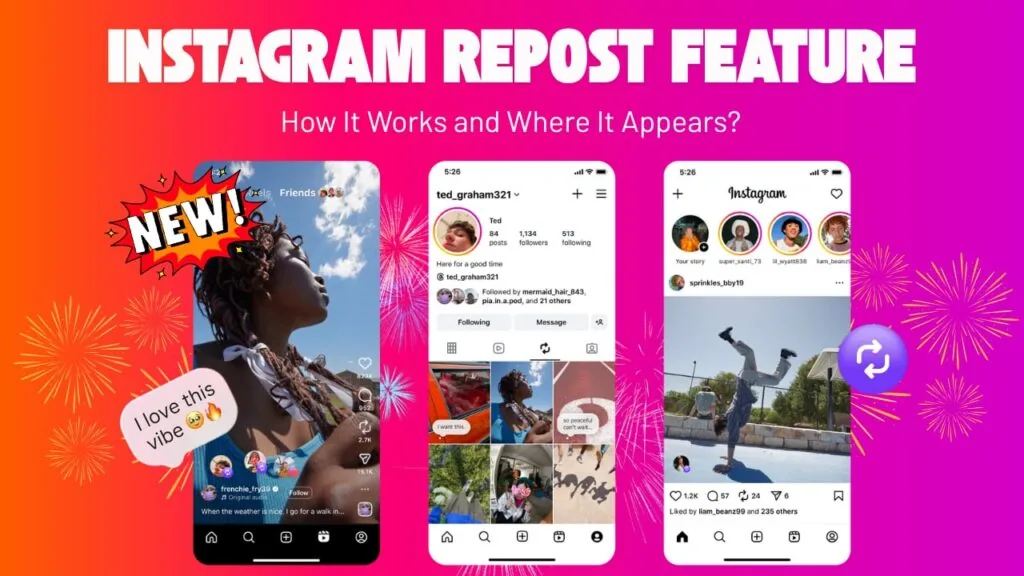
What Is Reposting on Instagram? The Repost Button Explained
Reposting shares another creator's public Reel or feed post to your own grid via Instagram's native Repost button, launched in August 2025.