How to Find Out Who Unfollowed You on Instagram
Compare your follower list manually, check Insights, or use a snapshot-based tracker to see exactly who stopped following you on Instagram.
Short answer
Instagram has no native unfollower list, so you either manually search your followers, check the Insights growth chart on a professional account, or use a snapshot-based tracker that compares your follower list over time. Avoid any tool that asks for your password.
Key takeaways
- Instagram does not show a built-in list of who unfollowed you.
- Manually searching your follower list works but gets unreliable fast on larger accounts.
- Business and Creator accounts can check Insights for a rough follows-versus-unfollows trend.
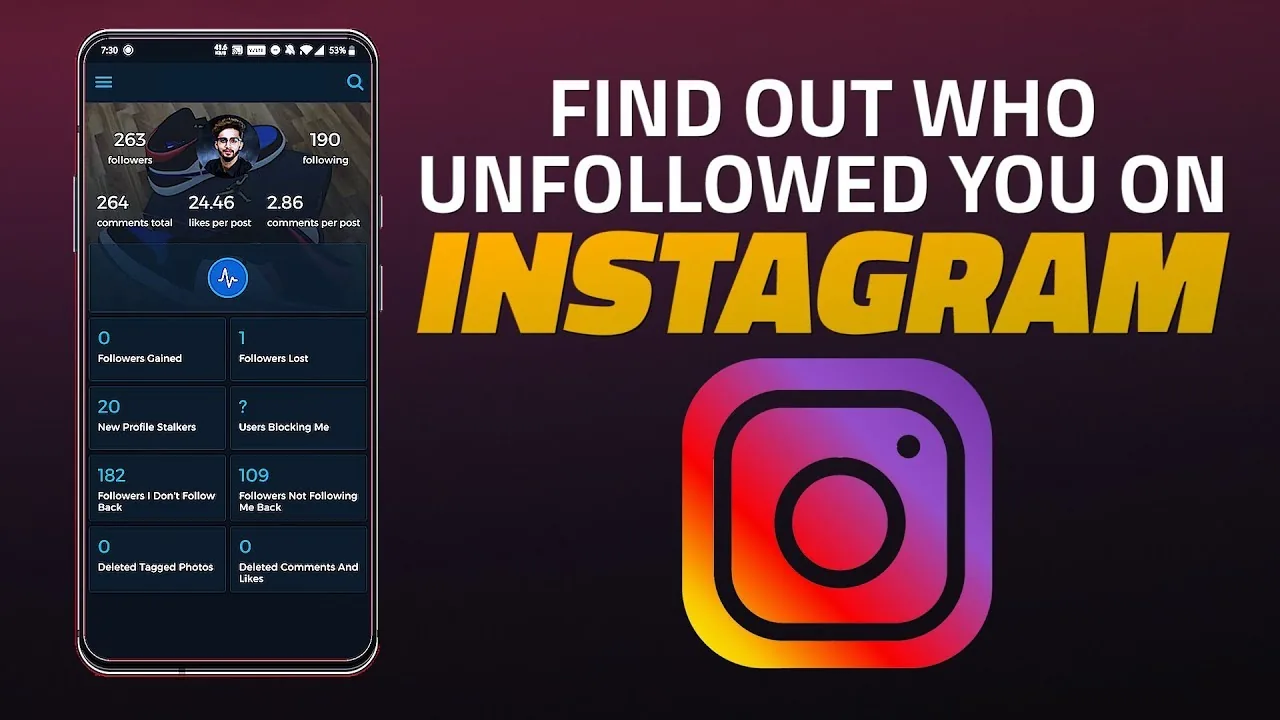
- Third-party trackers take periodic snapshots and compare them over time to flag exits.
- Never use a tracker that asks for your Instagram password.
- If unfollows are frequent, it might be worth reviewing your broader instagram algorithm explained strategy rather than just tracking names.
Does Instagram show you who unfollowed you directly?
No, there is no built-in unfollower list anywhere in the app or on the website. Instagram only shows your current followers and following lists at any given moment, with no historical log of who left, so any method for figuring this out involves comparing data over time rather than pulling it from a single screen.
How do you manually check for unfollowers?
Open your profile, tap Followers, and search for the specific username you suspect stopped following you. If their name doesn't appear in the search results, they're no longer following you, but this approach becomes tedious fast, since the list reorders each time you open it and large accounts can have thousands of names to sift through — the same manual grind covered in how to know who unfollowed you on instagram.
Can Instagram Insights help track unfollows?
Yes, if you have a Business or Creator account, go to Insights and look at your Total Followers growth chart for a rough sense of gains and losses over a chosen period. It won't name individual people who left, but it does show the net trend, which is useful for spotting whether a specific post or campaign triggered a wave of unfollows, similar to how you'd analyze how to see who viewed your instagram patterns for stories.
How do third-party unfollower trackers actually work?
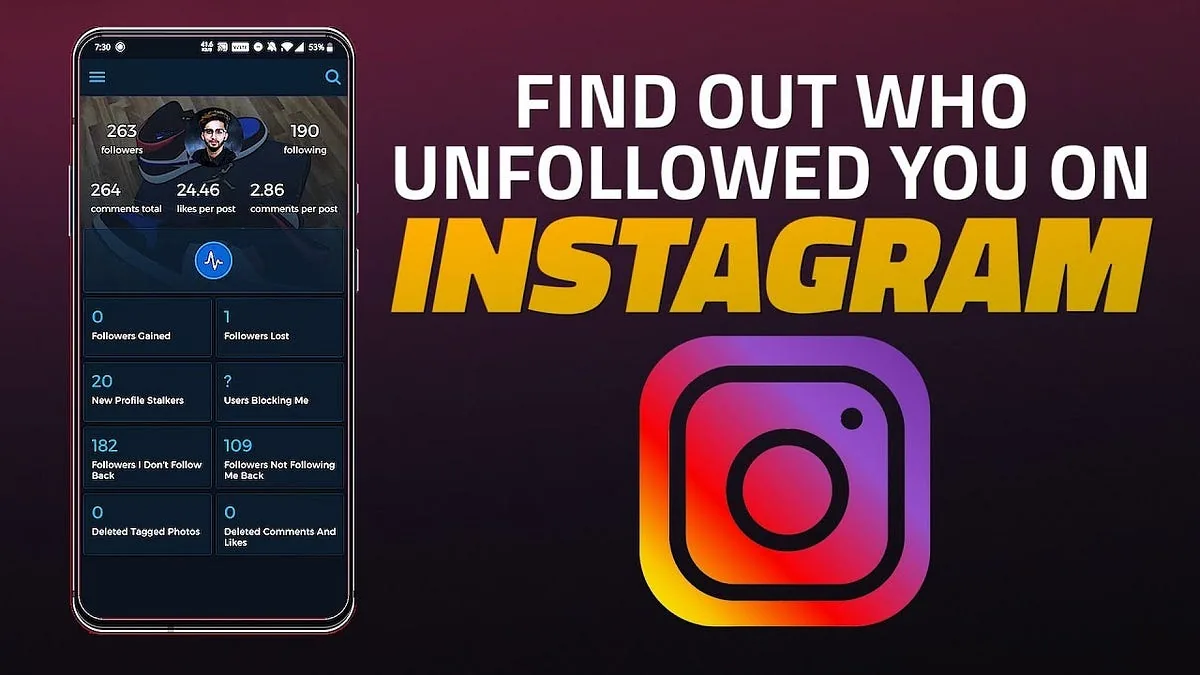
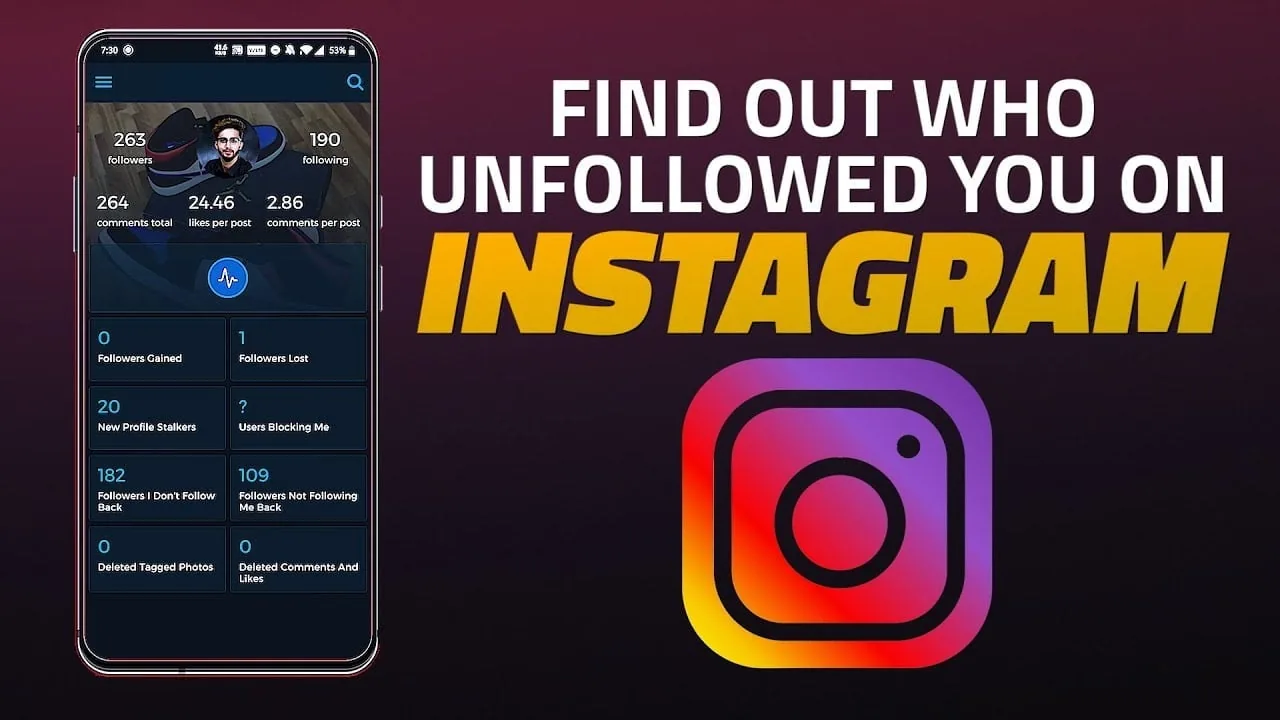
These tools take a snapshot of your follower list at set intervals and compare each new snapshot to the last one to flag exactly who dropped off. Many run automatically on a weekly basis for smaller public accounts, while larger or private accounts often need to manually export and upload Instagram's official data file for the comparison to work — a related question worth checking is how to tell who unfollowed you on instagram if you want a broader comparison of tools.
Is Instagram's official data export a safer alternative?
Yes, downloading your own data directly from Instagram and comparing follower list snapshots from different dates is the safest way to self-verify unfollows without a third party. This avoids handing your login to any outside app, unlike riskier tools that promise instant unfollower lists in exchange for your password, similar to the safer path outlined in how to check who unfollowed you on instagram.
Are unfollower-tracking apps against Instagram's rules?
Apps that require your actual Instagram password violate Instagram's terms and put your account at risk of restrictions or suspension. Stick to tools that only ask for a public username or that work off data you export yourself, and treat any app requesting full login access the same way you'd treat a scam claiming it can show you how to see who blocked you on instagram instantly.
| Method | Shows exact names | Login risk | Best for |
|---|---|---|---|
| Manual search | Yes, one at a time | None | Small follower counts |
| Insights growth chart | No, trend only | None | Business/Creator accounts |
| Official data export comparison | Yes | None | Any account size |
| Third-party tracker app | Yes | Varies — avoid password-based tools | Ongoing weekly monitoring |
Whichever method you pick, remember that some accounts simply get removed by Instagram for violating rules, which can look identical to a voluntary unfollow in any tracking tool.
Frequently asked questions
Yes, you can manually search your follower list for specific names, or use Instagram's own data export tool to compare snapshots from different dates. Neither method requires installing a third-party app.
Sources
Keep reading
More guides to grow your account.