How Can I See Who Unfollowed Me on Instagram?
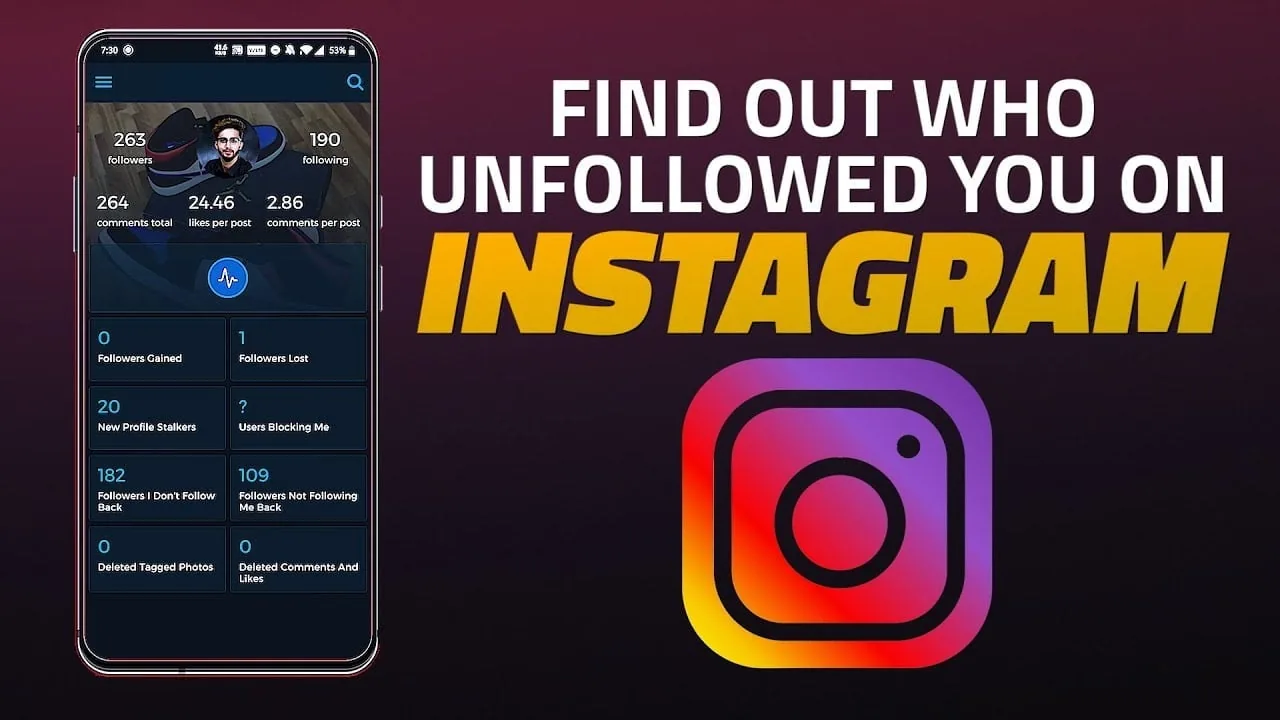
Instagram has no built-in "who unfollowed me" list — the only native method is manually comparing your Followers list over time. Third-party unfollower-tracker apps require handing over your login credentials, which violates Instagram's Terms of Use and puts your account at real risk.
Short answer
Instagram has no built-in "who unfollowed me" list — the only native method is manually comparing your Followers list over time. Third-party unfollower-tracker apps require handing over your login credentials, which violates Instagram's Terms of Use and puts your account at real risk.
Quick answer
Instagram does not tell you who unfollowed you. There's no notification, no log, and no official feature that lists people who used to follow you and no longer do. The only way to figure it out using Instagram itself is manual: periodically check a specific person's profile to see if their follow status toward you has changed, or keep your own record of your Followers list and compare it over time. Third-party "unfollower tracker" apps exist and are heavily marketed for this, but they require access to your Instagram account and are explicitly against Instagram's Terms of Use, with real account-security downsides.
Key takeaways
- Instagram has never built a native "who unfollowed you" feature, despite this being one of the most requested features for over a decade
- Your Followers count changing (going down by one) is the only built-in signal — it doesn't tell you who
- Checking an individual profile shows whether that person currently follows you (look for "Follows you" next to their name if you follow them back), which lets you manually verify specific suspicions
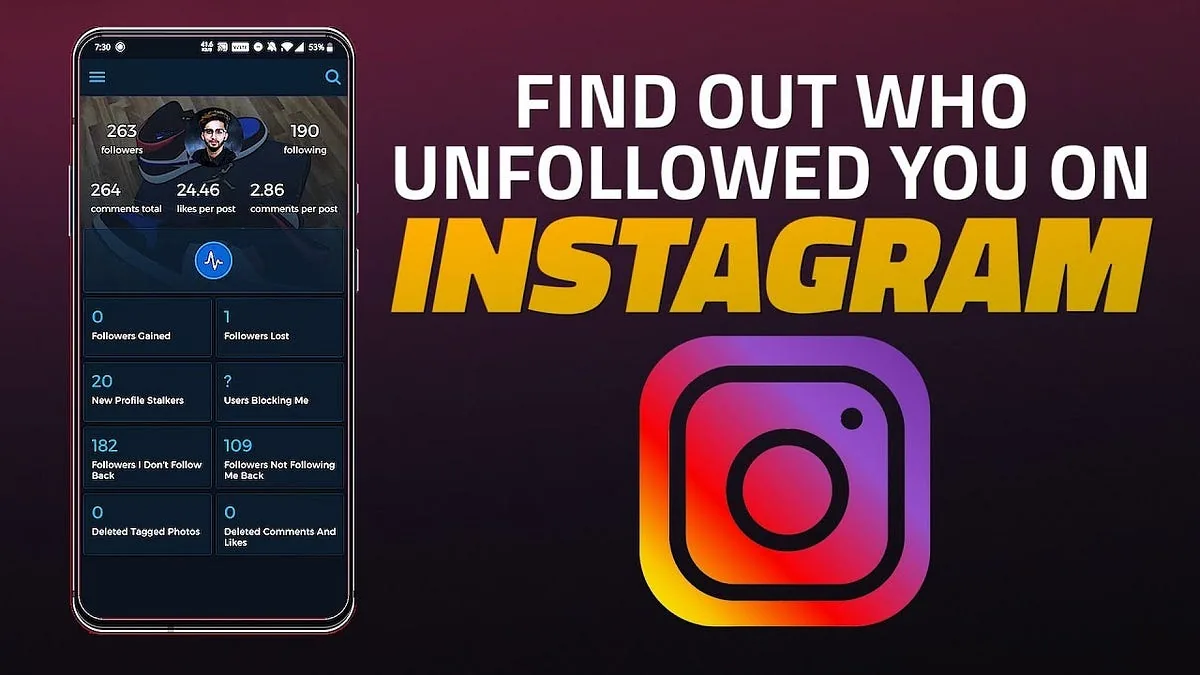
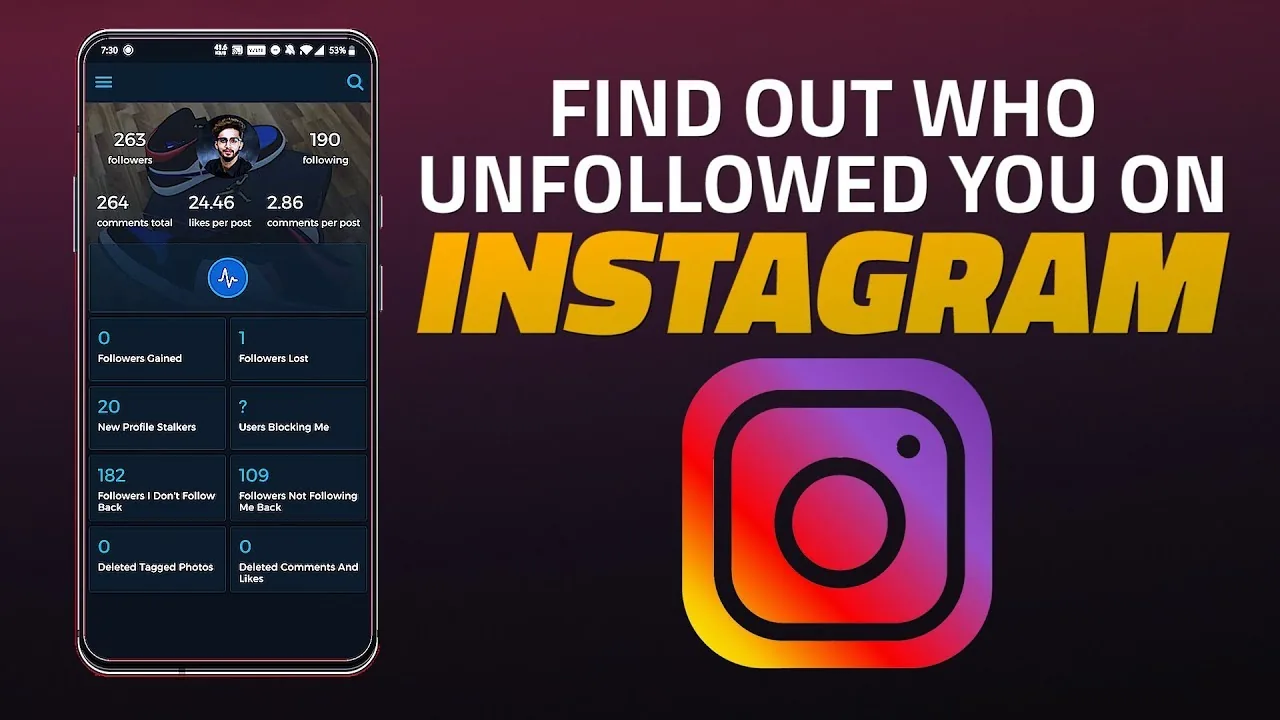
- Third-party unfollower-tracking apps typically require your username and password (or OAuth-style access), which directly violates Instagram's Terms of Use around unauthorized data scraping and third-party access
- These apps have a history of being used for data harvesting, spam, or worse — handing over credentials is a real security risk, not just a Terms of Use technicality
Why Instagram doesn't build this feature
Instagram has stayed away from a native unfollow notification for a long time, and the platform's general design philosophy around social pressure is part of why: showing people exactly who unfollowed them tends to increase conflict, anxiety, and confrontations between users, which isn't the experience Instagram wants to encourage. It's a deliberate omission, not a technical limitation — Instagram obviously has this data internally (it powers your Followers/Following lists), it's just not exposed as a feature.
This is also why the entire market of "unfollower tracker" apps exists — they're trying to fill a gap that Instagram has consistently chosen not to fill natively, likely for the reasons above as well as data privacy and platform integrity concerns.
Step-by-step: the only reliable native method
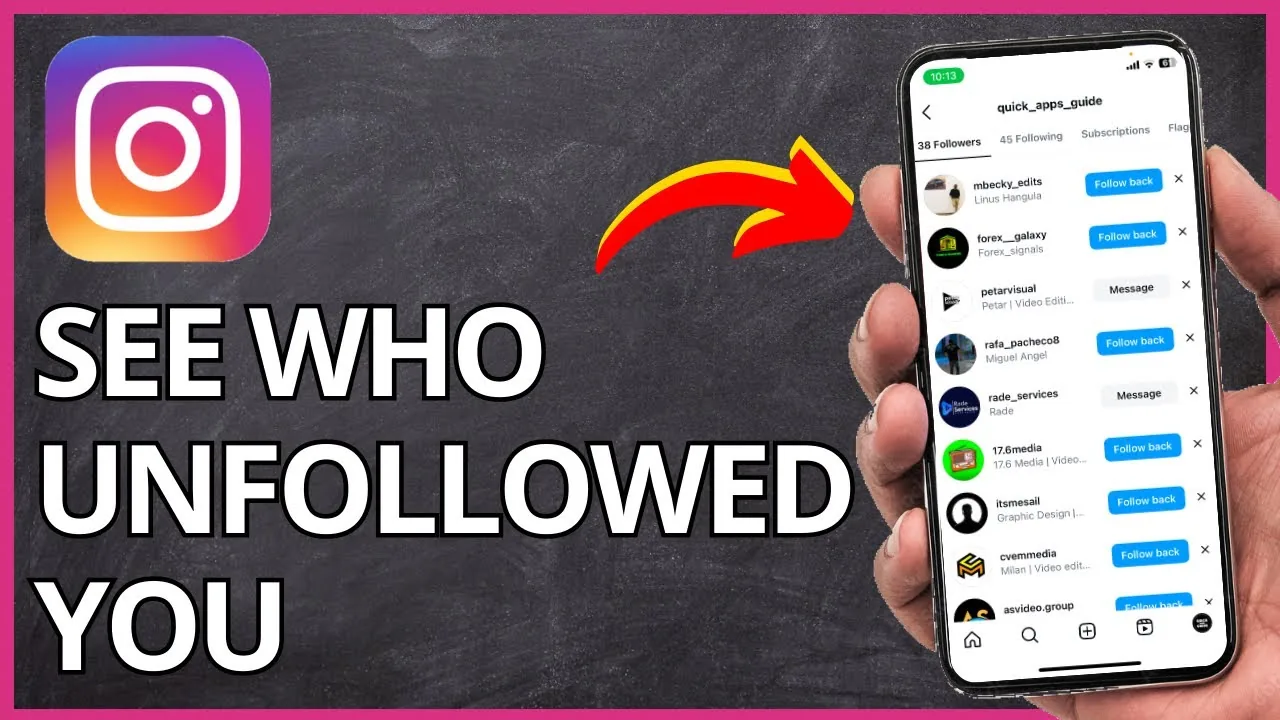
- Open your profile and tap Followers to see your current list
- Periodically (e.g., weekly) take a screenshot or otherwise note who's on that list — there's no built-in export, so this is manual
- Compare a new screenshot against an older one to spot names that dropped off
- To check a specific person you suspect unfollowed you, go to their profile — if you follow them, look for "Follows you" text near their name; its absence means they don't currently follow you
- Keep in mind this method only tells you the current state, not exactly when someone unfollowed, unless you're checking frequently
Common mistakes to avoid
- Installing a third-party "unfollower tracker" app and logging in with your real Instagram credentials — this hands a third party direct access to your account, messages, and personal data
- Assuming a drop in your follower count means one specific person unfollowed you, when it could also reflect Instagram removing spam/bot accounts or a suspended account
- Confusing "restricted" or "blocked by someone" with "unfollowed" — being blocked also removes the follow relationship but behaves differently (their content becomes invisible to you entirely)
- Overreacting to a single unfollow without considering normal account churn — people regularly clean up who they follow for reasons that have nothing to do with you
- Granting a third-party app permissions through Instagram's official login flow, thinking that's safer than typing credentials directly — many of these still violate Instagram's Terms of Use even when using OAuth-style login screens
Tips for success
- If tracking unfollows matters to you, build the habit of a regular manual check (weekly or monthly) rather than relying on memory
- Focus on engagement trends (likes, comments, reach in Insights if you have a professional account) rather than obsessing over individual follower churn
- If you're a creator or business, Instagram's own Insights (Settings and privacy > or your professional dashboard > Insights) shows follower growth/loss trends over time in aggregate, without naming individuals — useful for spotting patterns without needing risky third-party tools
- Never enter your real Instagram password into a site or app that isn't Instagram itself
Conclusion
There's no shortcut here: Instagram intentionally doesn't expose who unfollowed you, and the safest way to get an approximate answer is old-fashioned manual comparison of your own Followers list. Any tool promising more than that is asking for access it shouldn't have, and the risk to your account security and privacy generally outweighs the curiosity it satisfies.
Frequently asked questions
No. Instagram has never sent notifications for unfollows, and there's no indication that's changing. The only visible sign is your follower count going down.
Sources
Keep reading
More guides to grow your account.