Instagram guides and how-tos
408 step-by-step Instagram how-tos. Filter by what you want to work on next.
 Growth
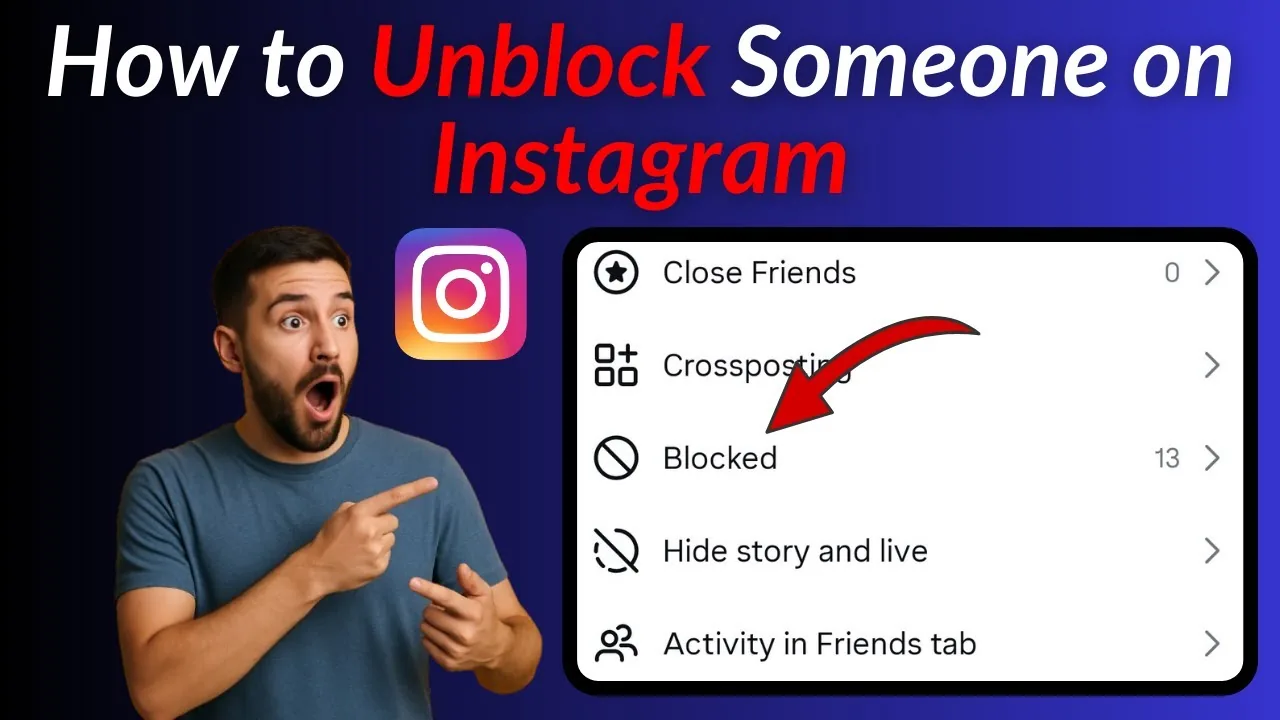
How to Unblock Someone on Instagram (2026 Steps)
Unblock a user from Settings then Blocked accounts, or directly from their profile — both take under a minute but you won't auto-follow again.
 Monetization
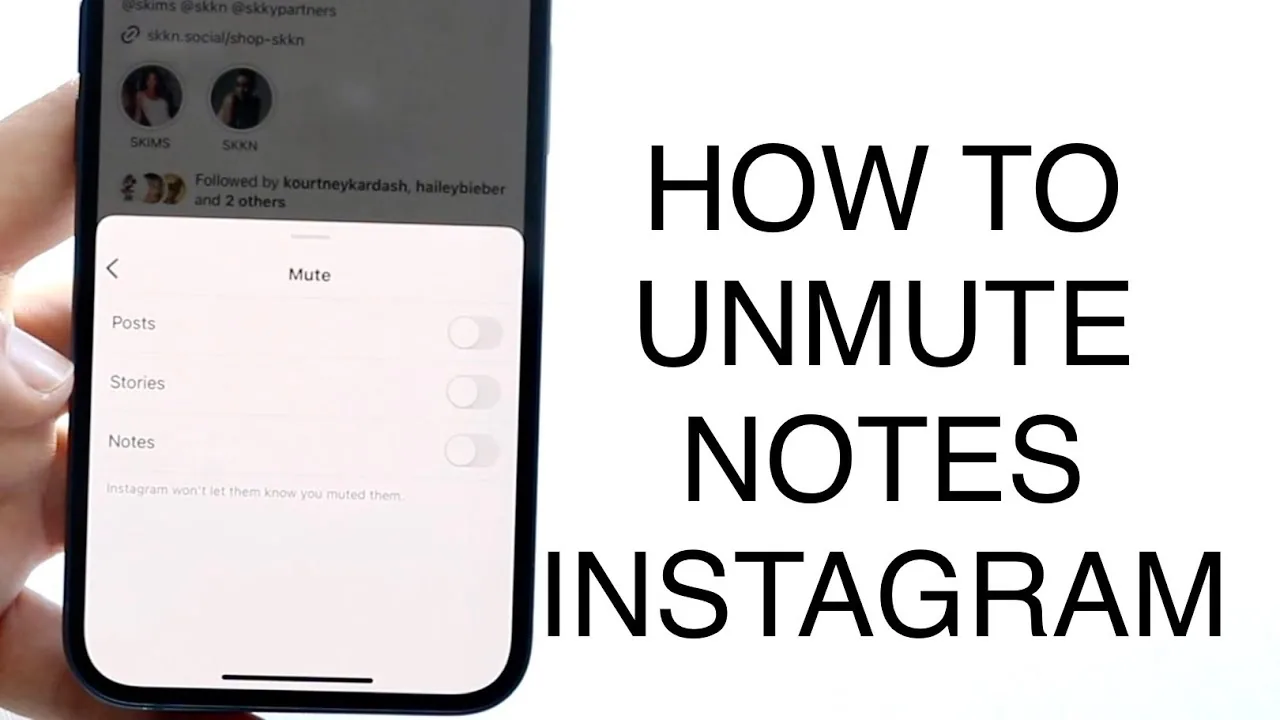
How to Unmute Notes on Instagram (Android and iPhone)
Unmute someone's Notes on Instagram from Muted Accounts in Settings or directly from their profile — here's exactly where each toggle lives.
 Tools & Privacy
How to View Someone's Instagram Story Without It Showing?
To view someone's instagram story without it showing on Instagram, open the app, go to the relevant menu or settings screen, and follow the guided on-screen steps — no third-party tools required.
 Content Strategy
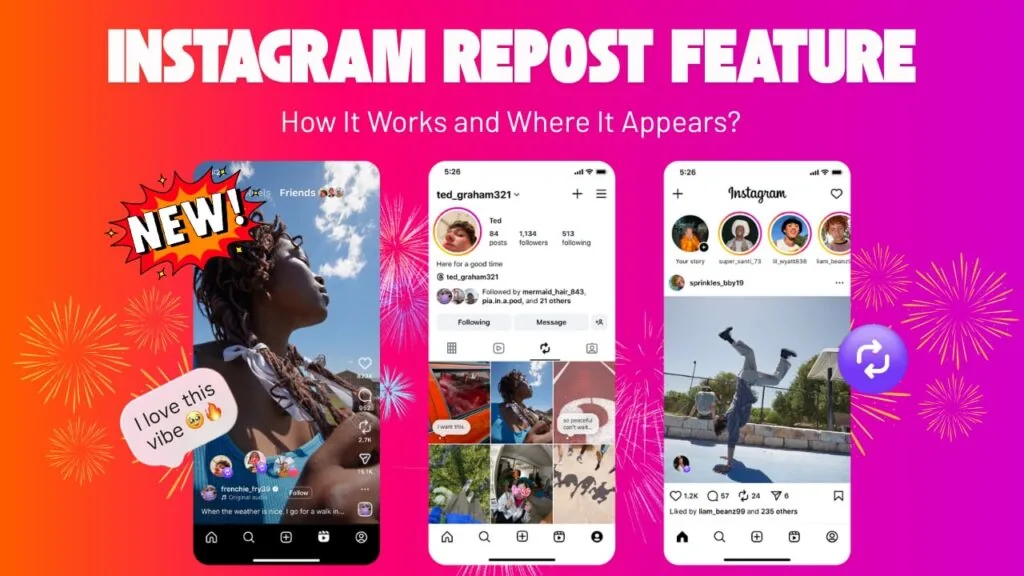
What Does the Repost Button Do on Instagram in 2026?
Instagram's Repost button reshares another public post or Reel to your profile's Reposts tab, with credit to the original creator.
 How-To
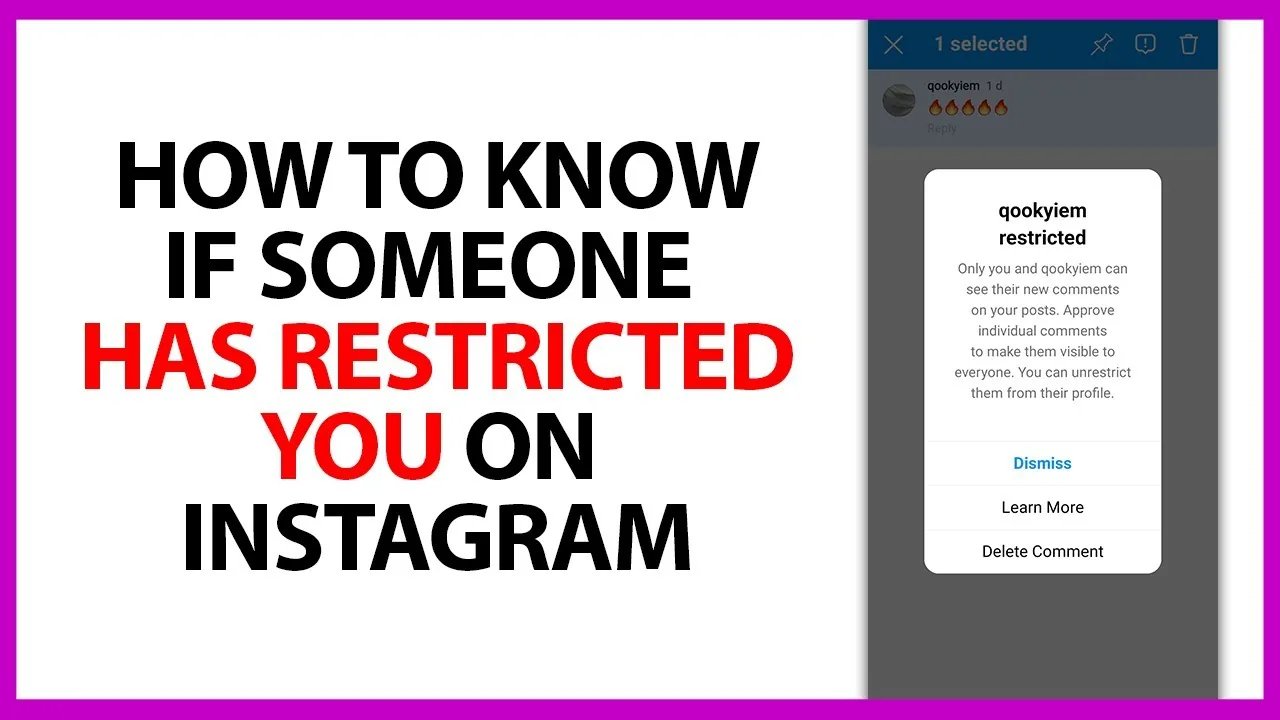
Can a Restricted Account Mention You on Instagram?
Yes. Restrict only filters comments and message requests from that person — it does not stop them from tagging or @mentioning you, and Instagram never tells them they've been restricted.
 Explainers
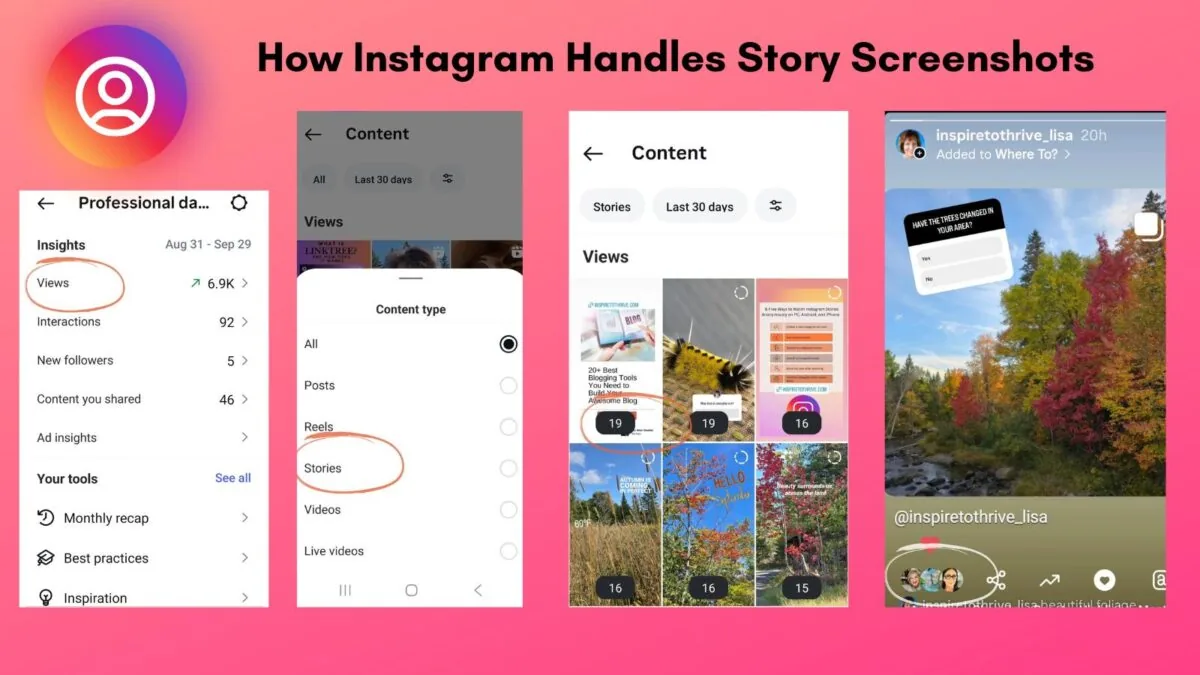
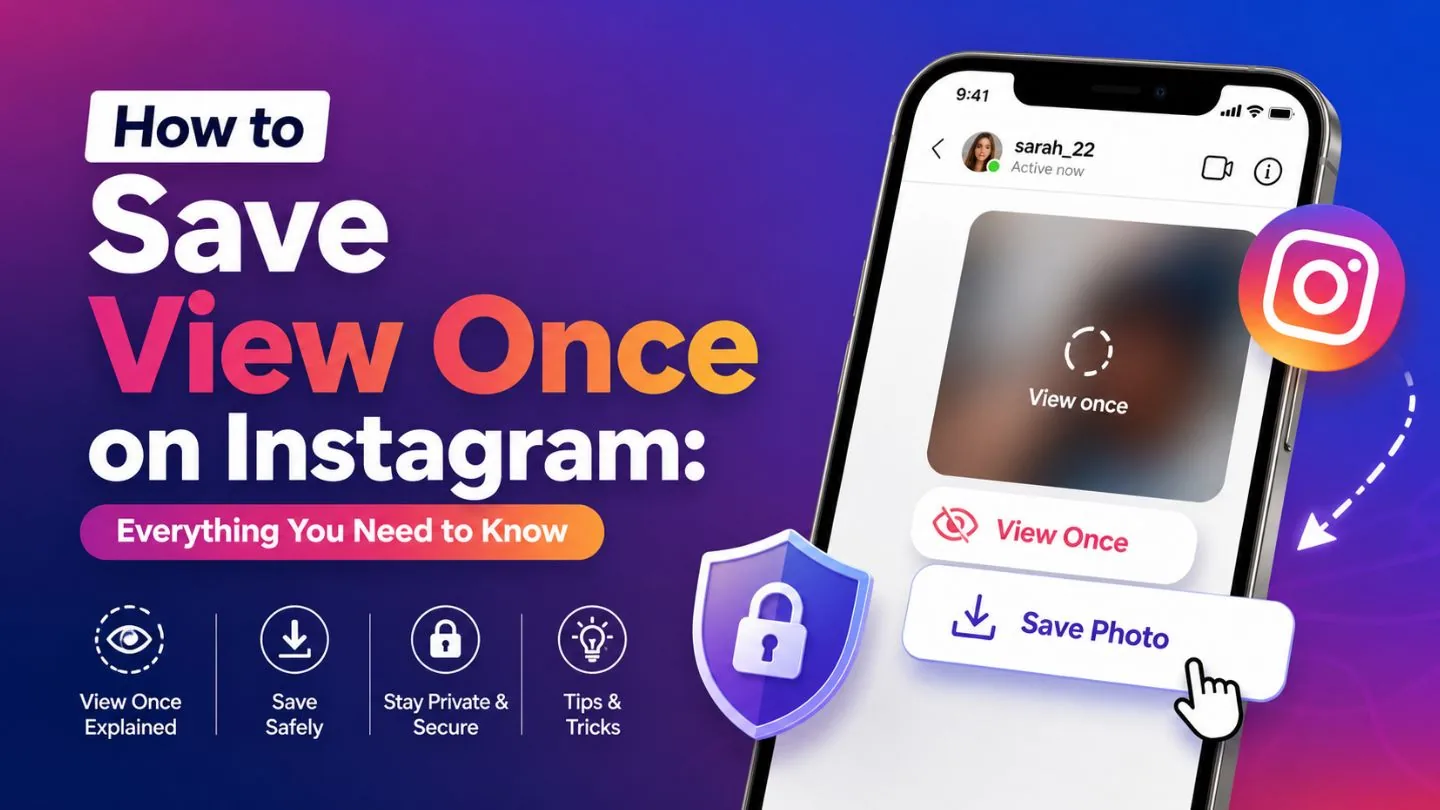
Can People on Instagram Tell When You Take a Screenshot?
Only in one situation: if you screenshot or screen-record a disappearing (view-once) photo or video someone sent you in a DM, they get notified. Screenshotting a post, profile, or regular Story is invisible to them.
 Profile & Bio
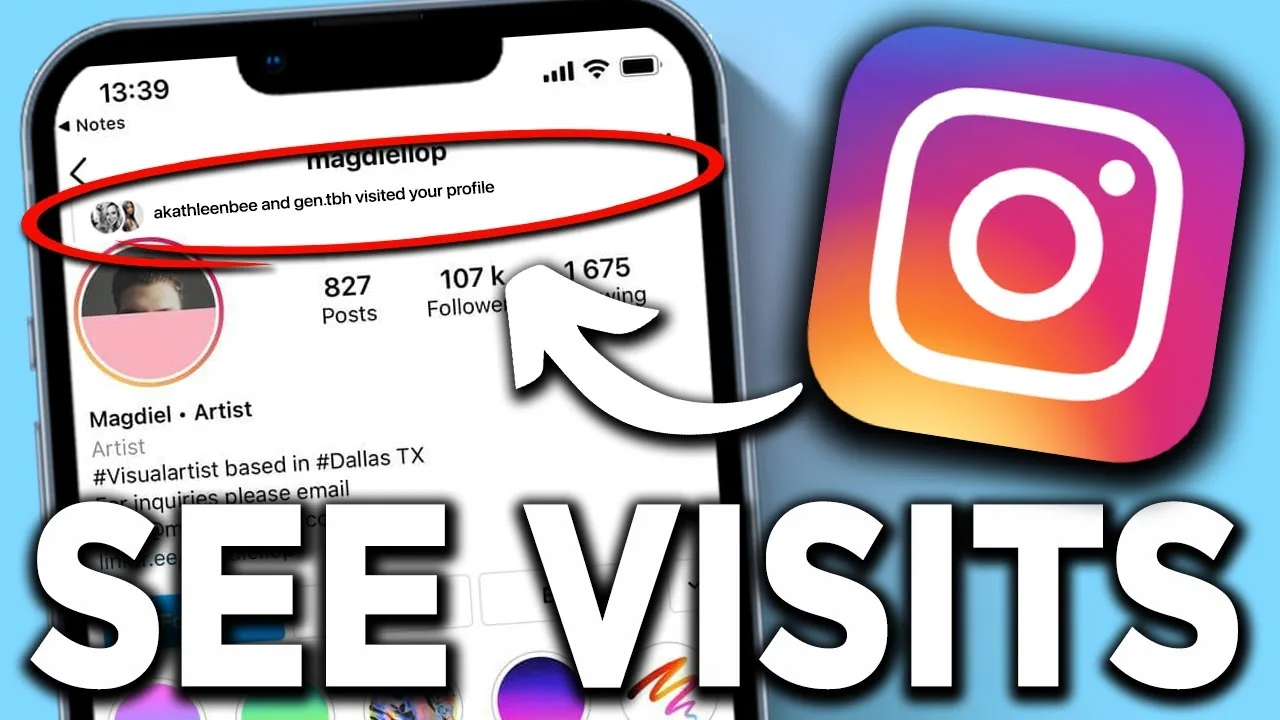
Can People See Who Viewed Their Instagram Profile?
No — unlike Stories, which show the poster a list of viewers, Instagram profiles have no viewer list at all, for anyone.
 Growth
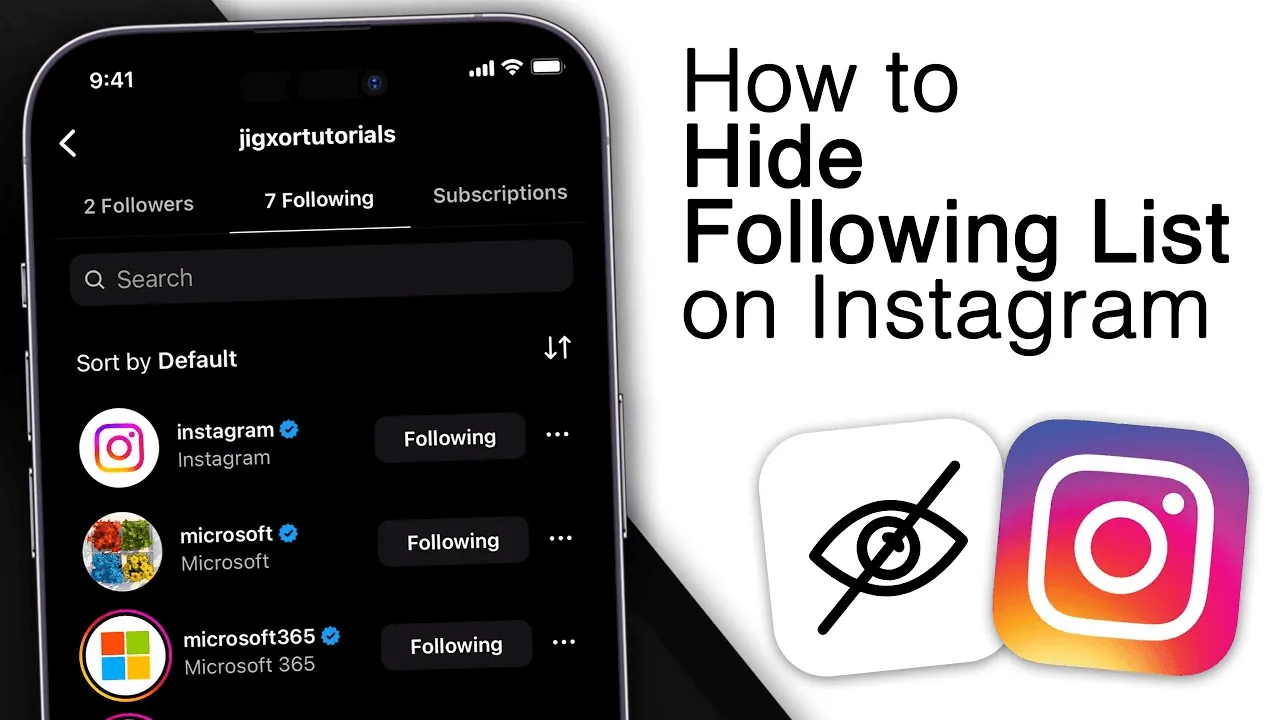
Can You Hide Your Followers List on Instagram?
Instagram has no direct toggle for hiding followers, but going private or removing individual followers gets close.
 Growth
Can You See Deleted or Unsent Messages on Instagram?
Once a message is unsent on Instagram, it's removed from both devices and cannot be recovered through the app.
 Explainers
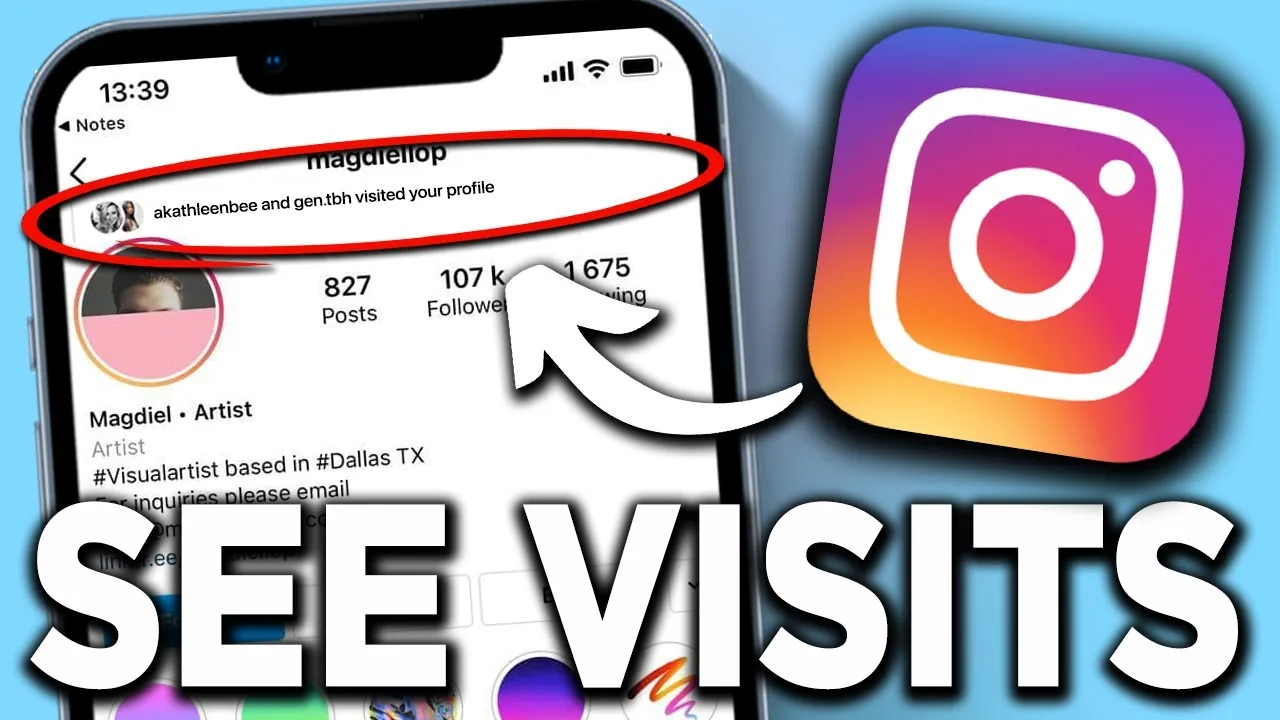
Can You See Who Views Your Instagram Page?
No — Instagram has no feature that identifies which accounts visited your profile page (what many people call their Instagram "page"); the closest thing that exists is aggregate profile-visit counts inside Insights for professional accounts, with no names attached.
 Explainers
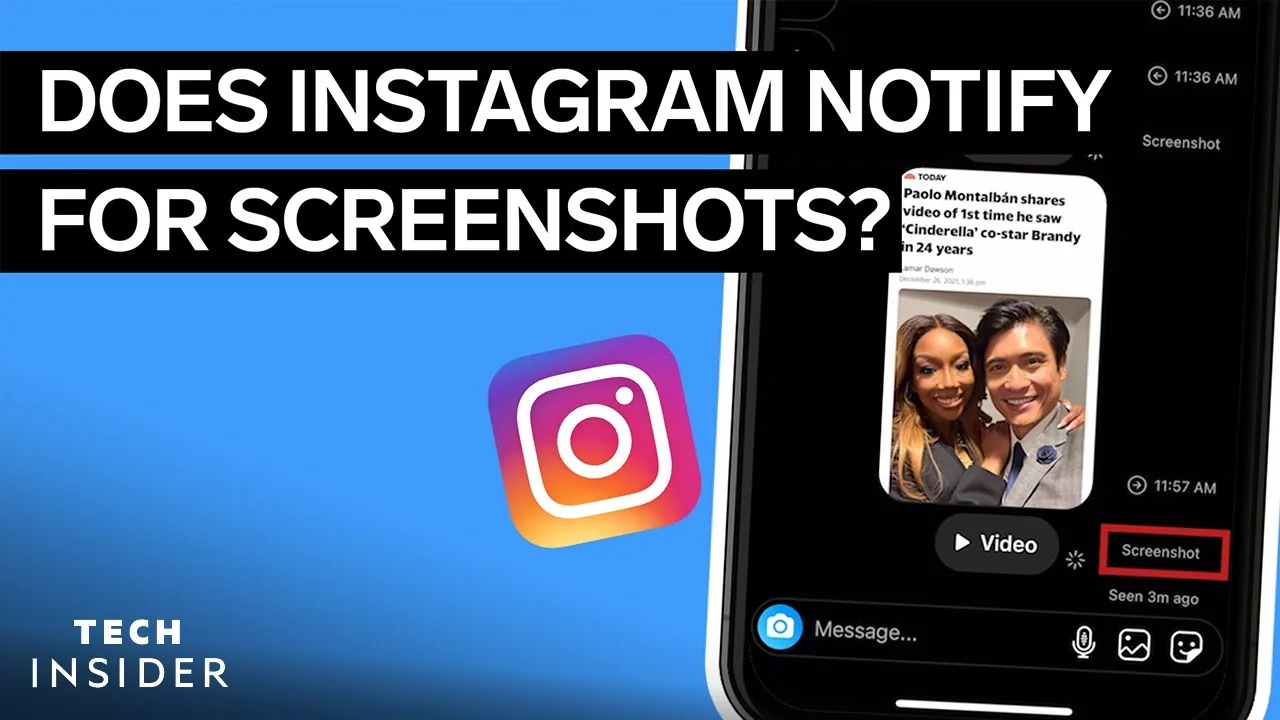
Does Instagram Notify When You Screen Record a Story?
No — screen recording a regular Instagram Story is treated the same as taking a screenshot of it, and neither one notifies the person who posted it.
 Reels
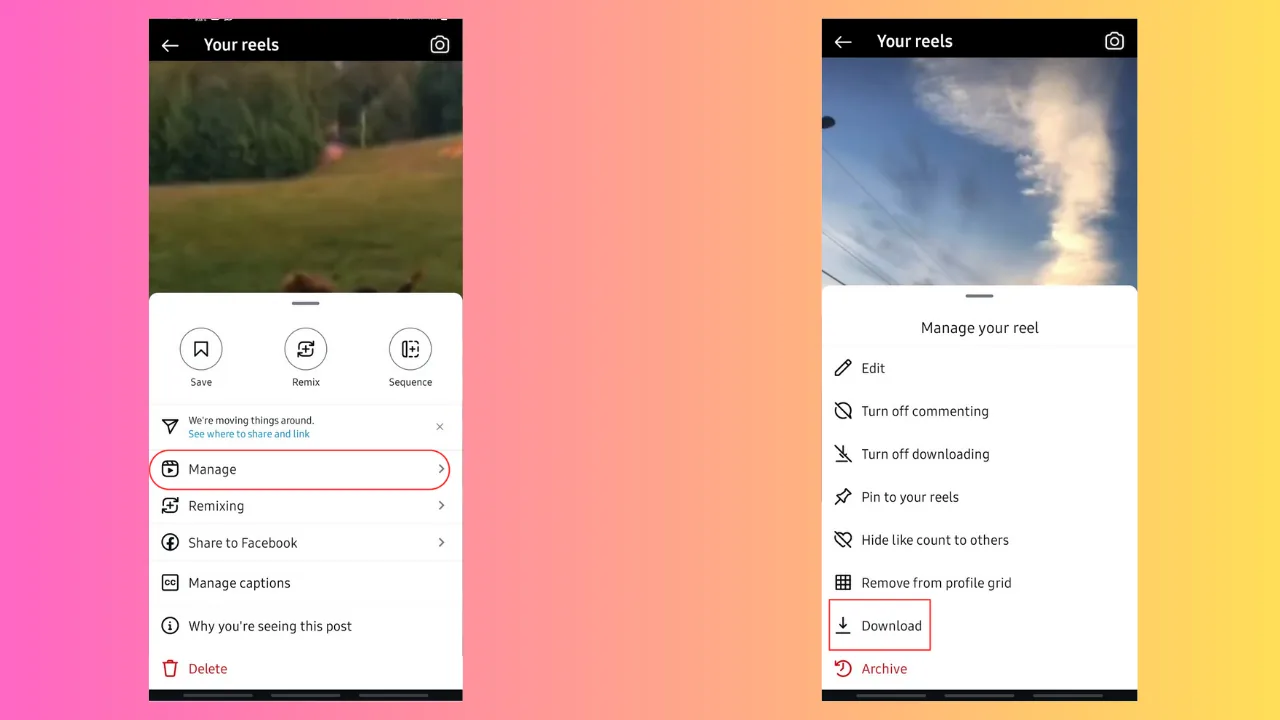
ReelsHow Can I Download Instagram Videos?
You can save your own Reels and video posts straight to your device using Instagram's built-in Save Video option, but Instagram gives you no official way to download someone else's video — the in-app "Save" button only bookmarks it inside the app.
 Explainers
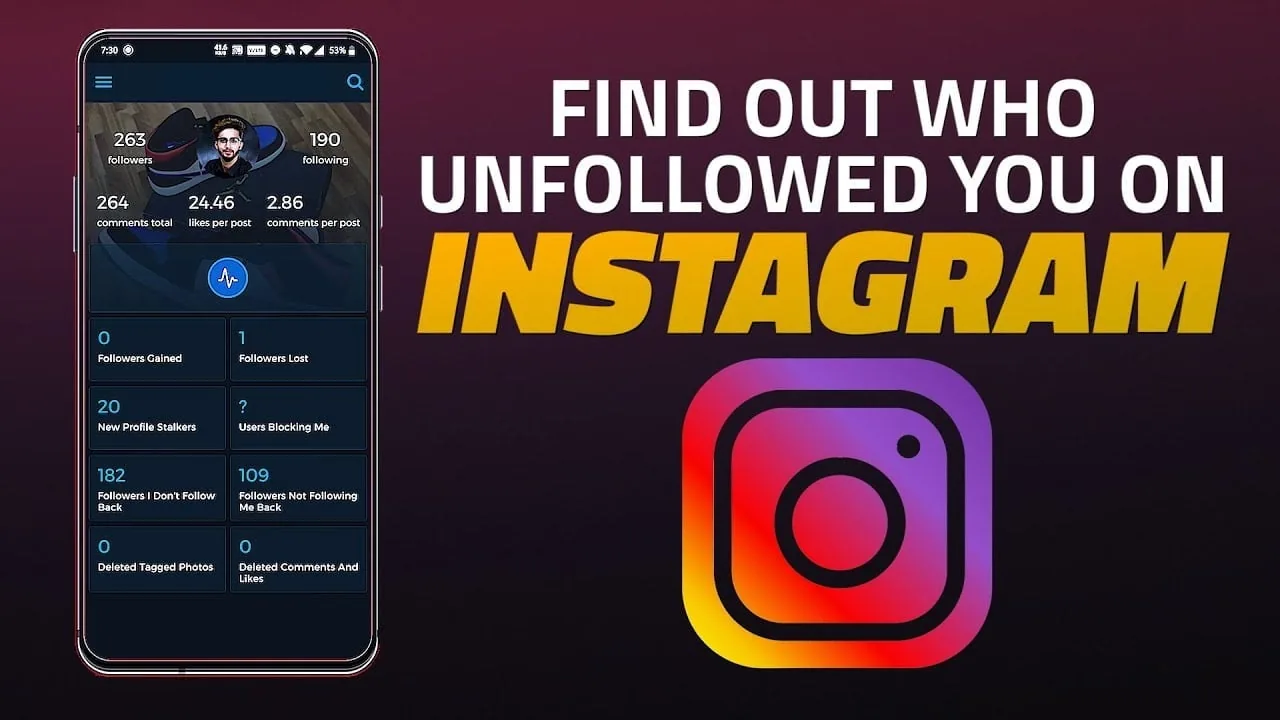
How Can I See Who Unfollowed Me on Instagram?
Instagram has no built-in "who unfollowed me" list — the only native method is manually comparing your Followers list over time. Third-party unfollower-tracker apps require handing over your login credentials, which violates Instagram's Terms of Use and puts your account at real risk.
 Reels
ReelsHow Can I Upload Video on Instagram from My Camera Roll?
Tap the + button, select Post or Reel, then switch to the Gallery tab to pull a video from your camera roll instead of recording it live — you can trim it, set a custom cover image, and save it as a draft before deciding to publish.
 How-To
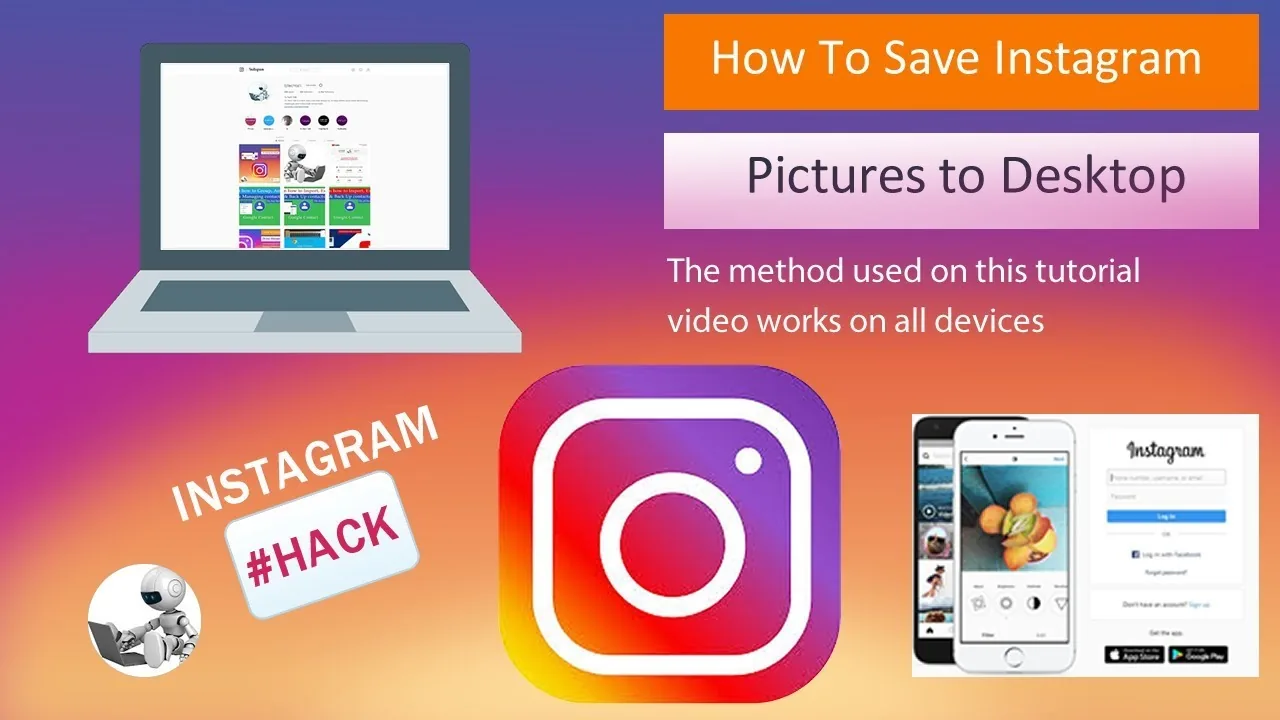
How Can You Save Pics from Instagram?
For your own posts, use the ... menu and choose Save Photo to download it to your phone. For someone else's photo, Instagram has no built-in download button - only the in-app bookmark, which keeps it inside Instagram rather than your camera roll.
 Reels
ReelsHow Can You Save Videos on Instagram?
Bookmark any video or Reel to file it into your Saved tab, and use the dedicated Favorites Collection to build a quick-access list of your top clips - all without ever downloading anything to your device.
 Growth
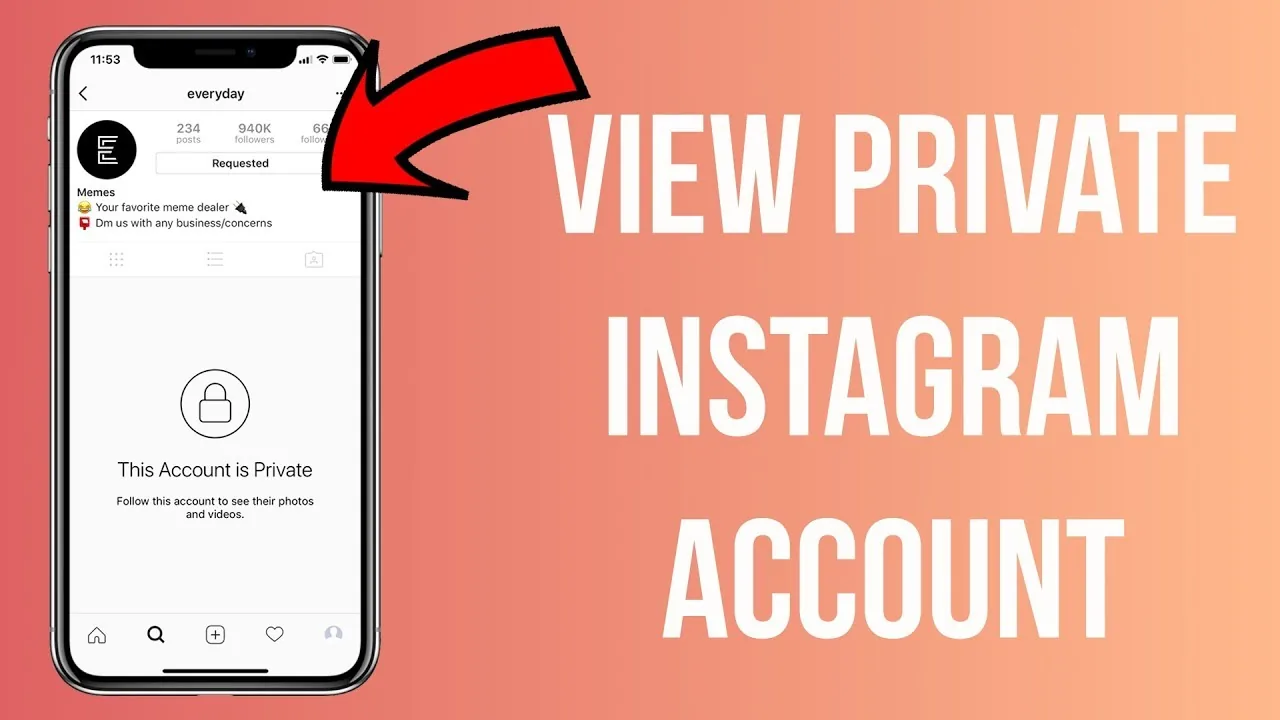
How Can You See a Private Instagram Account?
The only legitimate way is to send a follow request and have the account owner approve it. There is no working "private profile viewer" tool - every site or app claiming to unlock private accounts without approval is a scam, fake, or a phishing attempt.
 Explainers
How Do I Post Gifs to Instagram?
If you want a native GIF-like looping clip rather than converting an existing file, Instagram's built-in Boomerang camera mode does exactly that — it shoots a short 1-second burst and automatically loops it forward-and-backward, and you post the result as a regular video, no conversion or GIPHY needed.
 Profile & Bio
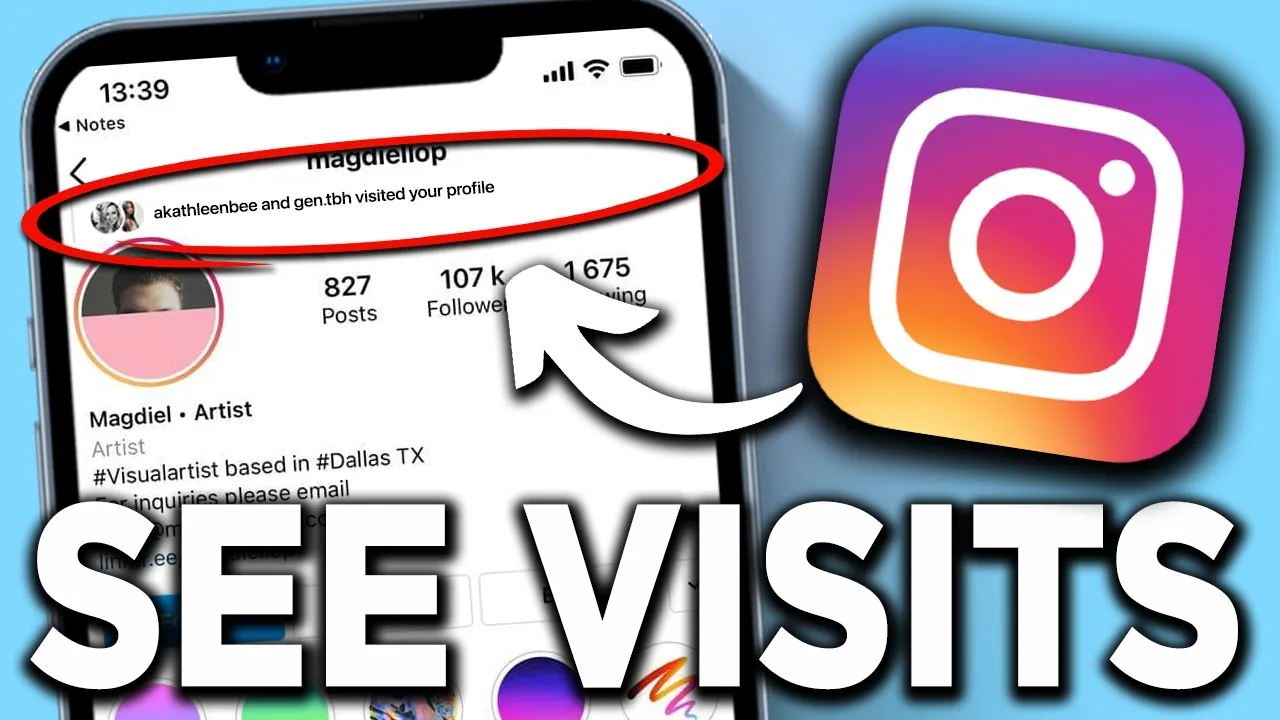
How Do You See Who Views Your Instagram Profile?
Short answer: you can't. Instagram never reveals profile visitors — here's what it does show, and why viewer apps are risky.
 Content Strategy
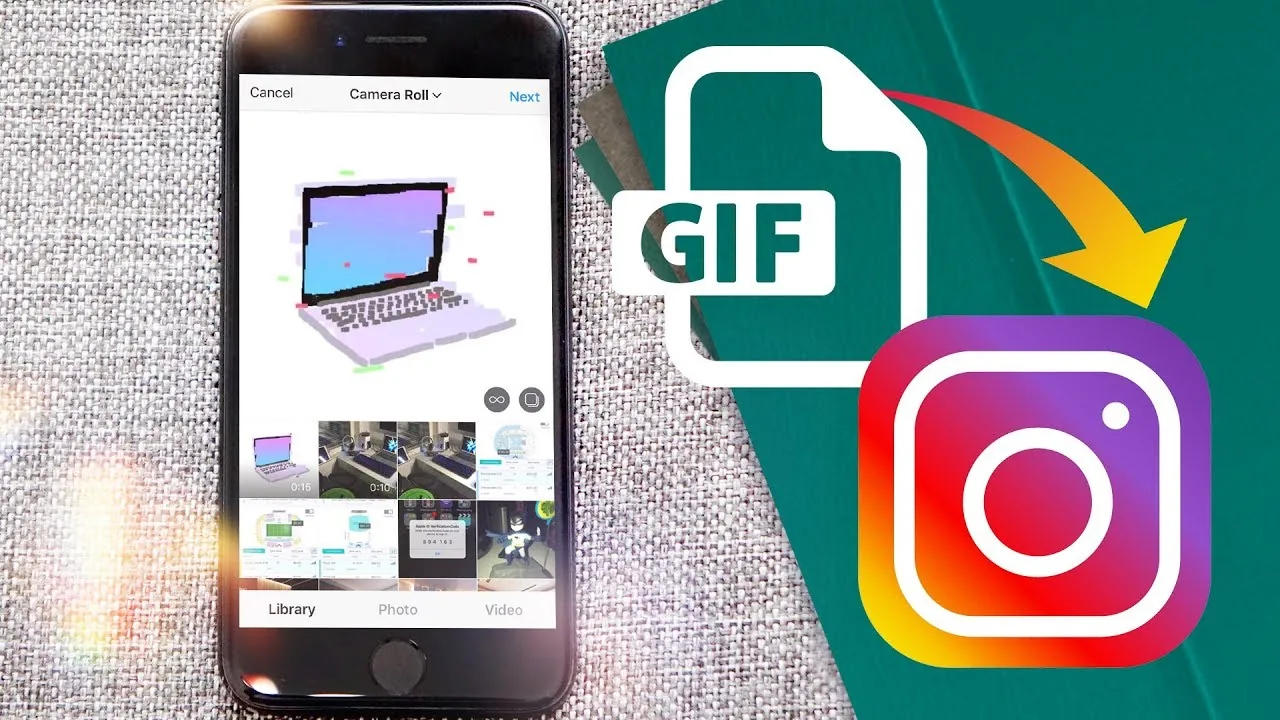
How Do You Upload a Gif on Instagram?
If a GIF won't upload the way you expect, it's almost always a format issue — Instagram's feed and Reels don't accept .gif files at all, only MP4/MOV video, so the fix is converting it first, choosing the right export settings (frame rate, resolution, file size), and picking the right editing app for the job.
 Monetization
How Do You Upload Gifs on Instagram?
To make your own custom GIF searchable as an Instagram Story sticker, you upload it to GIPHY (not Instagram directly) with tags and a channel, wait for GIPHY's approval, and once live, anyone on Instagram can find and use it through the Story GIF sticker search.
 Growth
How Many Followers Do You Need on Instagram to Get Paid?
Most Instagram monetization tools require 1,000 to 10,000 followers, but brand deals and affiliate income have no minimum at all.
 Tools & Privacy
How to See How Many Posts You've Liked on Instagram
Instagram doesn't show a total like count, but Your Activity lets you scroll through roughly your last 300 liked posts.
 Growth
How Much Does Instagram Pay Creators? 2026 Breakdown
Instagram's Reels Play bonus pays roughly 0.01 to 0.02 dollars per view, with most invited creators earning 200 to 3,000 dollars monthly.