Can You Hide Your Followers List on Instagram?
Instagram has no direct toggle for hiding followers, but going private or removing individual followers gets close.
Short answer
Instagram doesn't offer a dedicated switch to hide your followers list from everyone. The closest workaround is switching to a private account, which limits your followers list to approved followers only, or removing individual followers and blocking specific accounts.
Key takeaways
- There is no single setting labeled hide followers on Instagram — the platform was not built for that.
- Switching to a private account is the most effective way to keep your followers list away from strangers.
- Close Friends and Restrict do not hide your follower list; they control Stories visibility and interactions instead.
- You can remove individual followers or block specific people if you only want to hide the list from certain accounts.
- Third-party apps that promise to fully hide followers usually just repackage the private-account trick and can risk your login.
- Pairing a private account with a clean bio keeps your profile professional while still protecting follower data, as covered in optimizing your Instagram bio.
Does Instagram let you hide your followers list?
Not with a dedicated switch. Instagram never added a setting that hides your follower count or list while keeping the account public, so anyone who visits a public profile can still tap Followers and see the list. The platform's design treats follower relationships as semi-public unless you lock the whole account down.
How do you make your followers list private?
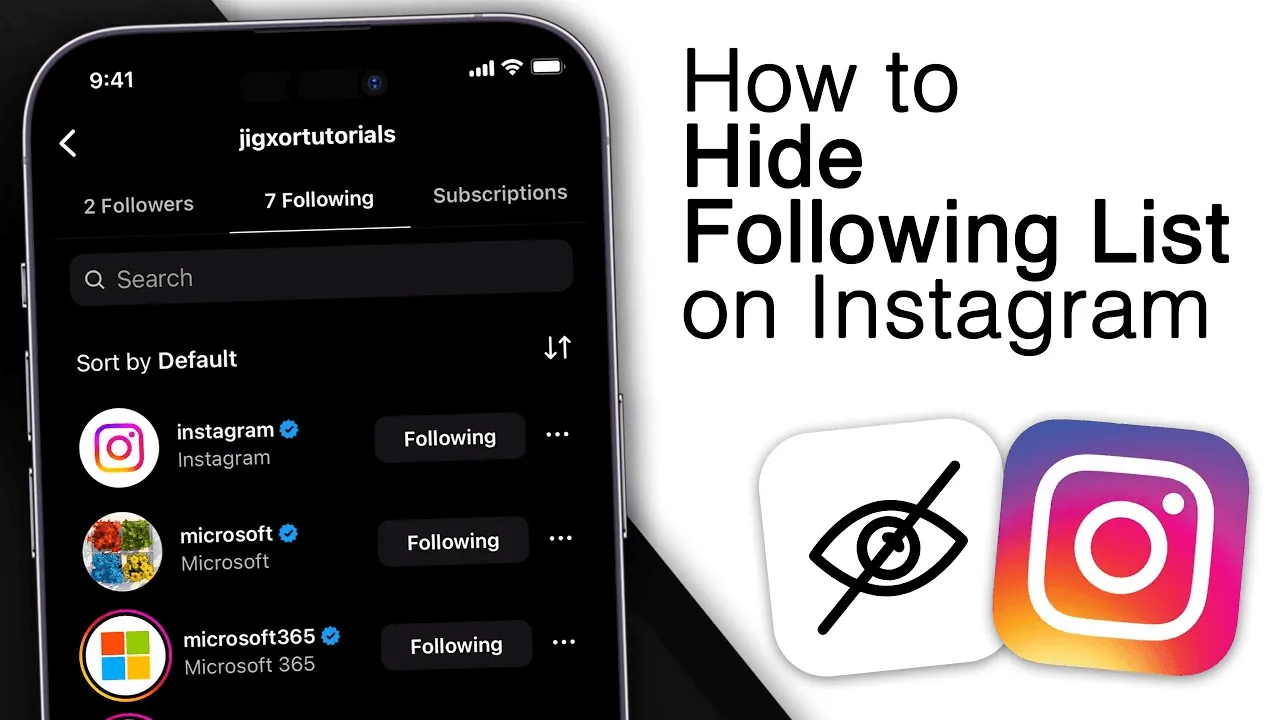
The most reliable method is converting to a private account. Open your profile, tap the menu icon, go to Settings and Privacy, then Account Privacy, and toggle on Private Account. Once private, only approved followers can view your followers and following lists — anyone else sees a locked profile and has to request access first, similar to the setup covered in how to make your account private.
What about Close Friends or Restrict — do they hide followers too?
No, both features solve different problems. Close Friends only limits who can see your Stories, and Restrict quietly limits how a specific person can interact with your posts and comments without them being notified, similar to what happens when you restrict someone on Instagram. Neither feature touches your followers list visibility, so a restricted person on a public account can still browse your list.
Can you hide your list from just one person?
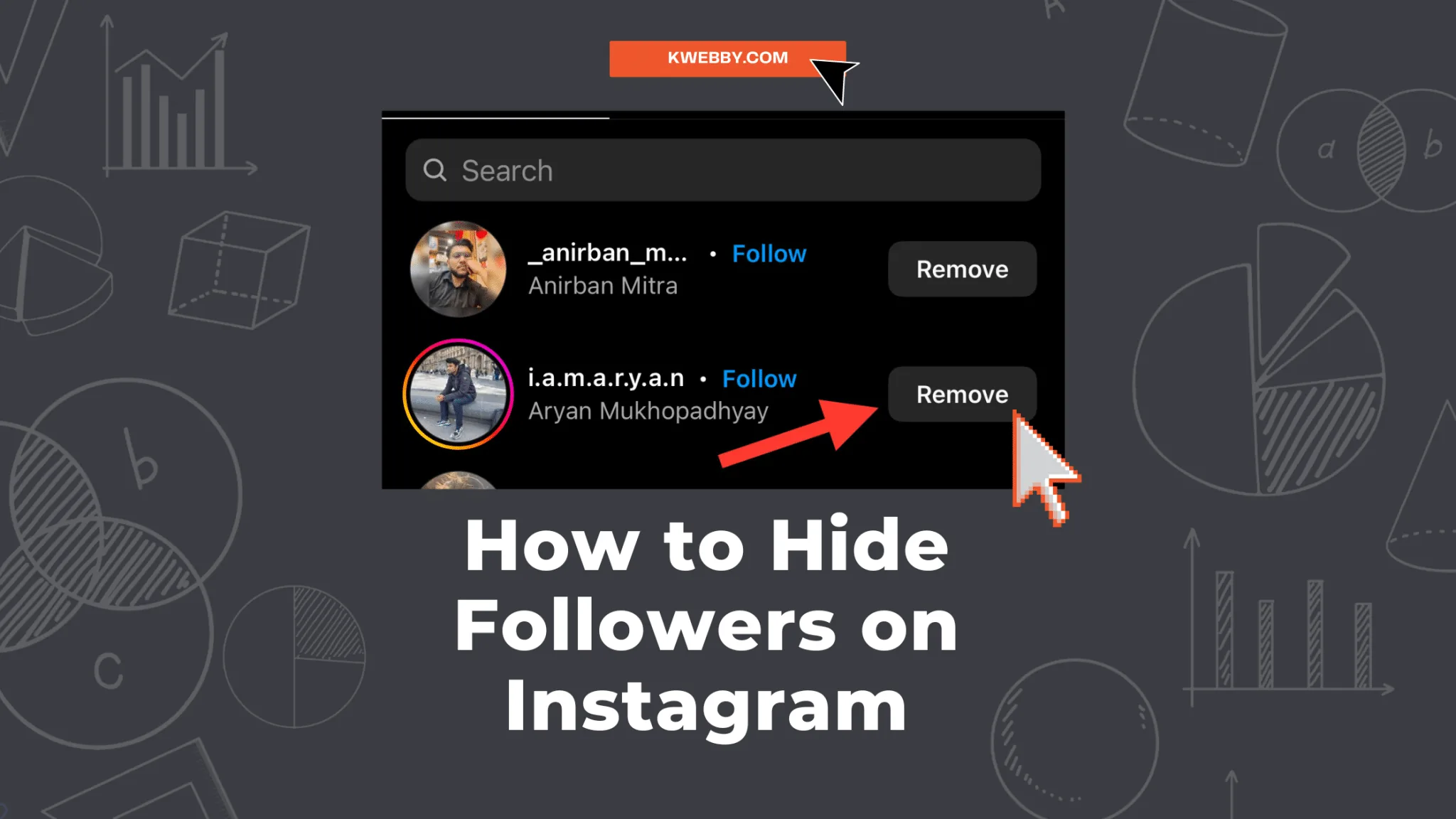
Yes, through removal or blocking. If your account is private, you can remove a specific follower so they lose access to your content and lists until they request to follow again. Blocking someone goes further and cuts off all visibility, similar to the steps in how to block someone on Instagram — a blocked account can't see your profile, posts, or followers at all.
Will going private hurt my growth or reach?
It can slow discovery since private accounts don't show up in hashtag or Explore search results for non-followers, which matters if you're actively trying to get more followers on Instagram. Creators building an audience usually stay public and accept that the follower list is visible, reserving privacy mode for personal accounts instead.
Are there safe tools to hide followers without going private?
Be cautious. Any browser extension or app claiming to hide your public follower count while keeping the account open is not using an official Instagram feature, and entering your login credentials into such tools risks your account security — the same warning applies whenever people search for ways to bypass Instagram settings entirely, as discussed in how to hack Instagram (spoiler: don't). Stick to Instagram's own privacy controls.
| Method | What it hides | Who's affected |
|---|---|---|
| Private account | Followers/following list from non-followers | Everyone except approved followers |
| Remove follower | Your content and lists from that person | One specific account |
| Block | Entire profile, posts, and lists | One specific account |
| Restrict | Comment/DM visibility, not the list | One specific account |
Instagram treats your social graph as semi-public by design. If full concealment matters more than public discoverability, a private account paired with selective removals is the only combination that actually works — and it's worth revisiting your Instagram bio so the profile still reads clearly to the followers you keep.
Frequently asked questions
Not from the general public while staying public yourself — Instagram has no dedicated hide-followers toggle. Switching to a private account restricts the list to approved followers only, which is the closest thing to fully hiding it.
Sources
Keep reading
More guides to grow your account.