Can You See Deleted or Unsent Messages on Instagram?
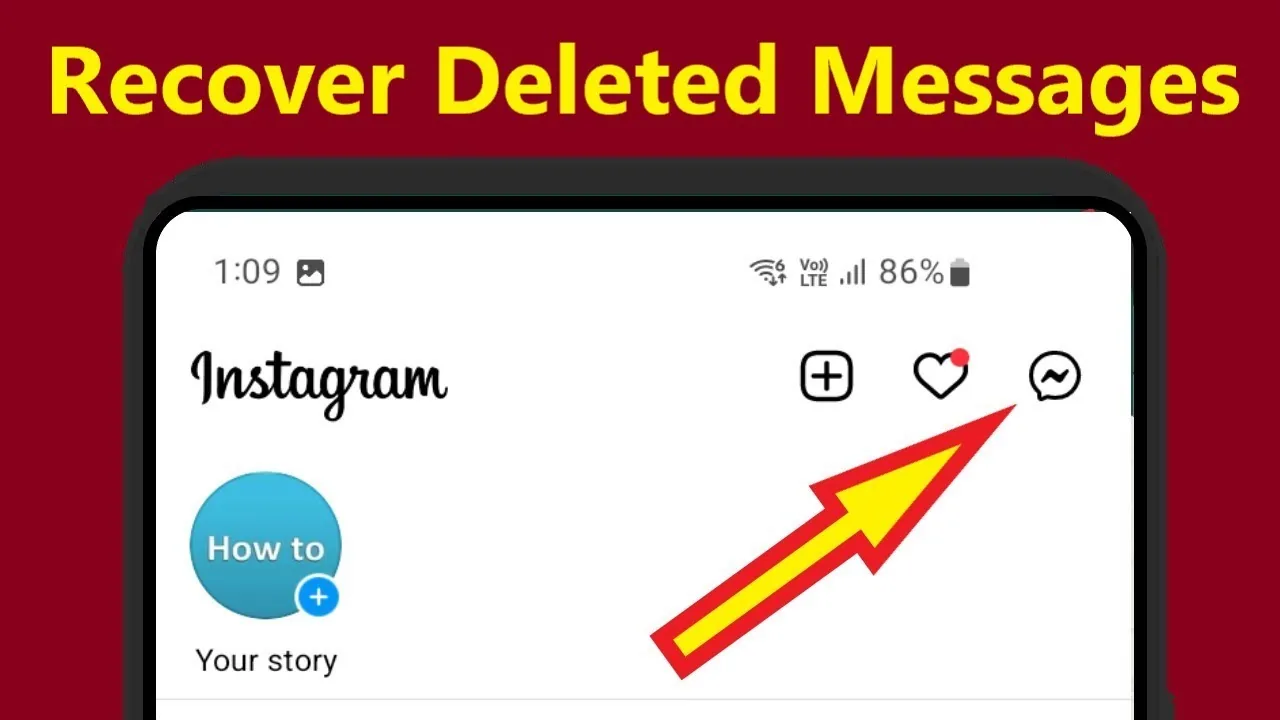
Once a message is unsent on Instagram, it's removed from both devices and cannot be recovered through the app.
Short answer
No, once a message is unsent on Instagram it disappears from both your device and the recipient's, and Instagram provides no built-in way to recover it. Delete for Me only hides a message on your own device while the recipient still sees it, so the two actions behave very differently.
Key takeaways
- Unsend removes a message from both your chat and the recipient's chat permanently.
- Delete for Me only hides the message on your device — the other person still has it.
- Instagram does not keep a recoverable backup of unsent DMs inside the app.
- Notification history on some Android devices can occasionally preserve message text if it was cleared, not the message itself.
- Vanish Mode messages disappear as soon as the chat is closed and are never stored server-side.
- Screenshotting a conversation before it's deleted is the only reliable way to keep a copy, similar to how people screenshot Instagram Stories without necessarily triggering a notification.
Can you actually see a message after someone unsends it?
No, unsending a message deletes it from both sides of the conversation at once. Once the sender taps Unsend, the message content is gone from your chat too — there's no hidden log, cached copy, or settings menu inside Instagram that brings it back.
Does Instagram notify you when a message is unsent?
It depends on the version. Some versions previously showed a placeholder like Name unsent a message, but Instagram has scaled that notice back in recent updates for privacy reasons, so you may not see any indication a message ever existed at all — similar to the uncertainty around whether Instagram notifies you of screenshots in DMs.
What's the difference between Unsend and Delete for Me?
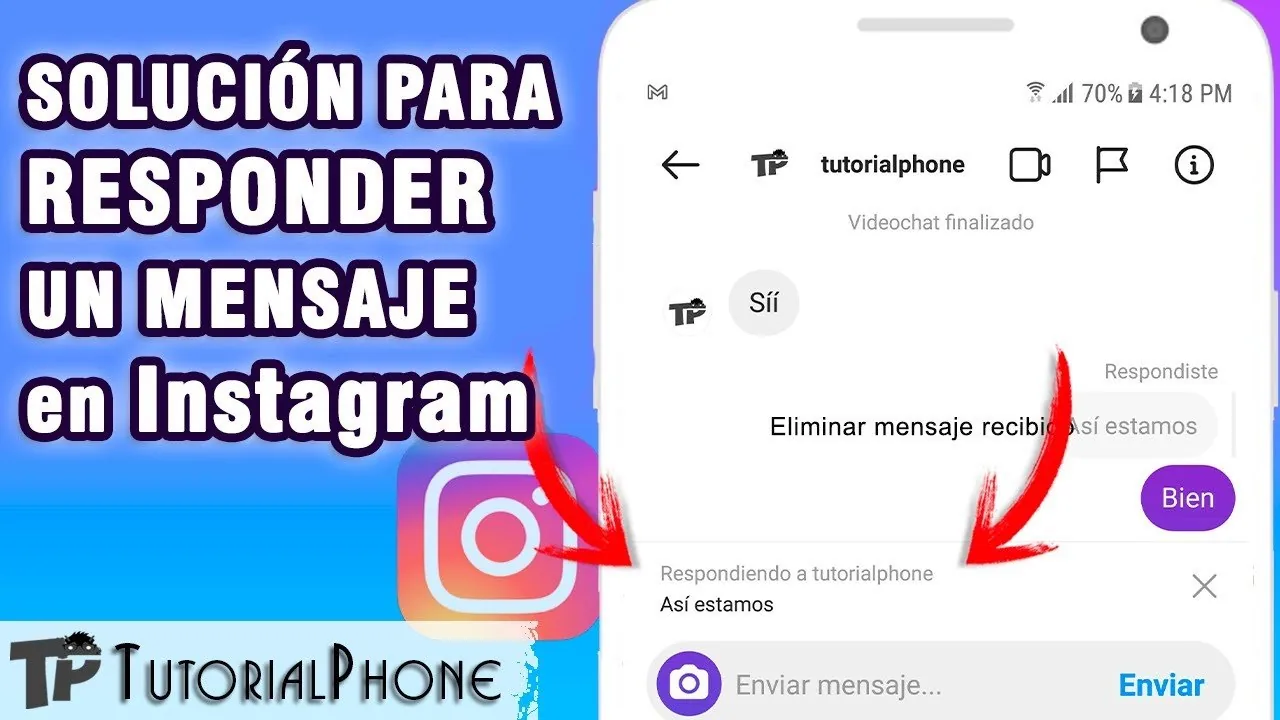
Unsend erases the message for everyone in the thread, while Delete for Me only removes it from your own view and leaves the recipient's copy untouched. If you're trying to control what someone else can see, Delete for Me does nothing — only Unsend actually accomplishes that, and even then only if you act before they've read and remembered it.
Is there any way to recover a deleted or unsent Instagram message?
Not officially. There's no recovery tool, undo button, or archive that restores unsent content once it's gone, and Instagram's own Help Center confirms that unsent messages cannot be retrieved by either party or by Instagram support. Some Android users report notification history occasionally preserving snippets of text if push notifications weren't cleared, but this is inconsistent and not guaranteed.
Do third-party apps that claim to recover deleted DMs actually work?
Generally no, and they're risky. Apps or websites promising to reveal unsent Instagram messages typically ask for your login credentials, which puts your account at serious risk of being compromised — similar warnings apply to any tool claiming to hack Instagram accounts. Instagram has no official API that exposes deleted message content to third parties.
How does Vanish Mode compare to regular deleting?
Vanish Mode is even more permanent by design. Messages sent in Vanish Mode disappear automatically once both people leave the chat, and Instagram doesn't store that content long-term the way it briefly retains regular DMs, similar in spirit to how vanish mode on Instagram is built specifically for messages that shouldn't persist.
| Action | Removed for sender | Removed for recipient | Recoverable |
|---|---|---|---|
| Unsend | Yes | Yes | No |
| Delete for Me | Yes | No | N/A for sender |
| Vanish Mode | Automatic | Automatic | No |
If keeping a record matters, the only dependable method is taking a screenshot or backing up conversations before either party has a chance to unsend them — Instagram itself will not help you retrieve the content afterward.
Frequently asked questions
No, unsending removes the message from both your chat and theirs at the same time. There is no way to view the original content again through Instagram.
Sources
Keep reading
More guides to grow your account.